
Hear Tracks Made from Prompts, Lyrics, and Moods
Explore songs and background tracks shaped by text prompts, lyrical ideas, genres, and creator-ready scenes.

Open Window

Palm Juice Ride

Midnight on My Sleeve
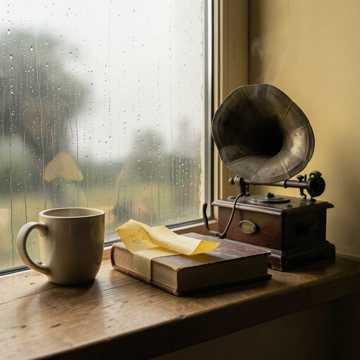
Rain on Windowpanes
Launch Day Spark
Blacktop Pulse
Create Songs from Prompts, Lyrics, and Project Briefs
Turn a short text prompt, full lyrics, or a mood brief into music you can preview, refine, save, and use in your workflow.
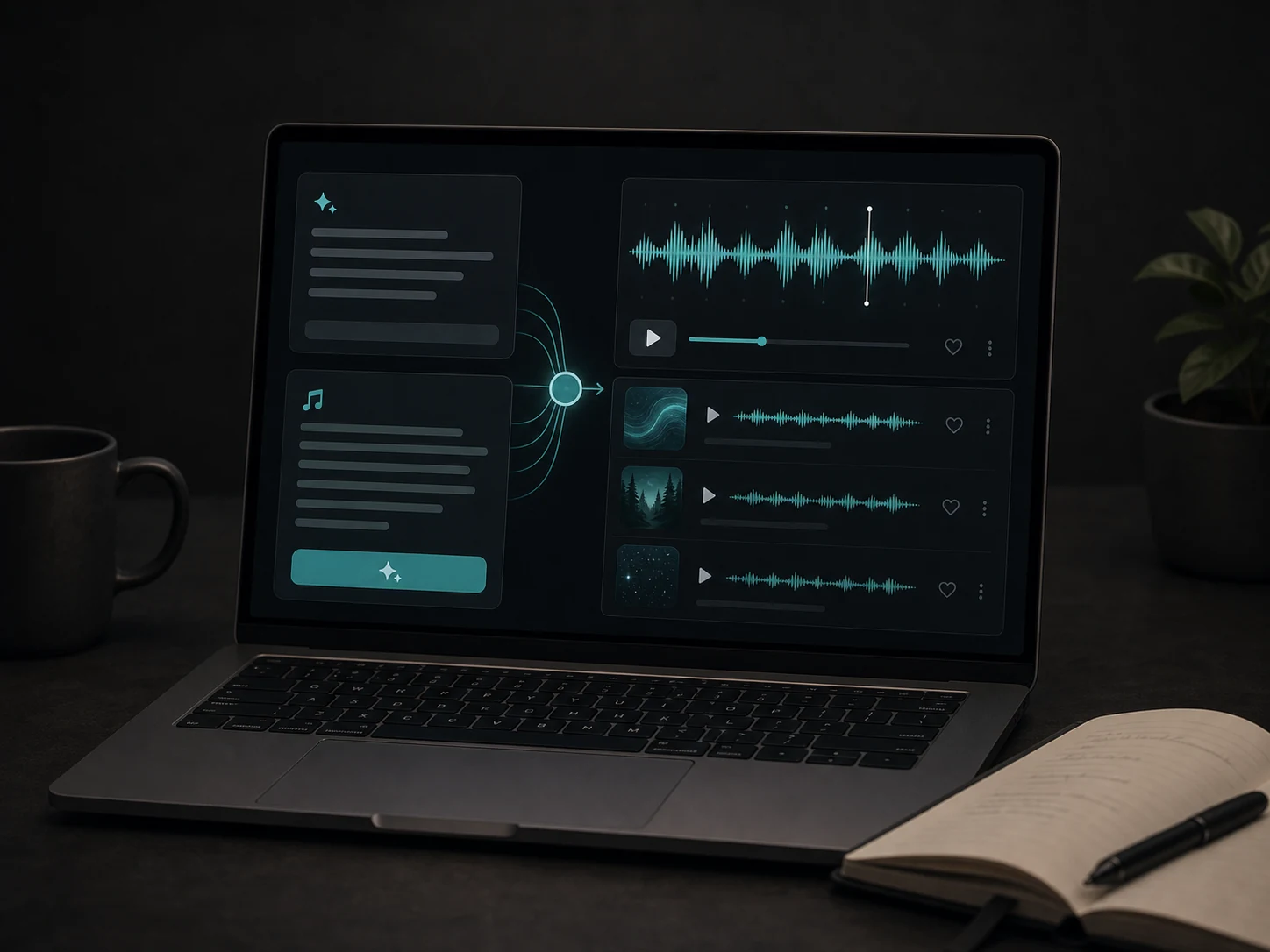
Turn Prompts and Lyrics into Songs
Describe the song idea, paste lyrics, or write a scene brief. Musicaura turns your direction into a complete track with melody, rhythm, and arrangement.
Generate Music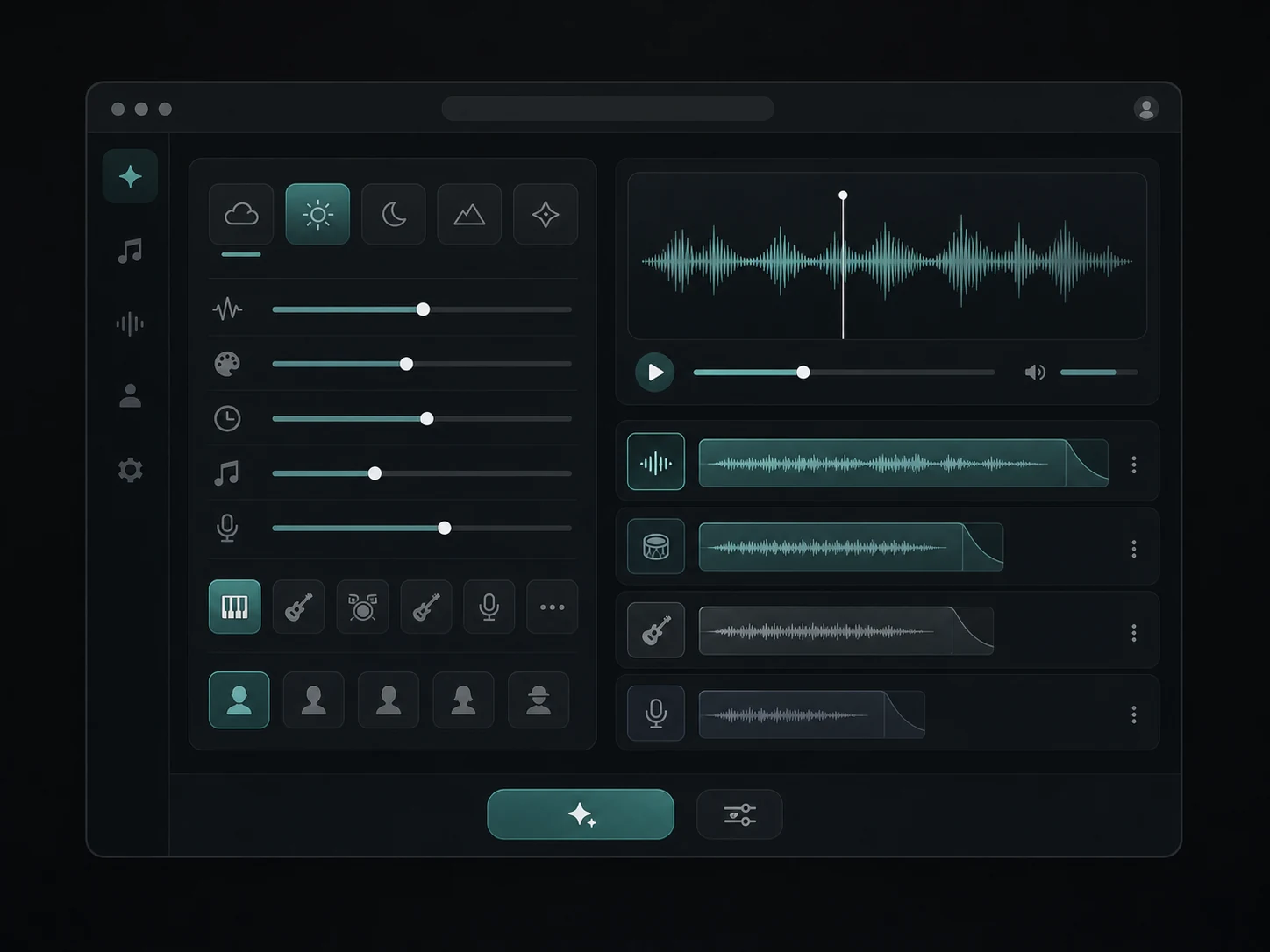
Shape the Mood, Style, and Voice
Guide each track with genre, mood, tempo, instruments, vocal gender, and style notes so the result fits the project instead of sounding generic.
Shape a Country Story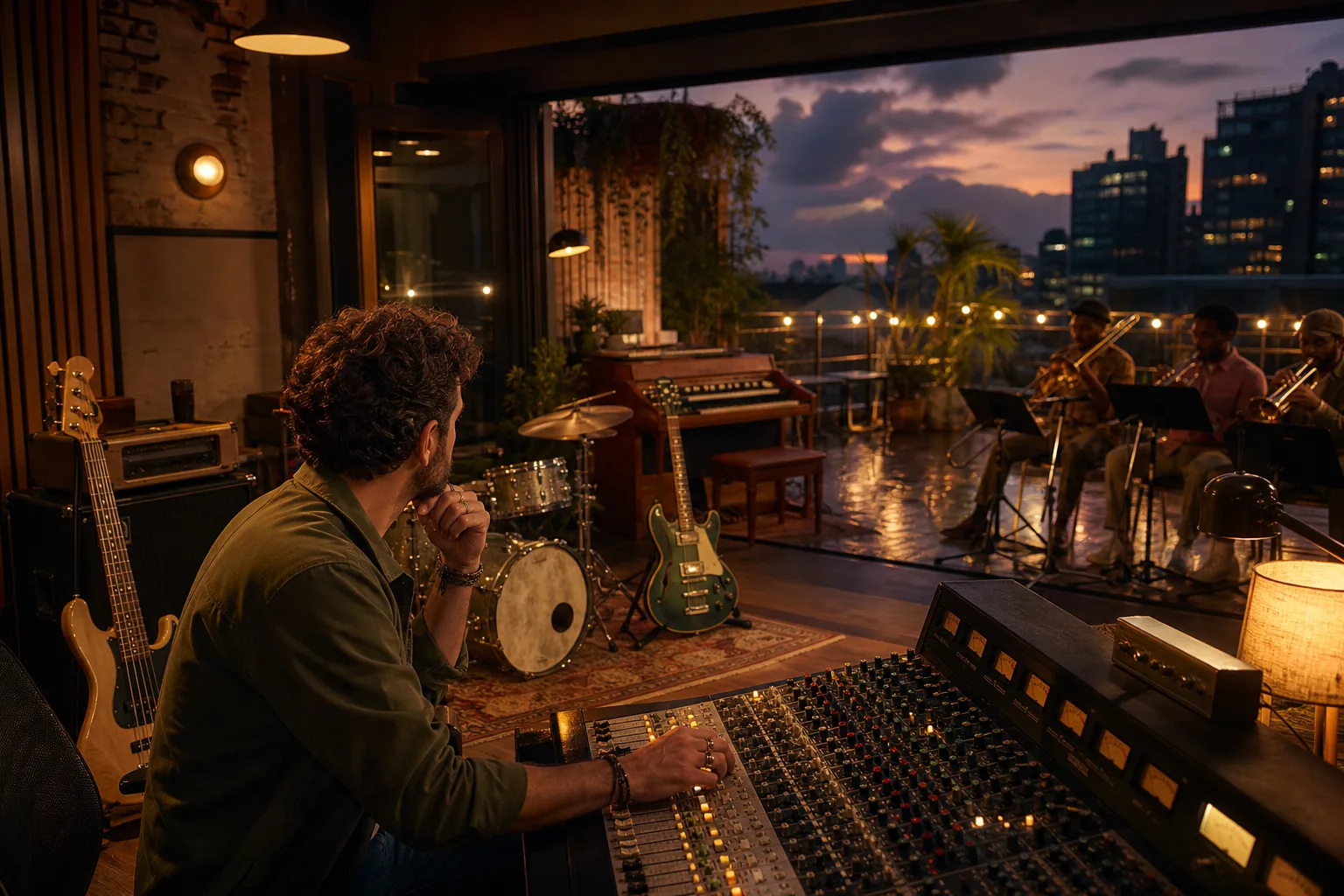
Turn a Reggae Scene into Rhythm and Space
Use the AI Reggae Music Generator when a place, emotional turn, bass pulse, offbeat color, voice, and dub space should grow into one complete track.
Create a Reggae Scene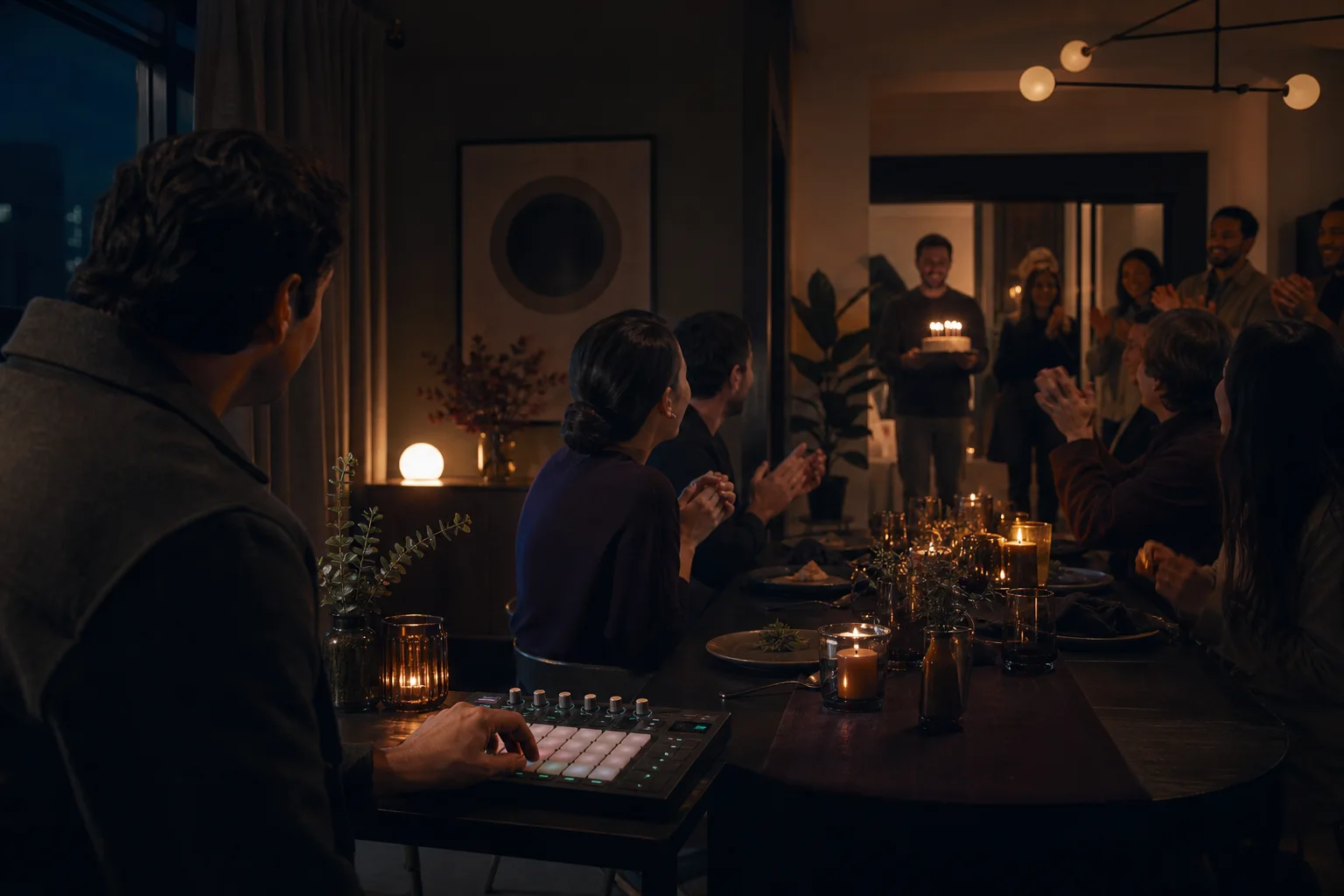
Score a Birthday Reveal
Design a personalized birthday song around the name, room, opening cue, vocal role, and moment when the whole celebration joins in.
Try the Birthday Song Generator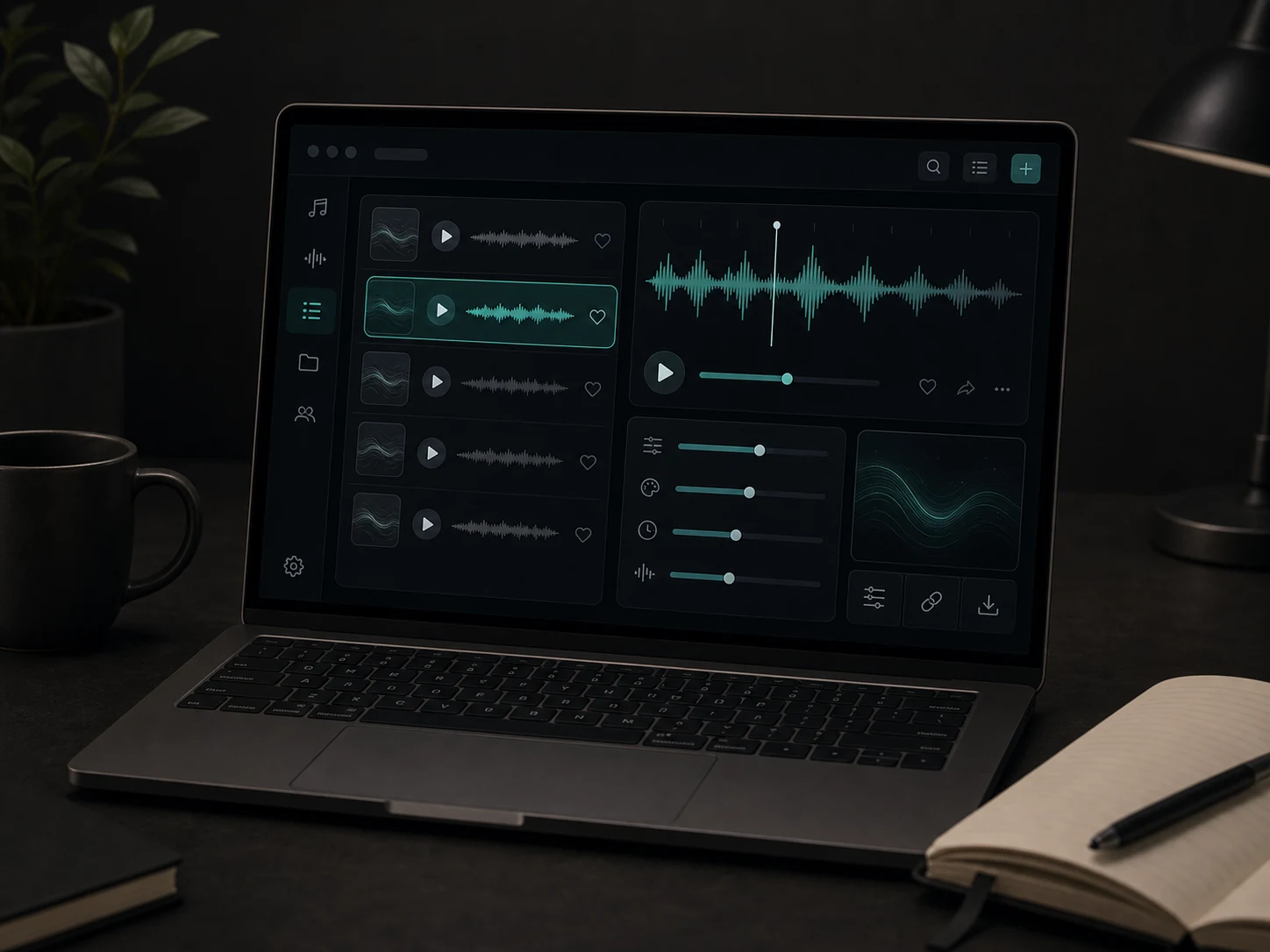
Preview, Refine, and Manage Tracks
Listen to each result, compare different directions, save tracks to a workspace, and continue with remix, extend, vocal removal, or stem splitting when needed.
Try the Metal Generator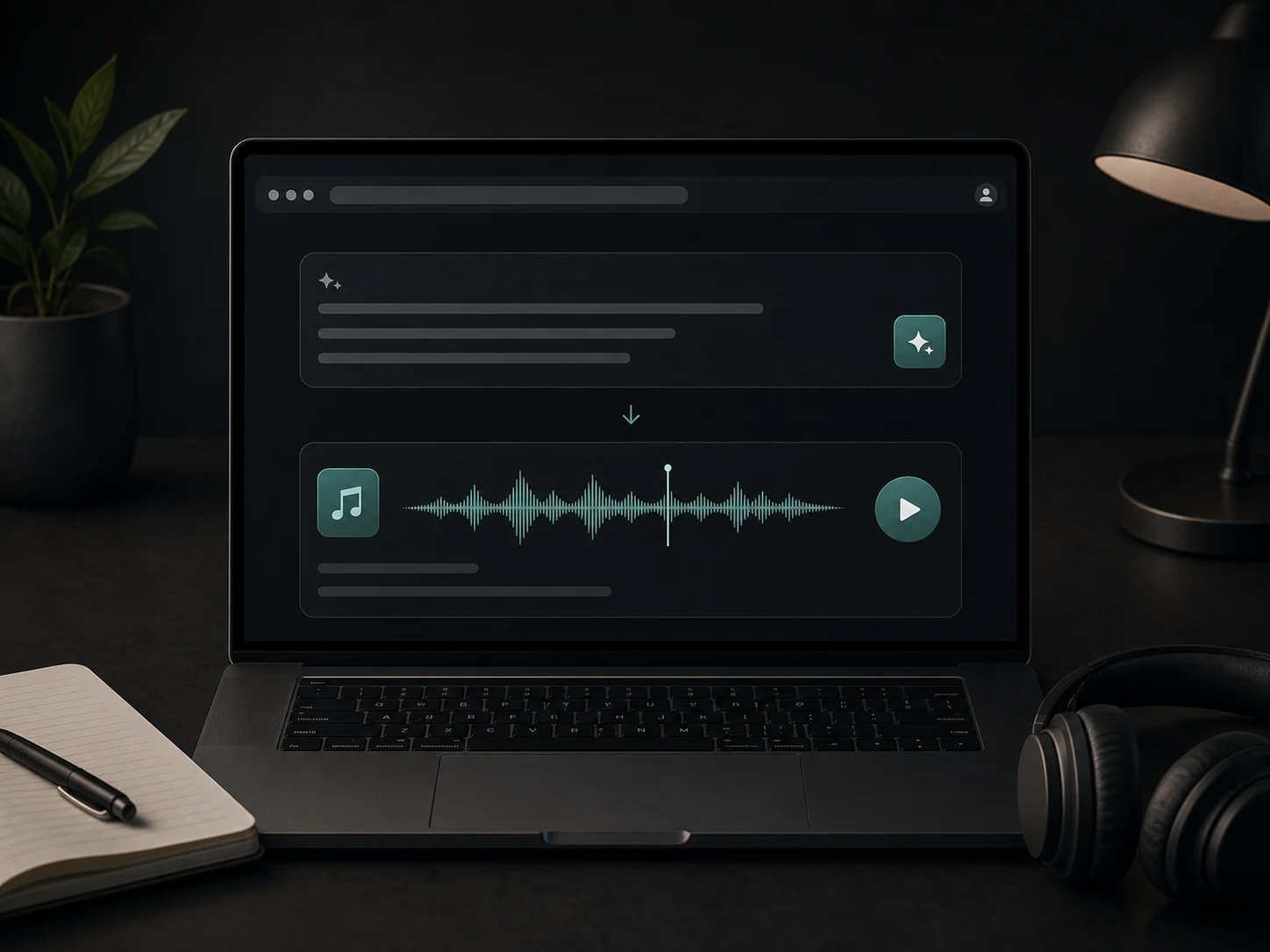
Create Without a DAW or Music Theory
Start with plain language instead of production software. The text to music AI workflow helps creators make usable songs and background music faster.
Create From Lyrics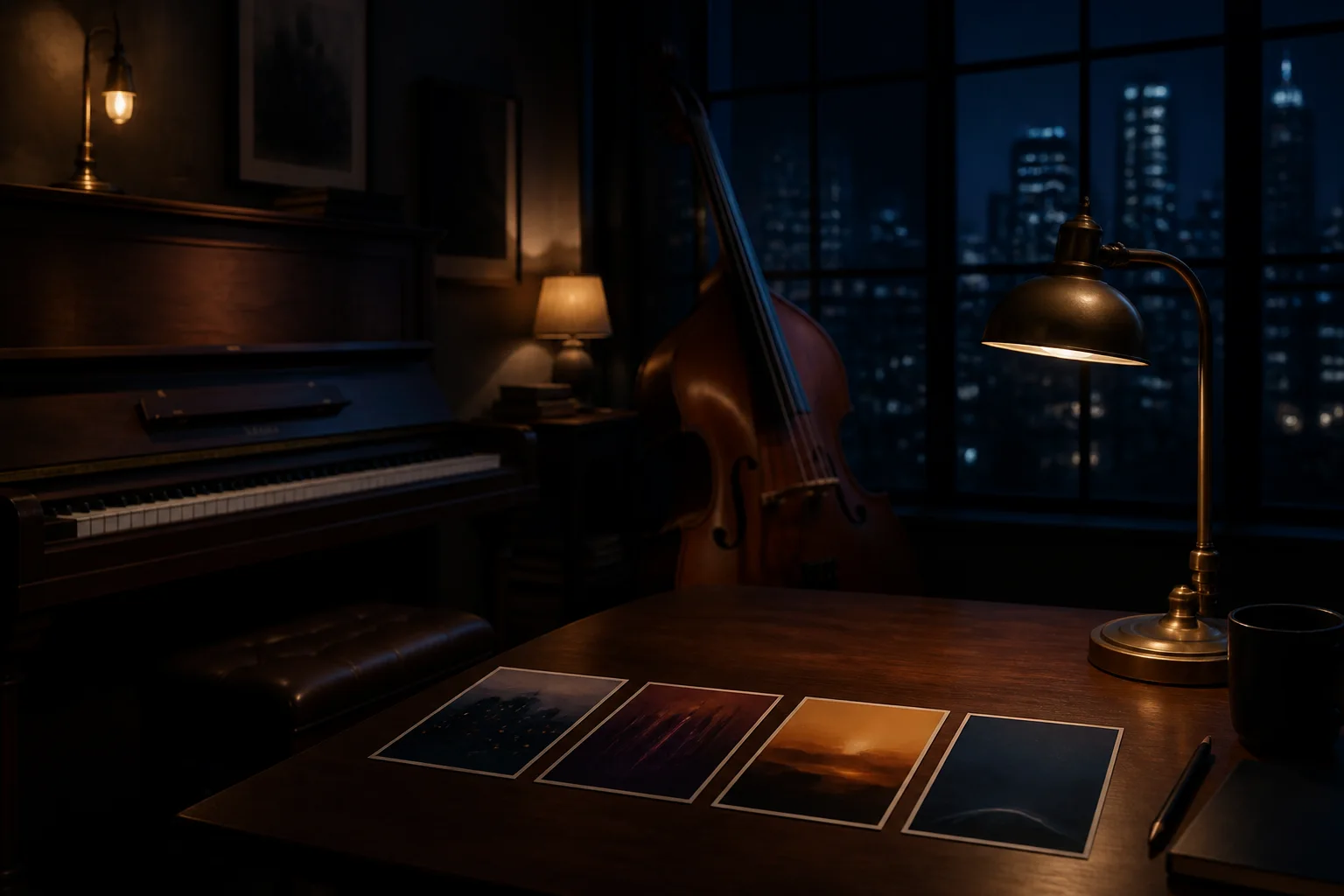
Shape a Jazz Scene with Ensemble and Harmony
Use the AI Jazz Music Generator when place, time, ensemble, pulse, harmonic color, solo exchange, and emotional ending should define the complete track.
Try the AI Jazz Music Generator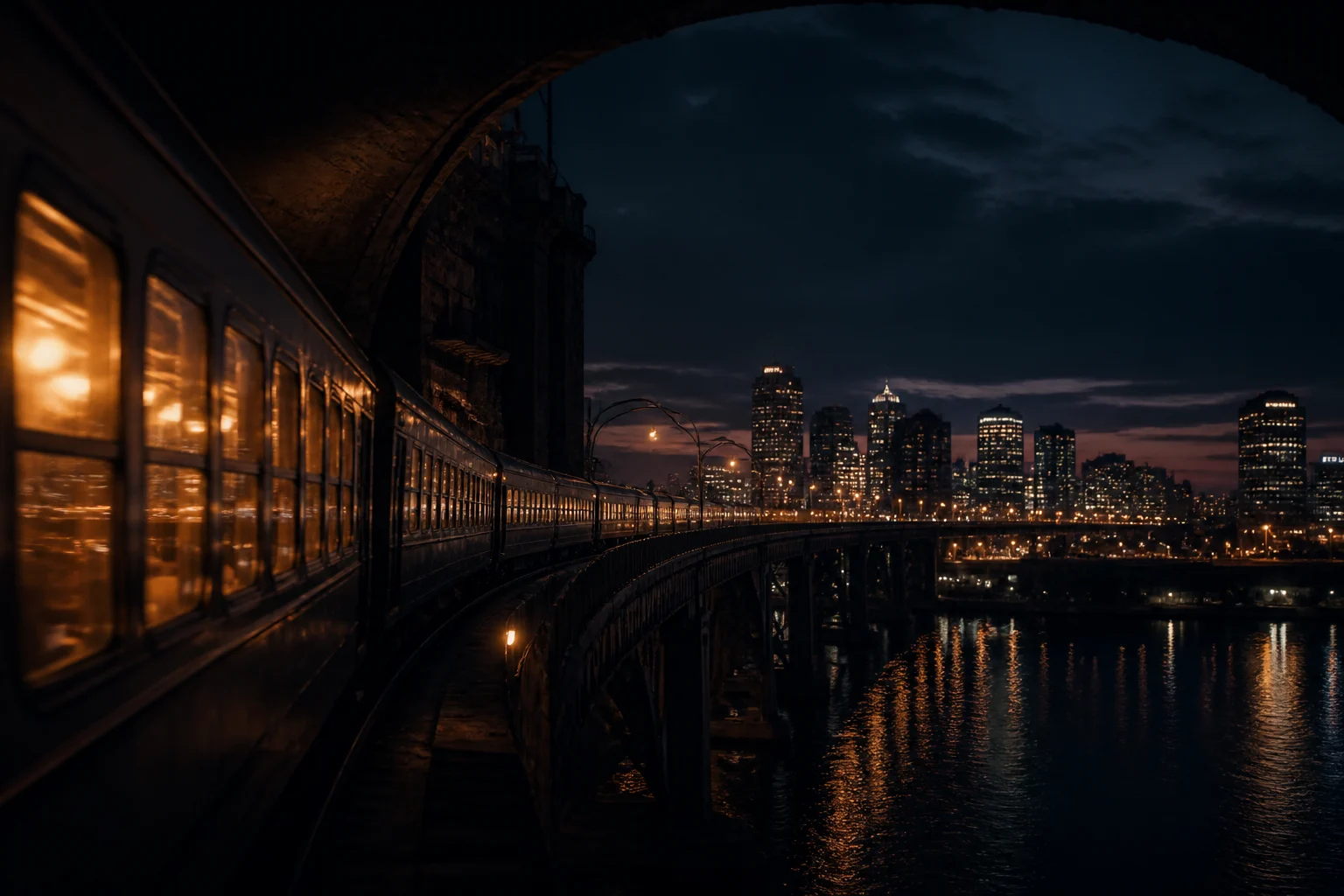
Turn an Electronic Scene into Motion
Use the AI EDM Music Generator when pulse, spatial depth, tension, silence, and release should follow a visual scene or physical movement.
Try the AI EDM Music GeneratorWho Creates Music with Musicaura?
Musicaura is built for creators who need original music directions without searching stock libraries or building every track from scratch.
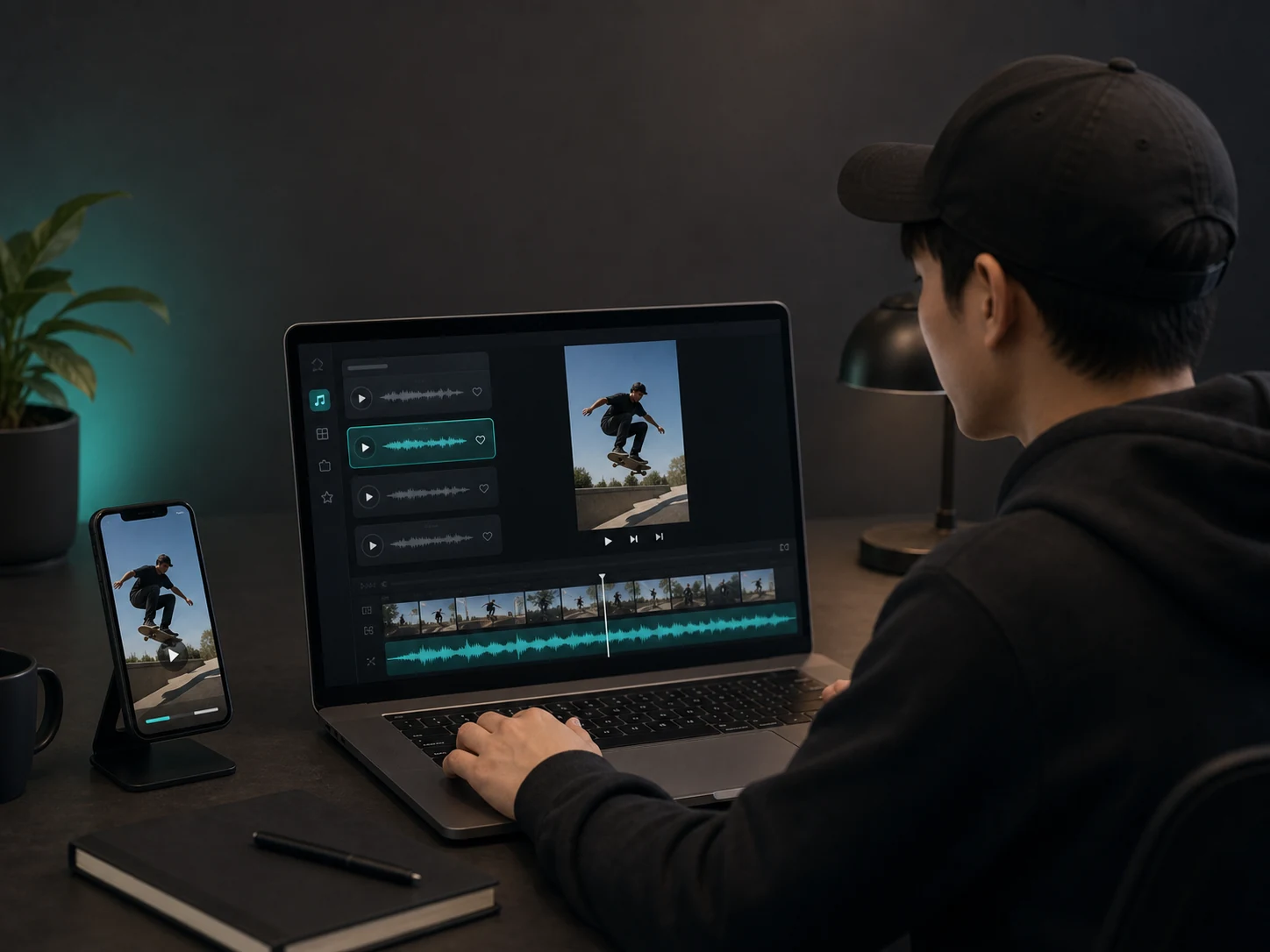
Video and short-form creators
Create intros, background tracks, transitions, and soundtracks for YouTube, TikTok, Reels, Shorts, and social campaigns.
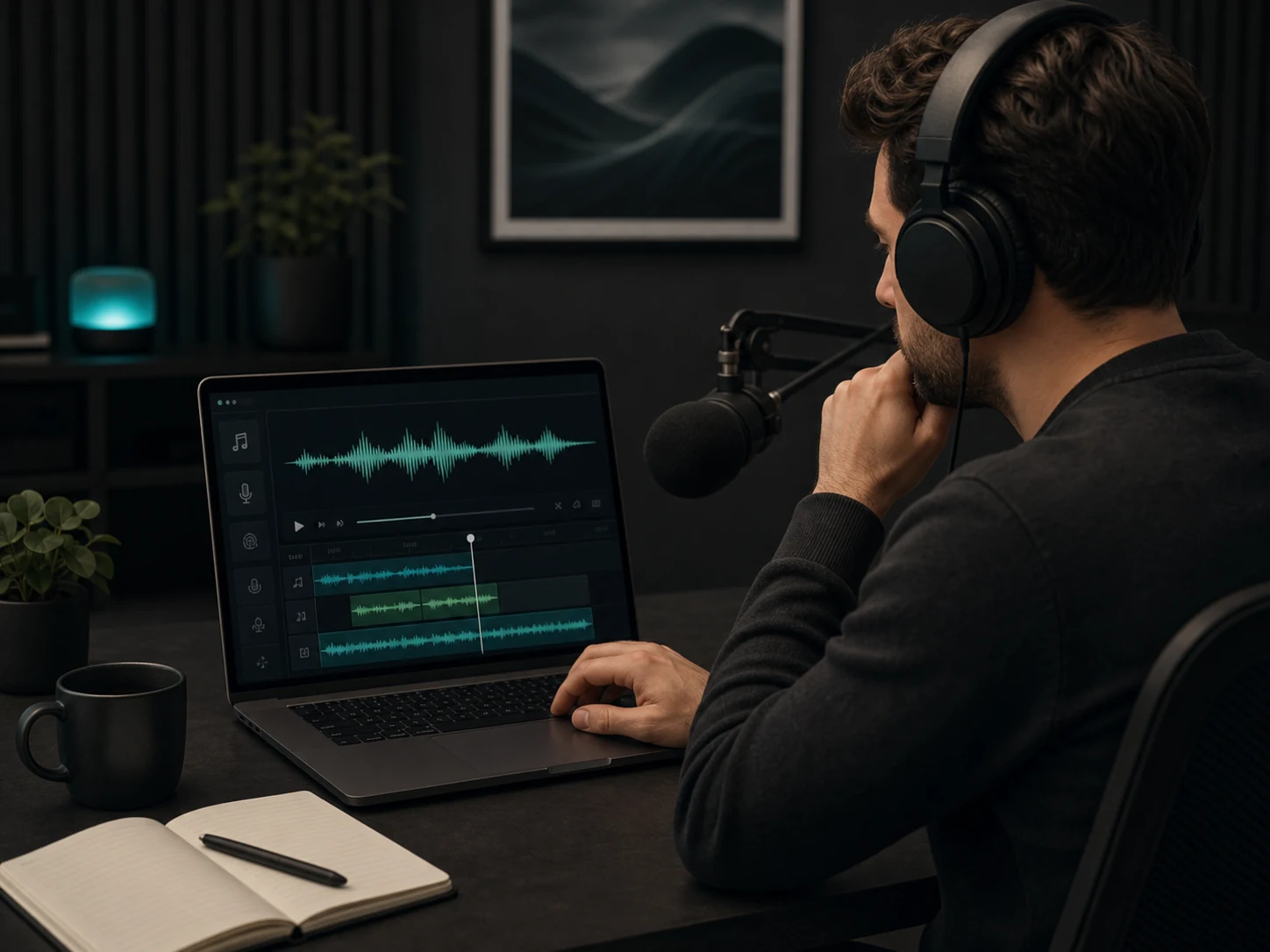
Podcast hosts and editors
Generate music beds, episode themes, stingers, and outro tracks that match the tone of each story or segment.
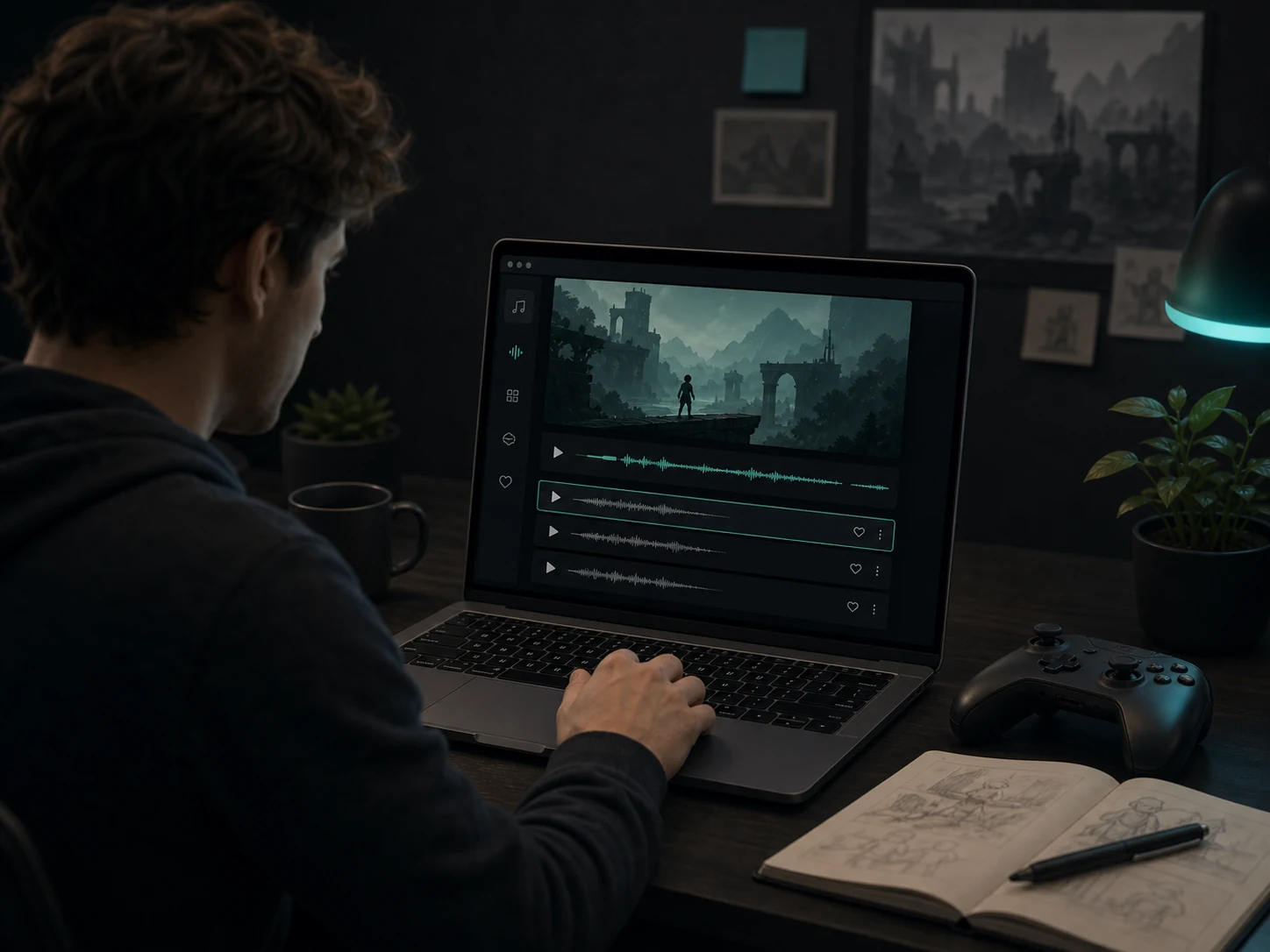
Game makers and interactive creators
Create loops, menu themes, level moods, and prototype soundtracks for indie games, game jams, and interactive demos.
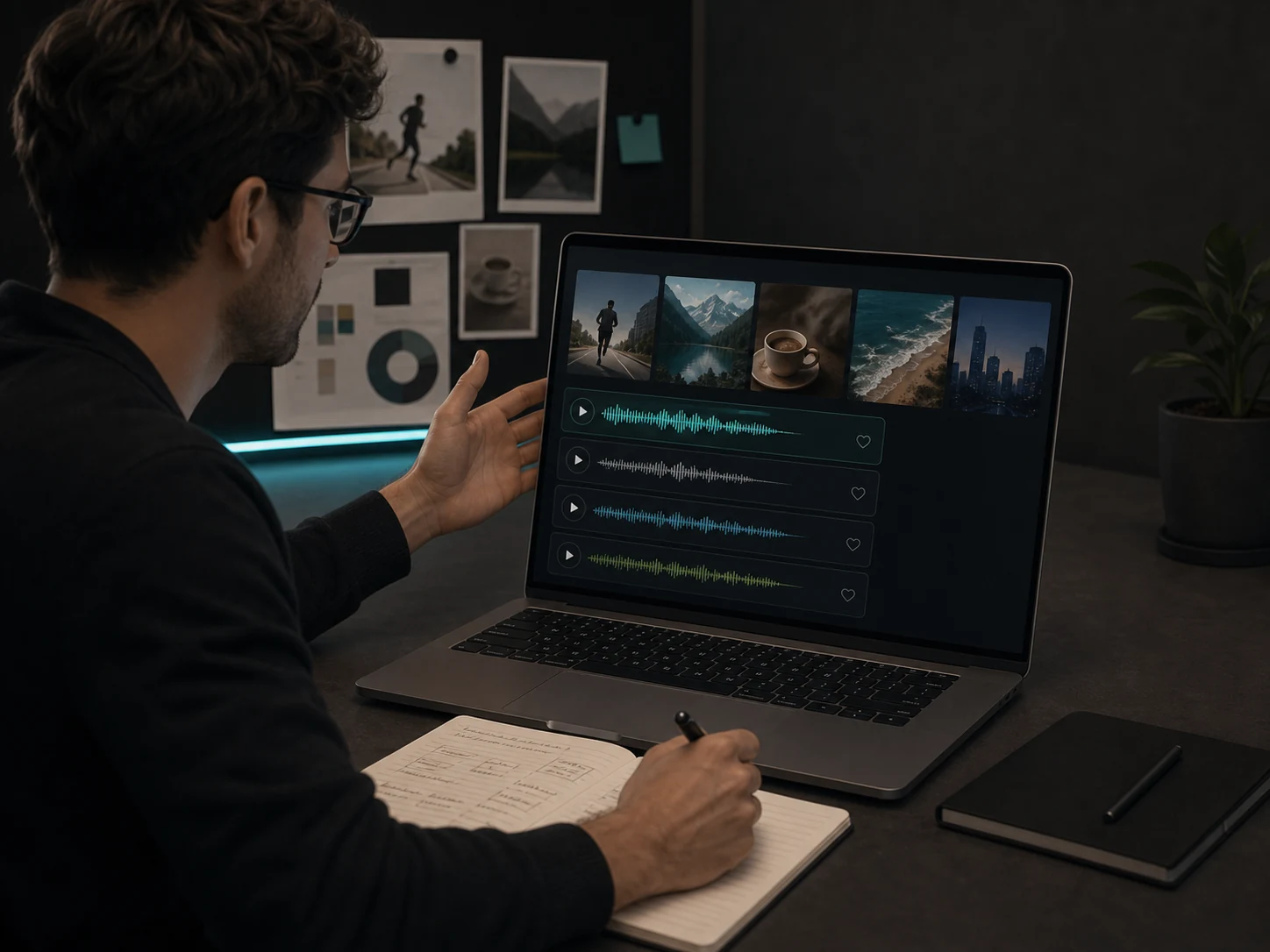
Agencies and freelancers
Explore multiple music directions for ads, client videos, launch clips, brand content, and campaign tests before choosing a final track.
How to Generate Music from Text or Lyrics
Go from a prompt or lyric idea to a downloadable track in a focused music creation workflow for creator projects.
Describe the track
Enter the mood, genre, scene, instruments, tempo, lyrics, or vocal direction you want the track to follow.
Generate and preview
Create music with AI, listen to the result, and adjust the prompt, lyrics, or style controls when you need another direction.
Save, download, or keep editing
Save the track to your workspace, download it according to your plan, or continue with remix, extend, vocal removal, and stem tools.
Text-to-Music and Lyrics-to-Song FAQs
Answers about prompts, lyrics, styles, downloads, license terms, and using Musicaura tracks in creator projects.