
AI Stem Splitter for Four Practical Song Stems
Upload a mixed song, split it into vocals, drums, bass, and other instruments, then preview each stem before downloading. Musicaura gives remix creators, DJs, students, teachers, editors, and producers a focused stem splitter online workflow for audio they have rights to use.
Split Songs into Stems Without Rebuilding the Track
Use stem separation when one mixed song needs to become workable audio parts. Musicaura helps you separate vocals drums bass and other instruments, check the result, and decide which stems are useful for remixing, lessons, practice, video edits, or production sketches.
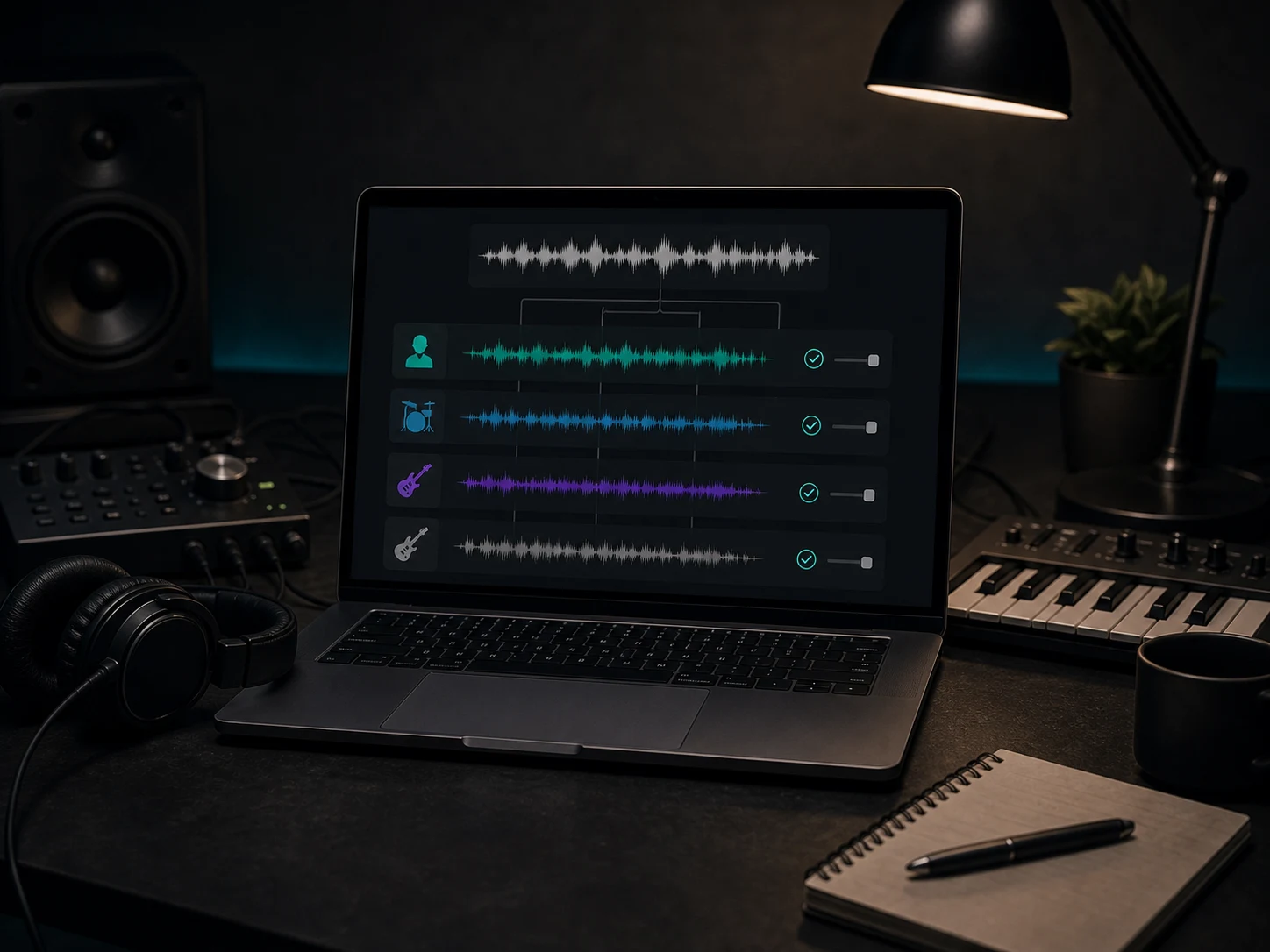
Separate Vocals, Drums, Bass, and More
Turn a full mix into four practical stems: vocals, drums, bass, and other instruments. This gives you cleaner parts to study, mute, rearrange, or bring into a DAW when the original multitracks are not available.
Split Four Stems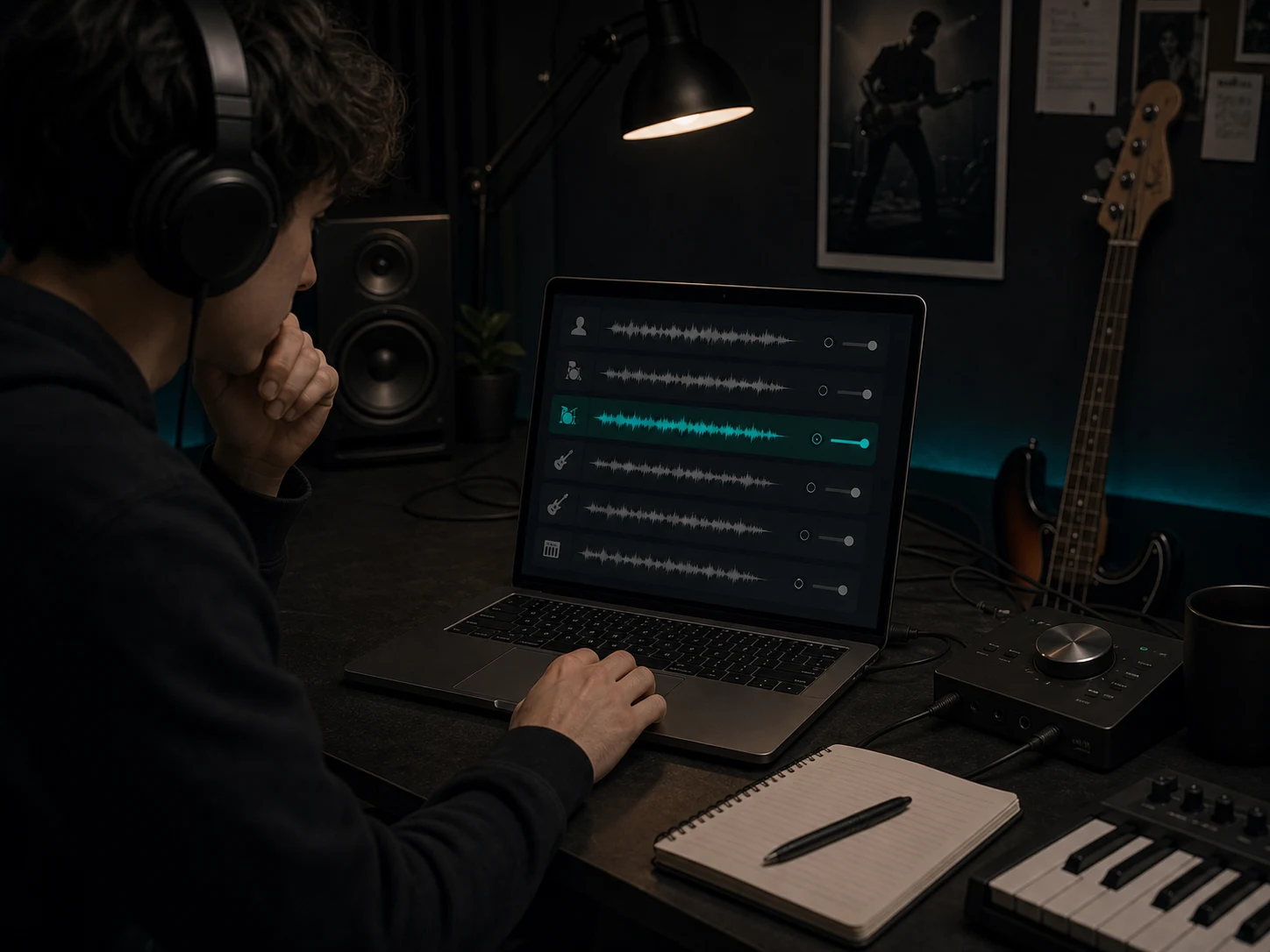
Study Arrangement and Mix Choices
Listen to each layer on its own when you want to learn a bass line, inspect drum energy, follow a vocal phrase, or understand how the arrangement supports the hook. Stem separation makes a finished track easier to study without claiming to replace original multitracks.
Study the Stems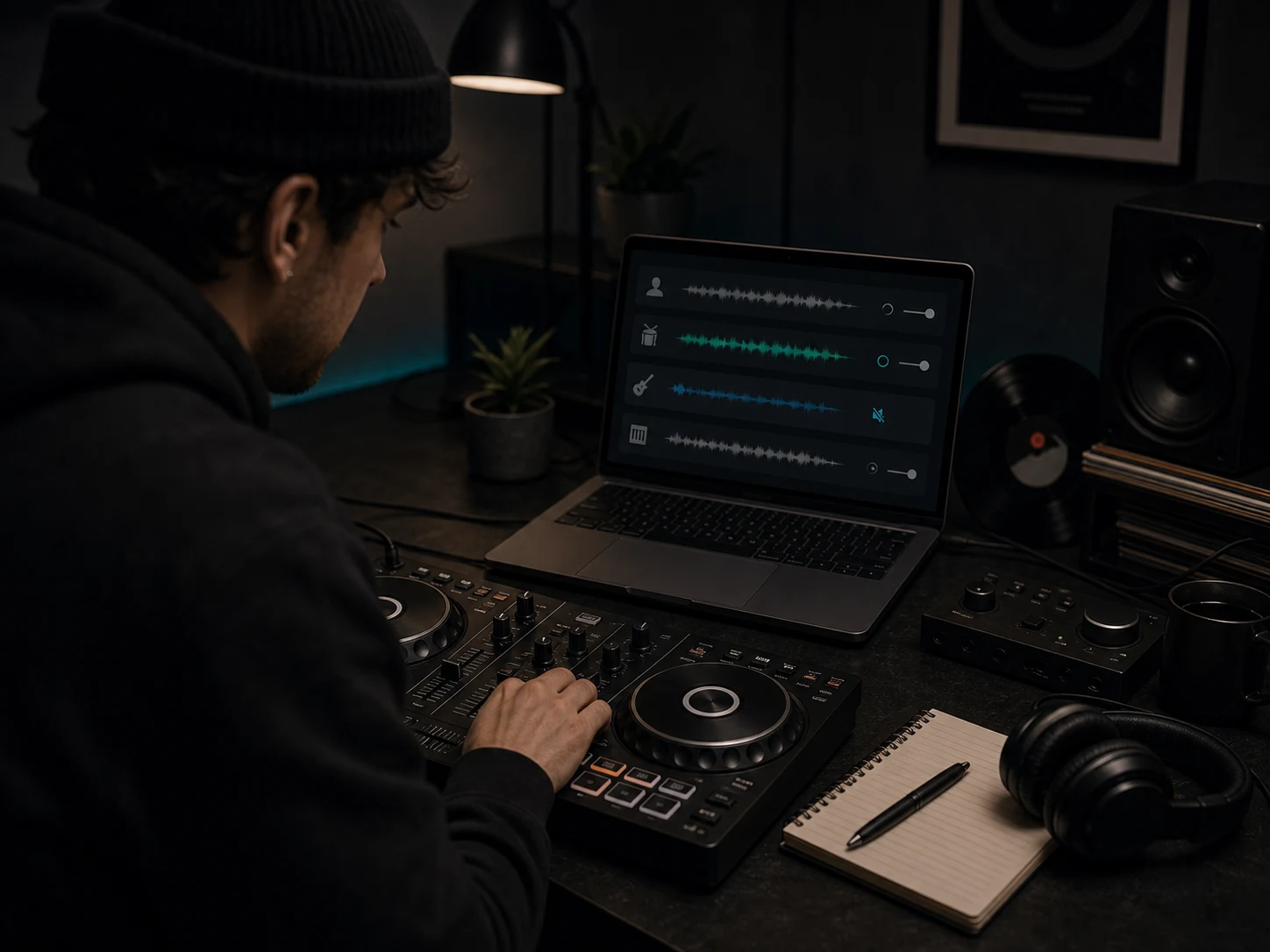
Prepare Remix and DJ Drafts Faster
Use the stem splitter online to test mashup ideas, build DJ edits, remove a busy drum layer, or keep an instrumental bed under a new vocal. Previewing stems first helps you decide whether the split is clean enough for the next creative step.
Preview Stems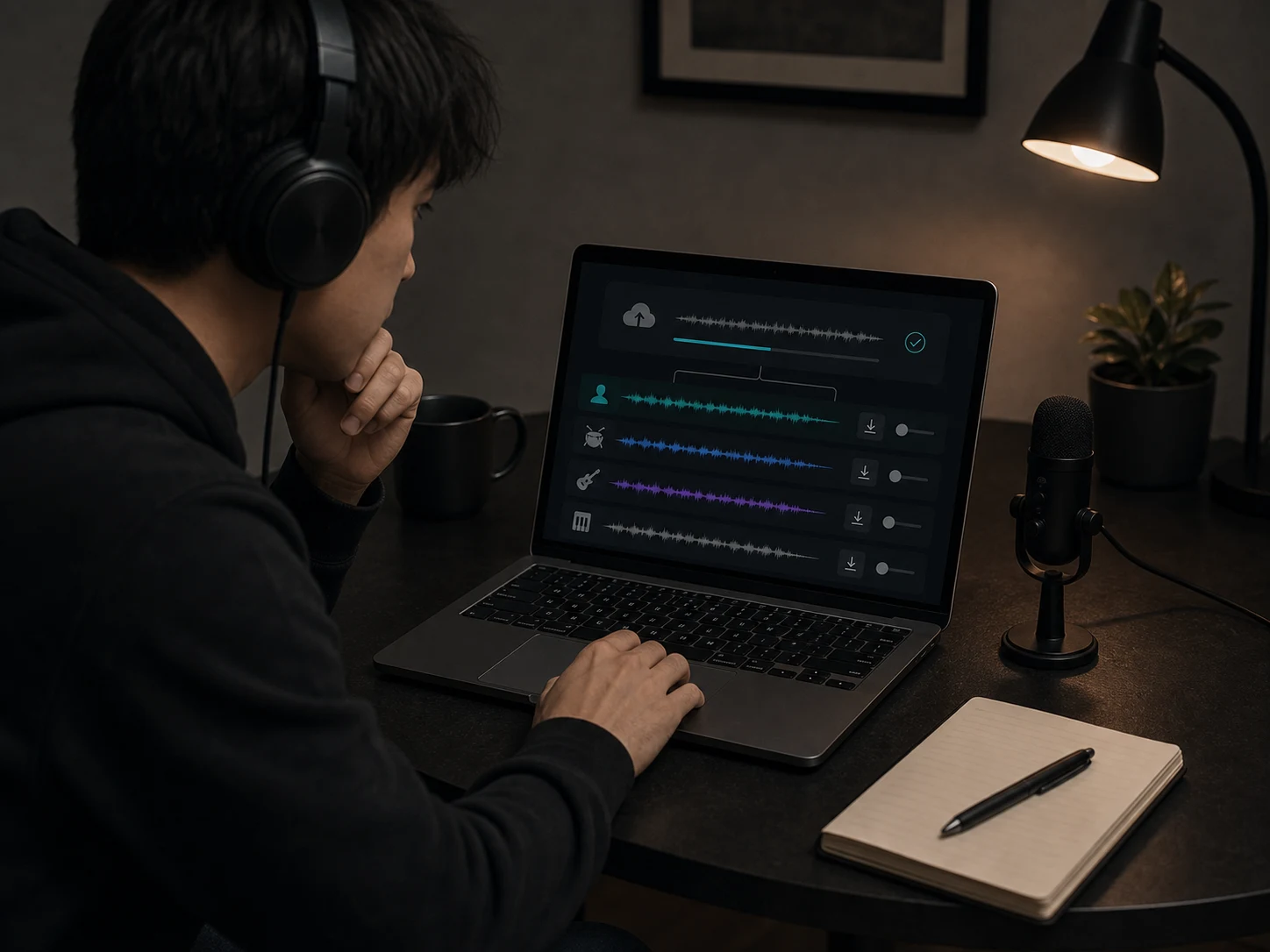
Work in the Browser Before Opening a DAW
You do not need to start with a full studio session. Upload audio, run the split, listen for bleed or artifacts, and download only the stems that are worth moving into your editor, lesson, set, or production project.
Start SplittingWho Uses an AI Stem Splitter?
Musicaura is for creators who need practical stem separation from a finished song without rebuilding every part by ear.
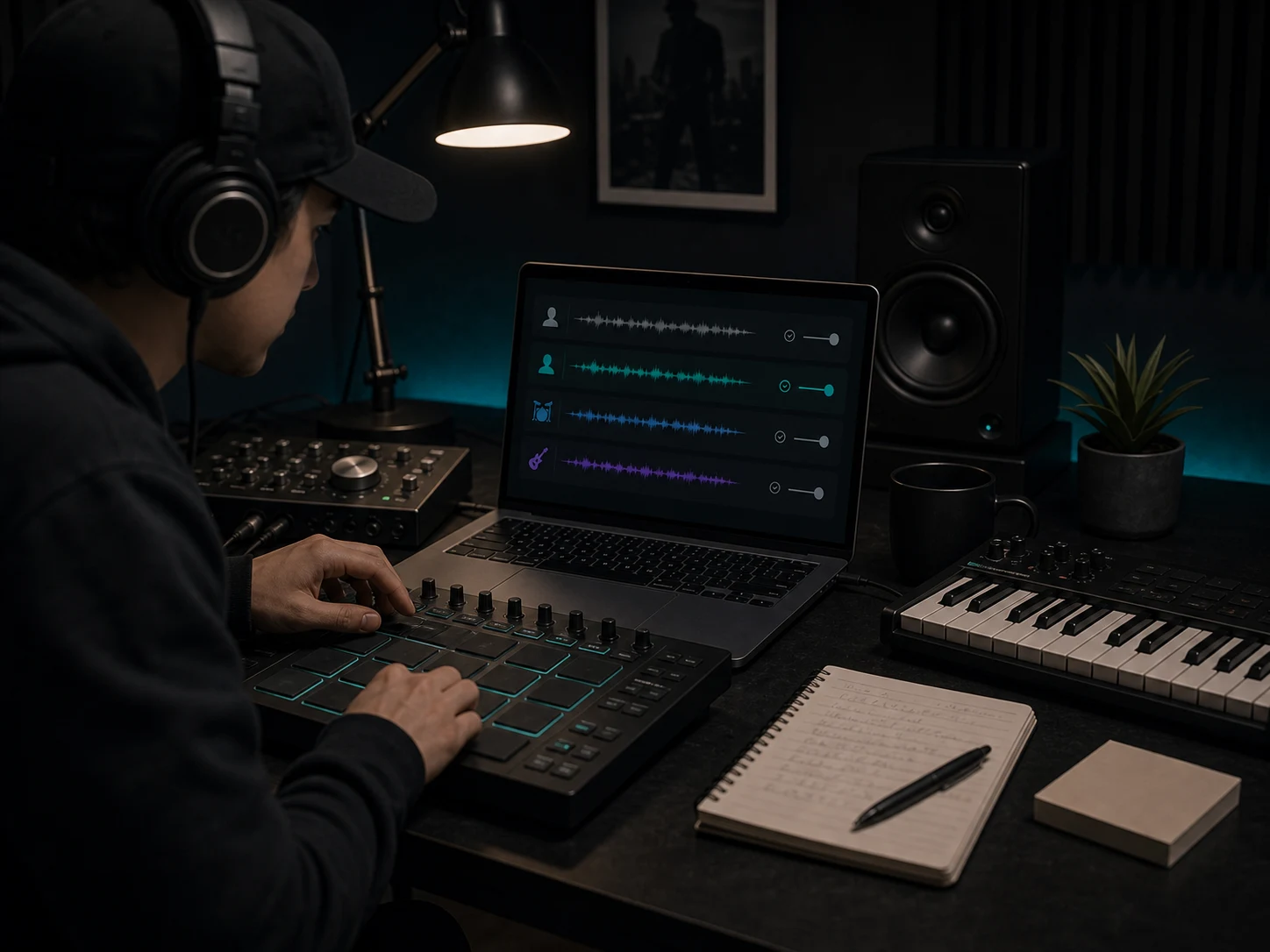
Producers and beatmakers
Pull out drums, bass, vocals, or instrument beds to sketch a remix, study groove choices, test a sample idea, or build a quick production reference.
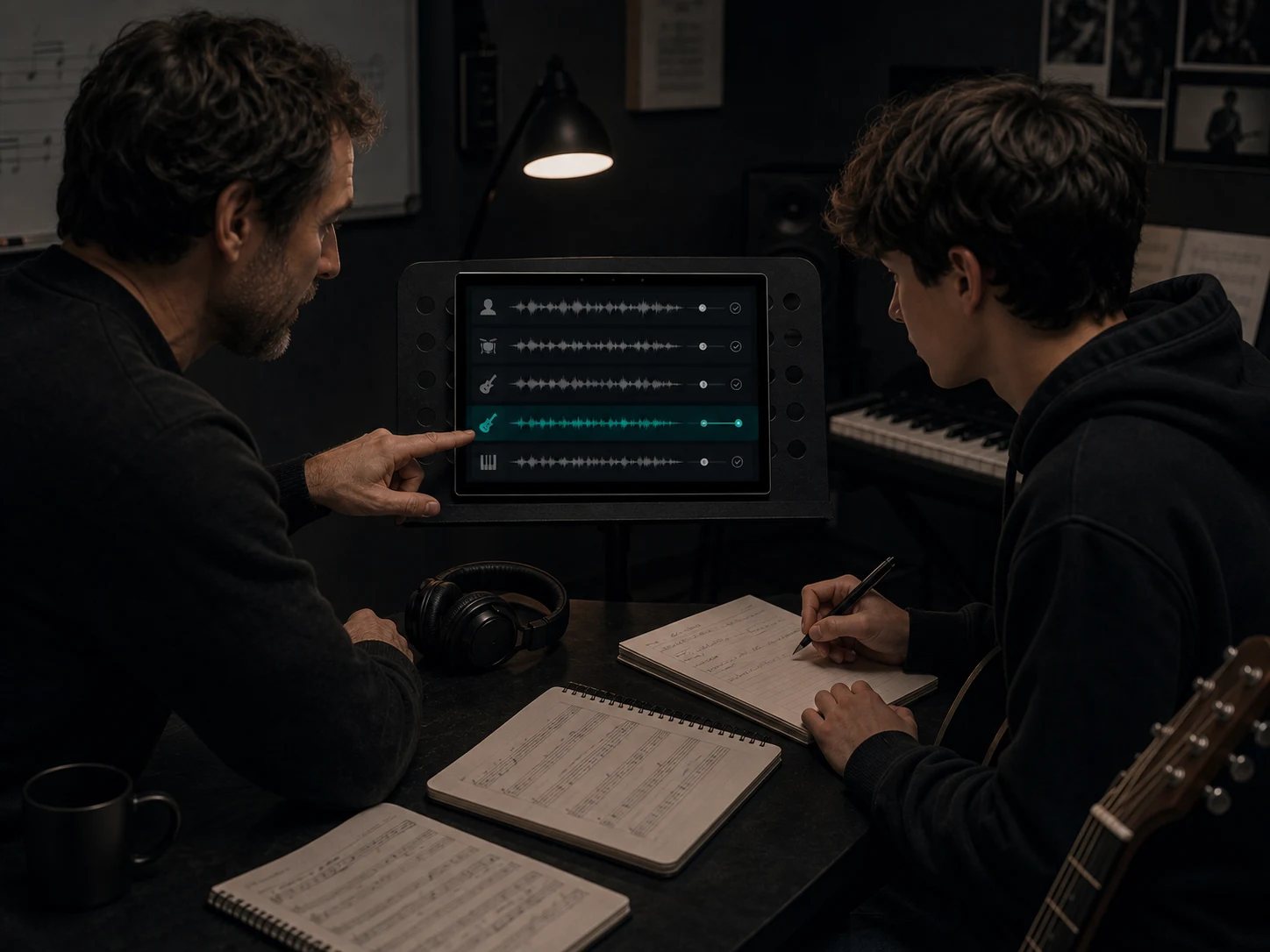
Music students and teachers
Slow down the learning curve by isolating the part that matters: a vocal melody, bass movement, drum pattern, or backing layer for class, rehearsal, or practice.
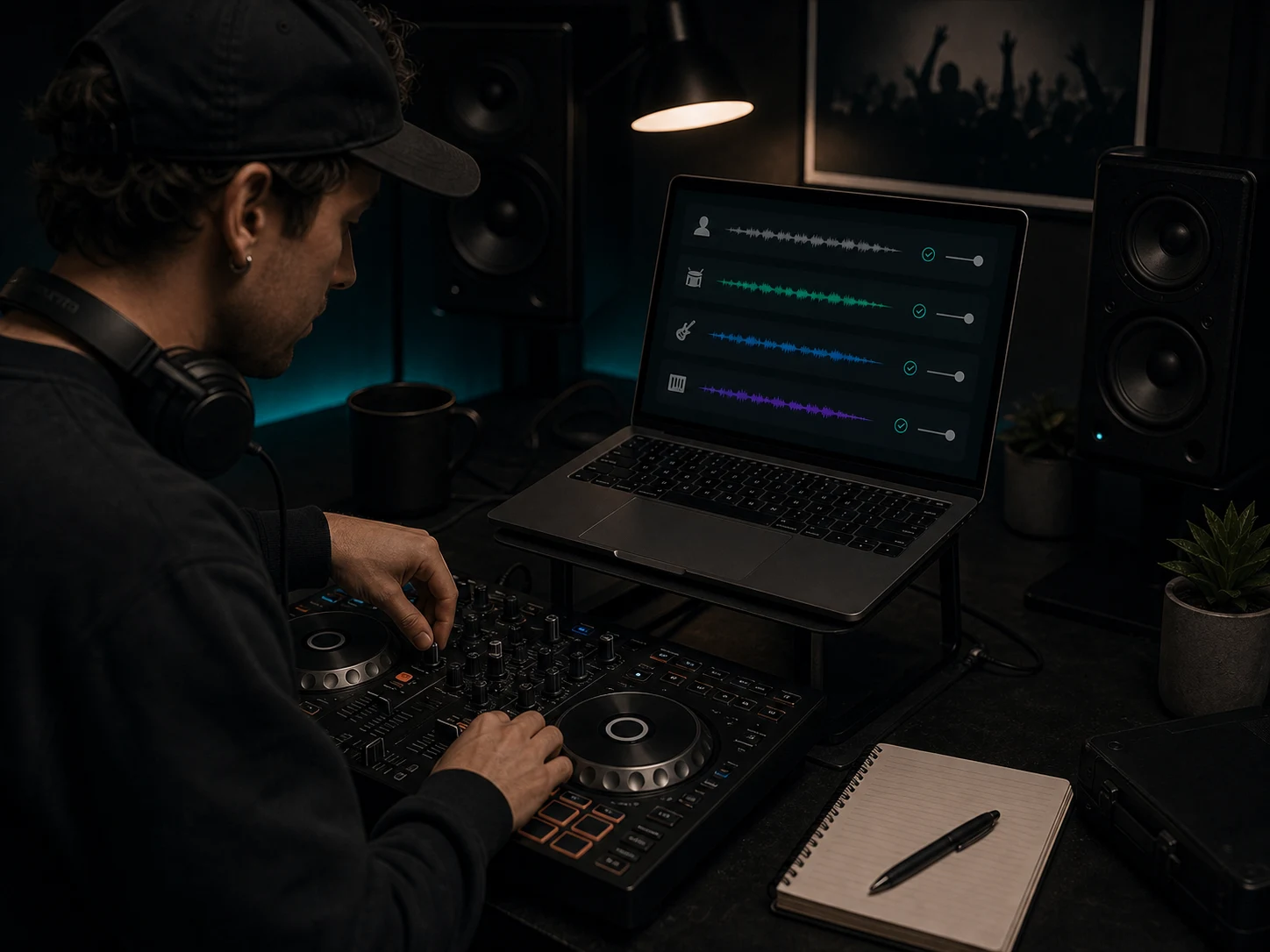
DJs and live performers
Prepare set ideas, transitions, mashups, and performance edits by checking whether the vocal, drums, bass, or instrumental layer can stand on its own.
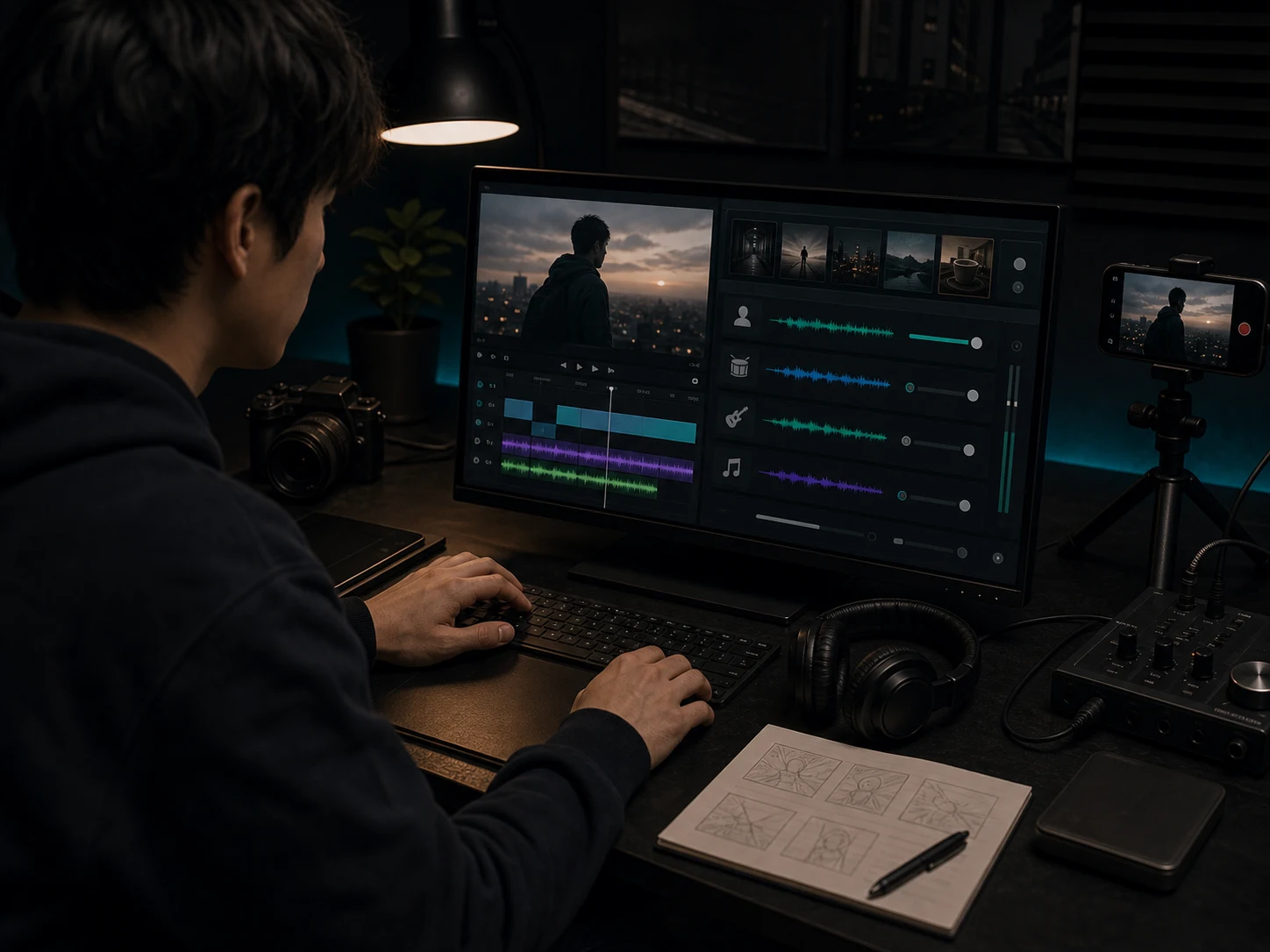
Video editors and content creators
Make room for narration, captions, hooks, and scene pacing by lowering or removing a layer while keeping the musical energy of the original track.
How to Split a Song into Stems Online
Use Musicaura to split song into stems, preview the separated tracks, and download the parts that fit your project.
Upload a clean source track
Start with audio you own, created, licensed, or have permission to process. Cleaner files with less distortion, heavy compression, or background noise usually produce more useful separated stems.
Run four-stem separation
Let Musicaura analyze the mix and separate vocals drums bass and other instruments into individual stem previews.
Preview, download, and check rights
Listen for artifacts or bleed before downloading. Use the stems for practice, lessons, remix drafts, DJ prep, video editing, or production references, and confirm rights before publishing.
Why Use Musicaura for Online Stem Splitting?
Compare browser-based stem separation with slower manual workflows that need multitracks, plugins, or detailed editing time.
Four stems from one mixed song
Manual separation can mean filtering, phase tricks, and repeated cleanup inside a DAW, often with limited results when the original session is not available.
Musicaura prepares vocals, drums, bass, and other instruments from one uploaded mix so you can start with usable layers instead of a flat stereo file.
Preview before serious editing
AI separation quality varies by mix. Dense masters, reverb, overlapping frequencies, and distortion can leave bleed or artifacts.
A preview-first workflow helps you judge the stems before spending time on a remix, lesson, video edit, or production session.
Browser workflow before DAW work
Opening a full production project just to check whether a stem is useful can slow down a simple creative decision.
Run the split in the browser first, download the useful parts, and move into a DAW only when the separated audio is worth deeper editing.
Useful for learning and drafting
Creators often need quick references for a bass line, drum groove, vocal phrase, or instrumental bed before making a final version.
Separated stems make arrangement study, remix sketches, DJ edits, karaoke-style practice, and content drafts easier to explore.
AI Stem Splitter FAQs
Questions about stem separation, audio quality, downloads, source rights, and practical use cases.