Try the voice idea in the song itself
Pair a song you already have with an available voice model. Choose from MusicAura's system templates or your own private voices, optionally shape the audio settings, and create a cover for 2 credits. Listen to your source and finished version together when processing is complete. The fixed voice example on this page suggests a vocal character, but the real creative question is how that voice feels on a particular song. The cover workflow lets you make that listening comparison using your own existing track.
A voice sample is only a starting point
What will this voice sound like on my song?
Choose the model, provide the actual track, and generate a cover. The fixed examples on the page show how original, voice, and result clips relate; your completed task in My covers is the place to hear the outcome for your selected song.
A saved track should stay in your flow
Can I use music already in my workspace?
Yes. Select a song from My music or upload an audio file up to 30 MB. The tool uses that existing track as its source. It does not generate a new composition or lyrics from an idea alone.
Different songs need different treatment
Can I adjust more than the singer choice?
Optional settings include main and backing vocal levels, accompaniment level, reverb or space, pitch, voice similarity, breath detail, and dynamics. They are inputs to the processing task, so the finished cover is where you judge their effect.
A comparison makes the change useful
Where do I listen after processing?
My covers shows the task status and keeps the original audio beside the completed version for playback. Hearing both in the same place can help you decide whether to keep developing the vocal idea or try a different model.
Give a song concept a second voice to consider
A finished cover is a listening reference for a song you supplied. Return to the original and the result as a pair while deciding whether the vocal direction works for a demo, arrangement idea, or personal experiment.
Explore more than one voice source
Pick from available system voices or a model you trained from your own samples. The latter stays private to your account, making it an option for later cover tasks as well as this one.
Keep your music in context
Choose a track already in your MusicAura workspace or add a new file. The cover history identifies the original, so a creative experiment remains connected to the song that prompted it.
Listen before deciding what comes next
The original and completed result each have playback in My covers. Use that comparison to make an informed creative decision rather than treating a demonstration clip as a preview of your own output.
See the spending step clearly
A generation submission costs 2 credits and failed tasks refund their generation credits. The later download decision follows your plan: subscribers are not charged another credit, while other users unlock a result for 1 credit.
How to create a song voice cover
Select a voice, bring in one existing song, and come back to compare both versions after processing.
Choose a voice
Browse the available system templates, or use My voice to find a private model you trained. Choose the character you want to try; the finished cover will depend on the song and settings you choose.
Add a song
Choose a song from My music or upload an audio file of up to 30 MB. Open advanced settings if you want to shape vocal balance, accompaniment, pitch, reverb, similarity, breath, or dynamics before creating this version.
Generate and preview
Submit the task for 2 credits and watch its status in My covers. Once ready, play your original song and the converted voice cover side by side. A completed result can be downloaded under the plan's download rule.
Make each cover a deliberate listening test
Choose what enters the task, adjust the available processing controls, and then hear the version the tool makes for your song.
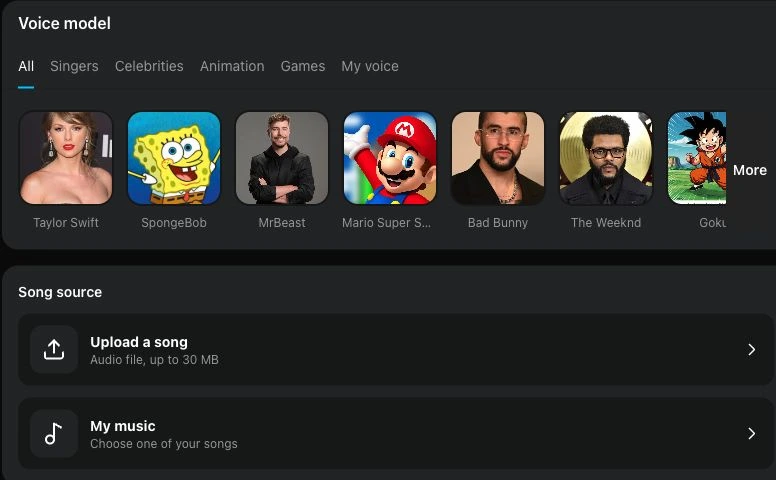
Bring a song and a voice together
The voice picker includes system templates and your own private models; the song source accepts an upload or a workspace track. To make a private model first, train a singing voice from your recordings and select it here after completion.
Choose my inputs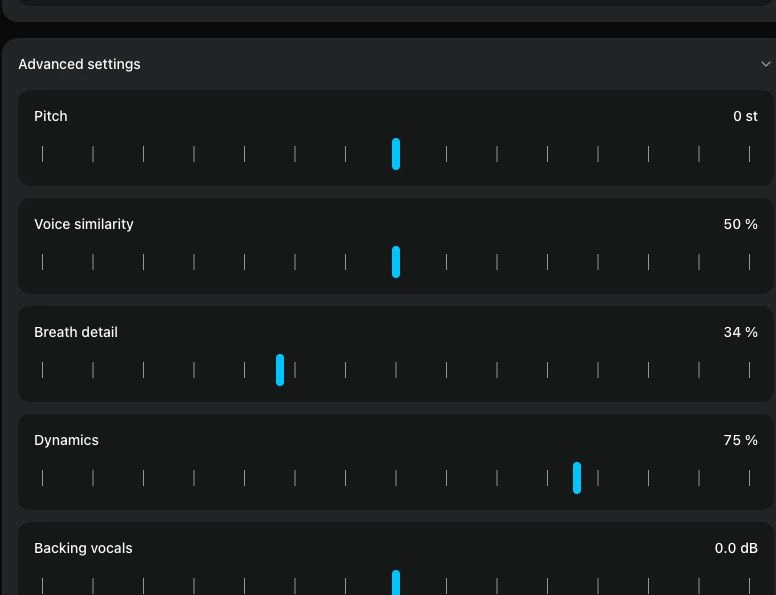
Adjust the conversion controls
Open advanced settings for main and backing vocals, the instrumental, space, pitch, similarity, breath, and dynamics. The controls let you define the attempt before processing; listen to the completed version to assess the actual sound.
Explore audio settingsWhere could an alternate singing voice help?
These example situations are creative starting points. Your own result comes from the song and voice you select, and any public use still depends on the permissions you hold.
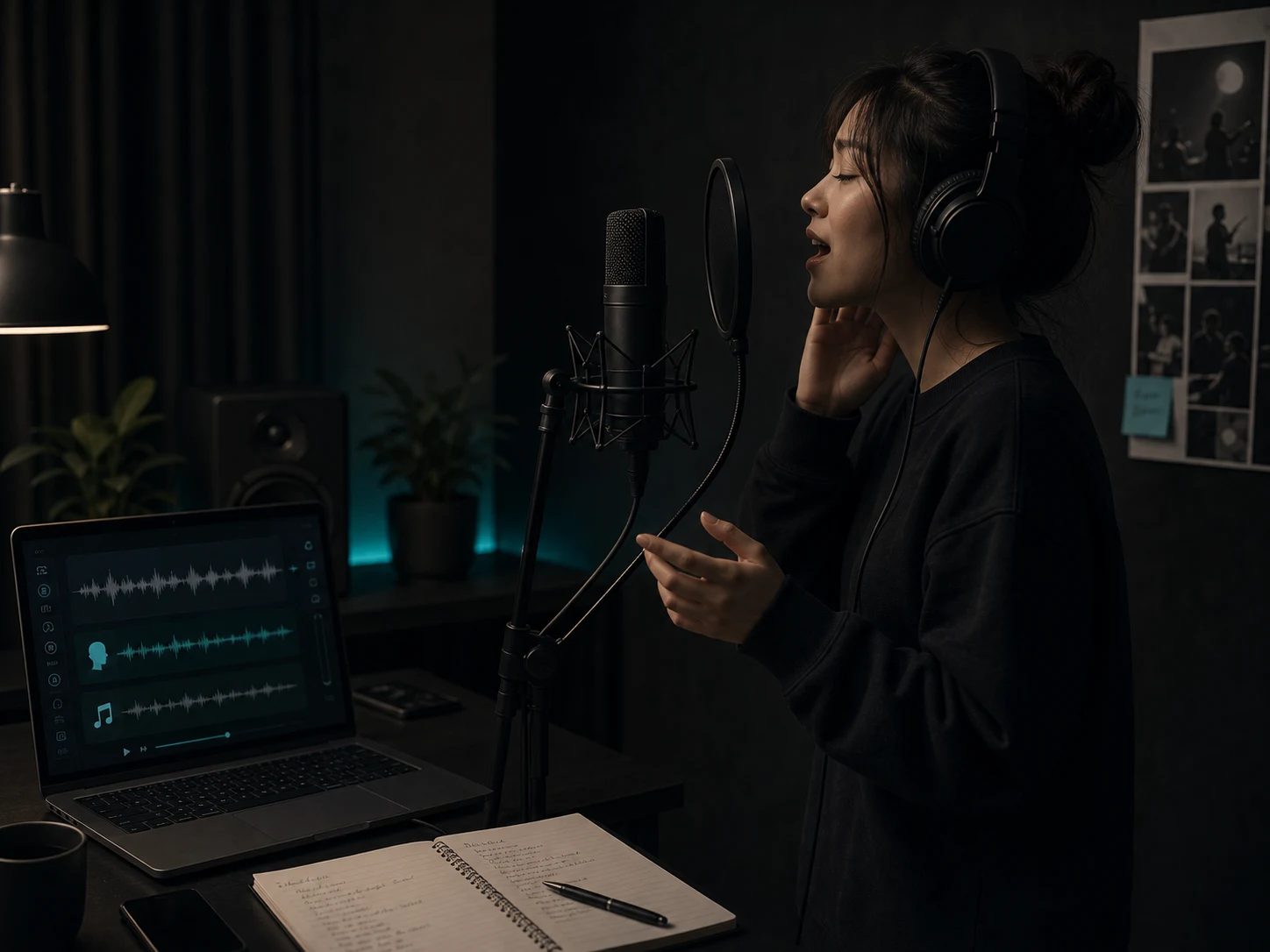
Cover performers planning an interpretation
Listen to an existing song through another vocal character while considering a future performance. Use the comparison as inspiration for your own choices rather than expecting the generated track to define them.
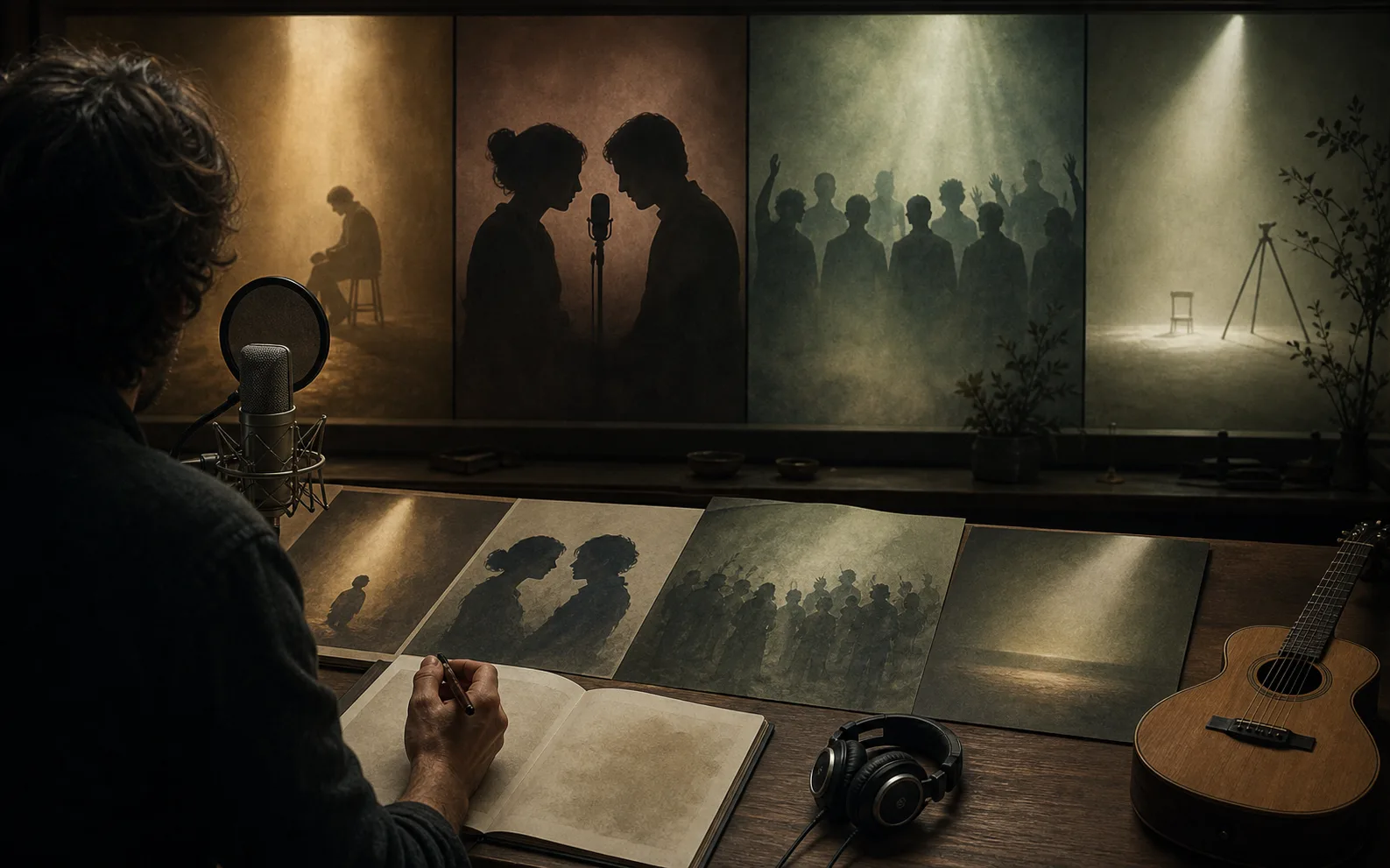
Songwriters revisiting a demo
Choose a draft from My music and hear it with a different voice to test its presentation. The songwriting and arrangement remain in the source you provided; this tool changes the singing voice.
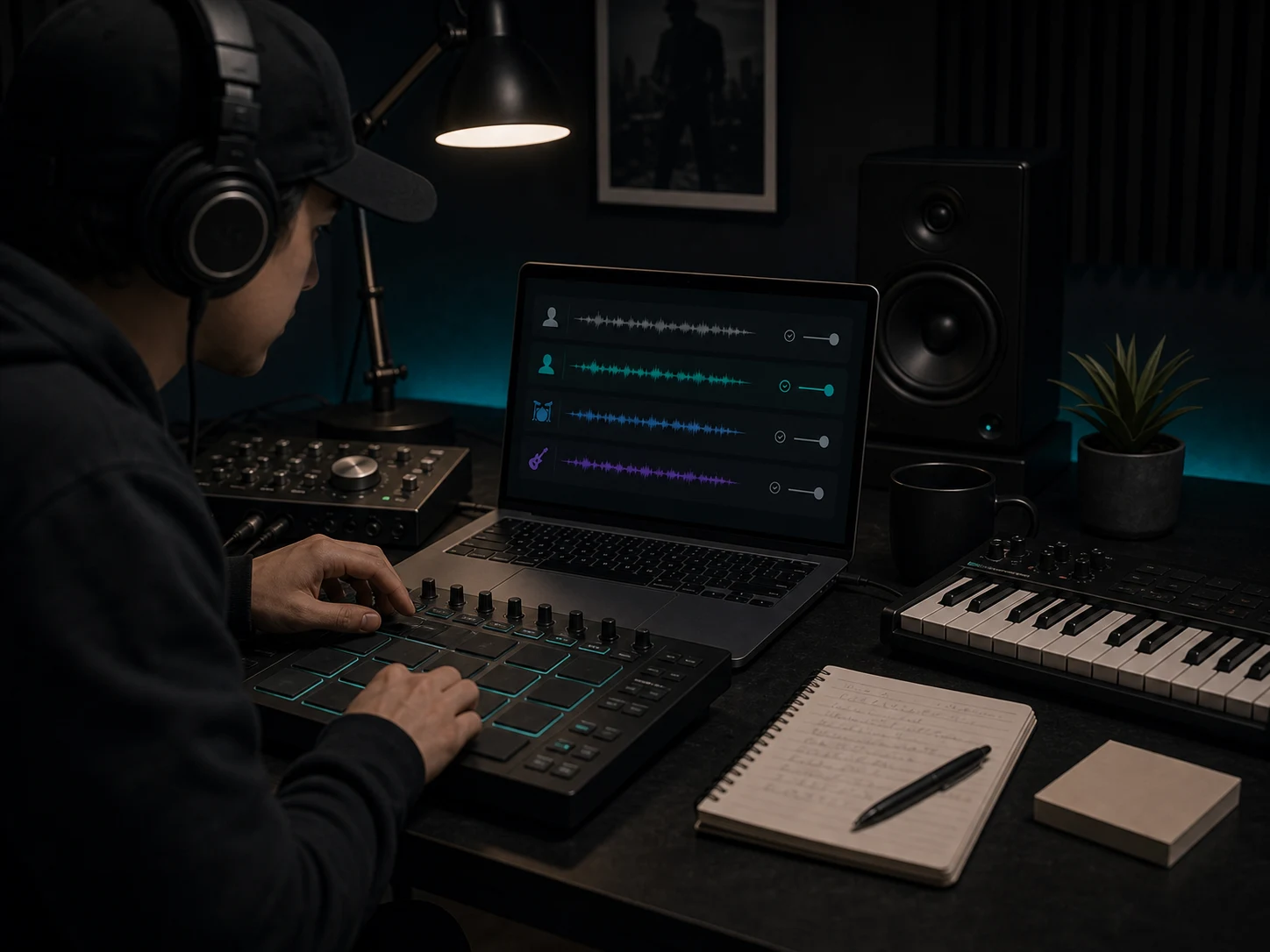
Home producers testing a treatment
Upload a working mix and use the available vocal and accompaniment settings for a cover attempt. Compare the processed version with the original before deciding whether to explore a different balance.
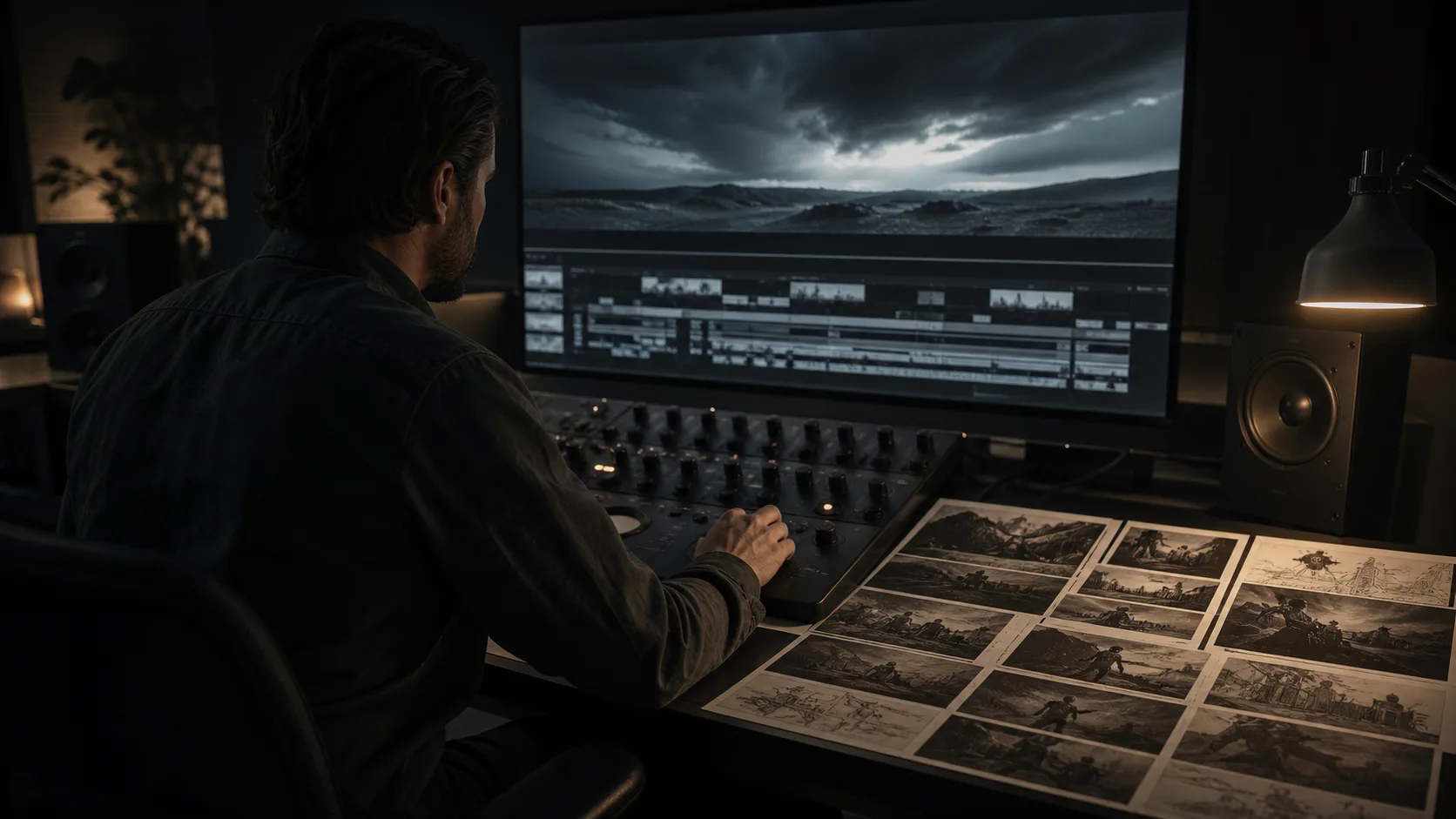
Video creators sketching a sound concept
Try a song and voice you are allowed to use while exploring the mood of a video. If you plan to publish or distribute the cover, verify the rights needed for the recording, composition, and chosen voice.
Questions before making a song cover
Understand what changes, what the task costs, and how to judge your own result.
Choose a track you can use, pair it with an available voice, and set the controls that fit your experiment. After processing, listen to both versions in My covers to decide where the idea goes next.