MIDI Editor Online

Browser MIDI Editing for Note Sketches and AI Music Planning
Build editable note ideas in the browser before you commit to a full production session. Sketch melody, rhythm, chords, instruments, and sections, then use the MIDI structure in your DAW or AI music workflow.
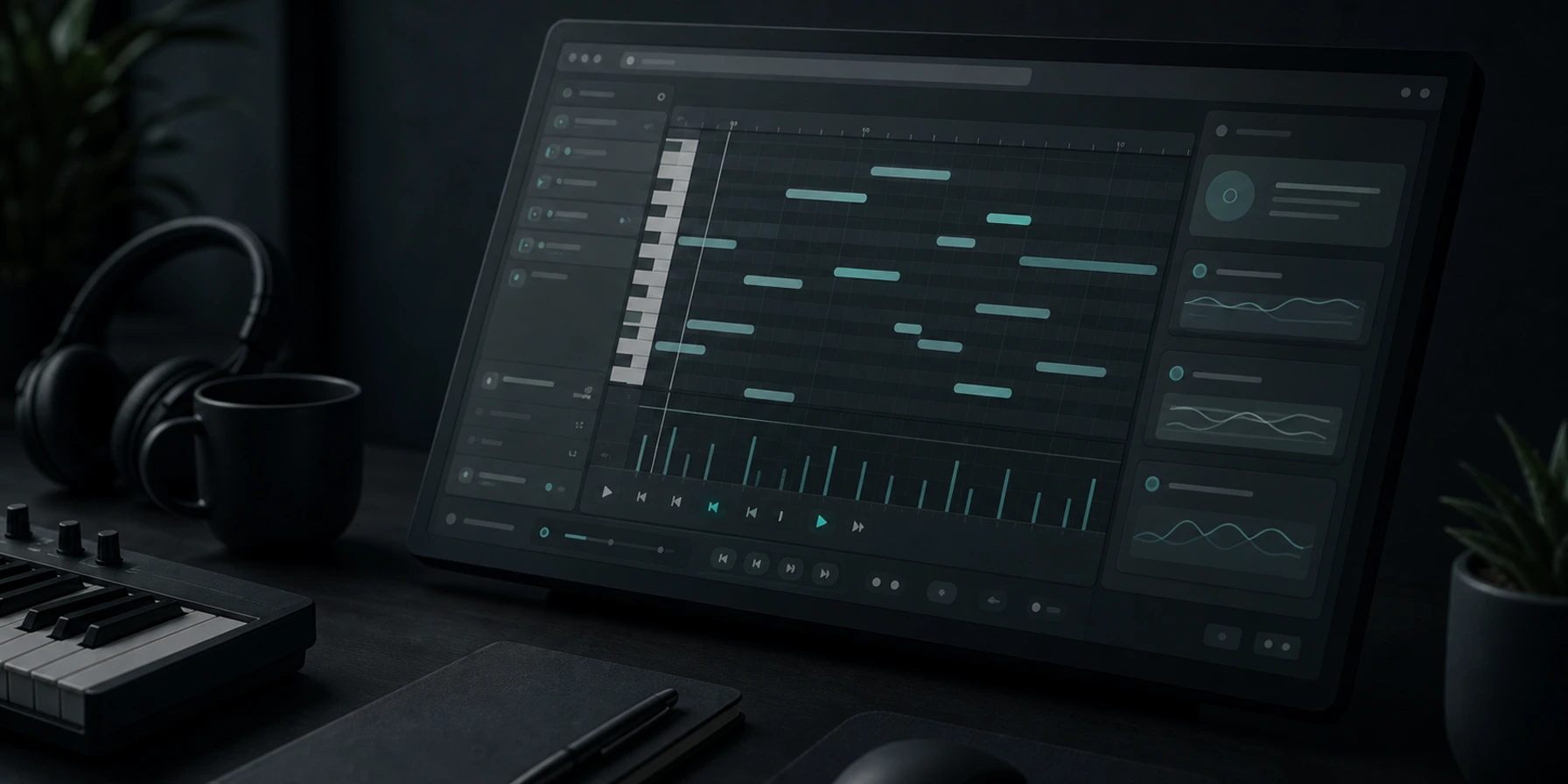
What Is Browser MIDI Editing?
An online MIDI editor is a browser tool for creating and changing MIDI notes. Instead of editing a finished audio recording, you work with editable note data: pitch, length, timing, velocity, instruments, tempo, and sections.
Melody and hook sketching
Draw lead lines, vocal toplines, riffs, and motifs on a note grid before turning them into a full song.
Chord progression planning
Map harmonic movement, test voicings, and keep chord ideas editable while you compare directions.
Drum and rhythm programming
Place kicks, snares, hats, fills, and percussion hits on a grid with clear timing.
Loop and beat building
Create short MIDI patterns that can become beats, backing parts, intros, or remix foundations.
Cue and scene timing
Plan musical moments for video edits, game loops, intros, stingers, and cinematic cues.
DAW and AI pre-production
Prepare musical structure before exporting, arranging, generating, or producing in a larger workflow.
Why Plan Music with Editable Notes First?
MIDI keeps early ideas editable. That matters when you are still deciding the notes, rhythm, harmony, instruments, and structure of a track.
Live takes vs editable notes
Recording a part live can lock timing mistakes, wrong notes, and weak phrasing into the first version.
Editable MIDI lets you draw and adjust notes directly, so a rough idea can become a cleaner melody, bass line, chord part, or drum pattern before production.
Full DAW setup vs browser sketching
Opening a full DAW can mean project setup, plugins, routing, and template choices before you can test one musical idea.
A browser note grid keeps the first step smaller: place notes, change tempo, try instruments, and decide whether the idea is worth developing.
Vague prompts vs musical direction
AI music prompts can be too broad when you need a specific rhythm, chord movement, hook shape, or section plan.
MIDI notes give the prompt a musical blueprint. You can describe the structure more clearly or export a MIDI idea for a DAW and generation workflow.
Audio sketches vs reusable MIDI
Audio sketches are useful, but changing one pitch, chord, or drum hit often means re-recording or rebuilding the part.
MIDI remains editable. You can change pitch, timing, length, velocity, instrument roles, and sections before committing to audio.
How to Use the Browser MIDI Tool
Start with a musical idea, make the note structure clearer, then move it into production or AI generation.
Open or sketch a MIDI idea
Start from a blank grid, a melody idea, a chord progression, a drum pattern, or an imported MIDI file.
Edit notes, timing, and sections
Adjust pitch, note length, rhythm, tempo, velocity, instrument roles, and arrangement blocks until the idea makes musical sense.
Export or use the structure
Use the MIDI file in a DAW, turn the details into an AI music prompt, build a remix foundation, or keep the sketch for later production.
Edit MIDI Files Before the Full Track Exists
Musicaura helps you shape musical structure while notes are still easy to change.
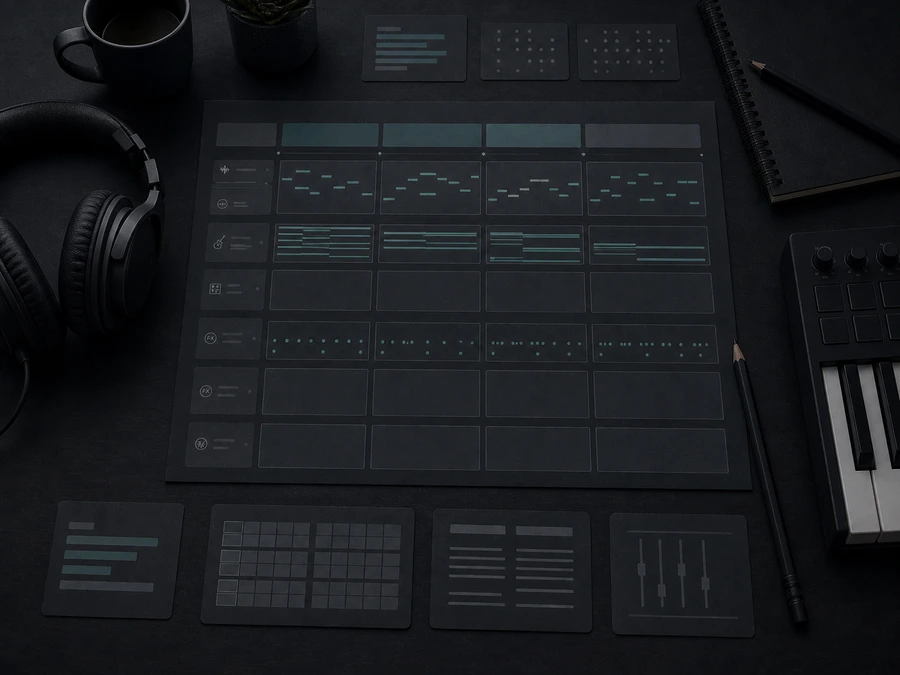
MIDI-first arrangement planning
Capture melody, harmony, rhythm, instrument roles, and sections before committing to a complete song.
Start Editing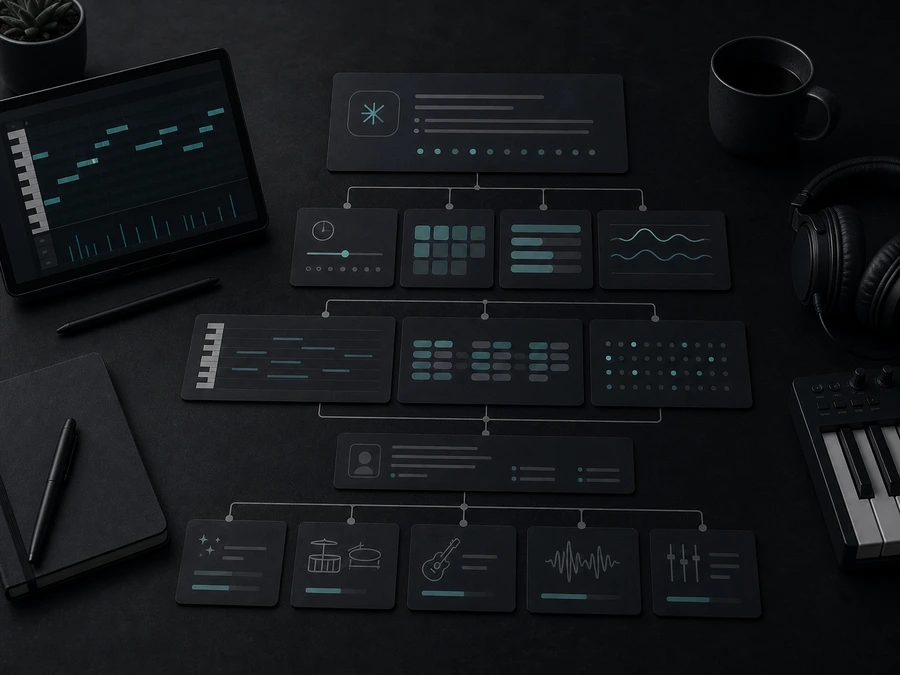
Clearer prompts for AI music
Turn tempo, chord movement, note patterns, and arrangement notes into a more specific brief for AI music generation.
Create MusicWho Uses Browser MIDI Editing?
MIDI editing helps creators who need structured musical ideas before recording, remixing, scoring, teaching, or generating tracks.
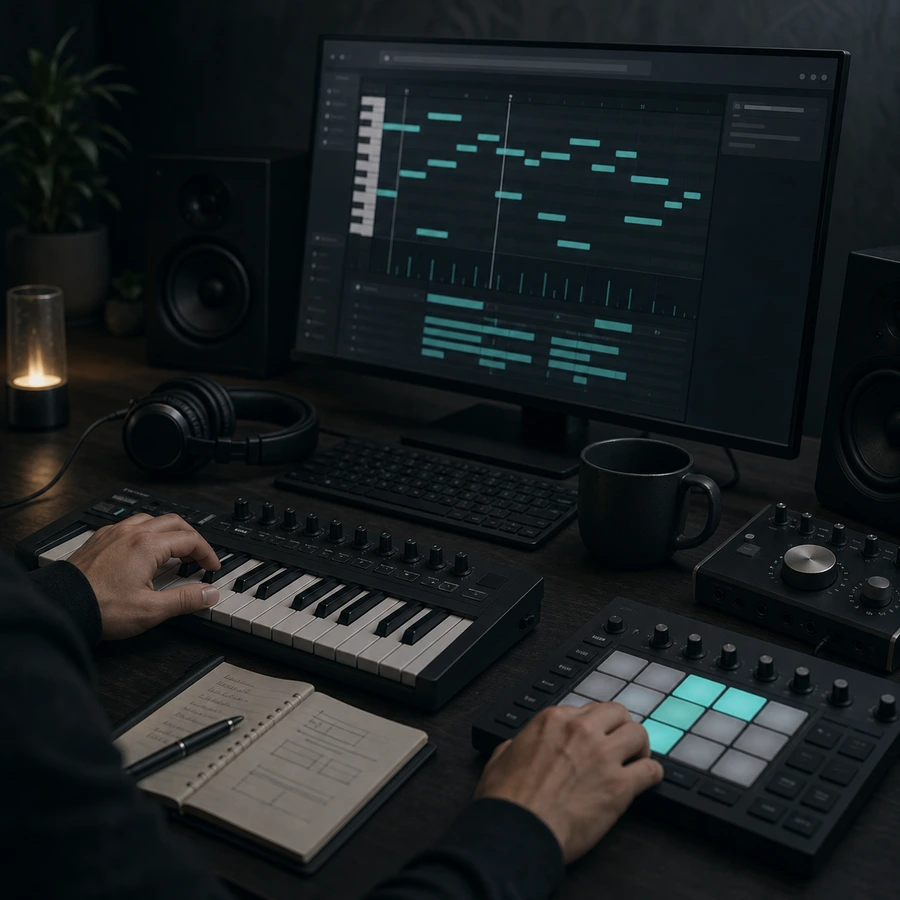
Music producers
Sketch hooks, bass lines, chord parts, drums, and counter-melodies before opening a larger production session.
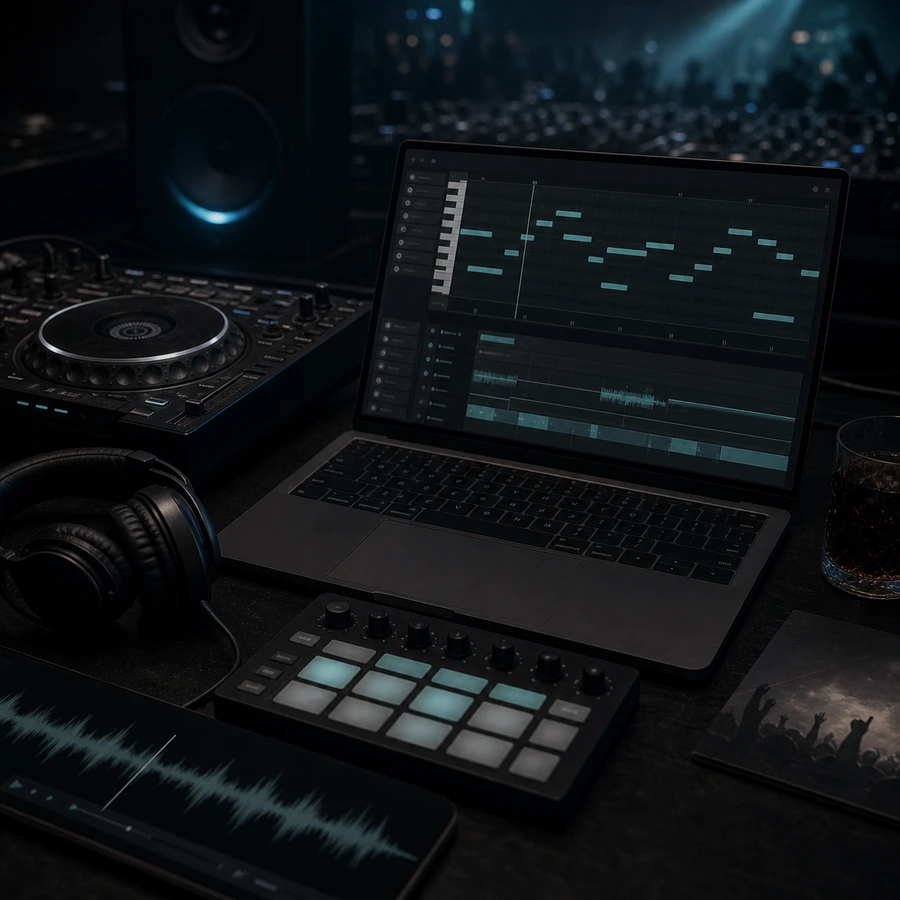
DJs and remix artists
Build MIDI motifs, intro edits, replacement bass lines, and transition ideas before shaping a remix arrangement.
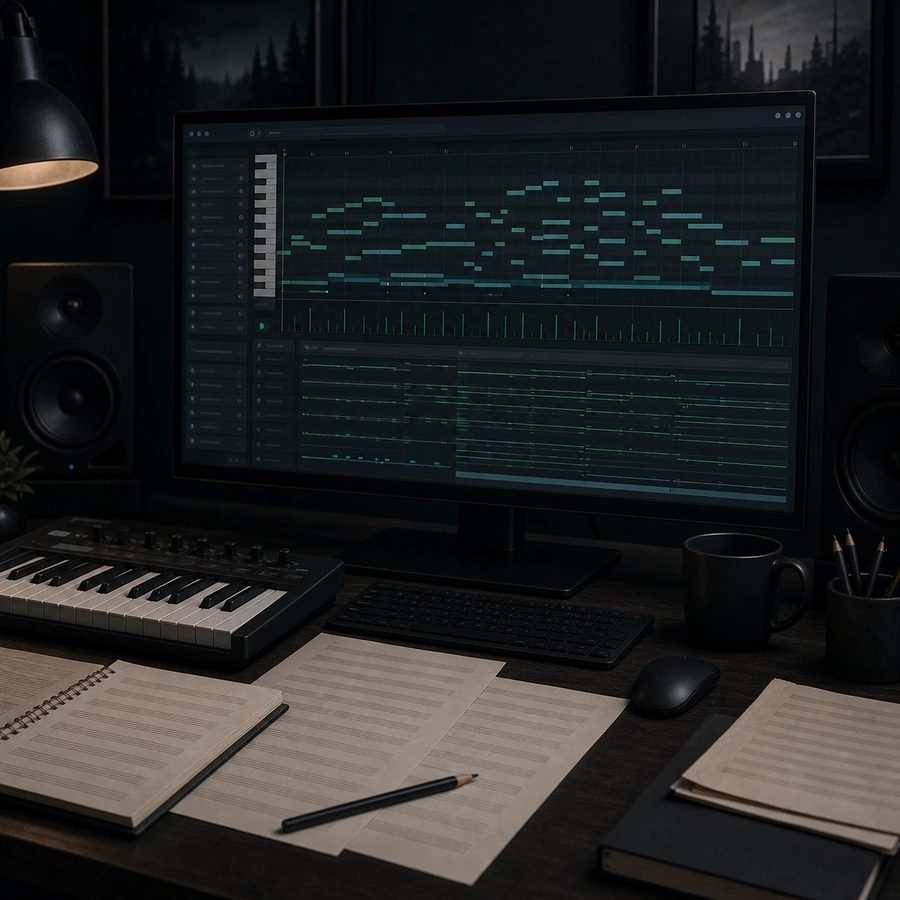
Composers and arrangers
Plan cues, themes, orchestral layers, game loops, stingers, and section changes while the notes remain editable.
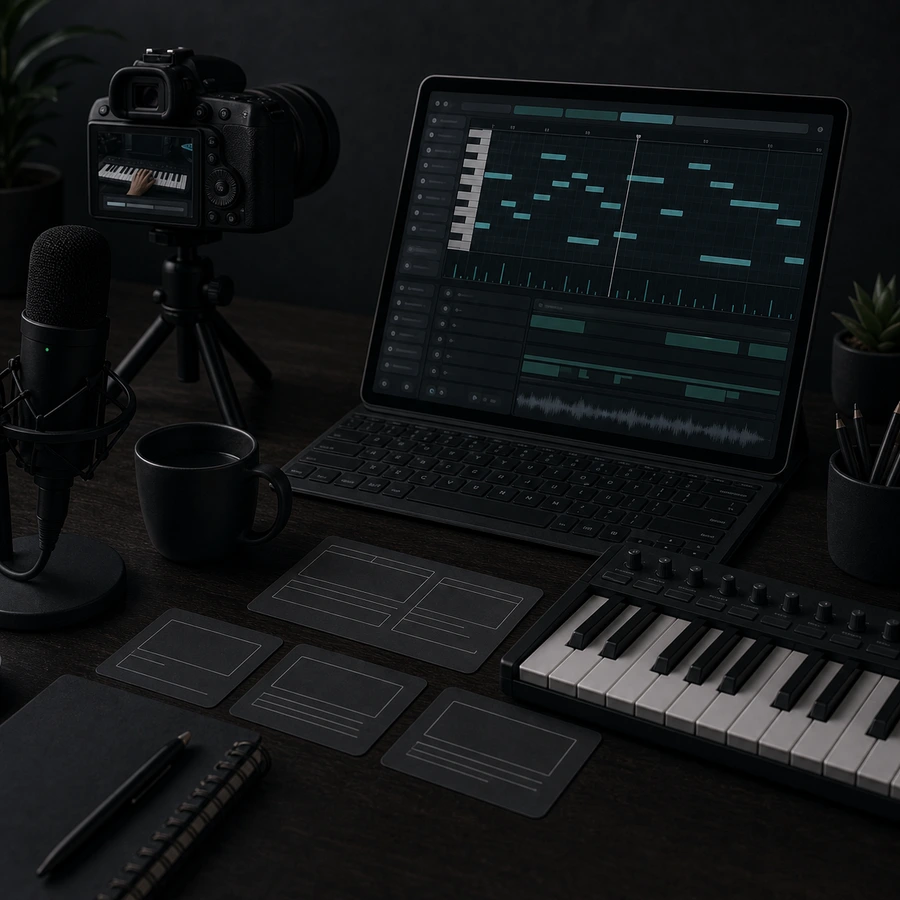
Creators and educators
Prepare simple MIDI parts for videos, lessons, podcasts, social clips, game prototypes, and practice materials.
MIDI Editing FAQs
Answers about MIDI editing, piano roll workflows, AI music planning, exports, and DAW handoff.