
Preview MusicAura tracks before shaping the birthday moment
These playable MusicAura tracks demonstrate general arrangement, vocal, and playback possibilities; they are not presented as personalized birthday songs. Use the birthday song generator above to make a new track around your recipient, event, and planned reveal.

Open Window

Palm Juice Ride

Midnight on My Sleeve
Direct a birthday song around the moment it will be heard
A birthday song generator needs more than a genre label. Tell MusicAura who is listening, what happens before the music starts, when the central name or message should land, and how the room or video should feel by the ending. That scene gives the arrangement a useful arc.
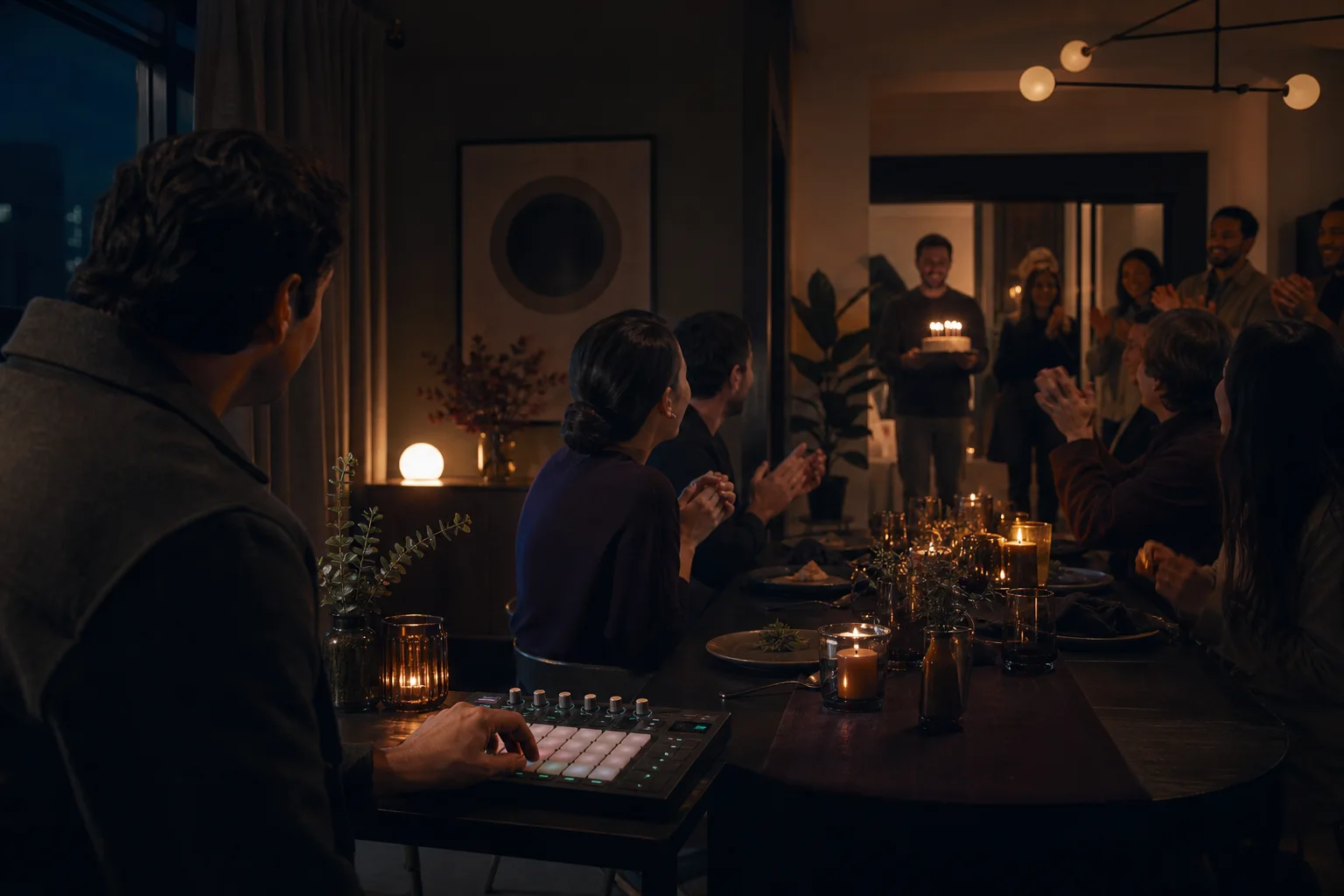
Map the reveal from first cue to final chorus
Begin with the playback moment: lights dimming, a cake entering, a video opening on an old photo, or a quiet message arriving at midnight. Describe what the listener should hear first and when the energy should widen. A restrained opening can leave space for surprise; a larger chorus can cue guests to join. The birthday song generator can interpret that arc more clearly when the prompt names the transition instead of asking only for a happy song.
Plan the birthday reveal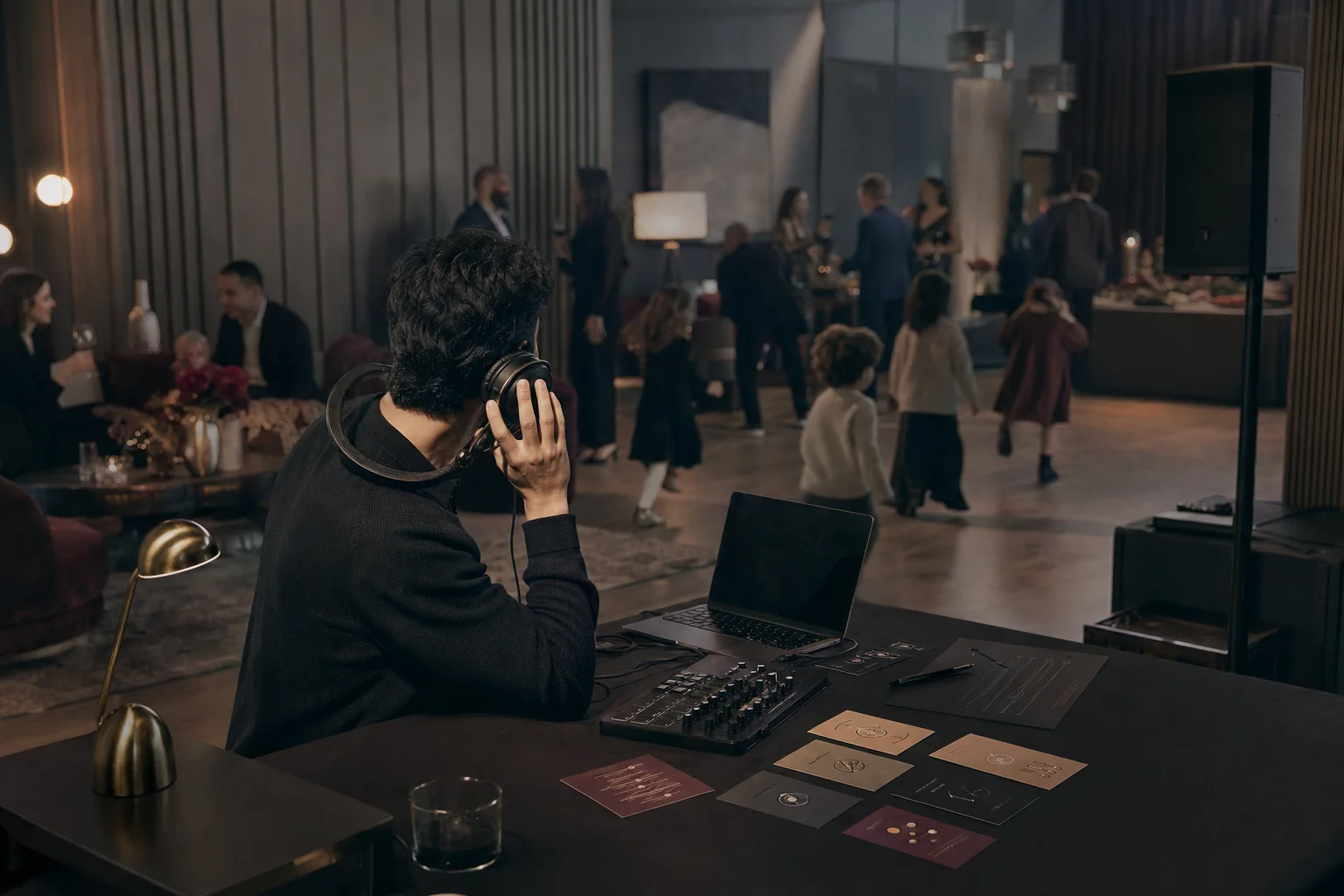
Tune the arrangement for the room and audience
A family dinner, children's party, rooftop gathering, and private headphone gift need different scale. Name the room, the approximate audience, and whether people should listen, sing, dance, or talk over the music. Then choose tempo, instruments, vocal role, and chorus size. MusicAura can shape a close acoustic tribute, playful call-and-response, clean rap, romantic R&B scene, or bright pop build around that setting.
Set the room and energy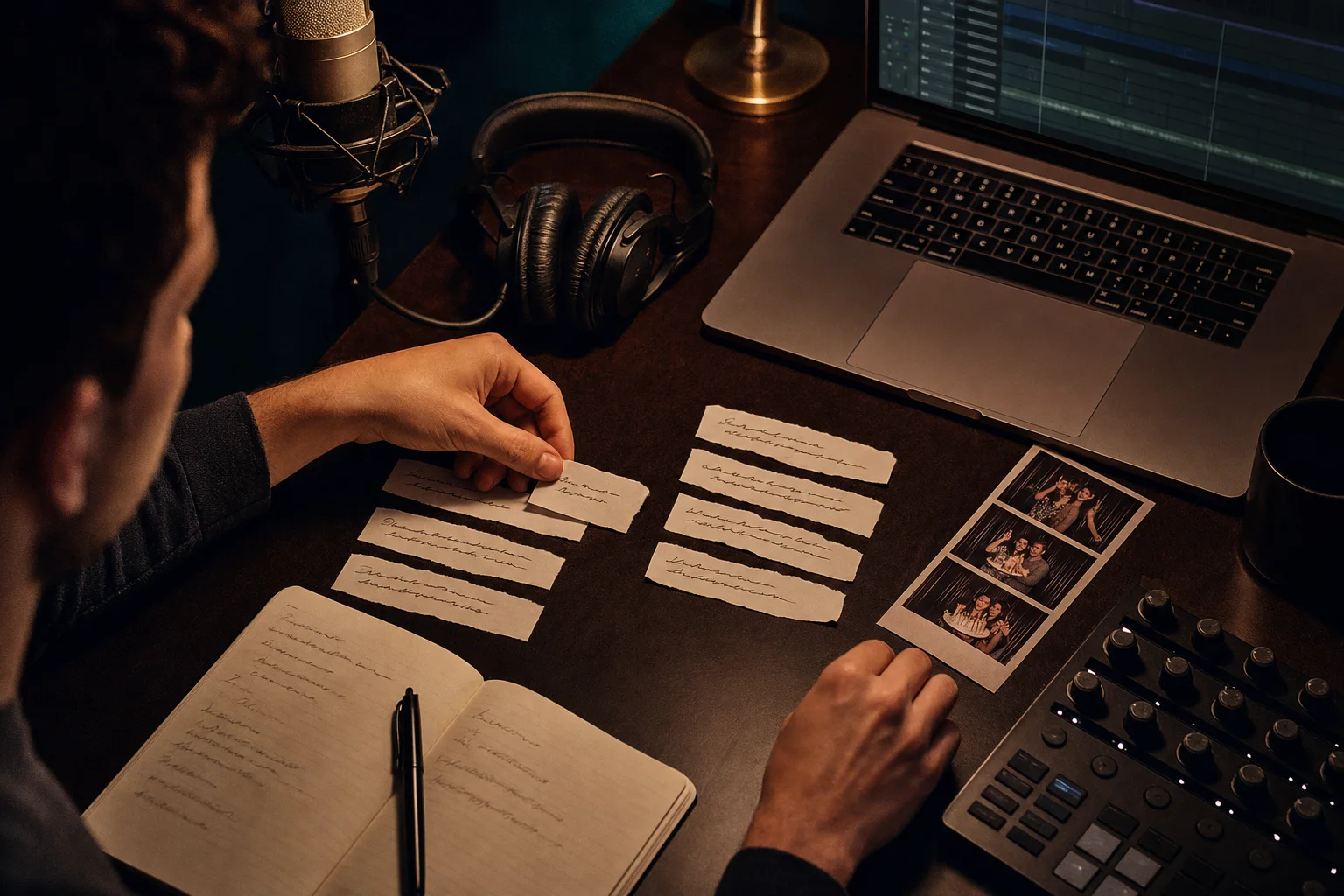
Lock key lines when the exact message matters
Simple Mode is useful when you want the birthday song generator to develop a complete song from an event brief. Switch to Custom Mode when a name, family phrase, dedication, or final wish must appear in a particular section. Write the Verse and Chorus, then direct the sound separately. Preview the result for delivery and pacing, revise unclear lines, and use the broader AI music generator when the project is not tied to a birthday.
Explore the AI Music GeneratorWho plans celebration moments with a birthday song generator?
MusicAura fits creators who know where a birthday track belongs in the event. Each group below starts from a different playback setting, then gives the birthday song generator enough direction to support that moment without crowding it.
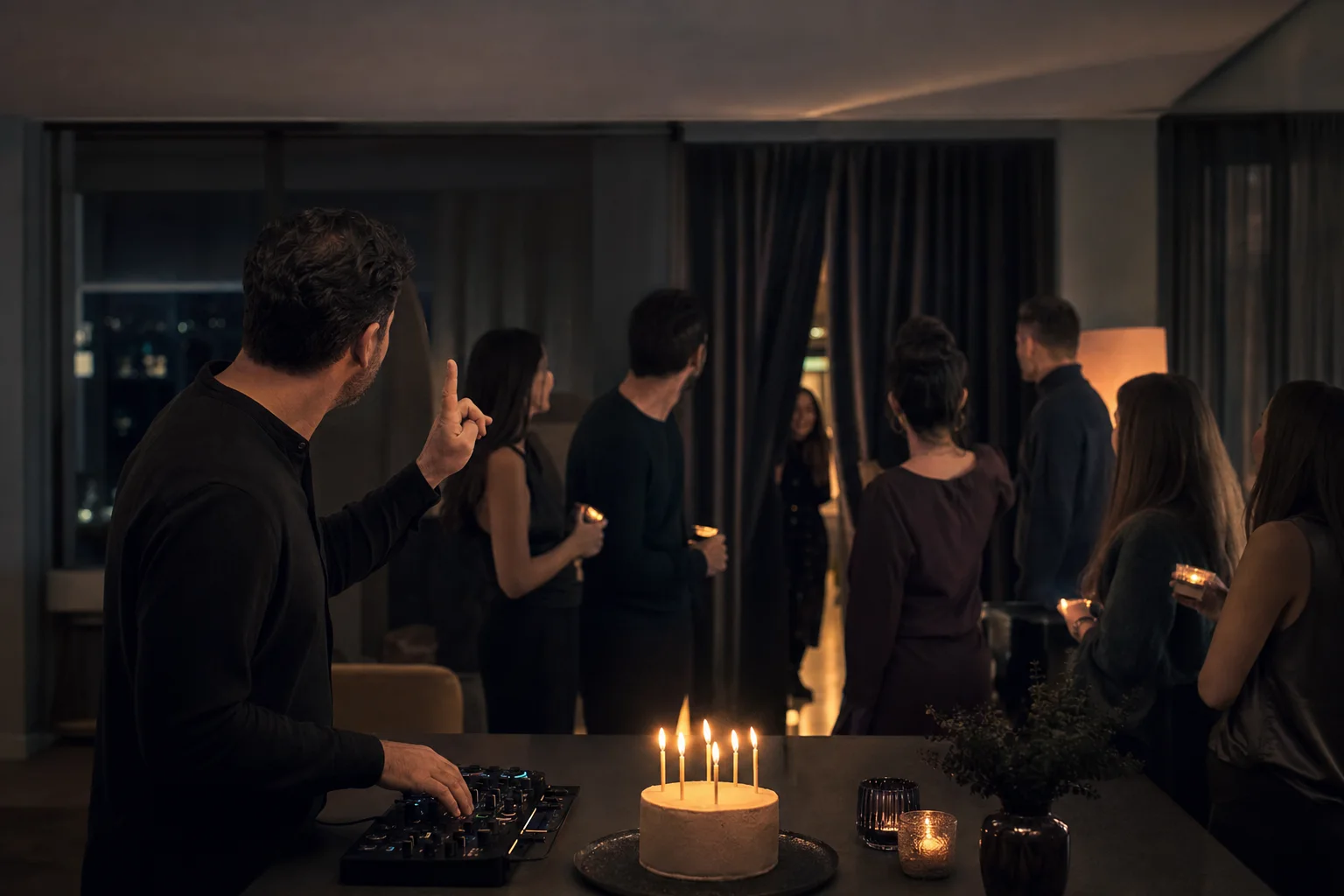
Party hosts cueing a reveal
Plan music for the entrance, candle lighting, cake reveal, toast, or final dance. Hosts can describe how long the room should stay quiet, where guests should recognize the recipient's name, and when the beat or chorus should open. The result can then be previewed against the actual run of show instead of treated as background music with no cue.
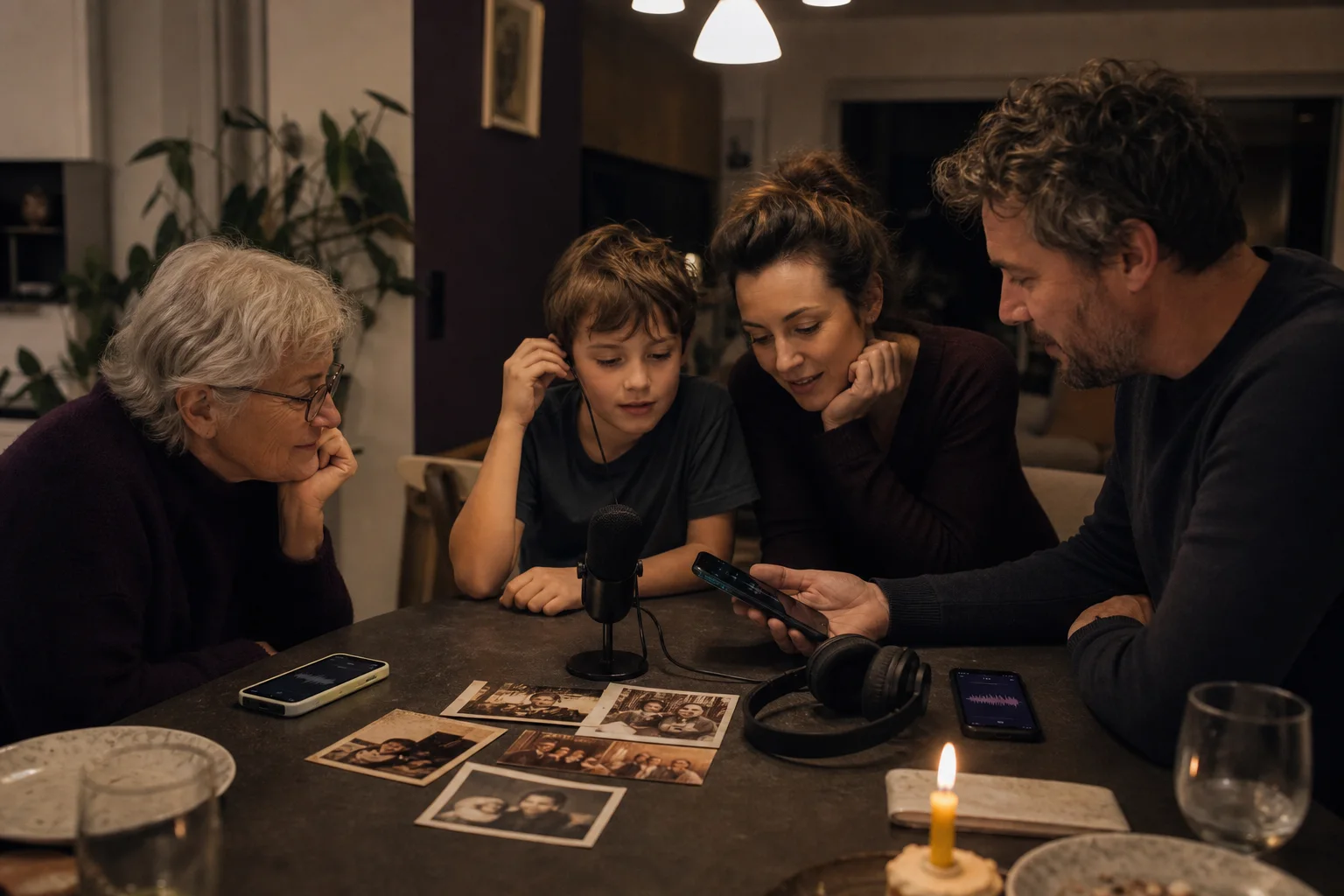
Families building a voice-note tribute
Collect a few short memories from relatives, choose one shared theme, and turn that material into a focused family song. The birthday song generator works better when the contribution from each person serves one emotional direction. Custom Mode can preserve a short line from a parent, child, or grandparent while the arrangement moves from an intimate opening to a communal refrain.

Long-distance friends sending a song
Create a birthday message that can arrive across time zones as a private link, video-call surprise, or scheduled midnight gift. Mention the distance, one scene your friend will recognize, and whether the sound should feel intimate through headphones or lively enough for a remote group call. Avoid placing private details in the prompt that should not appear in a generated track.
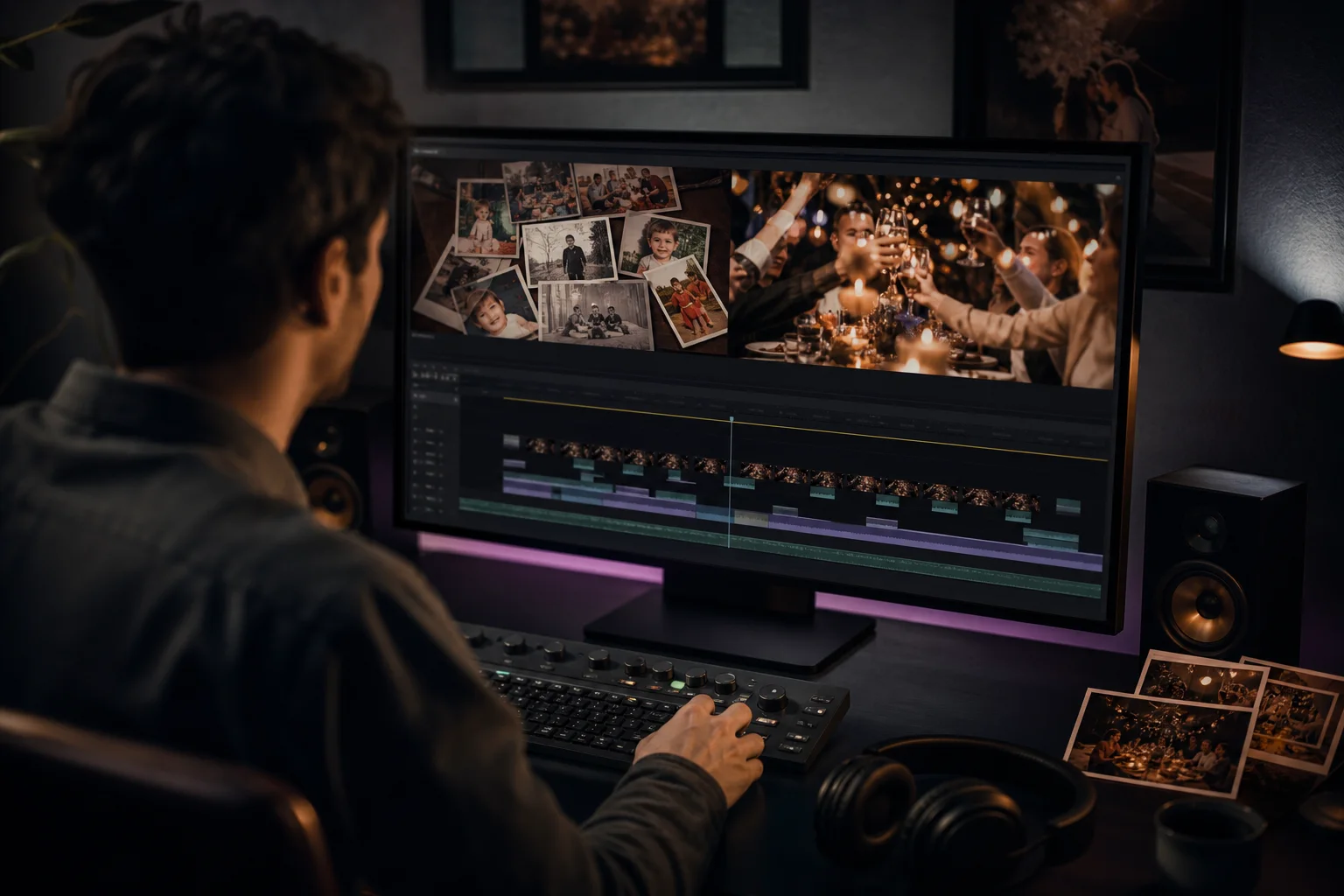
Editors scoring a birthday recap
Build a music direction for a short montage, photo archive, party recap, or milestone documentary. Editors can specify where narration needs space, when the visual pace changes, and whether the final chorus should resolve on a current portrait or group scene. Preview the generated track against the cut and review the plan and license terms before publishing or using it commercially.
How to use the birthday song generator in MusicAura
Start with the listening moment, not a list of every fact about the recipient. A clear event cue, one recognizable detail, and a deliberate musical arc give the generator a stronger direction and make the first preview easier to judge.
Define who listens and what happens on screen or in the room
Name the recipient, your relationship, the celebration setting, and the exact moment when the track starts. Add one memory, trait, or wish that should anchor the song. In Simple Mode, describe the full scene in one compact paragraph: the quiet before the reveal, the emotional change you want, and what should be happening when the final chorus arrives. Leave out sensitive information that should not become part of the output.
Direct the arrangement and vocal roles
Choose a music style, tempo range, instrument palette, lead-vocal character, and audience role. Tell the birthday song generator whether guests should listen, sing a name hook, answer a call-and-response line, or dance after the cake appears. If exact wording matters, use Custom Mode to write the Verse and Chorus yourself, then keep the style direction focused on sound, pacing, and transitions.
Generate, preview against the moment, and revise
Listen for the name, central message, opening cue, energy lift, and ending. Test the track where it will actually be used: under a video, in headphones, or through the room speakers. If the chorus arrives too early, simplify the opening instruction. If the lyric feels scattered, keep one memory and remove the rest. Generate another version after changing the weakest part, then use the download and sharing options available with your plan.
Birthday Song Generator FAQs
Answers about birthday names, celebration cues, custom lyrics, vocal roles, previews, revision, downloads, and responsible use in MusicAura.