
Hear the AI Drum Remover in Action
The Long Way Home is a real two-track separation example. Play both aligned tracks together, then use mute and solo to hear the drumless version or extracted drums in the same passage.
0:00/ 0:00
01Drumless
+0.0 dB
02Drums
+0.0 dB
Drumless - The Long Way Home
Drums - The Long Way Home
Why Use an AI Drum Remover for Practice?
Percussion is woven into a finished recording. An AI drum remover separates the mix into a backing and a rhythm reference, while the source quality and your rights determine how you can use them.
A Backing Track and a Drum Reference
Will I have to rebuild the rest of the band from separate stems?
No. A completed task supplies Drumless, intended to keep the song without its original drums, and Drums, the extracted rhythm part. The two tracks stay aligned for comparison. Play them together, then mute or solo either track to hear the space available for your own performance.
A Cloud Task With a Visible Cost
What happens to my file and how many credits will I use?
The AI drum remover uploads your selected audio for cloud processing and saves the finished results in task history. Each submission uses 2 credits. Download permission follows the current account rules separately and may require additional authorization.
Separation Has Audible Edges
Should I expect every drum hit to disappear cleanly?
No. A kick can share low frequencies with bass, while cymbals and snare reflections spread into vocals and guitars. Reverb, distortion, live bleed, and low-quality source files can leave drum residue or traces of other instruments in either output. Listen through the sections you intend to use.
The Source Recording Still Has Rights
Can I share a separated version just because I processed it?
Separation does not transfer ownership or provide a license. Upload only material you are permitted to send for processing, and check the recording and composition rights before sharing a lesson file, posting a cover, distributing an edit, or performing with the result.
Practice With the Song, Without Its Original Drum Part
Use the AI drum remover to leave room for your hands while the melody, harmony, bass, and arrangement remain familiar.
Play Your Part in Context
Work on pulse, dynamics, transitions, and fills against the arrangement you know. The singer and band continue around your playing, so you can hear whether a groove supports a chorus or whether a fill lands in the right place.
Move Between Listening and Playing
Study the extracted rhythm to understand the original pattern, then switch to the aligned backing and try it yourself. A teacher can use that comparison in a permitted lesson without manually lining up two separate recordings.
Try a Different Rhythm
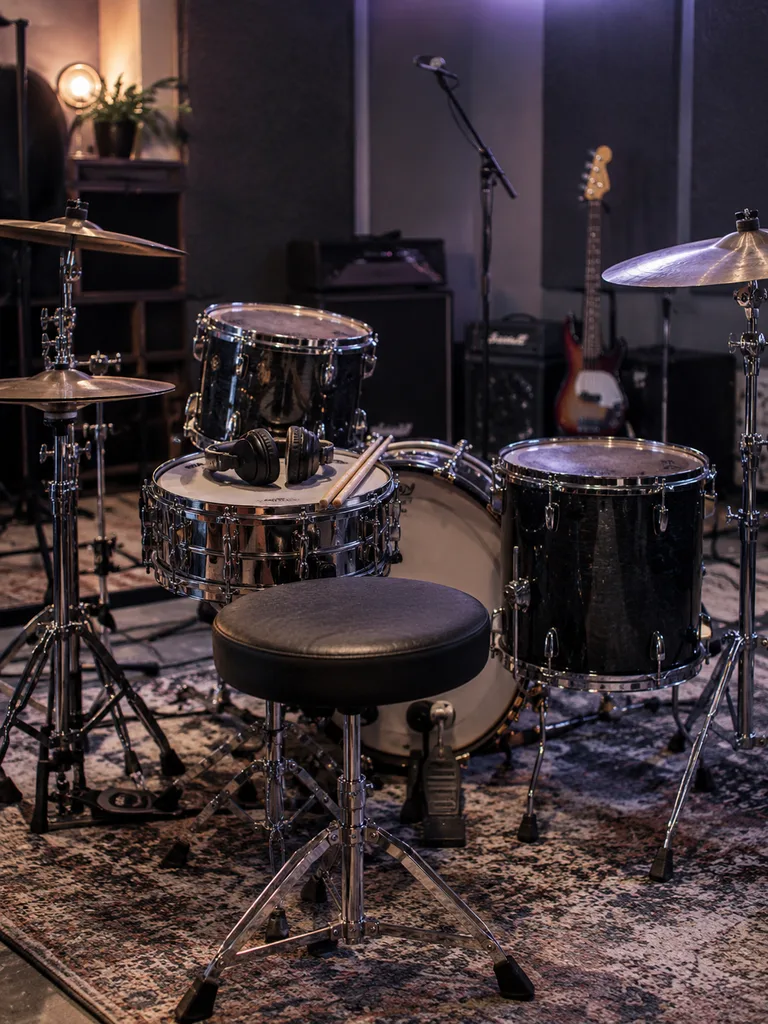
Import the drumless result into your DAW and draft a new beat around the existing vocal and instrumental arrangement. Keep the separated drums nearby as a reference for section entrances and accents, while treating the file as an AI extraction rather than a studio stem.
Hear What the Drums Were Doing
Compare the two versions to notice where kick and bass lock together, where a cymbal carries a transition, and where the kit leaves space for a vocal. That contrast can inform your next rehearsal or arrangement choice.
How to Use the AI Drum Remover
Choose your source and one output format, start the cloud task, and inspect the two aligned files when processing finishes.
Step 1
Bring In Audio You Can Process
Give the AI drum remover an MP3, WAV, or FLAC file, or select a recording from My Music. A clear source gives you a better starting point than a clipped file or one repeatedly converted at low bitrate. Make sure you have permission to upload the audio.
Step 2
Pick the File Format and Submit
Select one of the available MP3, WAV, FLAC, or M4A output options before starting. The button shows the 2-credit processing cost. After submission, use the history area to follow the cloud task while it processes and saves the results.
Step 3
Play, Compare, and Download
Open View Tracks when the task completes. Play both tracks together, then mute Drums to hear the backing or solo Drums to study the original groove. Check verses, fills, cymbal tails, and quiet passages before downloading either file under your account's authorization rules.
Two Tracks You Can Check Before Export
The AI drum remover delivers two aligned outputs in your chosen native format. Check both in the synchronized player before deciding which files to use.
Listen Before You Download
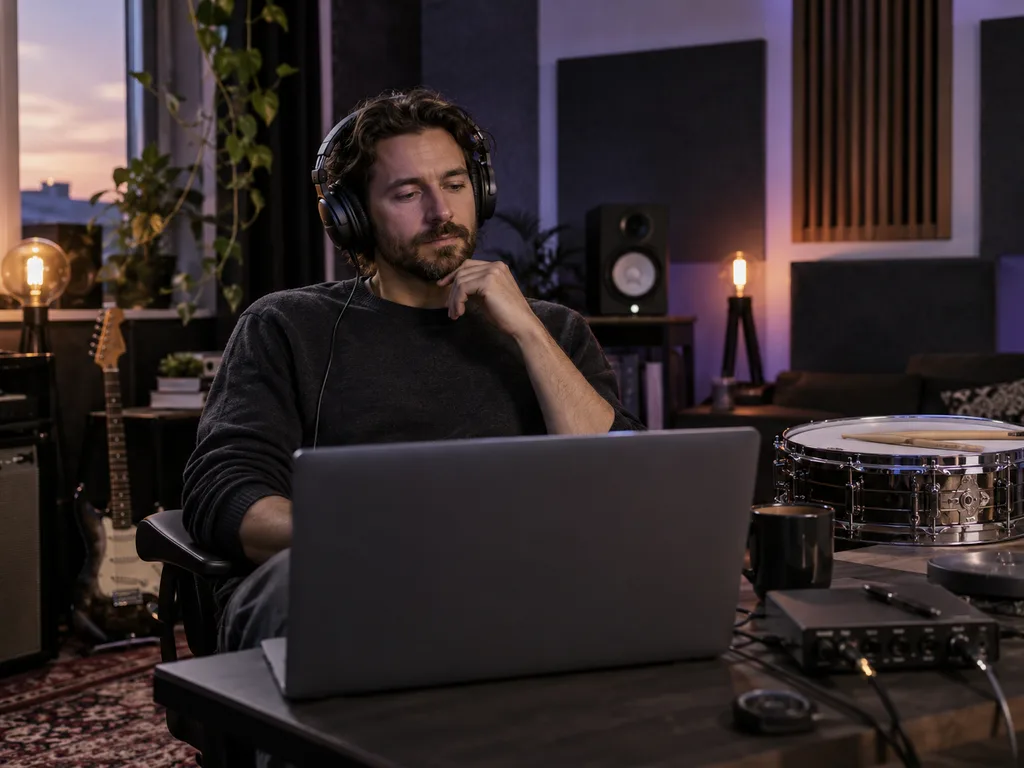
Use the synchronized player to compare the drumless song with the separated drum part. Mute or solo a track to inspect how a fill sits against a verse, or whether cymbal residue would distract you during practice. Choose your native file format before the job starts: MP3 320 kbps, WAV 16-bit or 32-bit, FLAC 16-bit or 24-bit, or M4A.
Try AI Drum Remover
Keep the Rest of the Band Together
An AI drum remover gives you the complete backing and extracted percussion without asking you to mix individual instrument files back together. For separate vocals, bass, drums, and other parts, use AI Stem Splitter. For music without the singer, use AI Vocal Remover. Pick the tool by the files you need at the end.
Explore AI Stem SplitterWho Uses an AI Drum Remover?
The AI drum remover supports learning, rehearsing, and arranging recordings you have permission to process. Each workflow uses the backing and rhythm reference differently.
Drummers learning a full song
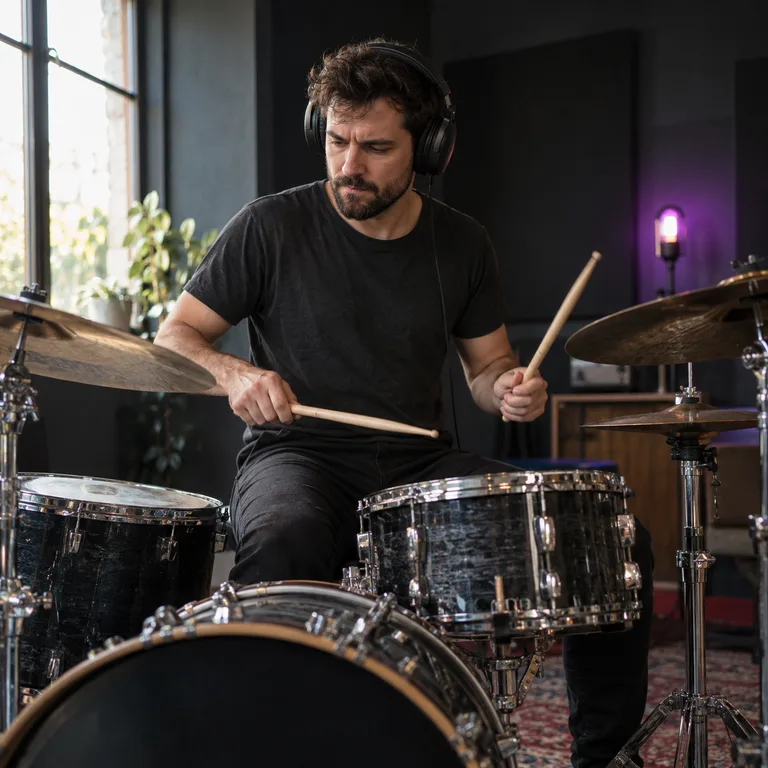
Put on headphones and play your own groove under the original singer and instruments. Use the section changes in the recording as cues instead of relying on a short generic loop.
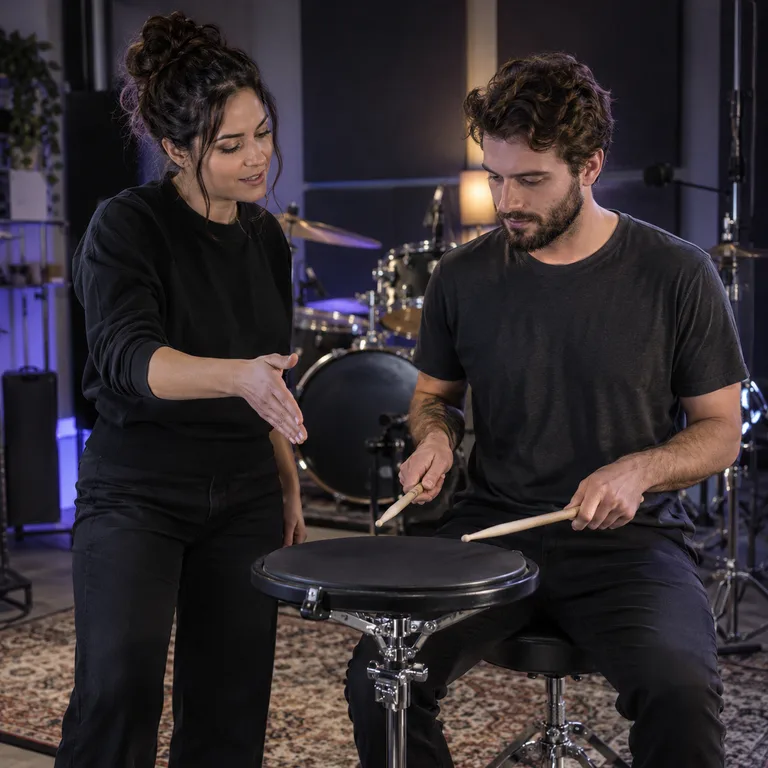
Teachers comparing a groove
Let a student listen to the separated drum part, discuss the accents on a practice pad, and then perform over the matching drumless version using a recording permitted for the lesson.
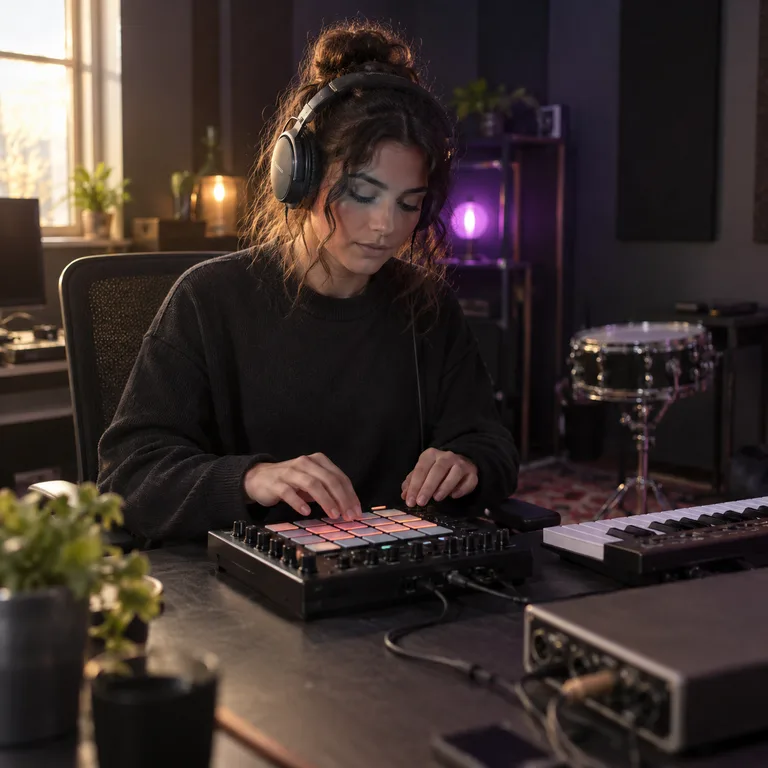
Producers replacing a beat
Test a new kit or pattern beneath the remaining song, then refer back to the extracted drums to understand the original timing and section structure before finalizing an edit.

Performers preparing transitions
With the necessary rights, use the drumless file to draft a live transition or rehearse a percussion part while keeping the recognizable vocal and instrumental phrases in place.
AI Drum Remover: Formats, Results, and Rights
Answers about the two outputs, file choices, audio quality, account access, and possible practice uses.
Make Room for Your Playing with the AI Drum Remover
Choose a song you can process, create the two-track result for 2 credits, and listen before downloading the practice version you need.