
Listen for mood, movement, and space before you begin
Use these verified MusicAura tracks as general creative references, then give the AI Reggae Music Generator a different world of its own. The examples are not labeled as dedicated reggae recordings.

Open Window

Palm Juice Ride

Midnight on My Sleeve
Give every reggae track a place, pulse, and destination
MusicAura's AI Reggae Music Generator turns a scene prompt or lyrics you own into a complete track. The strongest direction connects musical choices to a lived moment: where the listener is, what the groove carries, how the bass changes the room, when the voice steps forward, where dub space opens, and what feeling remains after the ending.
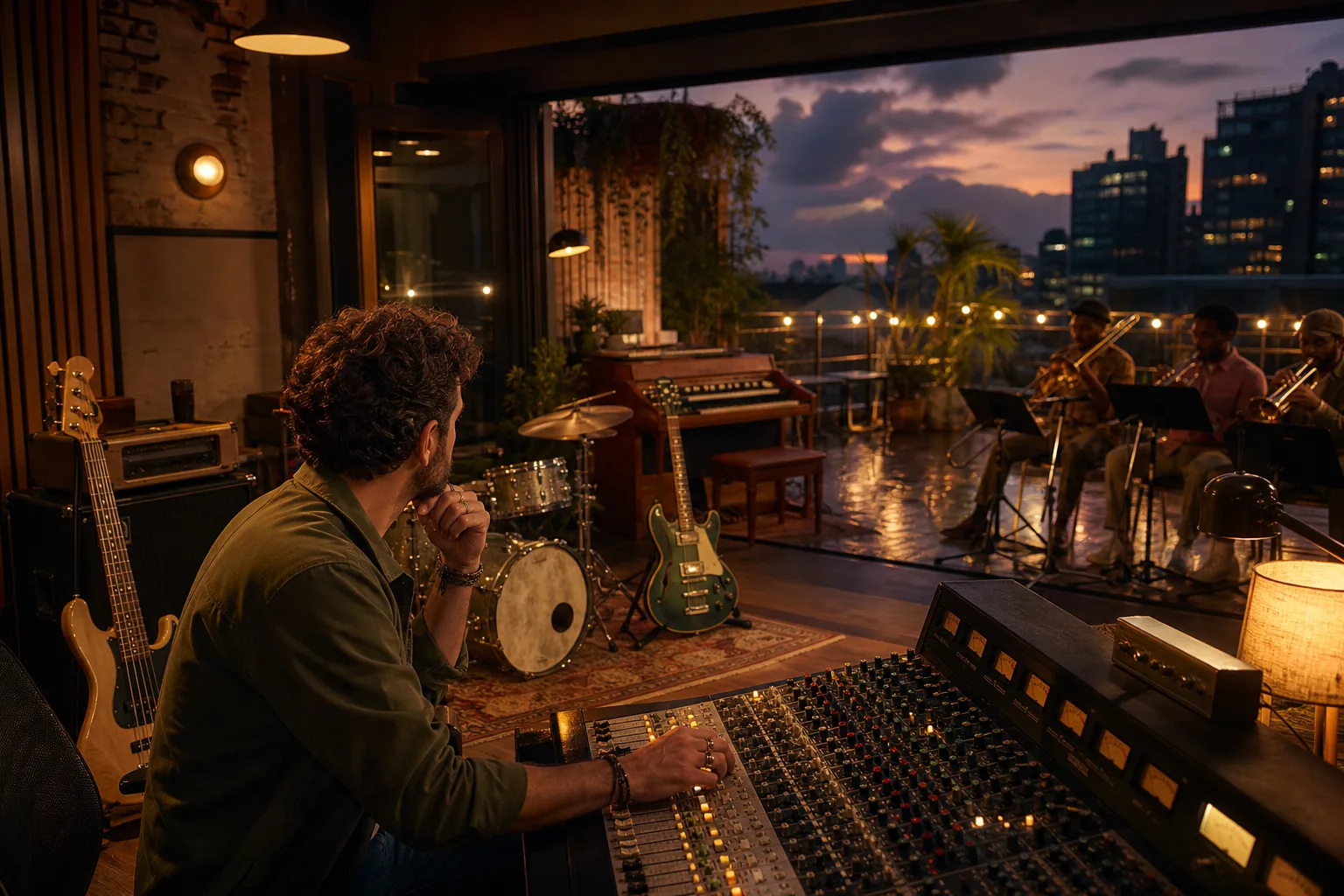
Begin with a world the listener can enter
Place the music somewhere tangible: a rooftop after rain, an empty harbor at night, a neighborhood kitchen, a crowded market, a long road at sunrise, or a quiet room after an argument. Then choose roots reggae, dub, dancehall, ska, rocksteady, lovers rock, or a deliberate blend that belongs in that setting. The AI Reggae Music Generator receives a clearer emotional compass when genre is tied to a person, place, and turning point. That world helps the drums, bass, offbeat guitar, keys, horns, voice, effects, and ending feel like parts of one story rather than a list of familiar sounds.
Set the Reggae Scene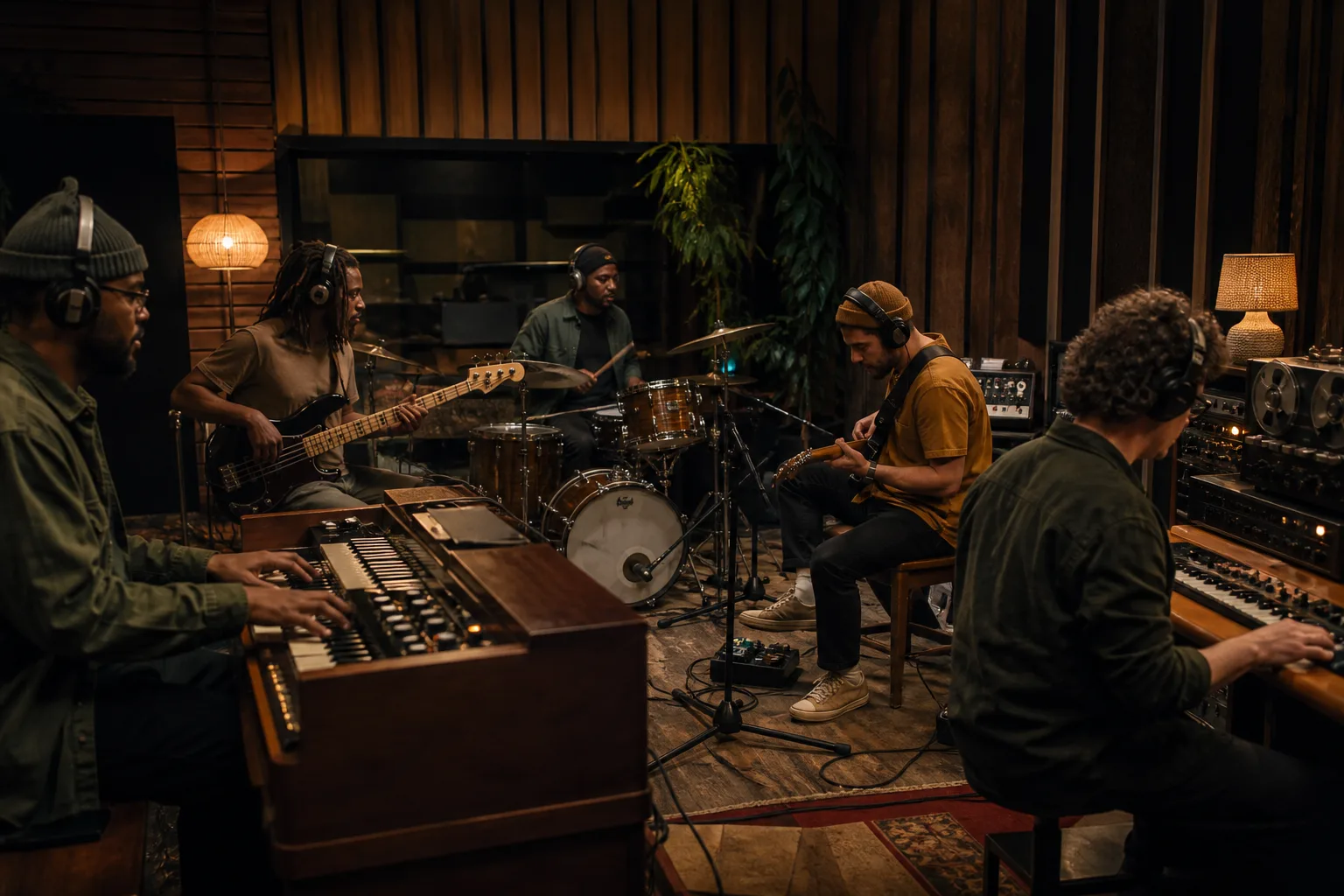
Let rhythm and space reveal the emotion
Decide whether the drum pocket feels grounded, walking, urgent, playful, or spacious, then describe how the bass moves beneath it. Give offbeat guitar, bubble organ, piano, percussion, horns, tape echo, spring reverb, or a dub break a dramatic purpose: answer a lyric, widen a memory, clear room for narration, or pull the listener into the chorus. The AI Reggae Music Generator treats tempo, notes, and production language as creative guidance rather than exact studio commands. Prioritizing the sounds that change the scene produces a more coherent direction than stacking every possible reggae reference.
Shape the Pulse and Space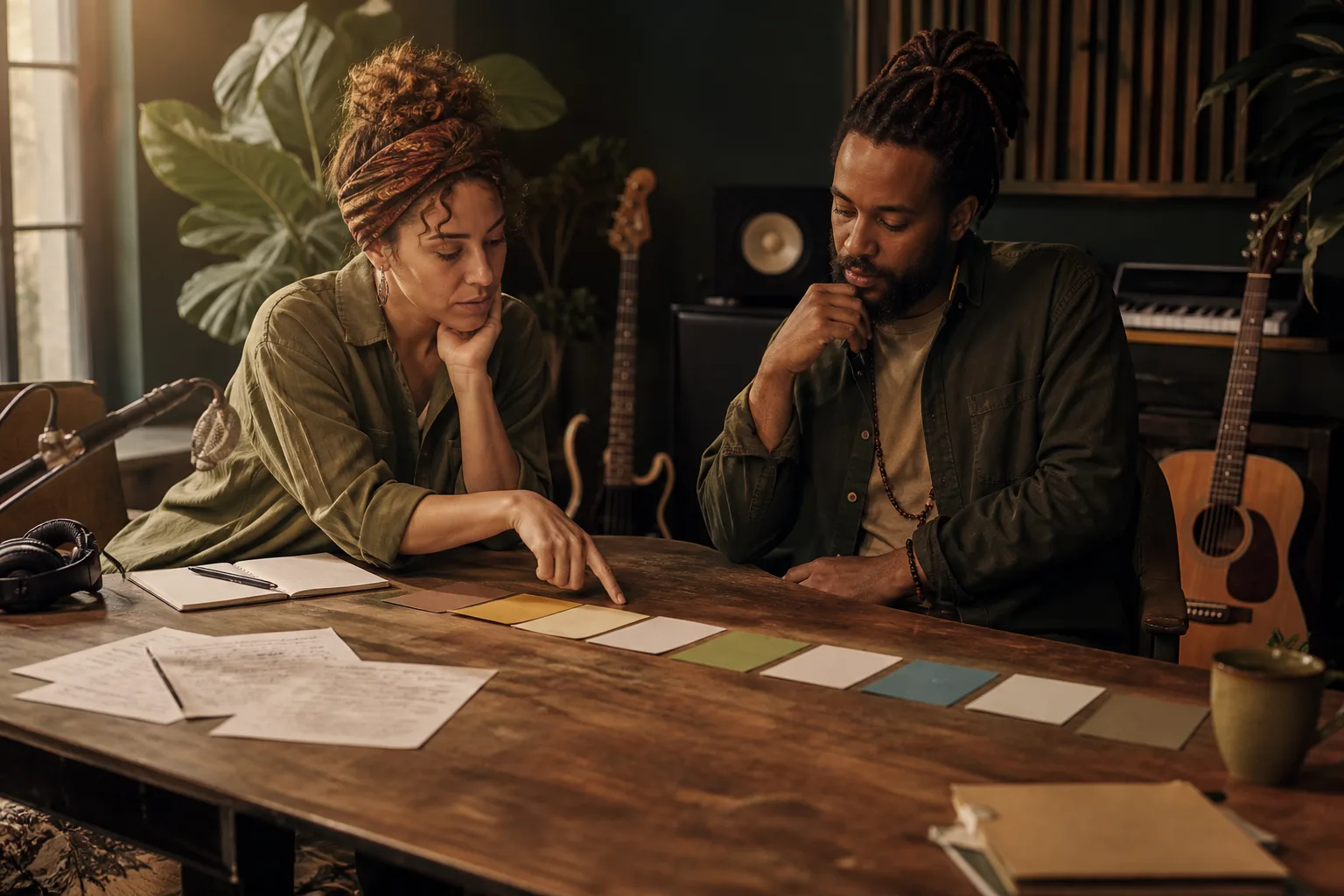
Design the moment that changes the song
Choose instrumental mode or add lyrics you own, then mark the emotional turn: the line another voice answers, the chorus that gathers people, the silence before a dub passage, the instrumental response after a confession, or the final return that resolves the scene. The AI Reggae Music Generator creates a complete track, not isolated stems, MIDI, notation, or an editable studio project. When the idea does not need a reggae-centered vocabulary, return to the broader AI Music Generator and begin from a genre-neutral world.
Start with a Broader Music WorldWho brings reggae scenes to life with MusicAura?
The AI Reggae Music Generator gives storytellers, musicians, and visual creators a way to hear how place, feeling, groove, voice, and arrangement might coexist. Each audience starts from a different scene, so the useful measure is not how many reggae terms appear in the prompt but whether the result supports the intended human moment.
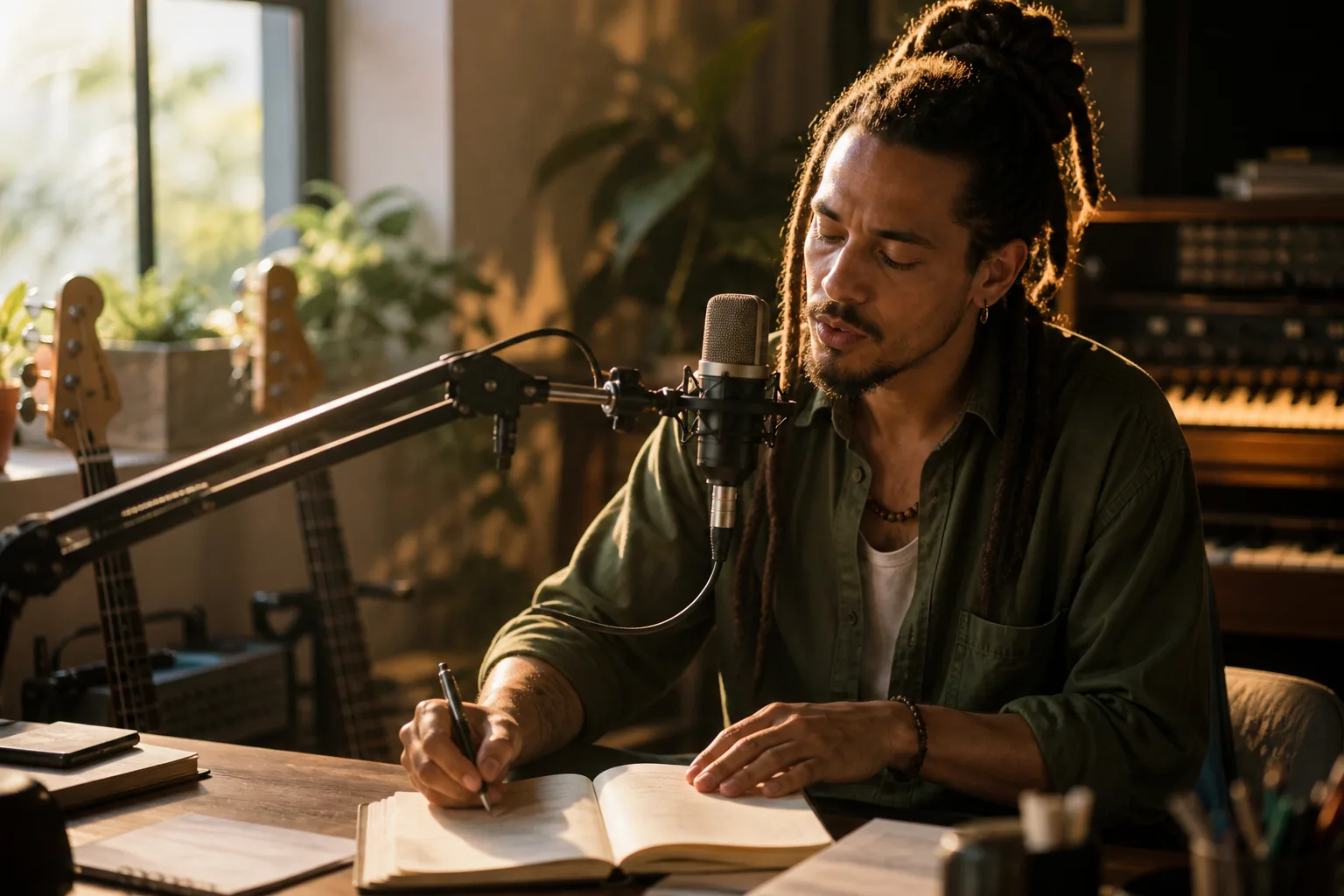
Songwriters and vocalists
Bring lyrics you own into a musical world, or begin with a character and let the words remain open. Describe whether the verse whispers, reasons, protests, remembers, flirts, or celebrates; whether the chorus belongs to one voice or a group; and how the rhythm section should carry the message without overwhelming it. MusicAura can explore roots reggae, lovers rock, rocksteady, dancehall, or a focused fusion while you describe human qualities instead of requesting a named singer, band, producer, accent, or recognizable recording.
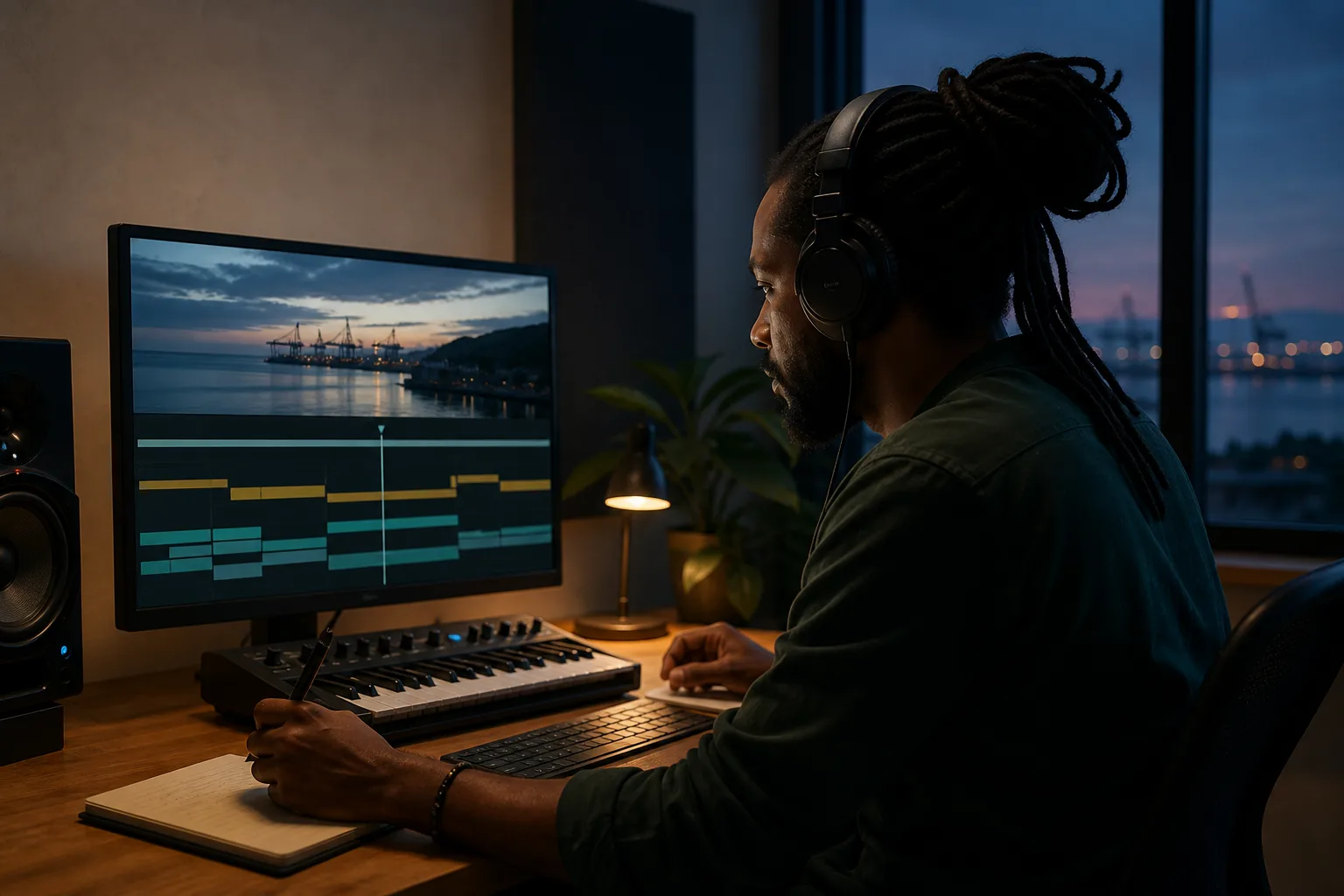
Video and podcast creators
Score a journey, documentary transition, neighborhood portrait, podcast opening, event memory, or contemplative visual without forcing a vocal into the frame. Tell the AI Reggae Music Generator where dialogue needs air, which cut invites the bass, whether a horn answer should follow a reveal, how far an echo may travel, and whether the final image needs a loop, fade, resolution, or clean stop. Instrumental mode lets rhythm and atmosphere support the story while narration remains intelligible.
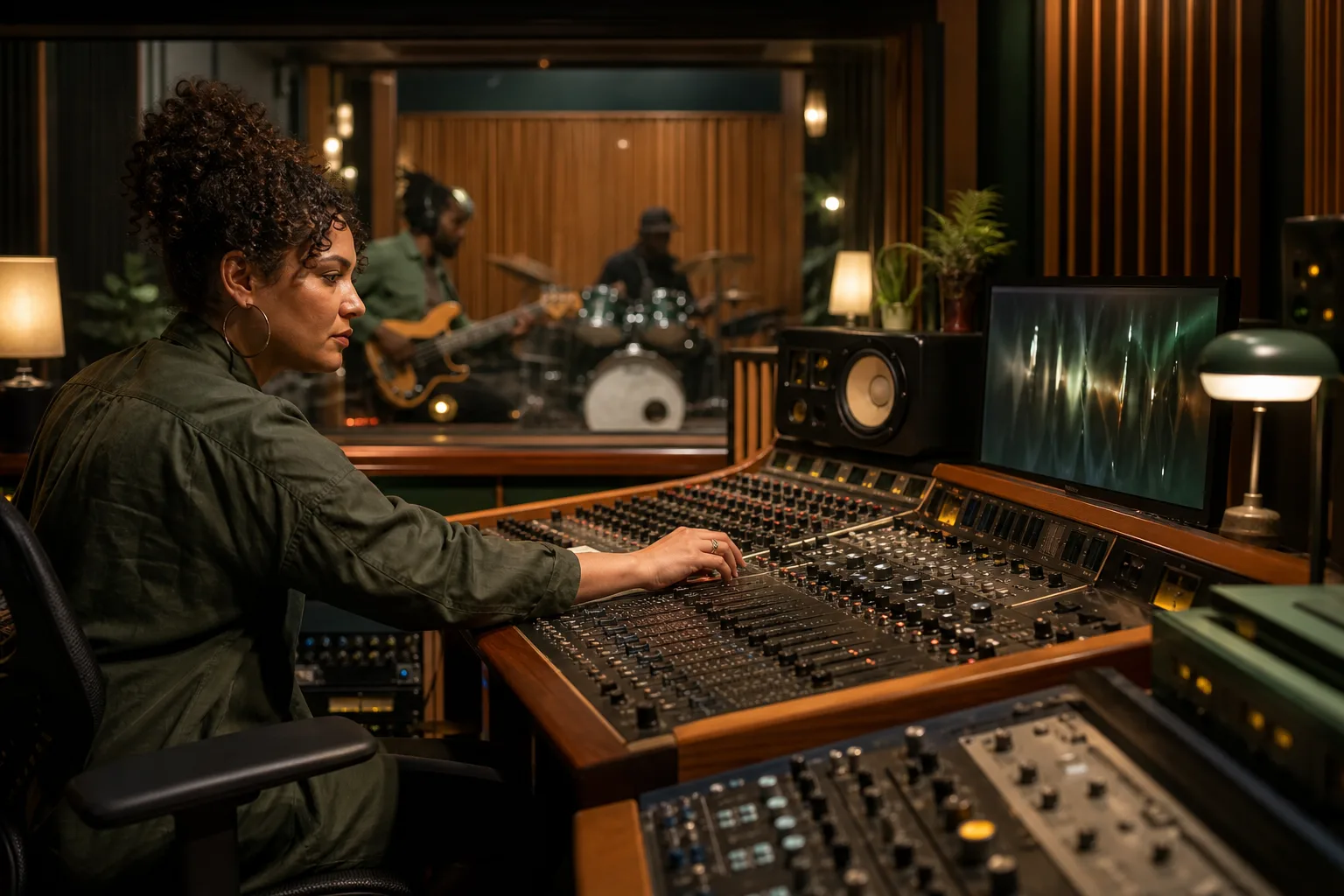
Producers and beatmakers
Use each complete result as a listening reference for pocket, bass movement, guitar placement, organ pulse, horn restraint, vocal space, effects, density, and transitions. Compare how the same scene changes under one drop or steppers drums, a dry roots palette or widening dub treatment, a relaxed rocksteady sway or faster ska motion. MusicAura does not return isolated drums, bass, stems, or project files from this generator, so carry useful arrangement observations into your own production tools rather than treating the track as an editable session.
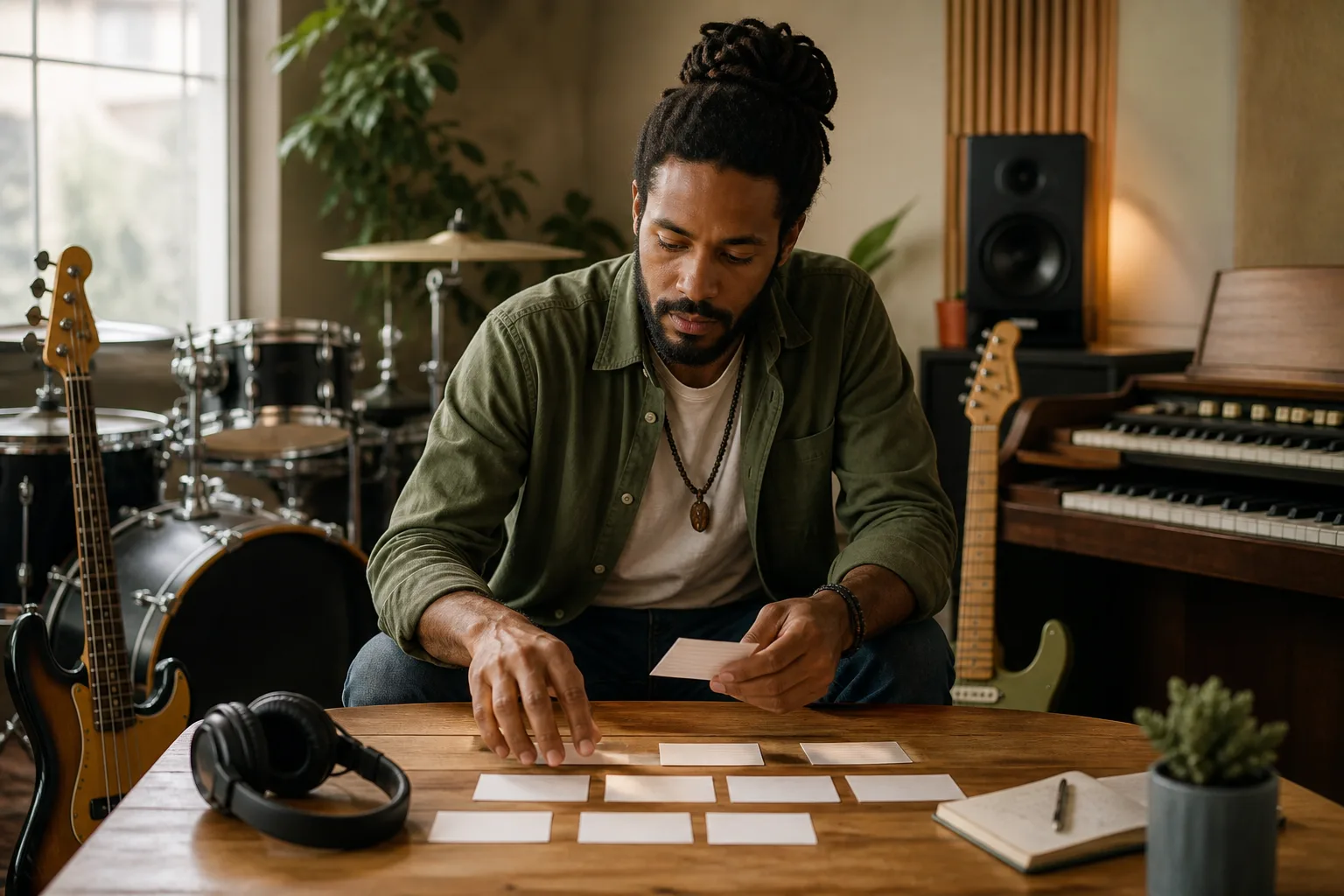
Creators learning arrangement
Listen for relationships: how drums and bass make the body anticipate the next beat, how guitar and organ share the offbeat, how horns answer without crowding a voice, and how removing sound can make the final chorus feel larger. The AI Reggae Music Generator offers complete tracks to compare, but it does not replace instrument study, cultural history, vocal coaching, mixing, mastering, notation, or a digital audio workstation. Treat every generation as one interpretation, change a single relationship, and listen for what the new version teaches.
How to turn a feeling into reggae with MusicAura
Write to the AI Reggae Music Generator as if you were describing a scene to musicians who cannot see it. Establish the place and emotional change, translate that change into rhythm and sound, then listen for the moment where the generated track either reaches or misses your intention.
Describe the place and what changes there
Choose roots reggae, dub, dancehall, ska, rocksteady, lovers rock, or a deliberate hybrid, then locate it inside a moment. Name who is listening, what happened just before the music begins, what should change by the chorus, and whether the result needs a vocal or instrumental viewpoint. Avoid named artists, copied recordings, accents, stereotypes, and claims of cultural authenticity. Words such as grounded, spacious, bass-forward, restrained, urgent, communal, reflective, dry, echoing, acoustic, or electronic give the AI Reggae Music Generator useful emotional boundaries without reducing the music to imitation.
Translate the emotional arc into sound
Tell the AI Reggae Music Generator how drums and bass hold the body, where guitar or keys create lift, which organ, percussion, horn, tape-delay, or spring-reverb moment changes the atmosphere, and how the verse, chorus, break, dub passage, return, and ending should feel different. In custom mode, use only lyrics you own or may use. Put the decisive relationships first and leave out details that do not alter the story. A prompt with one clear arc is easier to interpret than a catalog of every subgenre, instrument, voice, mood, and effect.
Listen for the turning point, then revise
Ask whether the opening establishes the place, the pocket carries the intended feeling, the bass leads without masking the scene, the offbeat parts leave air, the voice belongs to the lyric, and the arrangement actually changes when the story does. Revise one or two relationships—perhaps drum weight, bass patience, guitar density, organ warmth, horn restraint, vocal distance, chorus response, dub space, breakdown timing, or ending shape. Comparing focused versions makes the AI Reggae Music Generator useful as a creative conversation instead of a slot machine.
Questions about creating reggae with MusicAura
Clear boundaries for generated tracks, reggae directions, scene prompts, lyrics, instrumentals, editable parts, artist identity, cultural language, and commercial plans.