
Build a Harmony Map from Any Track
A song key detector listens for the tonal center and major or minor character of an audio file. MusicAura pairs that estimate with Camelot notation, making the result useful in creative workflows without pretending that every complex song has one fixed answer.
Hear the tonal center faster
Use an automatic estimate as a starting point when the key is missing, uncertain, or difficult to isolate by ear.
Translate keys into Camelot
Move from a standard key name to a DJ-friendly Camelot code when sketching compatible transitions.
Map several creative options
Compare up to 5 songs, demos, instrumentals, loops, or vocal takes in one working table.
Analyze audio outside databases
Check private demos, alternate edits, live recordings, and fresh exports that do not have public metadata.
Keep the first pass local
Run the analysis in your browser before carrying the useful values into a set list, DAW session, or rehearsal note.
Add context after harmony
Once the key is clear, use BPM, energy, movement, and mood to compare how each track may fit the larger arc.
How to Use the Song Key Detector
Move from an audio file to a usable harmony reference in three short steps.
Add your audio
Select up to 5 browser-playable files from your device or drop them into the analyzer.
Let MusicAura listen
Tracks are processed one at a time, and each row fills in as soon as its estimate is ready.
Test the harmony
Start with musical key and Camelot, then audition the real transition, transposition, or accompaniment before committing.
Turn Key Detection into a Creative Decision
MusicAura's key detector is designed for the next action, not just the result table. Use the harmony estimate to narrow choices, then listen in the context that matters.

Sketch a Harmonic Set Arc
Lay out candidate tracks by key and Camelot relationship, then audition the sequence to shape tension, release, and movement across a set.
Map Track Keys
Choose a Starting Point for Transposition
Compare a vocal, instrumental, sample, or loop before shifting pitch. The estimate gives you a focused place to begin testing by ear.
Compare Audio Keys
Shape a Cover Around the Voice
Check the original song, then explore whether the accompaniment should move for a singer's range, tone, or rehearsal goal.
Find the Original KeyWho Uses MusicAura's Song Key Finder?
The song key finder supports creators who need a useful harmony clue before making a musical choice.

Set-building DJs
Group possible transitions by key and Camelot, then rehearse the combinations that best fit the energy curve.
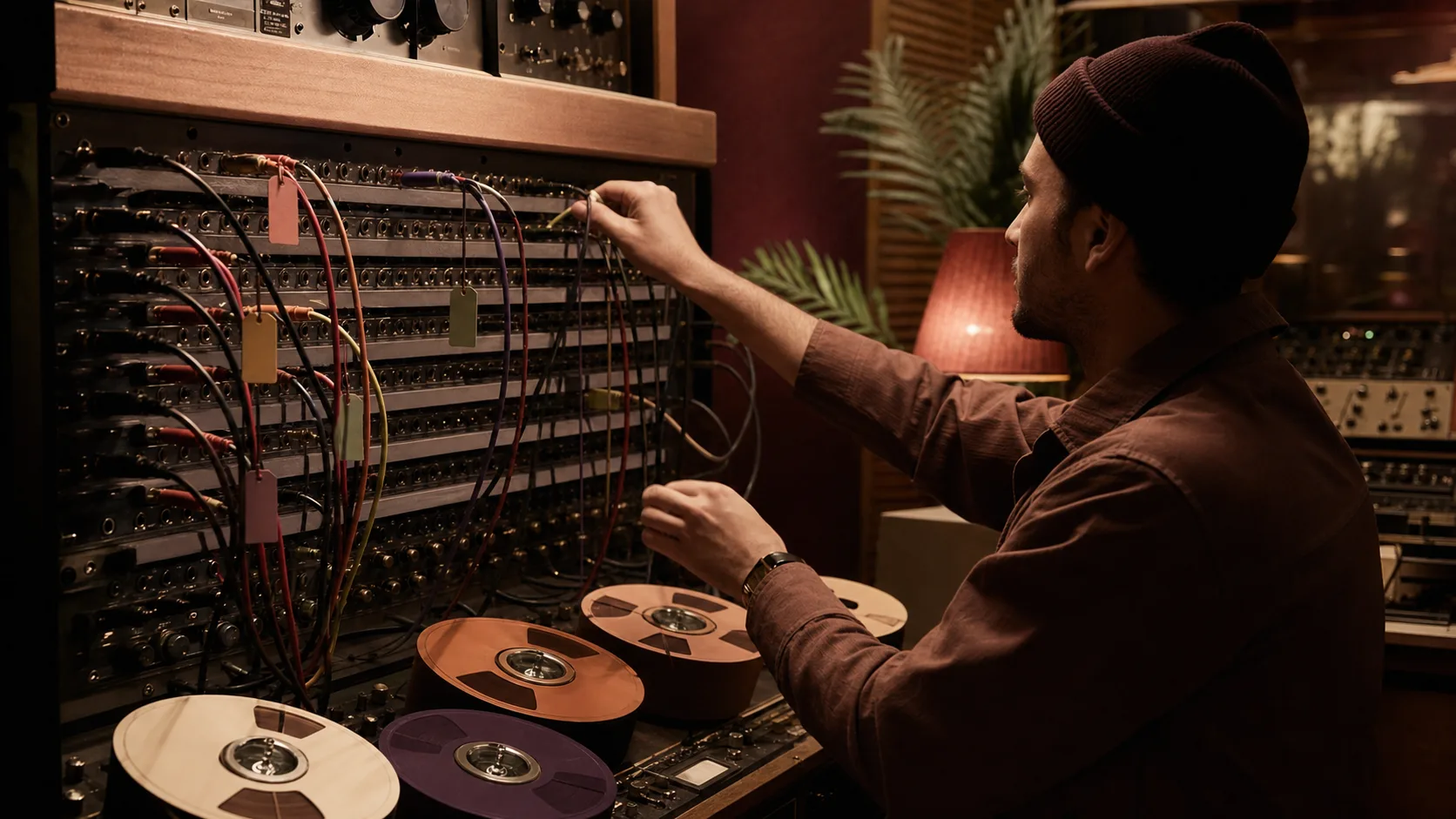
Remix producers
Check stems, vocals, samples, and beats before deciding where transposition or reharmonization may be needed.

Bands and arrangers
Turn a reference recording into a starting key for rehearsal, chord work, instrumentation, and arrangement notes.

Singers and coaches
Compare the original key with a performer's comfortable range before choosing a backing track or changing the arrangement.
Song Key Detector Questions
What to expect from automatic key estimates and how to use them responsibly.
Bring in a few tracks, find their likely keys, and leave with clearer options for the next musical decision.