
Why Audio Metadata Matters
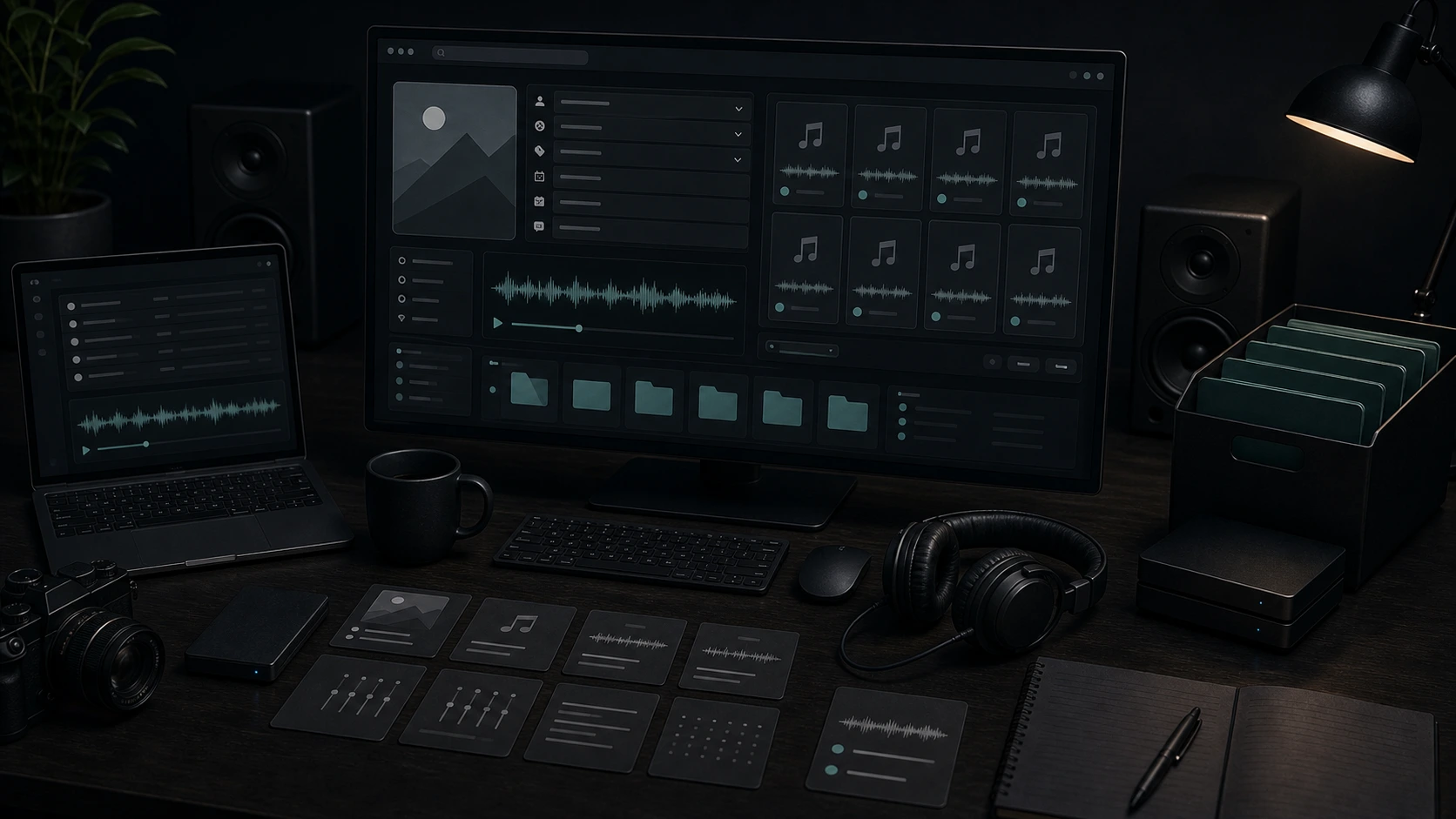
Clean metadata helps a file identify itself after it leaves your editor. Names, artwork, notes, and tag fields make tracks easier to search, review, share, and archive.
Keep Libraries Searchable
Sort tracks by title, artist, album, genre, year, track number, mood, or project notes instead of relying on messy filenames.
Fix Missing File Details
Update blank, outdated, or incorrect metadata before audio moves between folders, players, collaborators, or release checklists.
Make Files Easier to Recognize
Add artwork, lyrics, comments, and descriptive fields so a demo, podcast, beat, or client preview is easier to identify later.
Export a Clean Copy
Review the edited fields and download a tagged MP3 copy while keeping the original file on your device for backup.
How to Edit MP3 Tags Online
Use the browser audio metadata editor when you need a focused one-file cleanup before sharing or storing audio.
Upload one audio file
Choose MP3, WAV, OGG, M4A, AAC, FLAC, or WMA so the editor can read the existing metadata and artwork.
Edit metadata and artwork
Change title, artist, album, year, track number, genre, mood, scene, comments, lyrics, and cover art.
Download the tagged MP3 copy
Export a new MP3 file with the updated tags, then test it in the player or library where you plan to use it.
Update Audio Tags Without Opening a Desktop Tagger
Musicaura keeps the metadata pass small: read the file, edit the fields that matter, check the result, and export a tagged copy.
Edit Core Audio Metadata
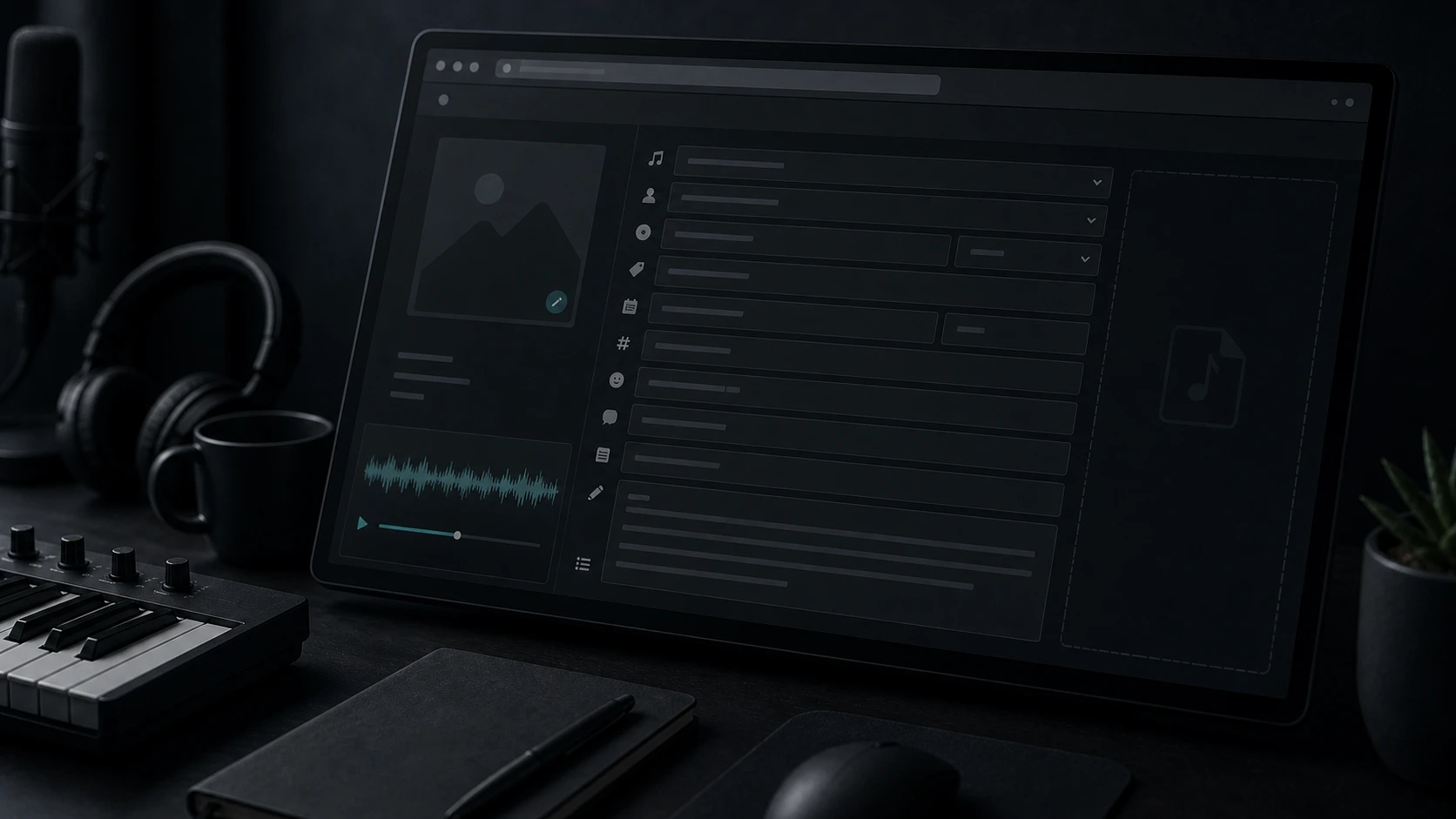
Update title, artist, album, genre, year, track number, mood, scene, comments, and lyrics so files carry useful context.
Edit Metadata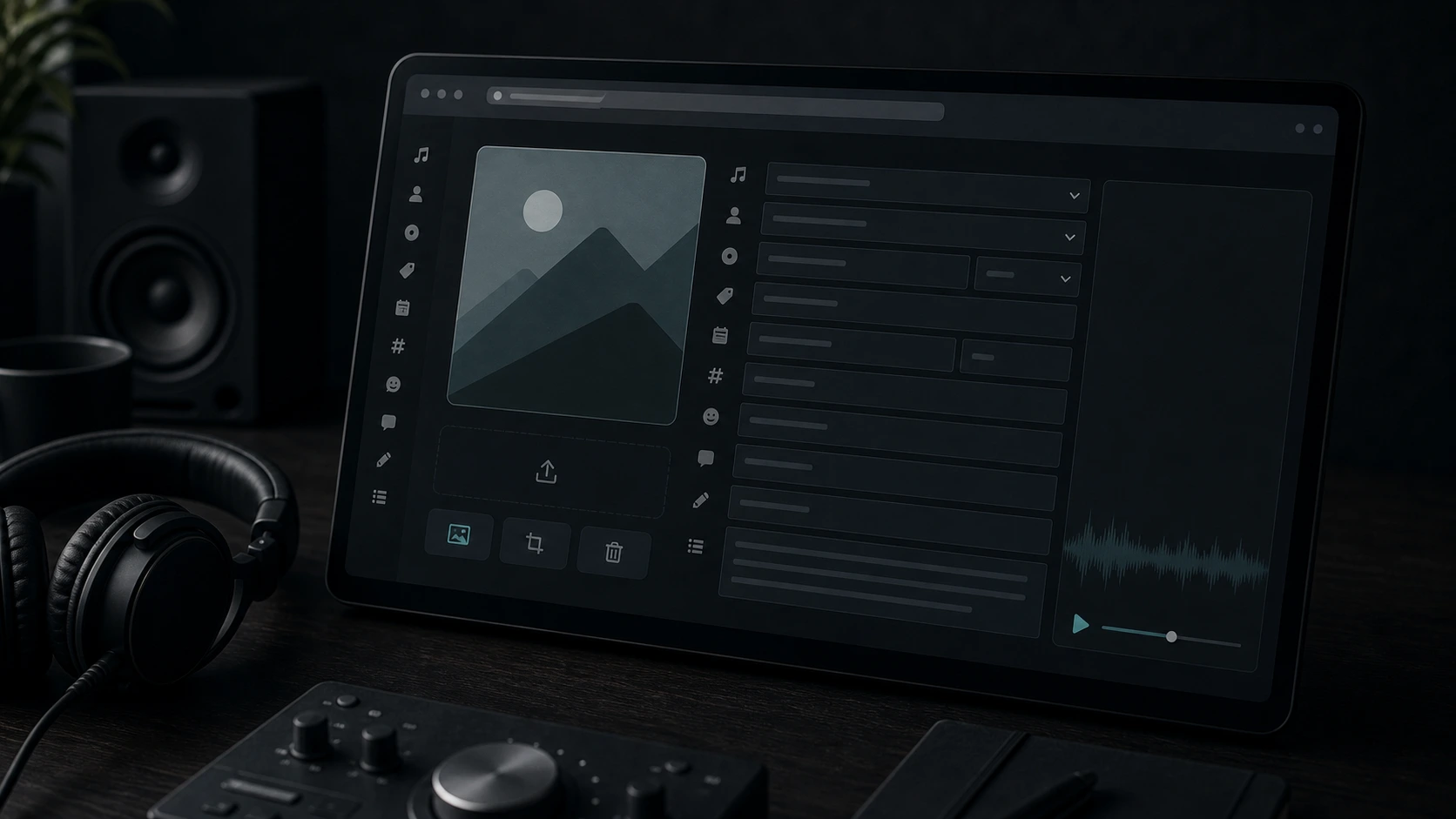
Add Album Artwork
Upload or replace cover art so demos, podcast files, beat packs, and archived songs are easier to recognize in compatible players.
Manage Artwork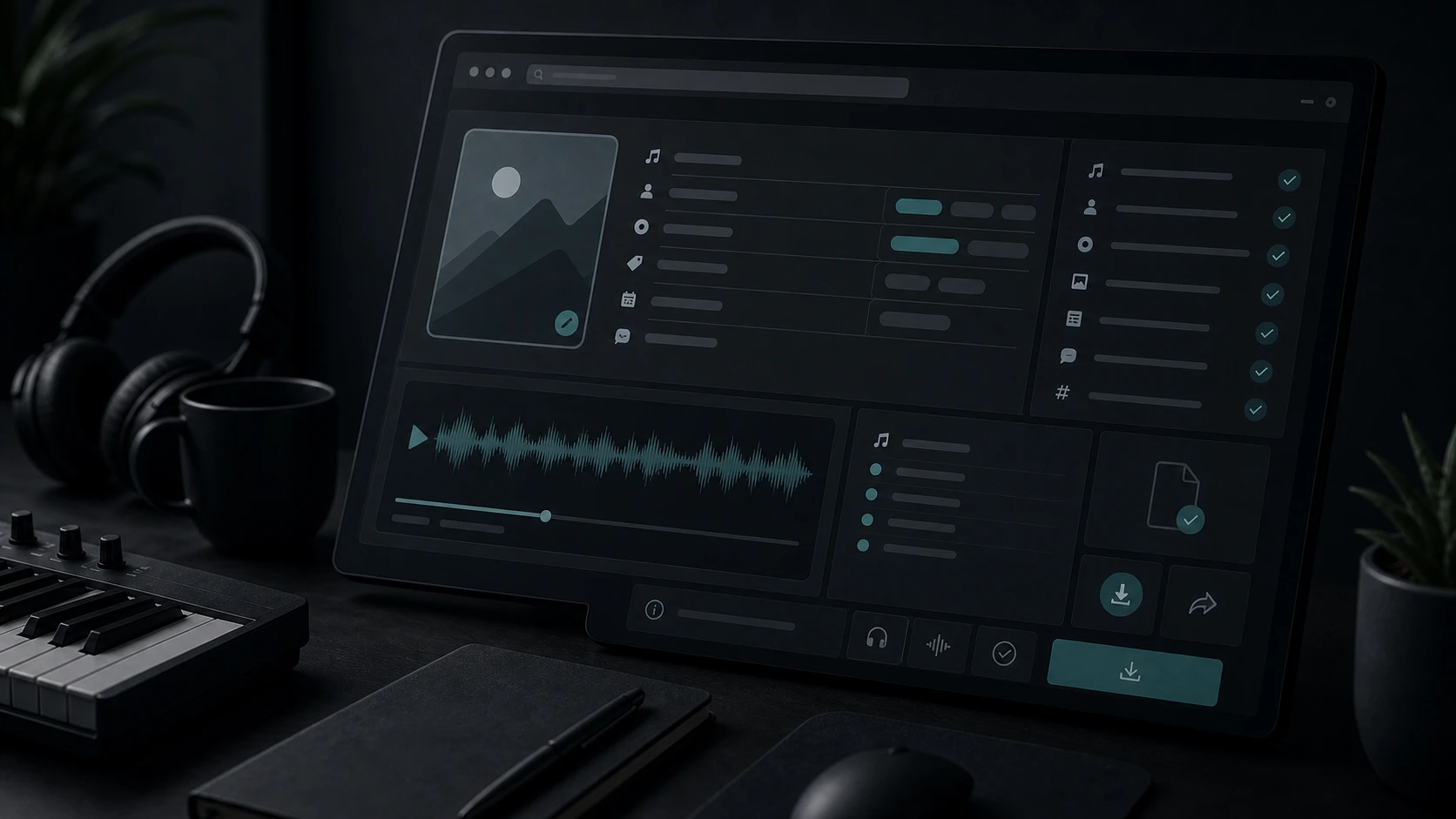
Review Tags Before Export
Check ID3 tags, lyrics, comments, artwork, and file details before downloading the new copy for collaborators or storage.
Review Tags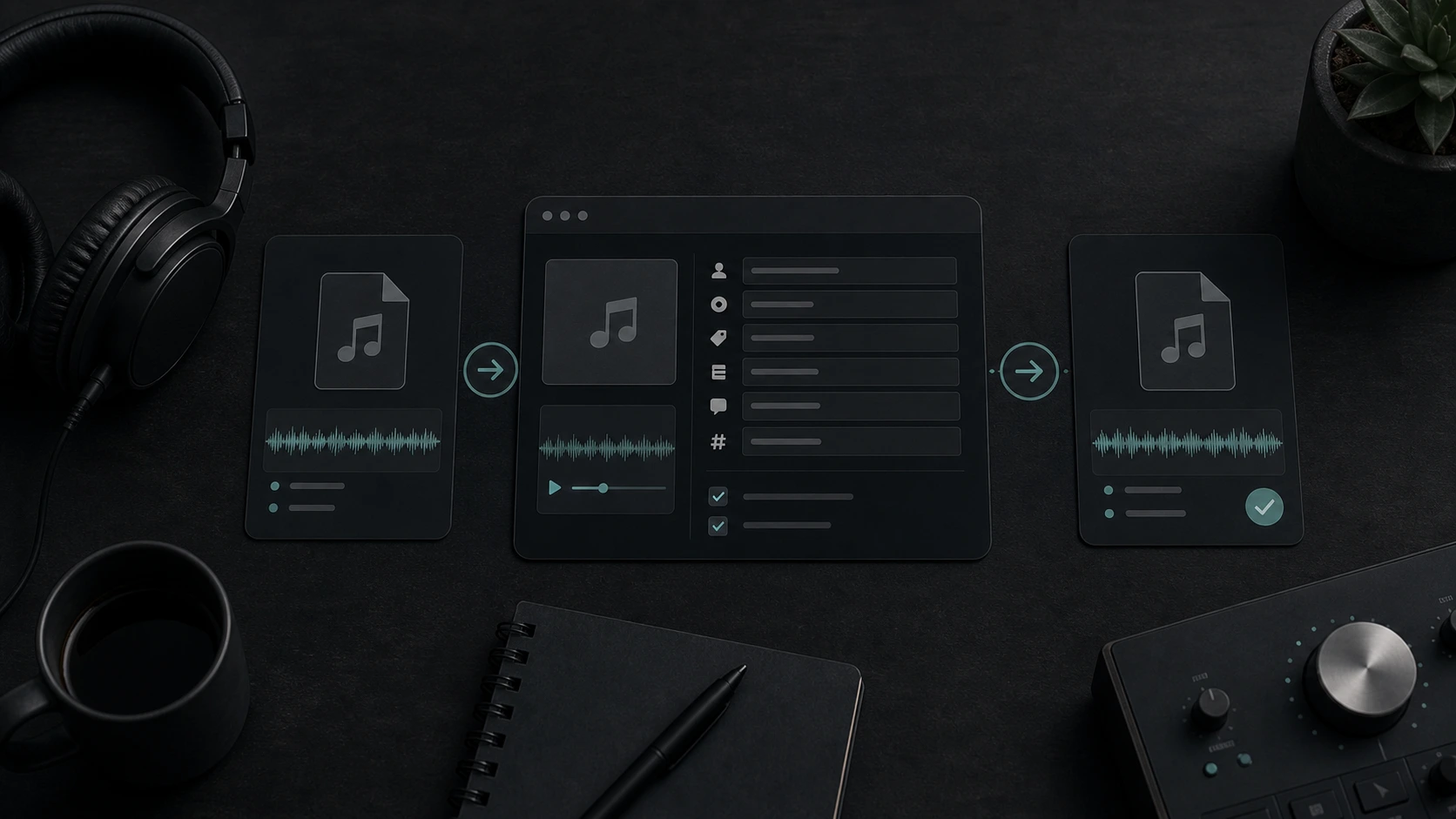
Focused Browser Workflow
Edit one file at a time in the browser when a full tagging app, batch workflow, or media-library manager would be more than you need.
Edit in BrowserWho Uses an Online Audio Metadata Editor?
A quick metadata pass helps audio files stay understandable when they move between people, folders, apps, and devices.

Independent Musicians
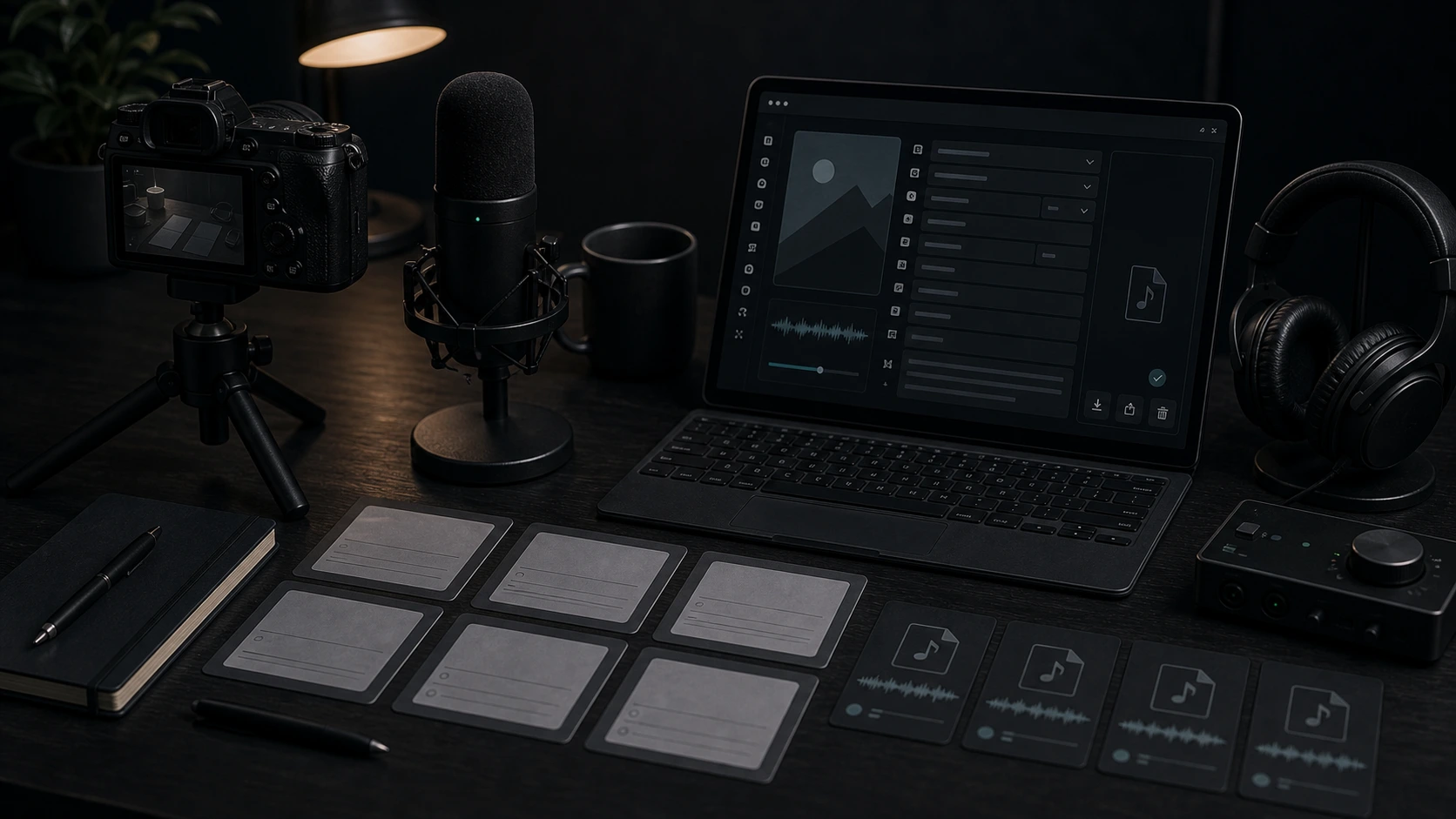
Prepare demos, masters, alternate mixes, and beat packs with clear artist, project, genre, year, and cover details.
Content Creators
Label intro music, downloadable audio, podcast beds, bonus tracks, and social assets before they leave the project folder.
Podcast Producers
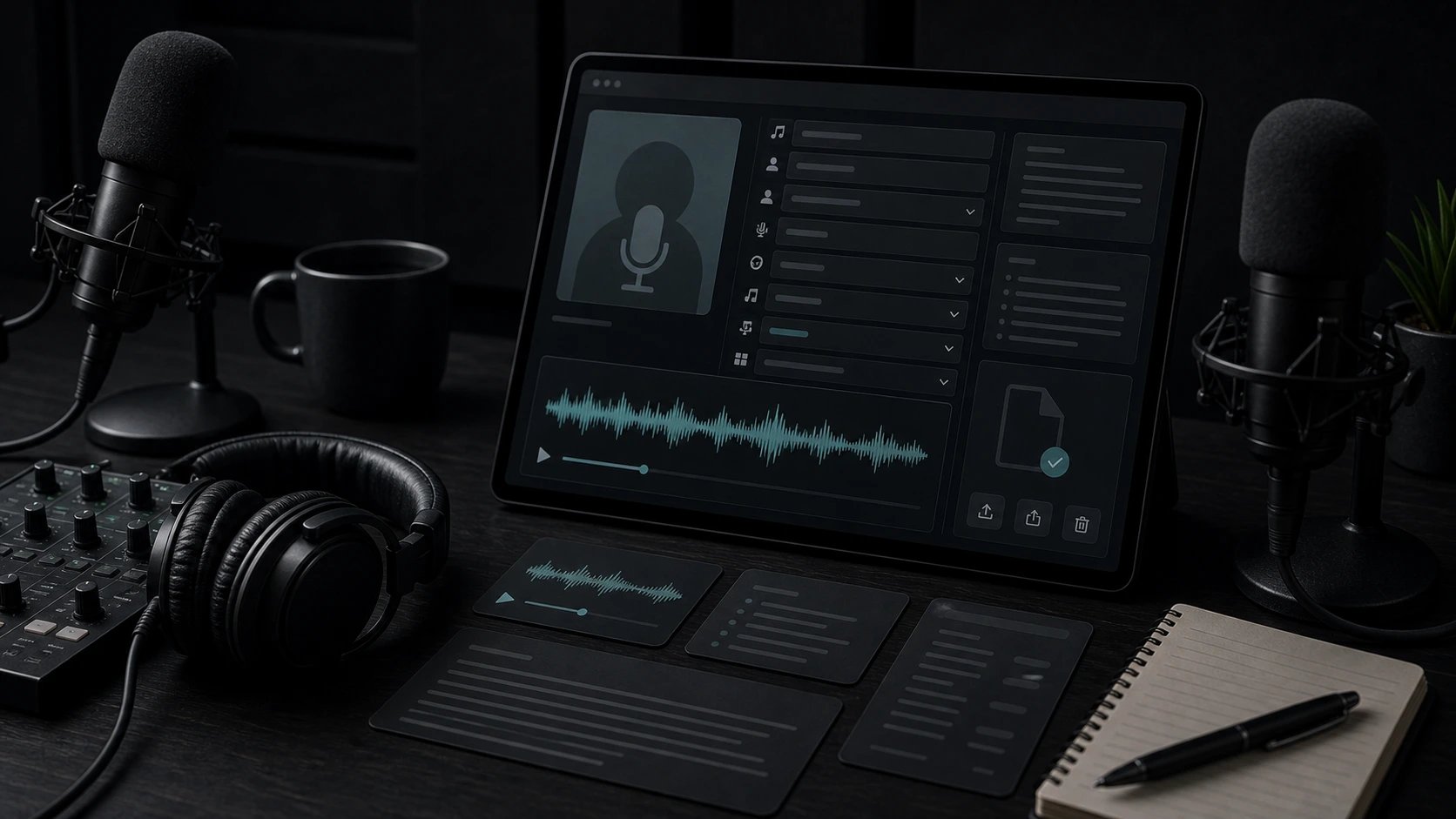
Keep episode files readable with title, artwork, comments, transcript notes, and version details for editors and guests.
Music Library Managers
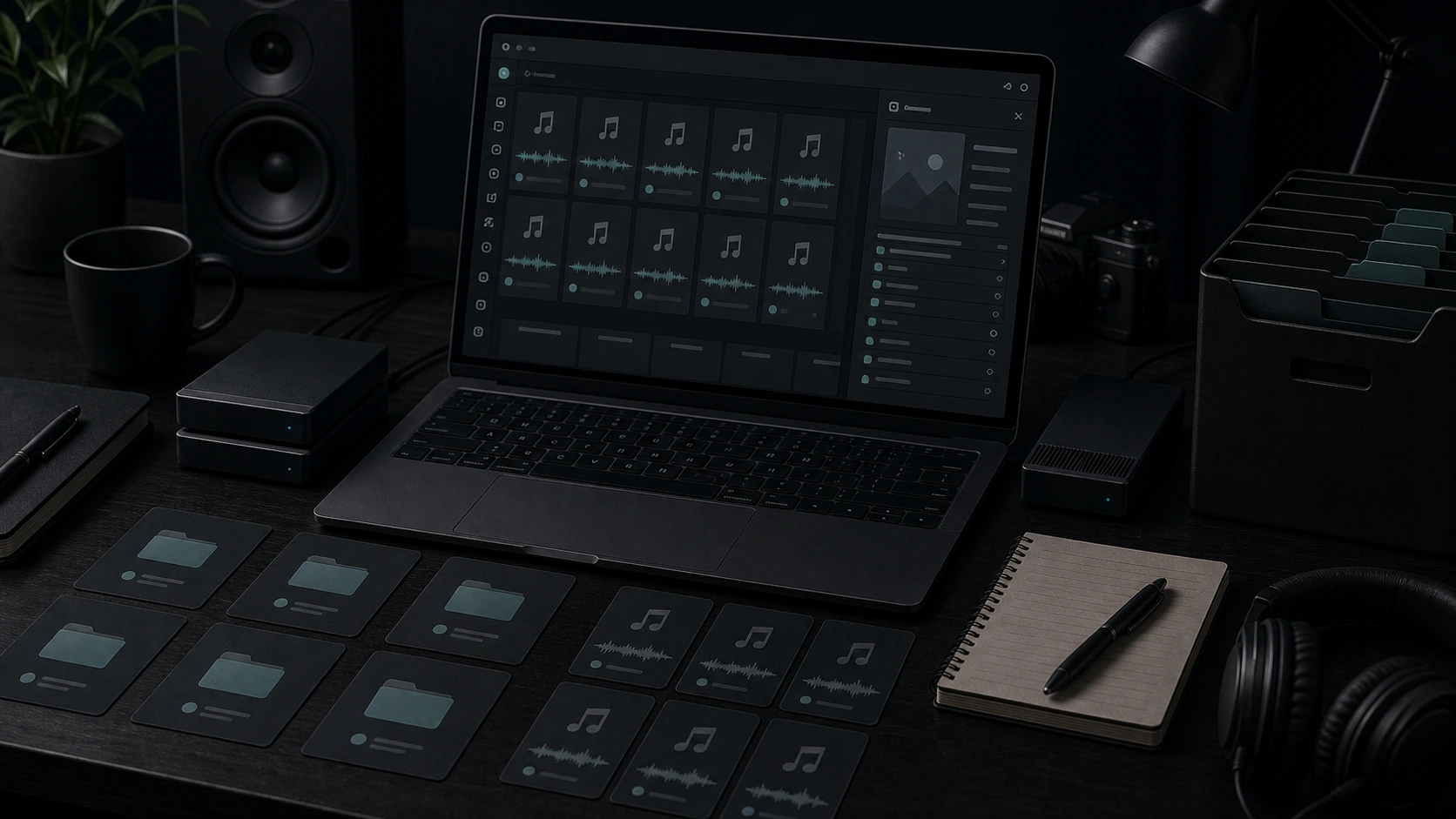
Standardize scattered downloads, archives, references, and client folders so tracks are easier to search and identify later.
MP3 Tag Editor FAQ
Answers about ID3 tags, album art, supported uploads, browser metadata editing, and tagged MP3 exports.
Use the MP3 tag editor to update metadata, artwork, lyrics, and notes, then download a tagged copy that is easier to recognize later.