
Three Controls That Change the Whole Mood
The slowed and reverb generator separates pace, pitch, and room effect so you can understand what each change contributes instead of relying on a single opaque filter.
Stretch the sense of time
Lower the playback rate for a more suspended feel while keeping the source available as a separate original file.
Begin with a file or a live take
Use an existing demo, vocal, loop, or full track, or capture a new idea from the microphone without leaving the page.
Move toward Daycore
Combine slower playback with a lower pitch to create a weightier version that feels grounded and introspective.
Move toward Nightcore
Raise speed and pitch together when the same material needs a lighter, more urgent, high-motion character.
Tune one dimension at a time
Adjust speed, semitone shift, and wet reverb level independently, then hear the combination in the looping preview.
Render only after listening
Keep experimenting during preview, then render a separate WAV when the timing and sense of space finally agree.
Build an Alternate Version in Three Moves
Go from raw source to an exportable atmospheric edit without burying the process in a full production timeline.
Bring in the performance
Drop in a compatible audio file or record a vocal, melody, loop, or rough idea through the microphone.
Choose a direction, then personalize it
Start with Slowed + Reverb, Daycore, or Nightcore, or go straight to Custom and set pace, semitones, and room mix yourself.
Audition the atmosphere
Seek through the looping preview, refine the controls, and render the finished treatment to a new WAV.
A Slowed Reverb Maker for Subtle or Dramatic Change
The MusicAURA editor supports both restrained changes and unmistakable genre-style treatments while keeping the workflow easy to hear and revise.
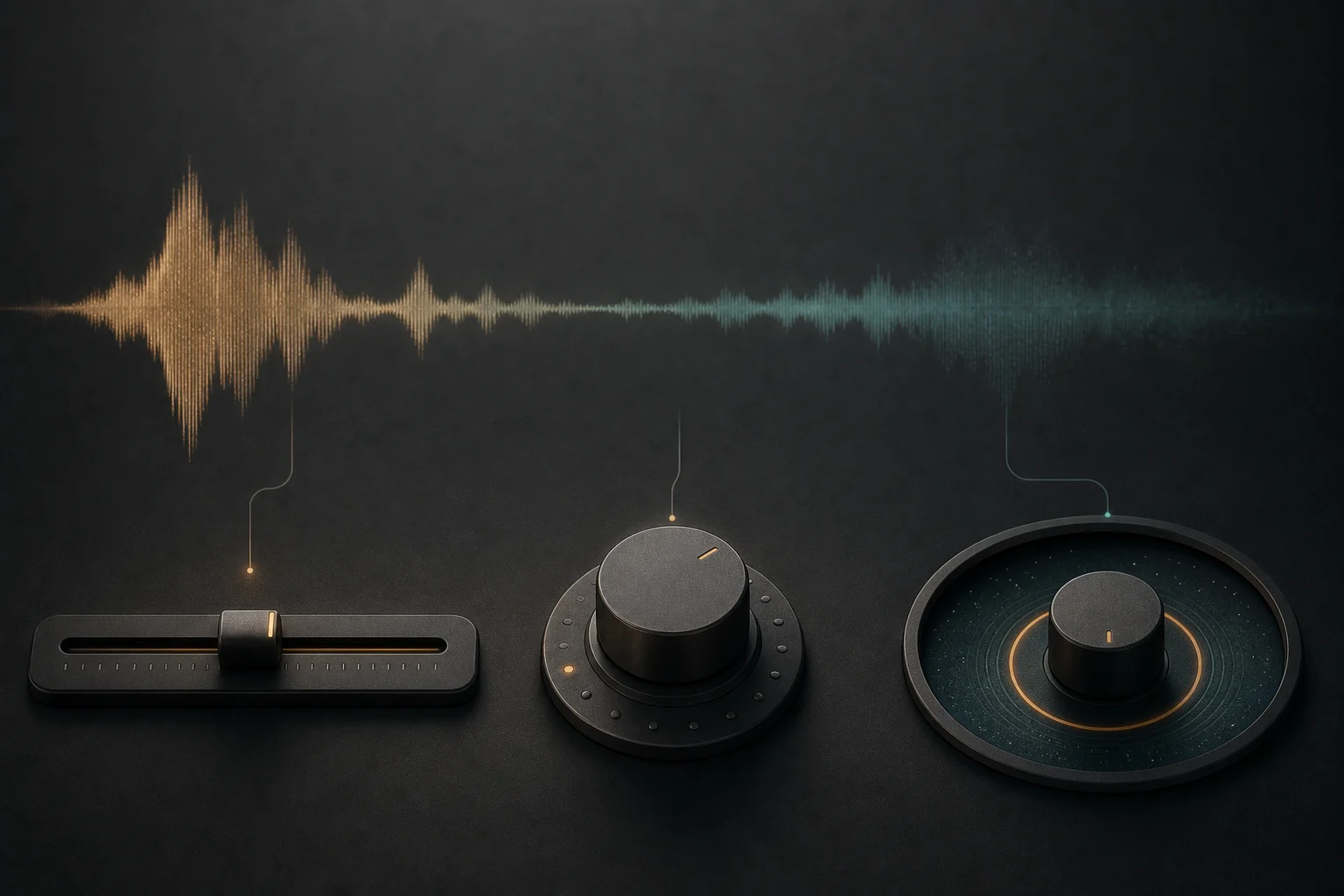
Control pace, key color, and depth separately
Slow or accelerate the performance, shift it by semitones, and decide how much of the signal enters the reverberant space.
Open the Controls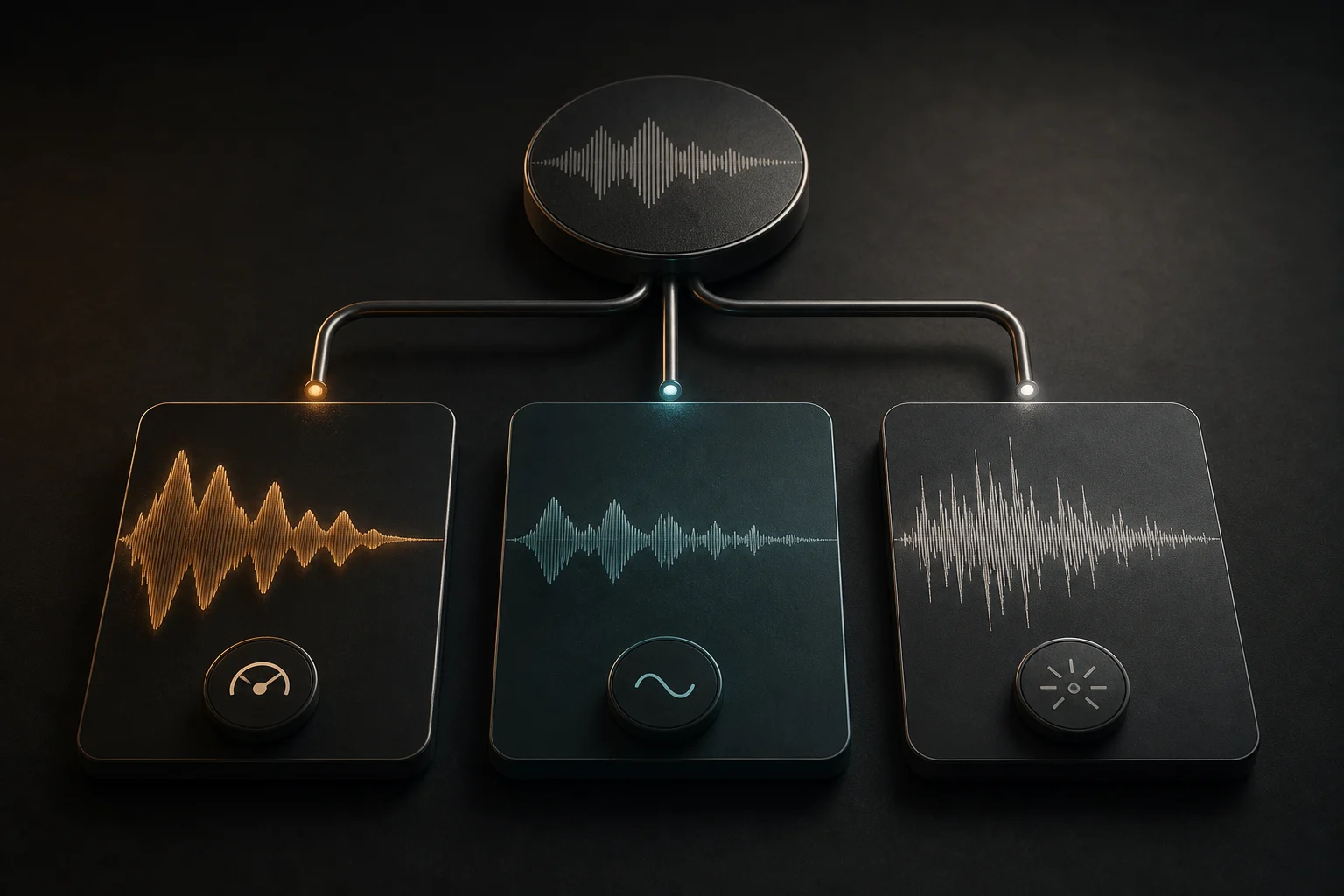
Use presets as starting points, not limits
Jump to three recognizable directions, then change any parameter and let the editor move naturally into a custom setting.
Explore Directions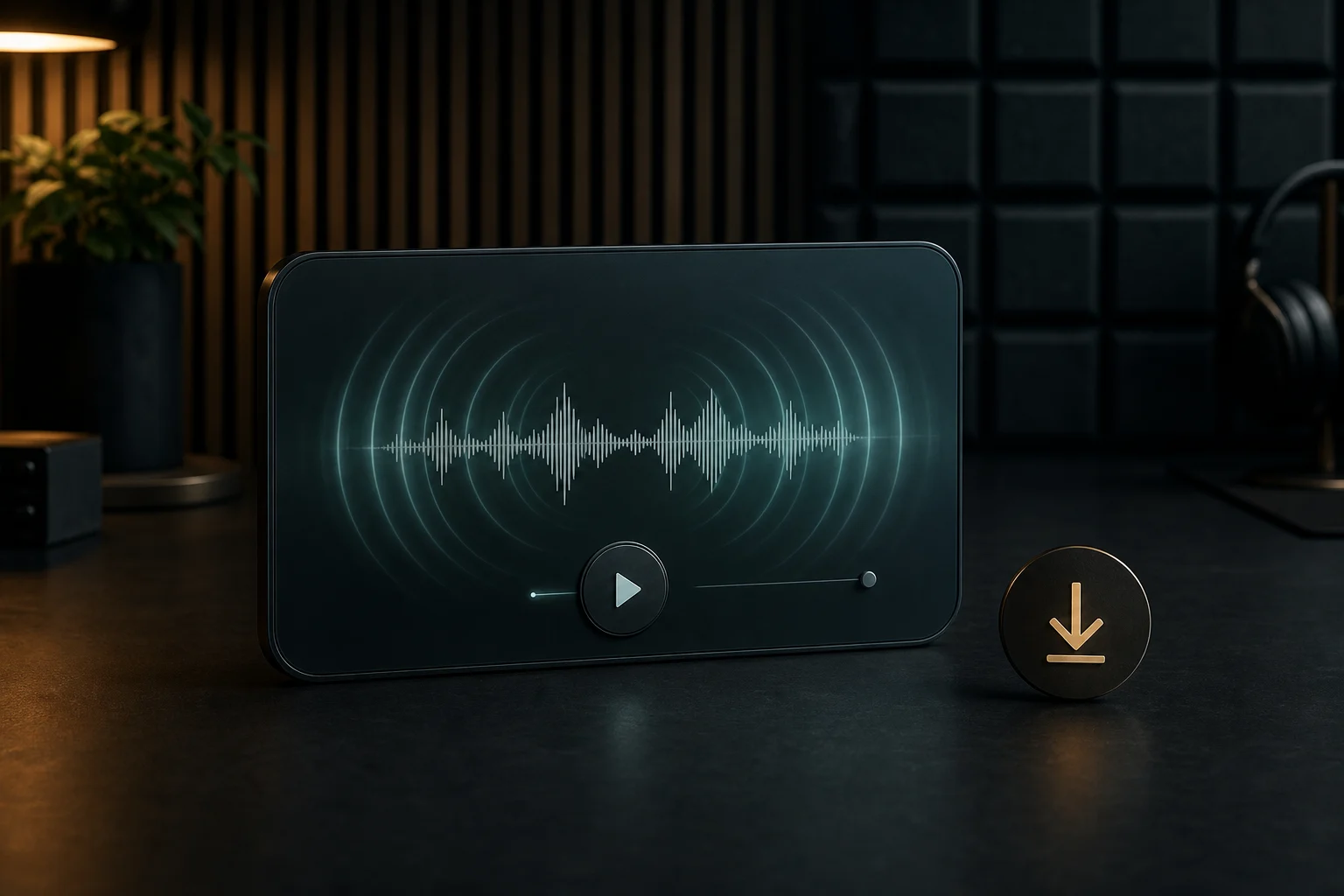
Hear the reverb tail before committing
The looping player lets you judge timing, pitch movement, and the decay of the room effect before starting the final WAV render.
Listen and RefineCreative Workflows That Benefit from Another Sense of Time
Speed and space can reveal a different emotional reading of the same source for music, film, remix experiments, or private listening.
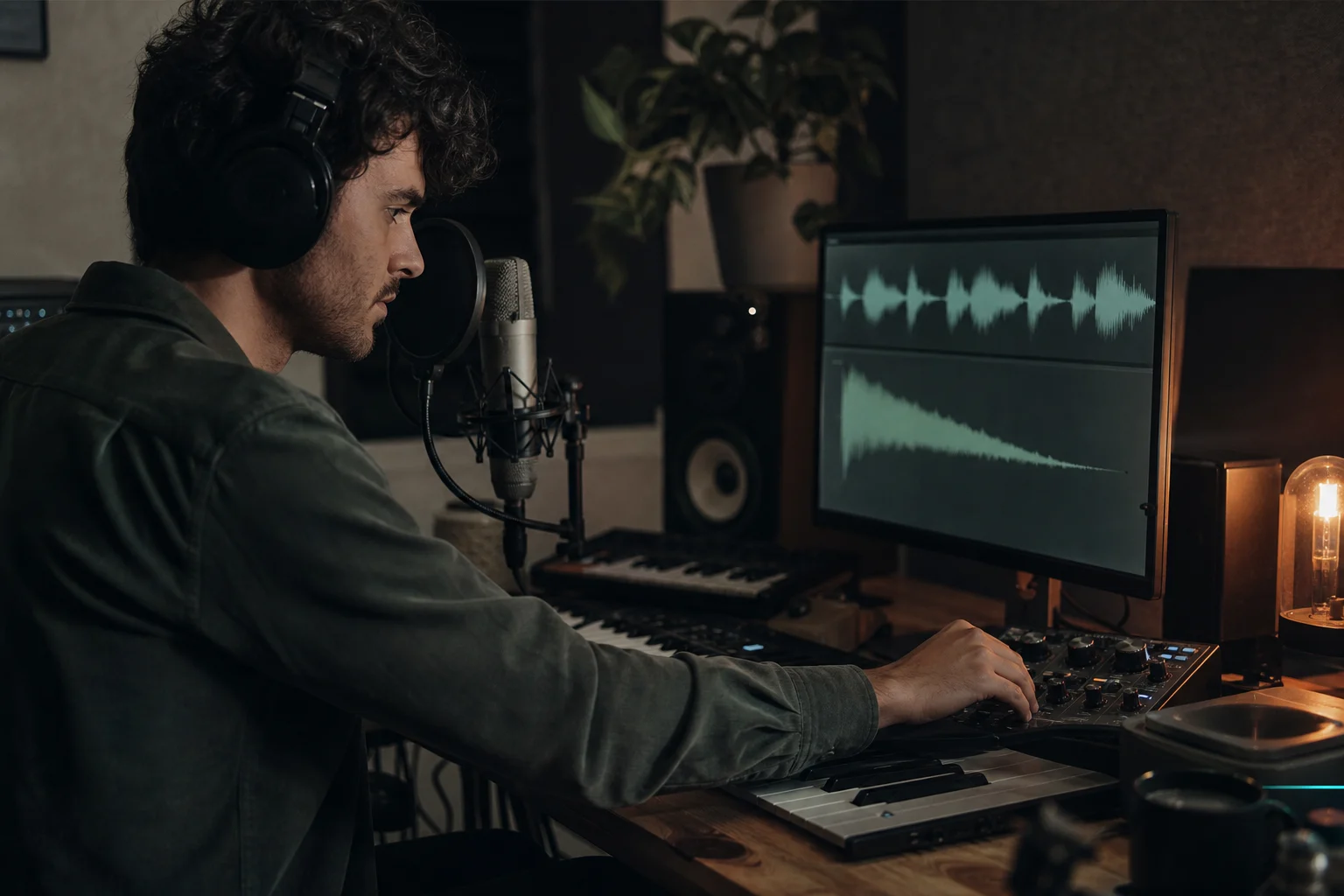
Producers revisiting a familiar hook
Try a vocal or melodic idea at a new pace and pitch before deciding whether the alternate deserves a full arrangement.
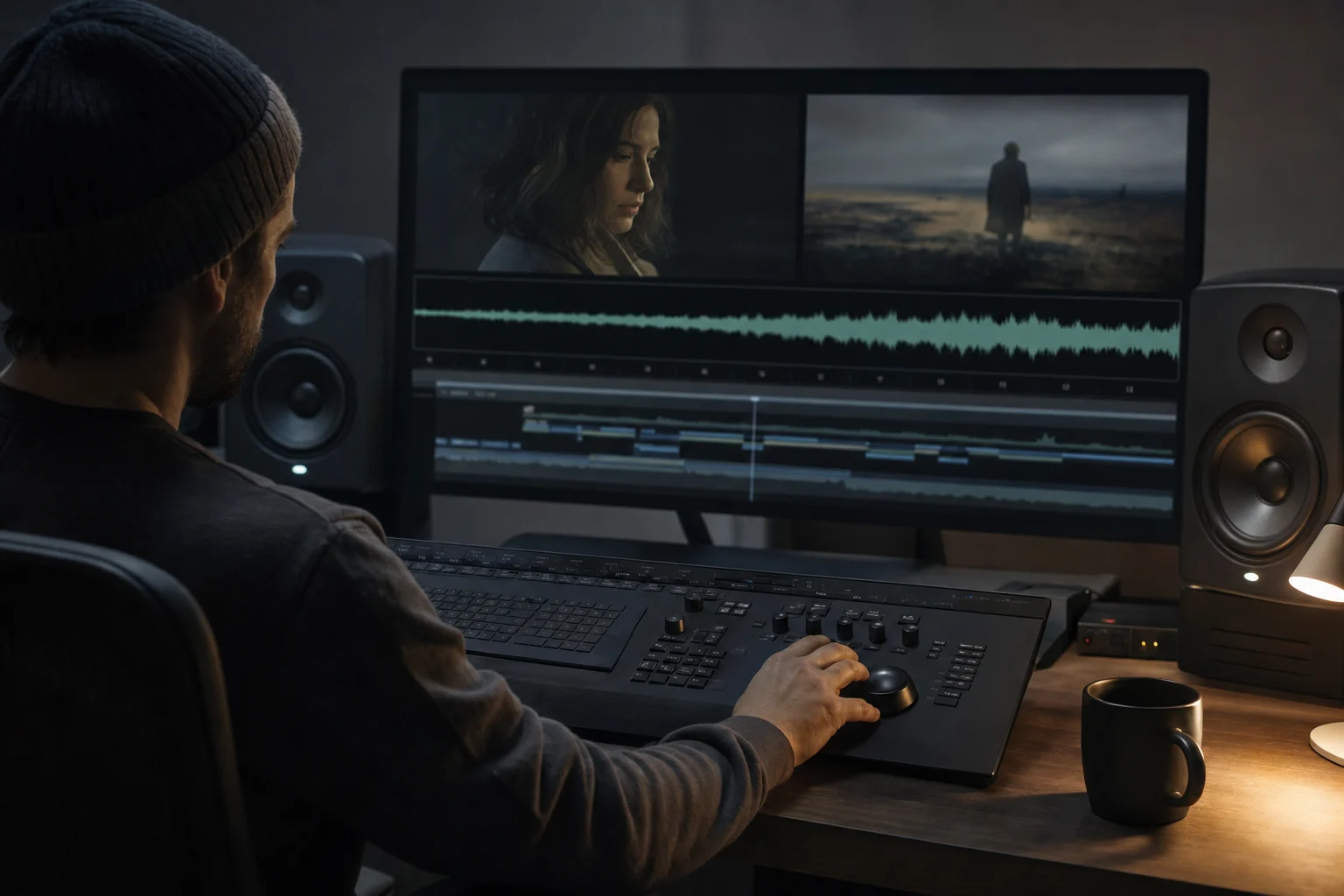
Filmmakers extending an emotional beat
Give owned soundtrack material more breathing room beneath reflective cuts, suspended transitions, or dreamlike sequences.
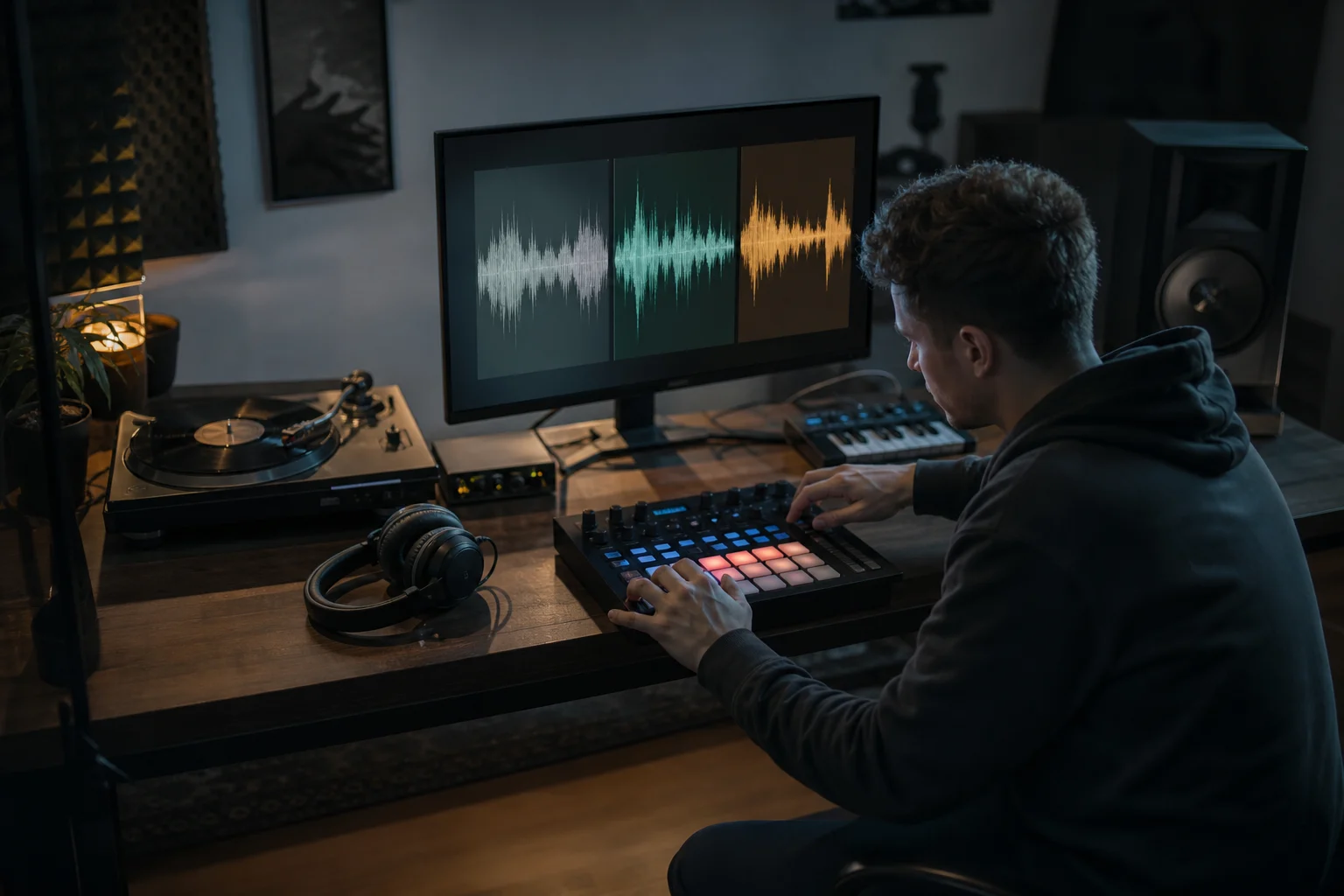
Remixers comparing opposite energies
Place a darker Daycore direction beside a brighter Nightcore version and use the contrast to choose a stronger remix concept.

Listeners creating a private alternate
Transform your own loops and recordings into slower, more spacious versions for journaling, reading, or winding down.
Before You Render: Slowed Reverb Maker Questions
Clear answers about source files, presets, controls, output format, and the rights attached to edited audio.
Open an audio file or record a new take, shape its pace and space in MusicAURA, and render the alternate only after it feels intentional.