
Listen for mood and motion before shaping the EDM journey
Preview verified MusicAura tracks as general AI music inspiration. Notice how pulse, texture, space, vocals, and section contrast carry a feeling, then give the AI EDM Music Generator a scene of its own. These tracks are not labeled as dedicated EDM examples.

Open Window

Palm Juice Ride

Midnight on My Sleeve
Turn a scene into motion with an AI EDM Music Generator
The AI EDM Music Generator can begin with a place, physical action, visual transition, or lyric idea. Describe what is moving, how the space should feel, where tension gathers, and what emotional change the release must deliver. The result is a complete electronic track shaped around a journey rather than a loose genre label.
Build an energy journey from scene and movement
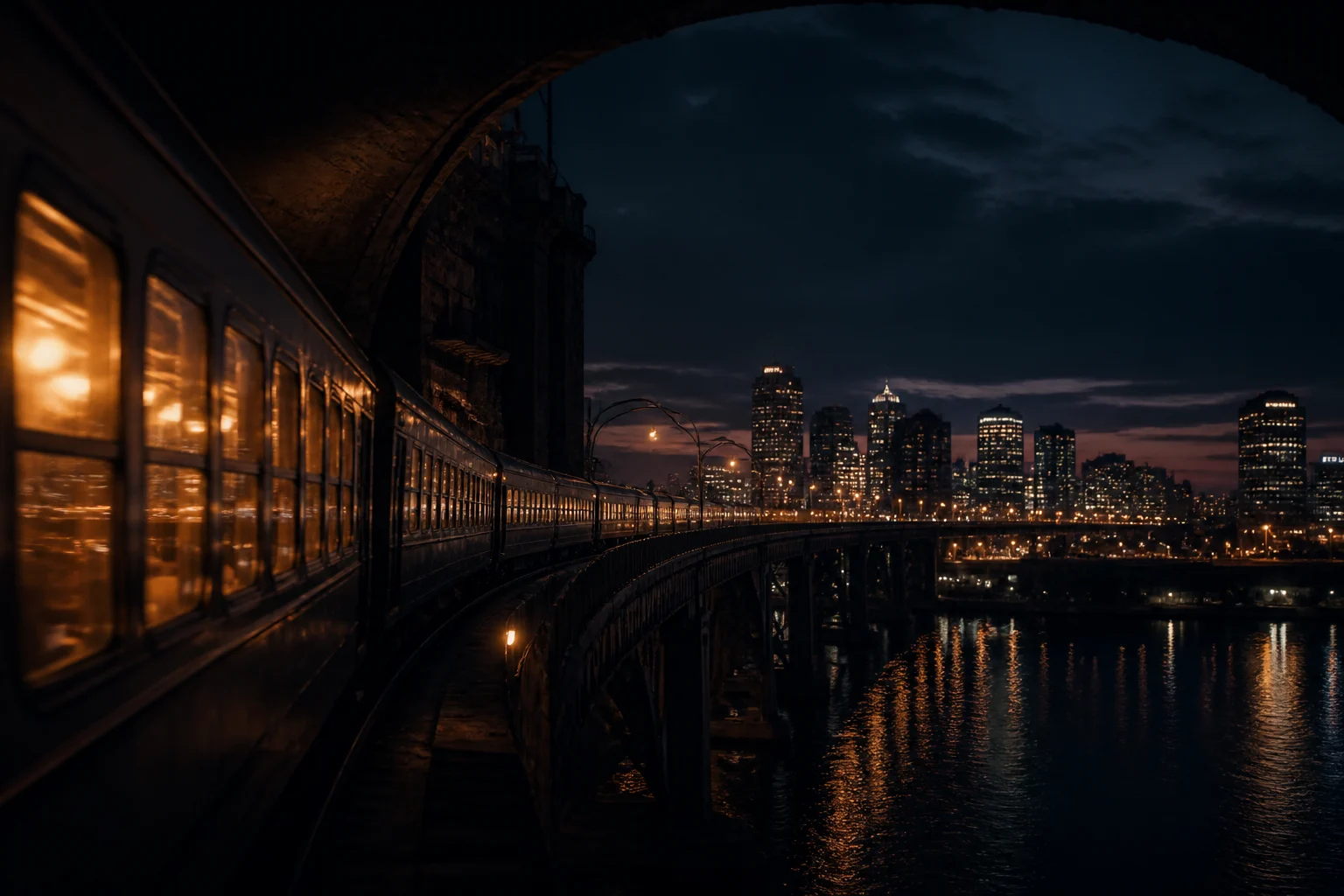
Start with a concrete sequence: a train leaving a tunnel, a dancer crossing from restraint into speed, a game world opening after a narrow corridor, or lights arriving one by one across a stage. The AI EDM Music Generator can translate that motion into an opening pulse, growing pressure, a pause, a release, and an ending that fits the scene.
Describe the movement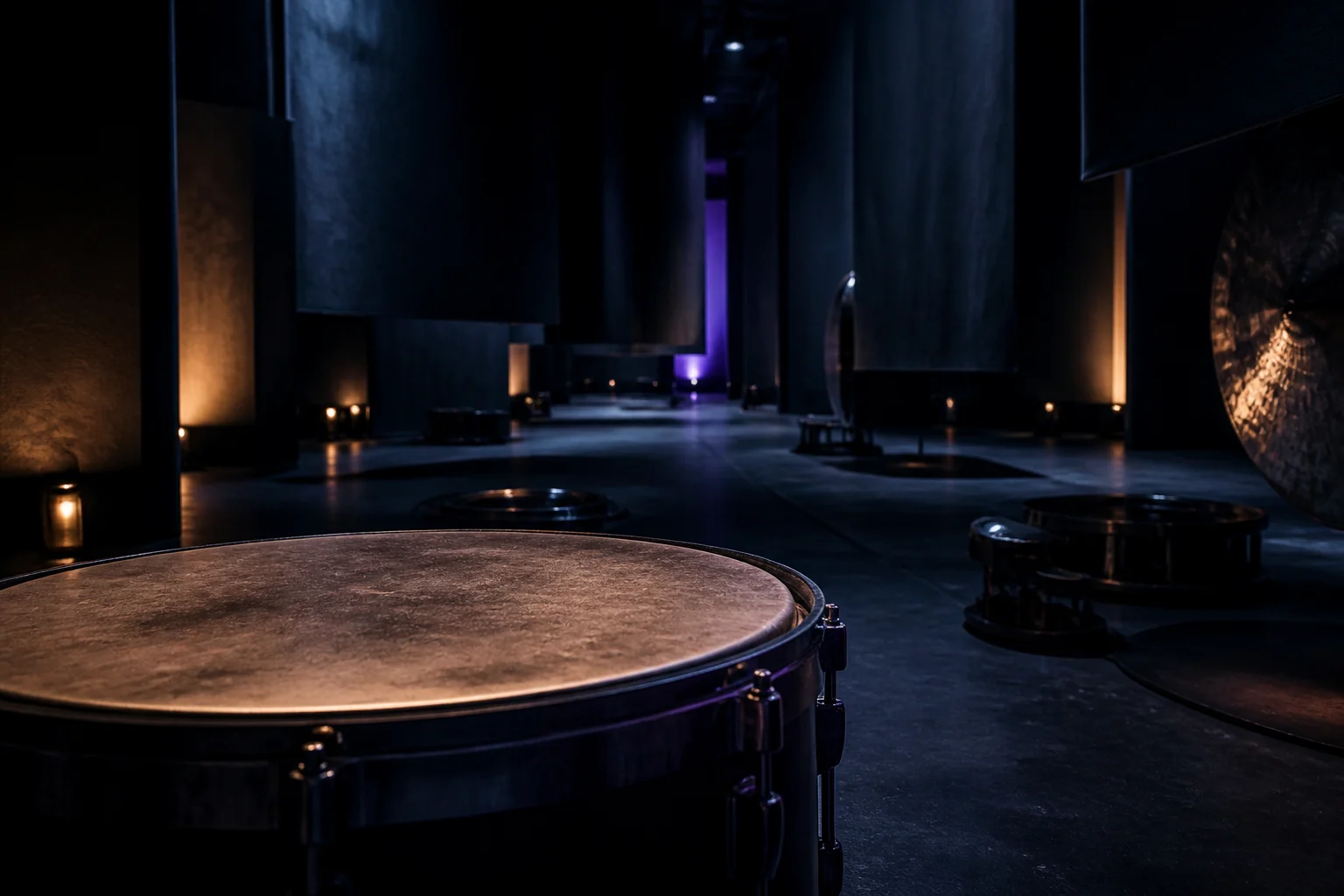
Shape rhythm, texture, and space as one atmosphere
Choose a pulse and let every sound define distance: a dry kick close to the listener, bass that moves under the floor, metallic echoes at the edge, pads that widen the horizon, or vocal fragments that appear and disappear. The AI EDM Music Generator treats BPM and production words as creative direction, not exact engineering controls.
Shape the atmosphere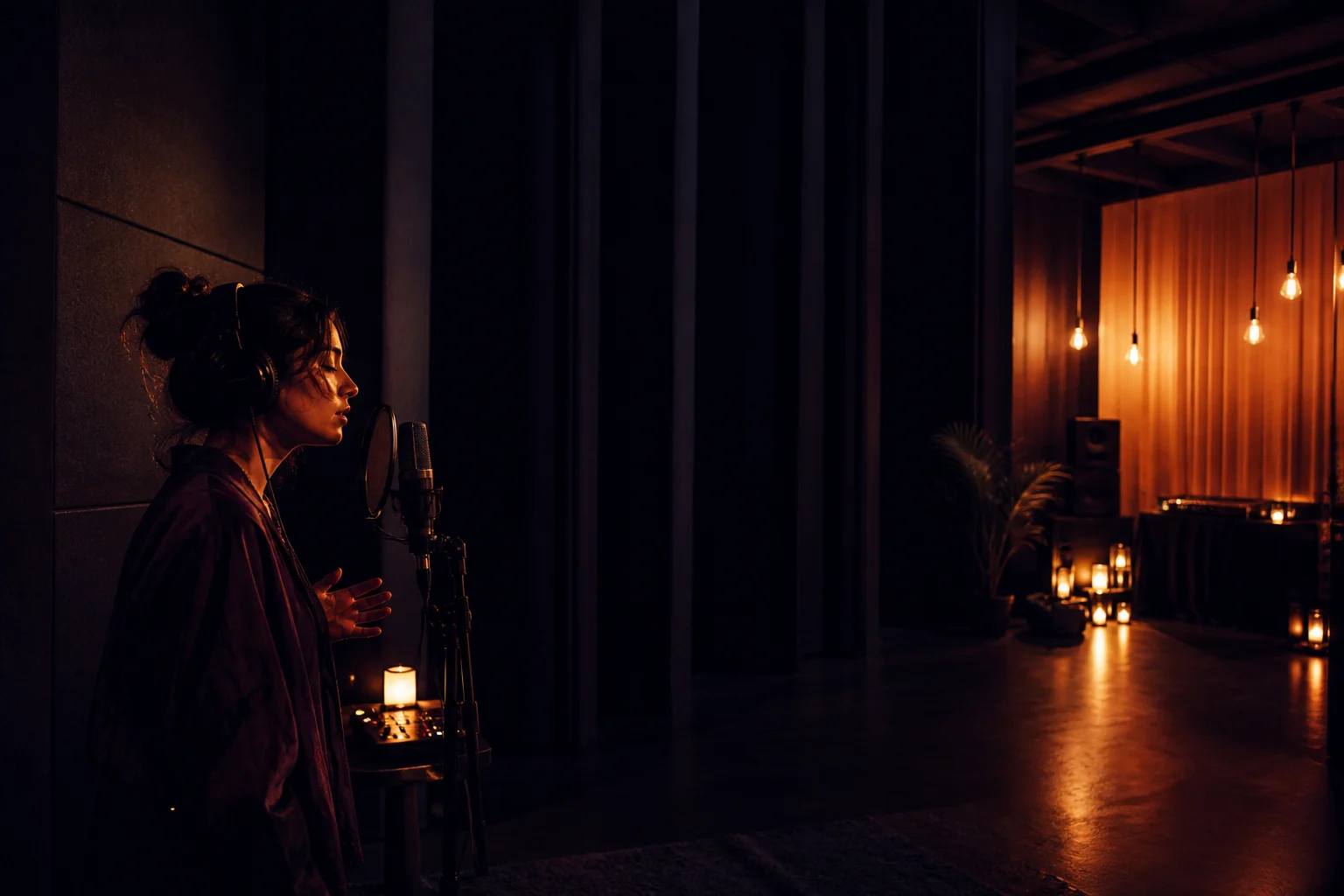
Place vocals, silence, and release where they matter
Use instrumental mode when the scene needs room, or add your own lyrics and define whether the voice feels intimate, distant, fragmented, or communal. Mark the silence before a drop, the lyric that opens the chorus, and the kind of ending the story needs. For a genre-neutral starting point, return to the broader AI Music Generator.
Explore the AI Music GeneratorWho creates with an AI EDM Music Generator?
An AI EDM Music Generator helps creators test how electronic music can carry movement, timing, atmosphere, and emotional change. A precise scene gives the generator a job: support a cut, guide a body, hold a game space, or turn lyrics into a complete electronic song.
Film and motion editors
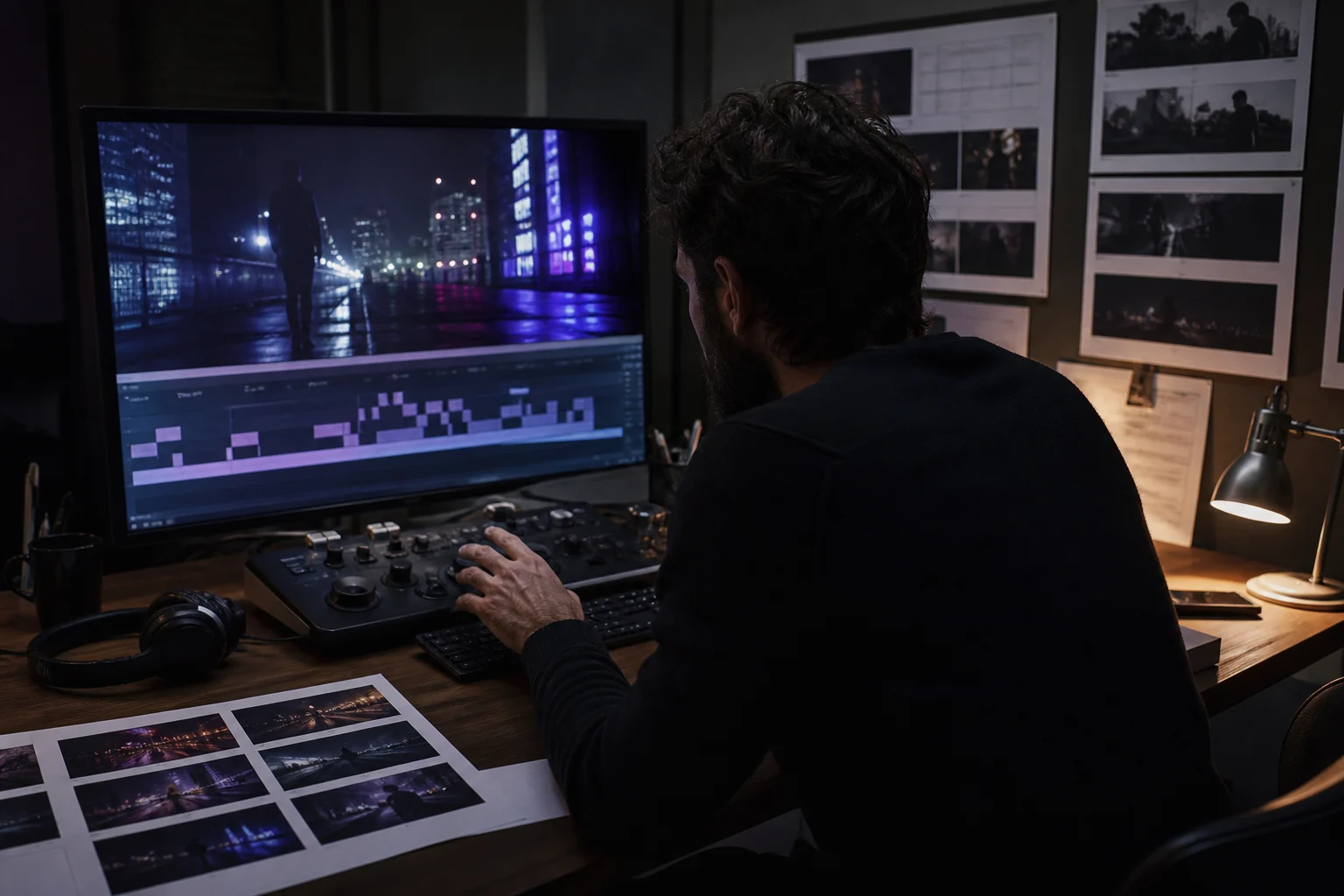
Shape electronic cues around title sequences, product films, visual essays, fashion edits, trailers, transitions, and rhythmic montage. Tell the AI EDM Music Generator where the image narrows, accelerates, suspends, or opens so the track follows the edit instead of competing with it.
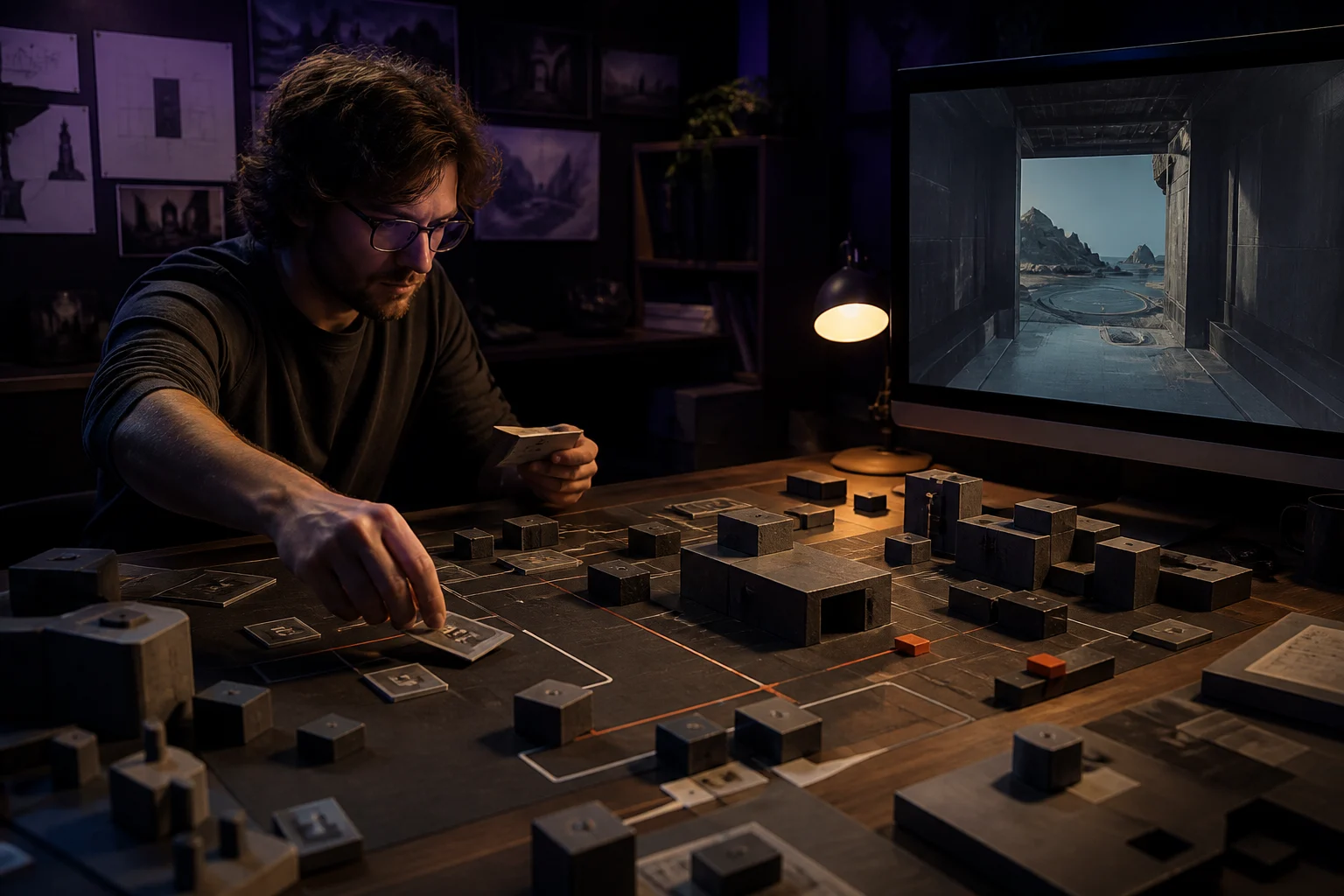
Game and interactive designers
Explore menu ambience, traversal loops, chase pressure, arena reveals, puzzle focus, level transitions, and victory release. The AI EDM Music Generator can suggest a complete direction when the prompt explains player motion, environmental scale, loop behavior, dialogue space, and the moment the state changes.
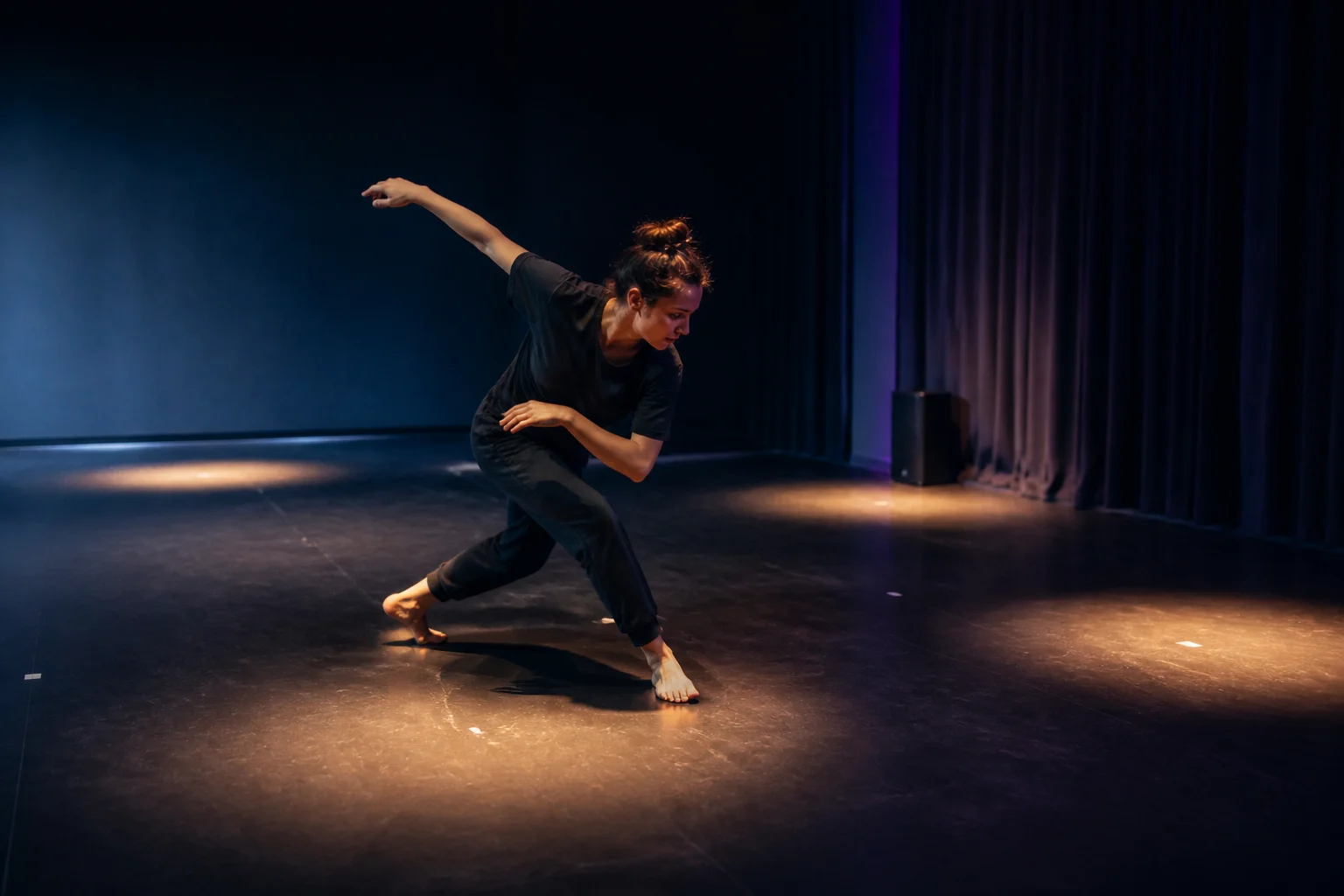
Dance and movement creators
Build a track around counts, breath, repetition, balance, acceleration, impact, recovery, and stillness. Use the AI EDM Music Generator to compare how a steady club pulse, half-time weight, rapid breaks, or an empty bar changes choreography, rehearsal flow, fitness intervals, or a stage reveal.

Vocal and song creators
Turn owned lyrics into an electronic song by defining where the voice stays close, where texture fragments the words, where harmony widens, and where the instrumental section takes over. The AI EDM Music Generator responds to musical qualities; avoid asking it to reproduce a named artist or recognizable identity.
How to guide an AI EDM Music Generator
Give the AI EDM Music Generator a short scene direction instead of a stack of disconnected production terms. Define the world and movement, choose the pulse and spatial character, then generate and listen for whether the emotional transition reaches the intended moment.
Name the scene, motion, and emotional destination
Choose an EDM lane such as Progressive House, Deep House, Techno, Trance, Dubstep, Drum and Bass, Future Bass, or Electro House. Add who or what is moving, the scale of the space, the starting emotion, and how the listener should feel when the track releases or ends.
Define pulse, distance, voice, and turning points
Tell the AI EDM Music Generator whether the rhythm is steady, half-time, broken, or fast; whether bass feels warm, heavy, or controlled; which textures sit close or far away; and whether the track is instrumental or uses your lyrics. Identify the pause, breakdown, drop, or chorus that changes the scene.
Generate and repair the weakest transition
Listen for whether the opening establishes the world, the pulse supports the movement, the space leaves room for the project, and the release changes the emotion. Revise one transition in the AI EDM Music Generator prompt—such as the silence before the drop or the ending after the chorus—then compare the new interpretation.
AI EDM Music Generator FAQ
Answers about complete electronic tracks, scenes, subgenres, prompts, lyrics, instrumentals, artist imitation, and project rights.