
Preview Musicaura default AI music examples
These playable examples come from Musicaura’s default AI music generator. Use the 8-bit music generator above to create a dedicated chiptune cue for your own prompt.

Open Window

Palm Juice Ride

Midnight on My Sleeve
Rain on Windowpanes

Launch Day Spark

Blacktop Pulse
Shape 8-bit music around the moment
The AI chiptune generator lets you combine scene intent, chip texture, loop shape, and mood before generating, so the track starts closer to the job it needs to do.
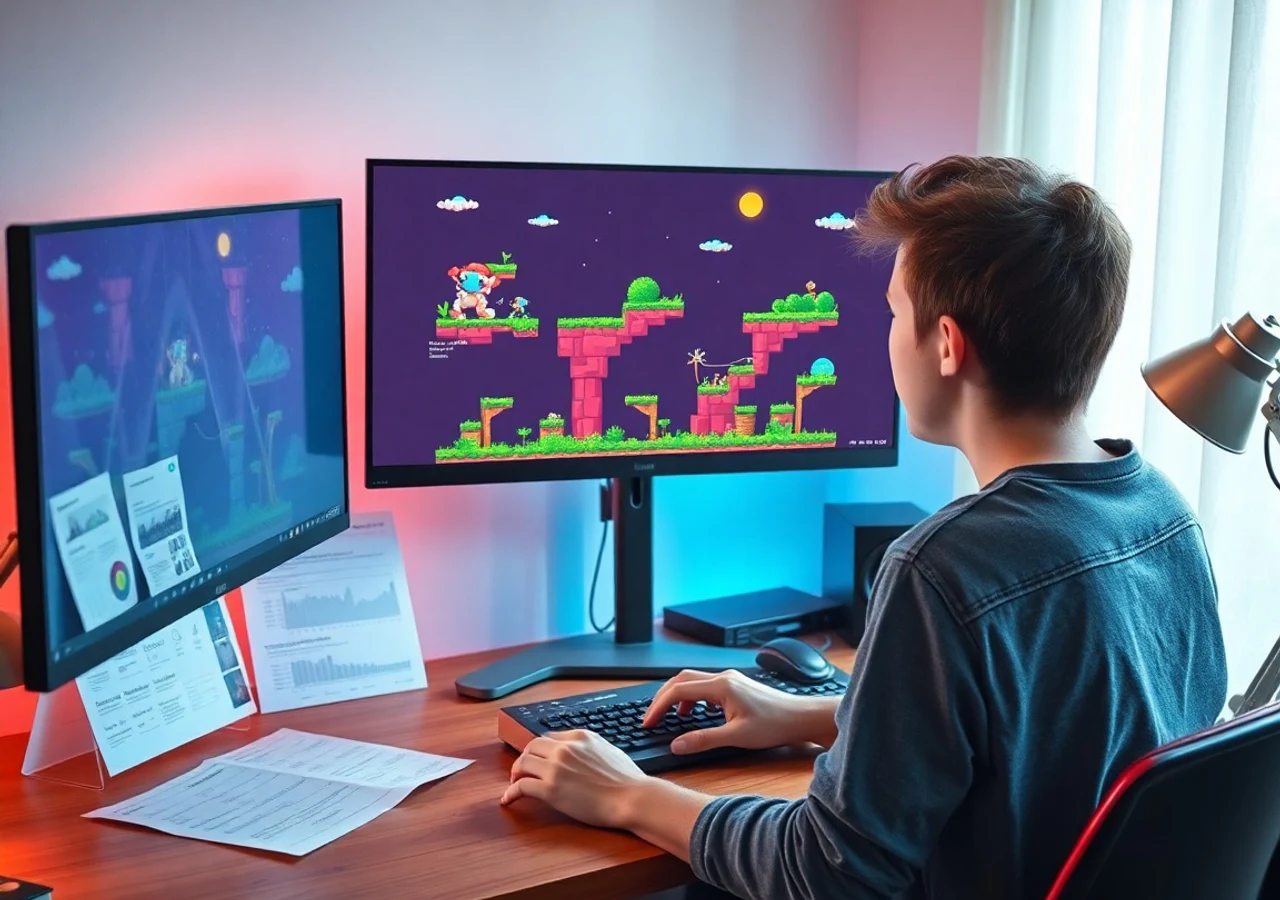
Sketch arcade scenes as chip loops
Turn a platform jump, save room, boss warning, or title screen into a clear prompt for a retro game music generator.
Draft a scene cue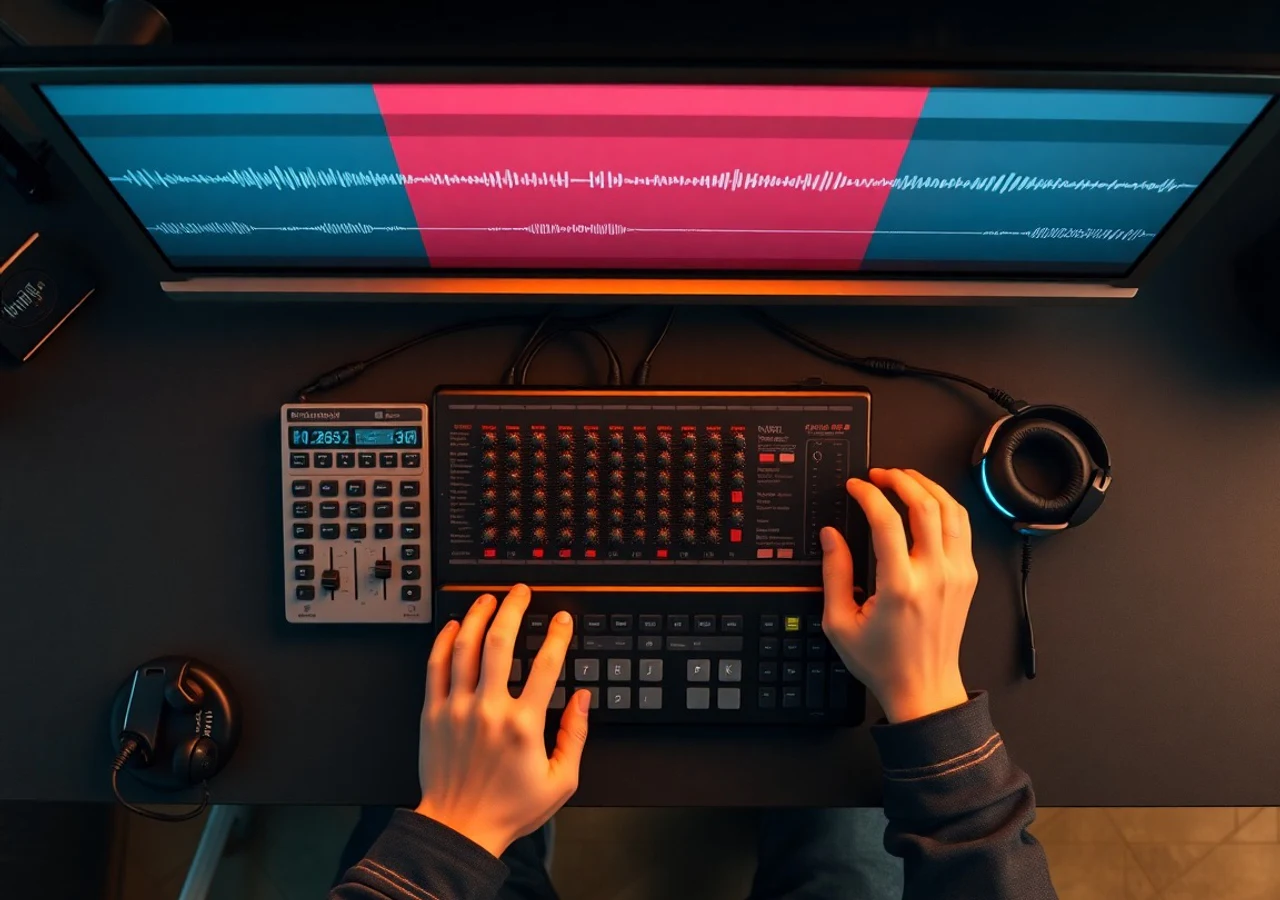
Balance melody, bass, and noise
Choose square lead, pulse chords, triangle bass, arpeggios, and noise drums without opening a tracker or drawing every note.
Tune the chip palette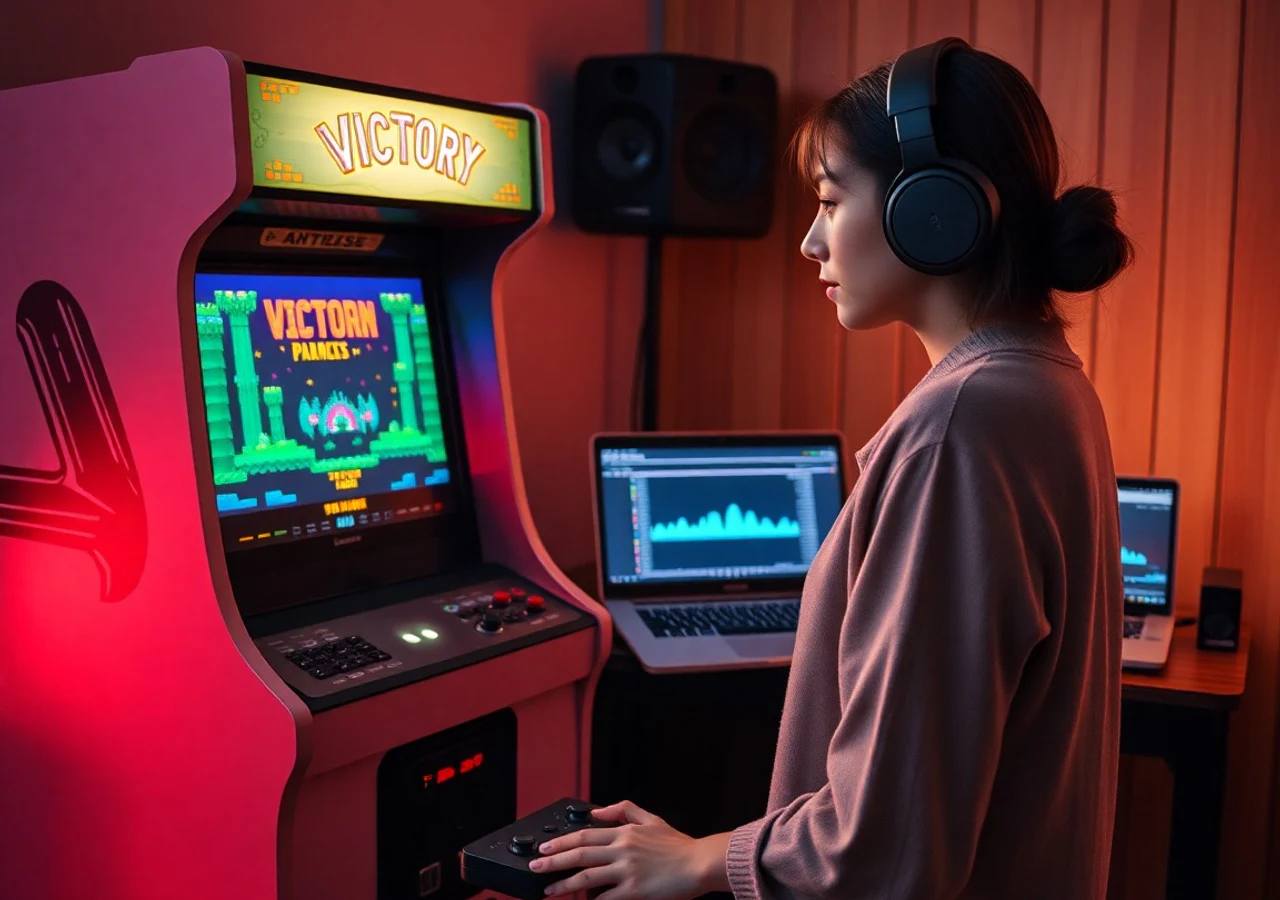
Make short cues feel finished
Ask for stingers, menu loops, victory phrases, or 16-bar backgrounds with endings that resolve cleanly for replay.
Build a usable loopWho MusicAura 8-bit tools help
Game makers and creators use this 8-bit music generator when they need quick, editable chiptune ideas with a defined purpose instead of a generic retro track.

Pixel game prototypers
Block out level music, title themes, shop beds, and win cues while art and mechanics are still changing.

Short-form retro creators
Make intros, transitions, stream alerts, and throwback edits feel arcade-ready without hunting through stock loops.
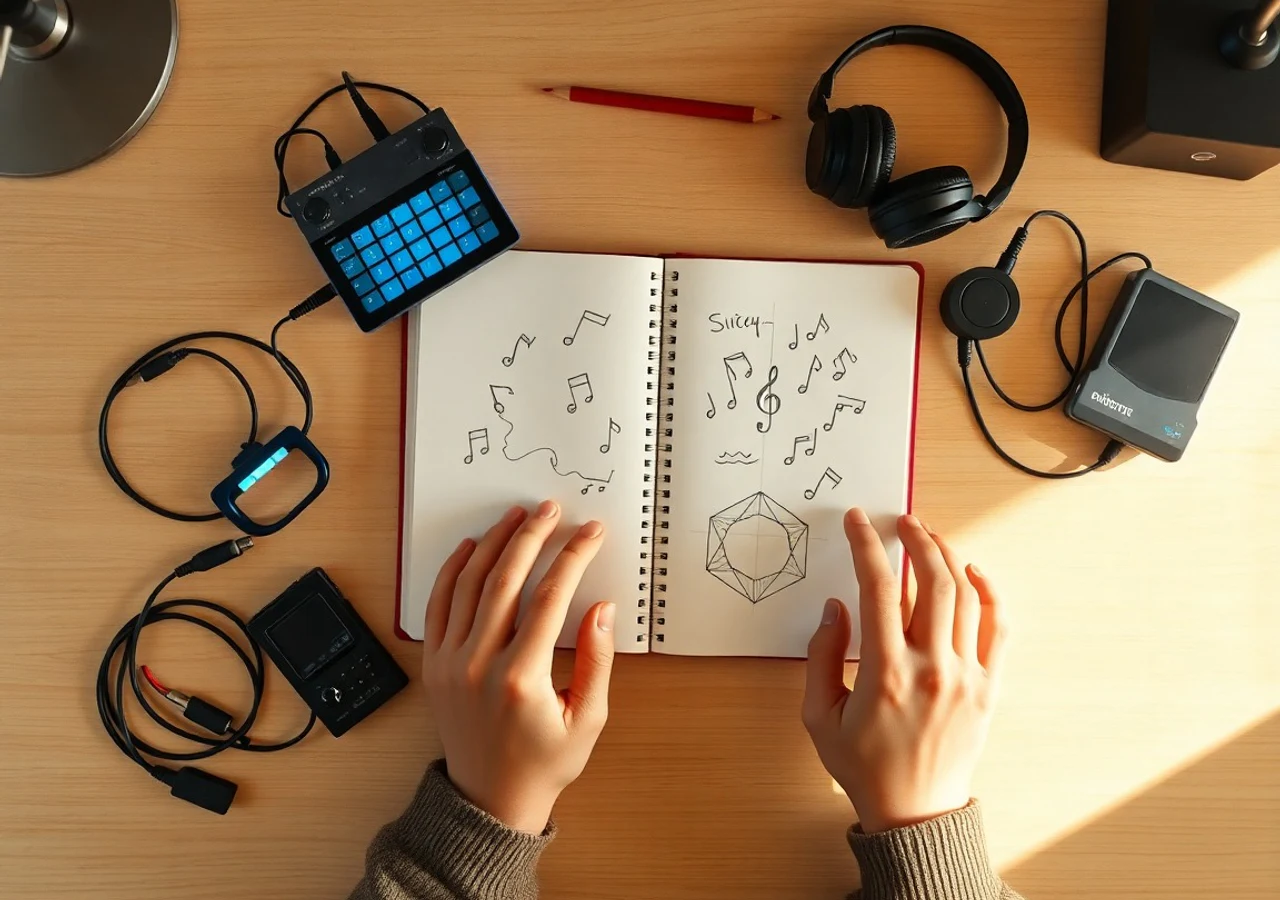
Chiptune sketchpad makers
Explore motifs, bass motion, and percussion textures before rebuilding the best ideas in a tracker or DAW.

Retro brand studios
Shape chiptune cues for product drops, playful campaign moments, event loops, and nostalgic interactive pages.
How to make an 8-bit cue
Start from the screen moment, choose the chip vocabulary, then generate and revise the loop.
Name the scene job
Write whether the music is for a menu, level, boss reveal, save point, trailer beat, or button cue.
Add chip-specific direction
Use tags for square lead, triangle bass, noise drums, arpeggio speed, mood, and loop length.
Generate, listen, and tighten
Keep the best result, then revise the prompt for stronger melody, calmer bass, shorter intro, or a cleaner loop point.
8-Bit Music Generator FAQ
Practical answers about prompts, loops, chiptune texture, and usage.