
MP3 to MIDI Converter
Turn a clear MP3 recording into editable MIDI notes. Choose a file, preview your source, then convert and download. Simple melodies work best; full mixes may need substantial correction.
Upload MP3
Record
Turn a clear MP3 recording into editable MIDI notes. Choose a file, preview your source, then convert and download. Simple melodies work best; full mixes may need substantial correction.
An MP3 stores the sound of a performance. A MIDI file stores instructions for playing notes. MP3 to MIDI conversion estimates those instructions from the recording, giving you a starting point for editing rather than an identical copy of the sound. Keep the original MP3 so you can compare the extracted phrase with what was actually played.
Recover estimated pitches, note starts, durations, and velocities from your MP3. Open the MIDI in an editor to move a note, shorten its tail, or try a different instrument. The exported file contains note data, so the sound you hear afterward depends on the instrument used to play it.
Start with an MP3 of a solo piano phrase, a clean guitar riff, or a prominent melody. A recording with a clearly audible part is easier to review than a dense mix. The converter writes detected notes into one MIDI track; it does not identify and separate every instrument into its own part.
Treat MP3 to MIDI as a transcription draft. Reverb, distortion, overlapping instruments, and percussion can introduce extra notes or hide quieter ones. Check the result against the source before building an arrangement around it. A short recognizable phrase makes that comparison easier and keeps corrections manageable.
Load the MP3 you already have. Changing its extension to .mid does not extract notes, and converting a compressed MP3 to WAV cannot restore detail that was lost earlier. If you also have the original uncompressed recording, the general audio converter accepts supported alternatives without an extra MP3 export.
Keep the page open while the browser processes your recording. The conversion runs on your device; the model must load before it can detect the notes. Processing time depends on the source length and your device, so begin with the phrase you actually want to work on.
Drop a local MP3 into the tool or select it from your device. Play the source preview and check that you have the right passage, that the musical part is audible, and that the recording is not mostly silence. The supported-format note also lists alternatives. Use Record if you prefer to capture a fresh idea.
Select Convert to MIDI and watch the progress indicator. The browser decodes the recording and detects note events. Controls are locked during processing to avoid overlapping conversions. If no clear notes are found or decoding fails, review the error, choose a clearer source, and try again.
When the result is ready, download the .mid file or open the MIDI editor. The download keeps the source filename with a MIDI extension. Save a copy before experimenting, compare the notes with the original MP3, and correct obvious pitch or timing mistakes before using the phrase in a larger project.
Use the recording as a reference and the extracted notes as material you can reshape.
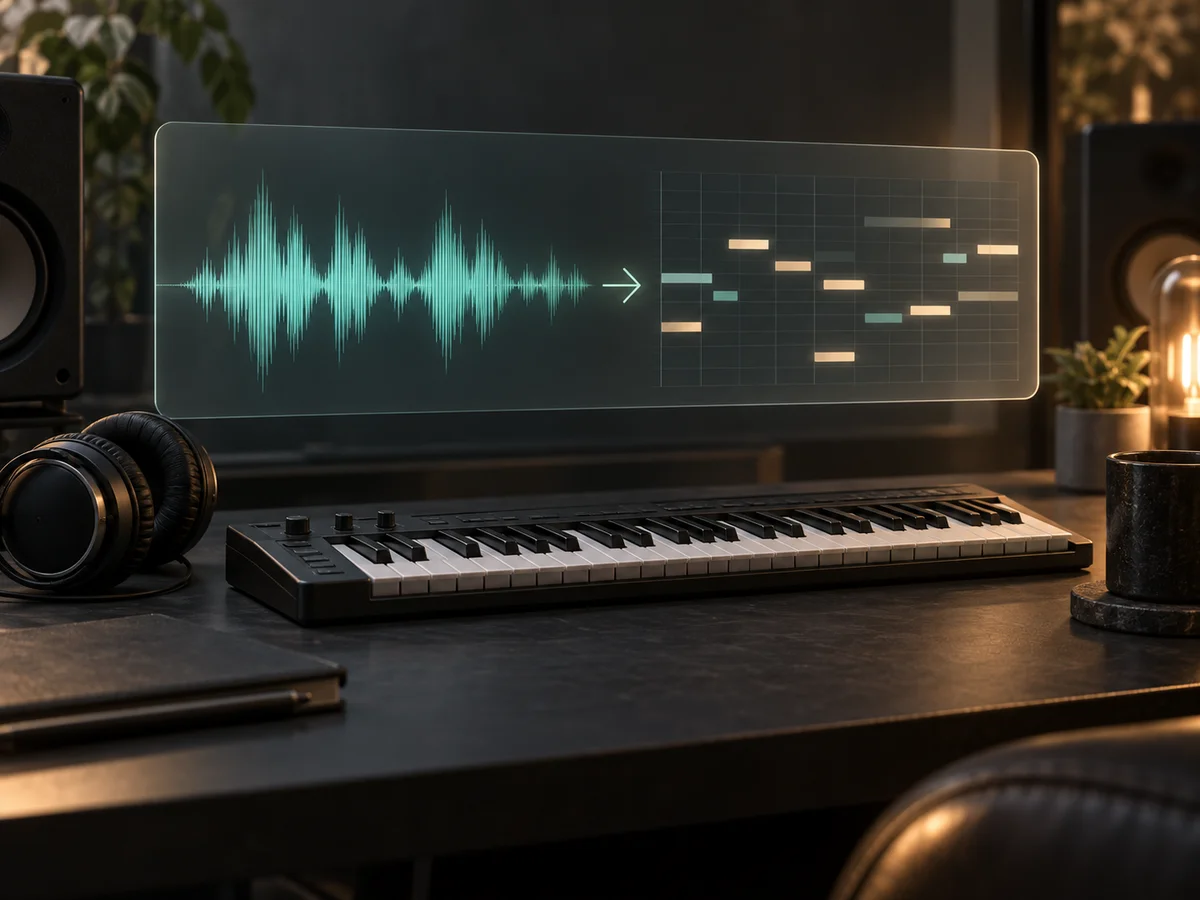
An old MP3 demo can contain a phrase you still want to develop. MP3 to MIDI gives that phrase an editable starting point: review the pitch contour, remove stray detections, and choose a new instrument in your music software. A songwriter can recover a hook from a demo, a producer can sketch a new arrangement around a keyboard line, and a learner can compare an estimated note sequence with a practice recording. These are revision workflows, not a promise of a finished score or a complete recreation of the original song.
Convert an MP3
MP3 to MIDI makes individual notes available for revision. Open the converted draft in the editor, correct an unexpected pitch, shorten an overlapping note, or remove a stray detection without recording the whole phrase again. Keep the source MP3 nearby as a listening reference. This is especially useful when the musical idea feels right but a few detected notes interrupt its shape.
Edit MIDI notes
Download the .mid file and import it into a MIDI track in compatible music software. Assign an instrument, test the phrase against your arrangement, and layer new parts around it. An MP3 to MIDI draft can become a new keyboard line or a melody sketch while your original recording stays available for comparison. The file contains estimated notes in one track, so choose the sound and finish the arrangement in your DAW.
Convert and download MIDIGood source selection and a careful first edit matter more than treating every detected note as correct. Use these checks before you move the MIDI into a finished arrangement.
If you only need an eight-bar idea from a long MP3, prepare that excerpt in your usual audio editor first. This tool converts the selected file and does not include a trim control. Keep a little space around the phrase so the first attack and final note are not cut off. Shorter material is also easier to compare by ear.
Use a solo take or an existing isolated part when one is available. Loud drums, layered vocals, or a heavily reverberant room can obscure the pitches you want. MP3 to MIDI does not remove those competing sounds before detection. Repeatedly exporting the same dense mix at a higher bitrate will not isolate a melody or guarantee a better transcription.
The MIDI export uses a default tempo of 120 BPM; this is not a measurement of your MP3's tempo. Detected note events are timed from the recording. Review the imported phrase and your project's tempo settings before snapping everything to a beat grid. Automatic quantization in other software can change intentional timing as well as genuine mistakes.
Play the MP3 and MIDI phrase separately while checking wrong pitches, duplicate notes, unusually short fragments, and overlapping tails. Adjust the largest errors first. The source preview plays your recording; to hear or refine the MIDI, open the editor or your music software. Keep a downloaded draft so you can return to the original detection after making changes.
Working with another format or a new recording? Use the audio to MIDI converter for the broader audio workflow.
Already have a .mid file? Open the MIDI editor to work directly with its notes.
Practical answers about files, browser processing, and what the output includes.
Choose a clear recording, convert it to MIDI, and keep the notes you want to develop. Your original MP3 remains the reference for every edit.