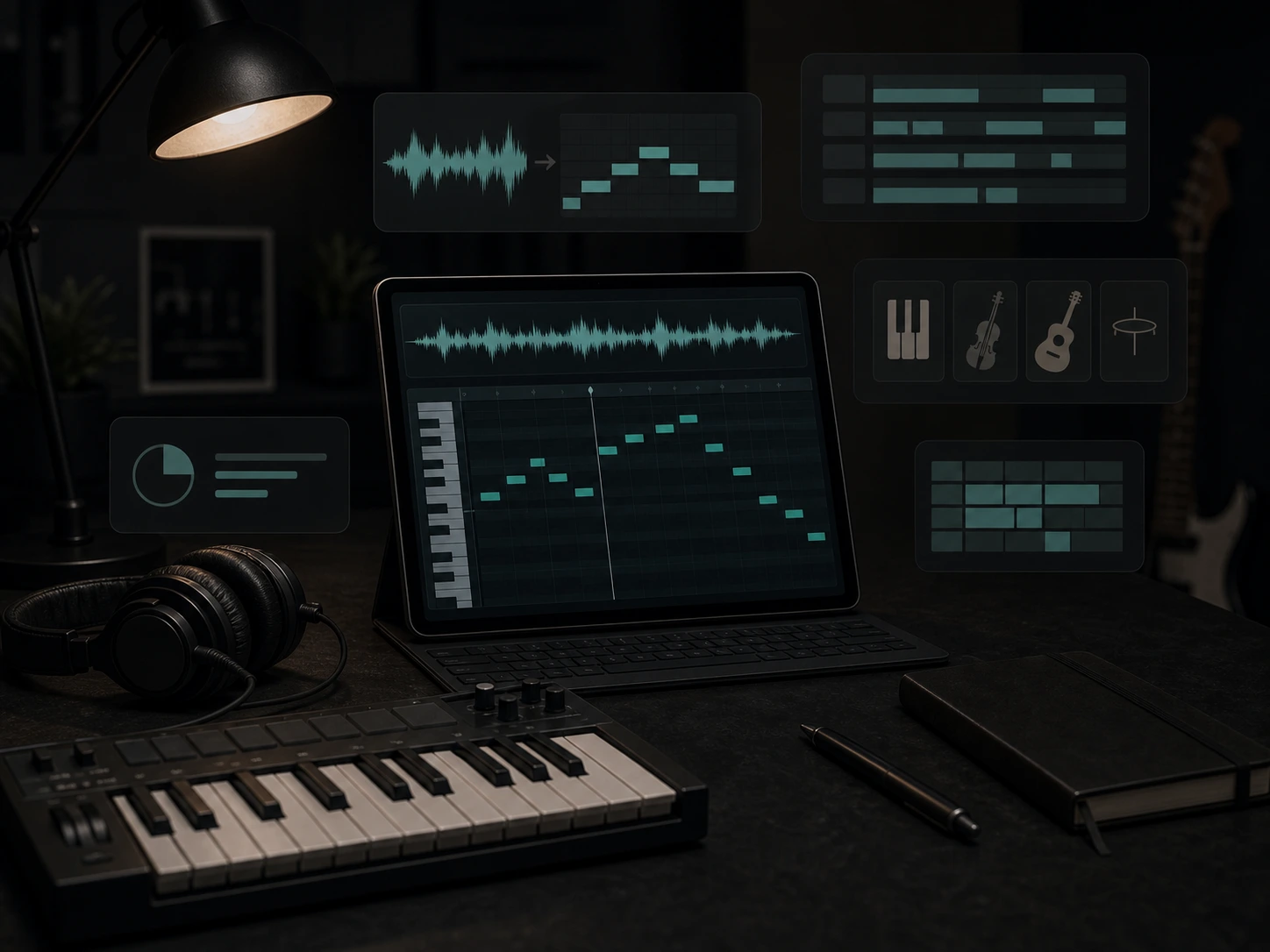
Audio to MIDI Converter Online
Convert audio to MIDI from voice, piano, guitar, and melody recordings you can edit after export.
Upload
Record
Convert audio to MIDI from voice, piano, guitar, and melody recordings you can edit after export.
MP3 to MIDI Converter — Convert a clear MP3 recording into editable MIDI notes and download a .mid file.
This tool analyzes pitch, timing, and note movement in a recording, then creates MIDI data you can edit in a DAW or MIDI editor. It works best with clear melodies, vocals, piano lines, guitar riffs, and simple instrument parts.
Convert MP3, WAV, M4A, FLAC, and other supported recordings into MIDI notes that can be edited, corrected, and arranged.
Use voice to MIDI when a sung melody, hummed hook, or vocal sketch needs to become notes you can play with instruments.
Turn a clear piano recording into MIDI note data so you can adjust timing, pitch, chord voicings, and arrangement details.
Convert clean guitar lead lines, riffs, and melodic phrases into MIDI starting points for remixing or new instrument layers.
Analyze clear single-instrument ideas and move the musical information into a format that is easier to edit than audio.
Export MIDI for most DAWs so you can change notes, instruments, tempo, velocity, and structure after conversion.
MIDI turns a recorded idea into editable note data. Use it when you want to fix a melody, swap instruments, rebuild a phrase, or guide a new arrangement without manually transcribing every note.
Audio locks melody, timing, and performance details inside a waveform.
MIDI lets you move notes, correct pitch, quantize timing, change velocity, and reshape a phrase note by note.
A recorded idea keeps the tone of the original voice, piano, guitar, or synth.
After conversion, you can play the same melody with piano, strings, bass, synths, drums, or other virtual instruments.
Rebuilding a hook or melody by ear can slow down songwriting, remixing, and production.
Use converted MIDI as a starting point, then edit the notes manually where the recording was noisy or complex.
Text prompts alone may miss exact melody shape, rhythm, or chord movement.
MIDI can provide a more concrete musical guide when you build variations, arrangements, and AI-assisted music ideas.
Use conversion when you need editable notes from a melody, vocal idea, piano phrase, guitar riff, or clean instrument recording.
Adjust notes, pitch, timing, rhythm, and velocity after conversion instead of being stuck with a fixed audio take.
Move the same melody into piano, guitar, strings, synths, bass, drums, or any MIDI instrument in your DAW.
Capture a musical idea quickly, then clean up the MIDI by ear when the source recording is complex or imperfect.
Use MIDI as structure for AI music generation, arrangement sketches, composition tools, and production experiments.
Musicaura is for creators who hear or record a musical idea and want editable MIDI notes instead of a fixed audio clip.
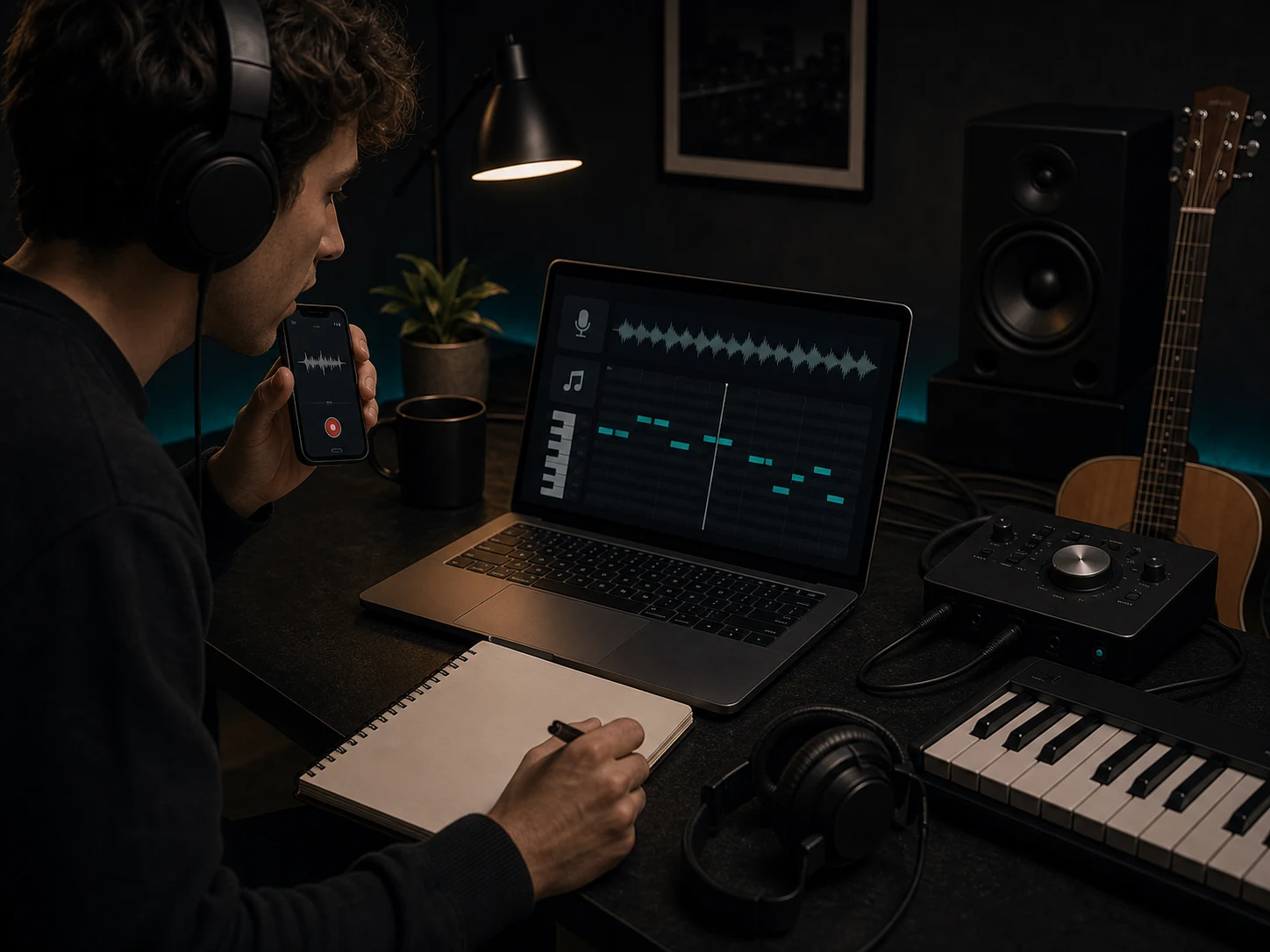
Record humming, singing, or a quick instrument idea, then turn it into MIDI notes you can refine into a hook, topline, or chord progression.
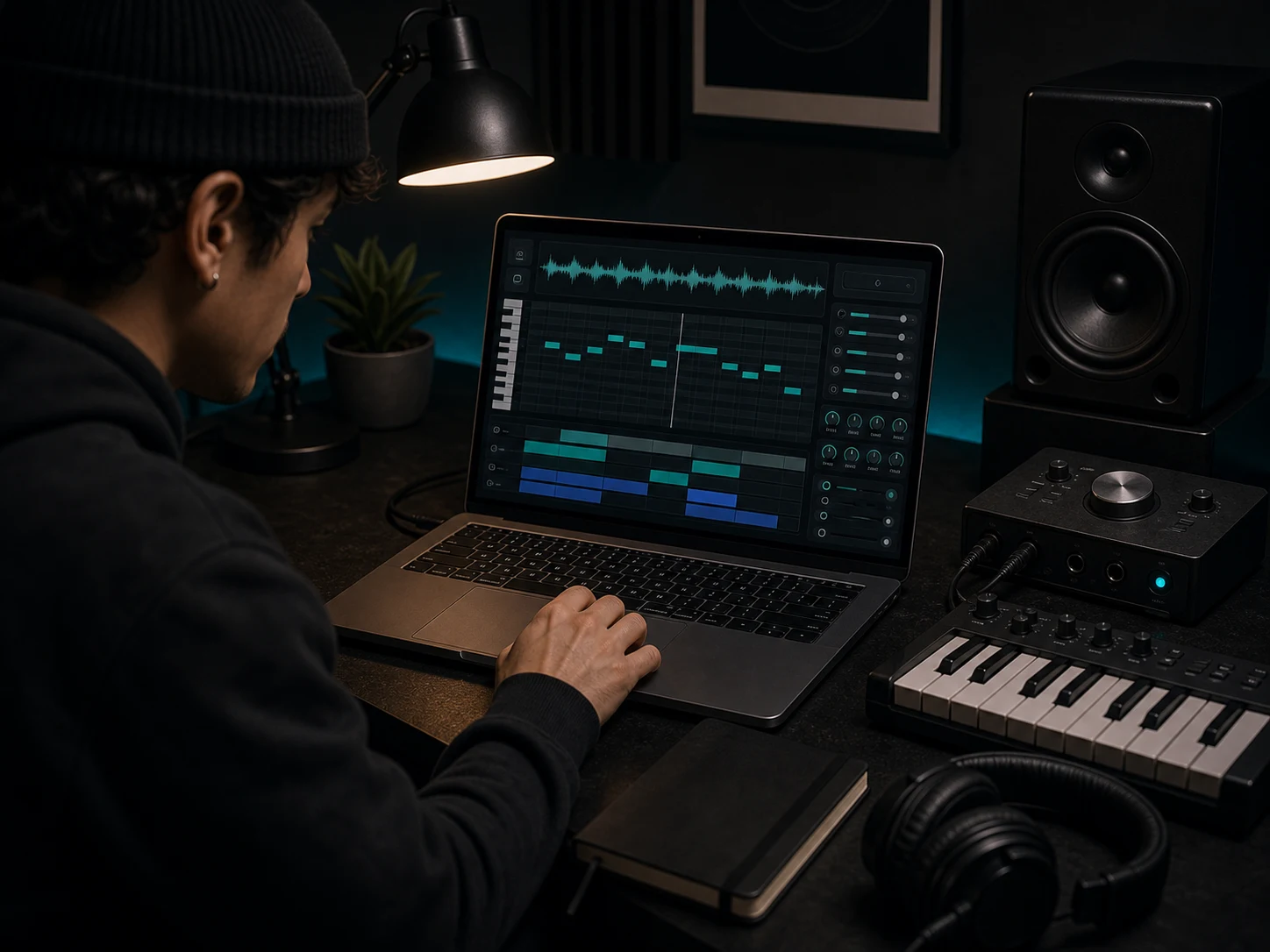
Convert clean audio phrases into MIDI so you can change instruments, correct timing, edit notes, and build fuller arrangements inside a DAW.
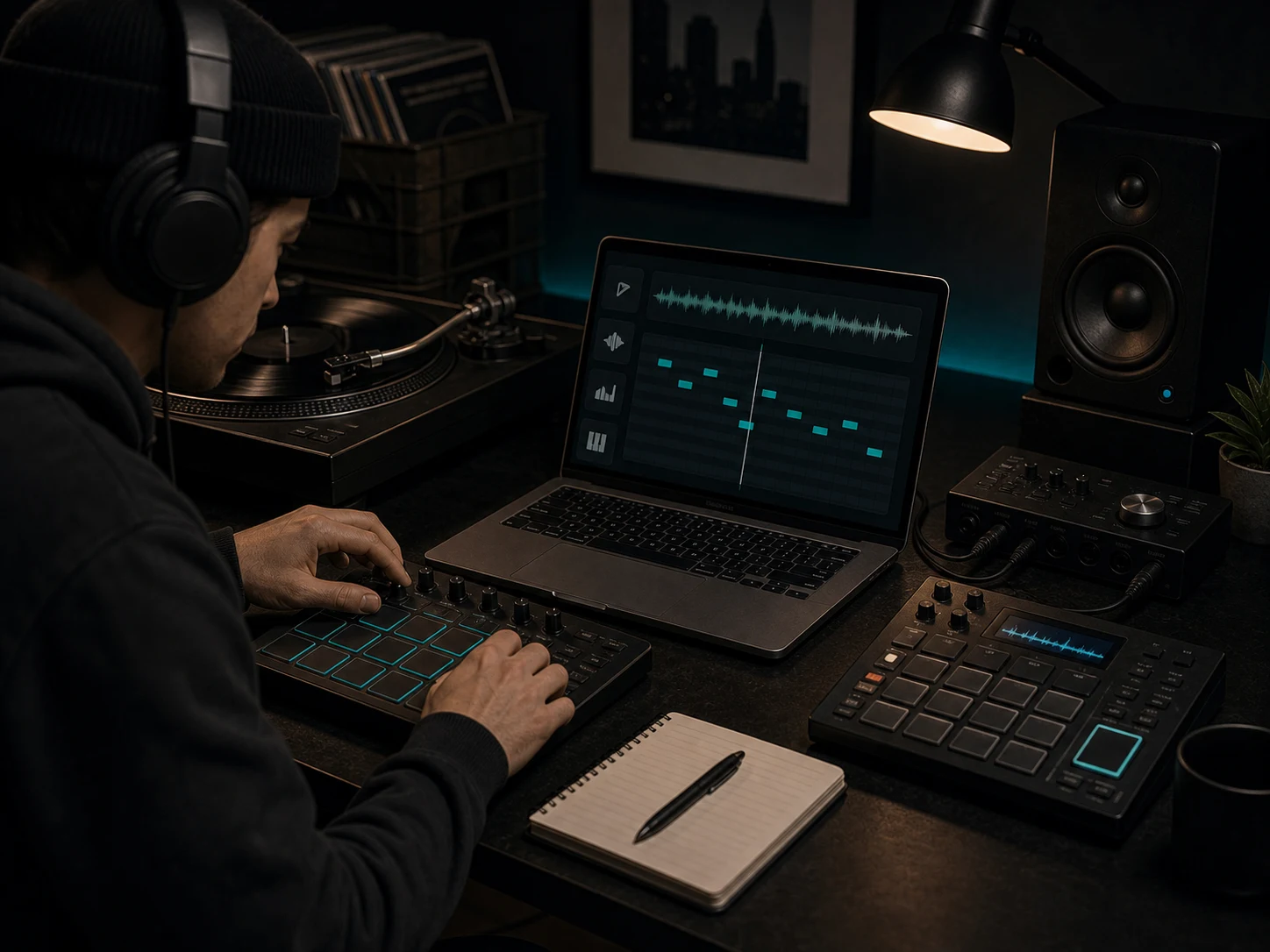
Use MP3 to MIDI conversion as a starting point for rebuilding a melody, testing a new sound, or making a sampled idea easier to rearrange.
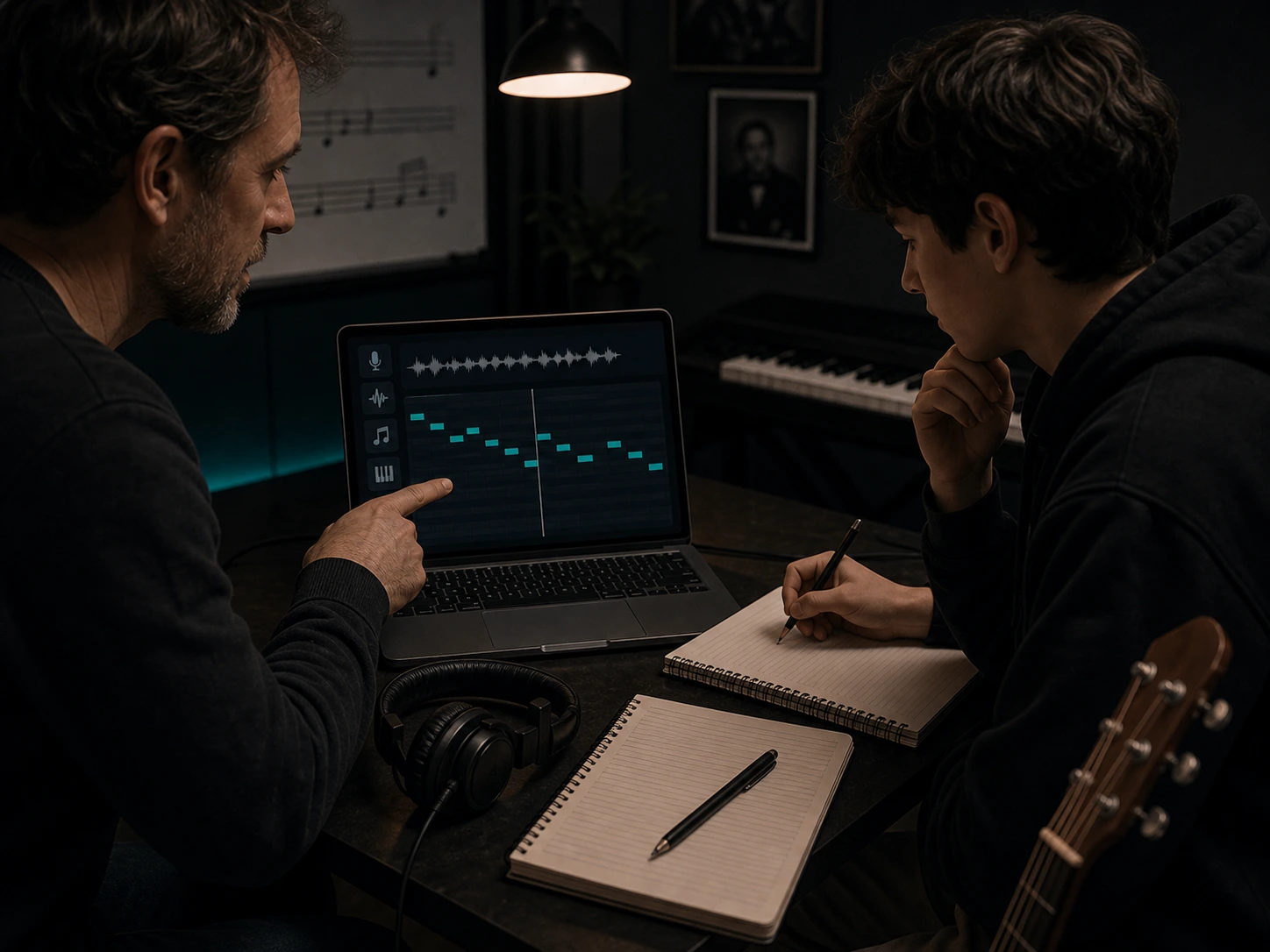
Visualize notes, rhythm, and melody from recordings so lessons, ear training, transcription practice, and performance review become easier to discuss.
Start with a clear recording, convert it into MIDI, then review and edit the result before using it in a production workflow.
Choose an MP3, WAV, voice memo, piano phrase, guitar riff, or simple instrument recording. Clean single-instrument or melody-focused audio usually converts better than dense full mixes.
Musicaura analyzes pitch, rhythm, and phrasing, then prepares an editable MIDI file that you can download or open for further editing.
Check the MIDI notes, fix any mistakes, switch instruments, adjust timing, and use the result in your DAW, MIDI editor, remix, lesson, or AI music workflow.
Use AI transcription when a recorded melody should become notes you can edit, arrange, and reuse.
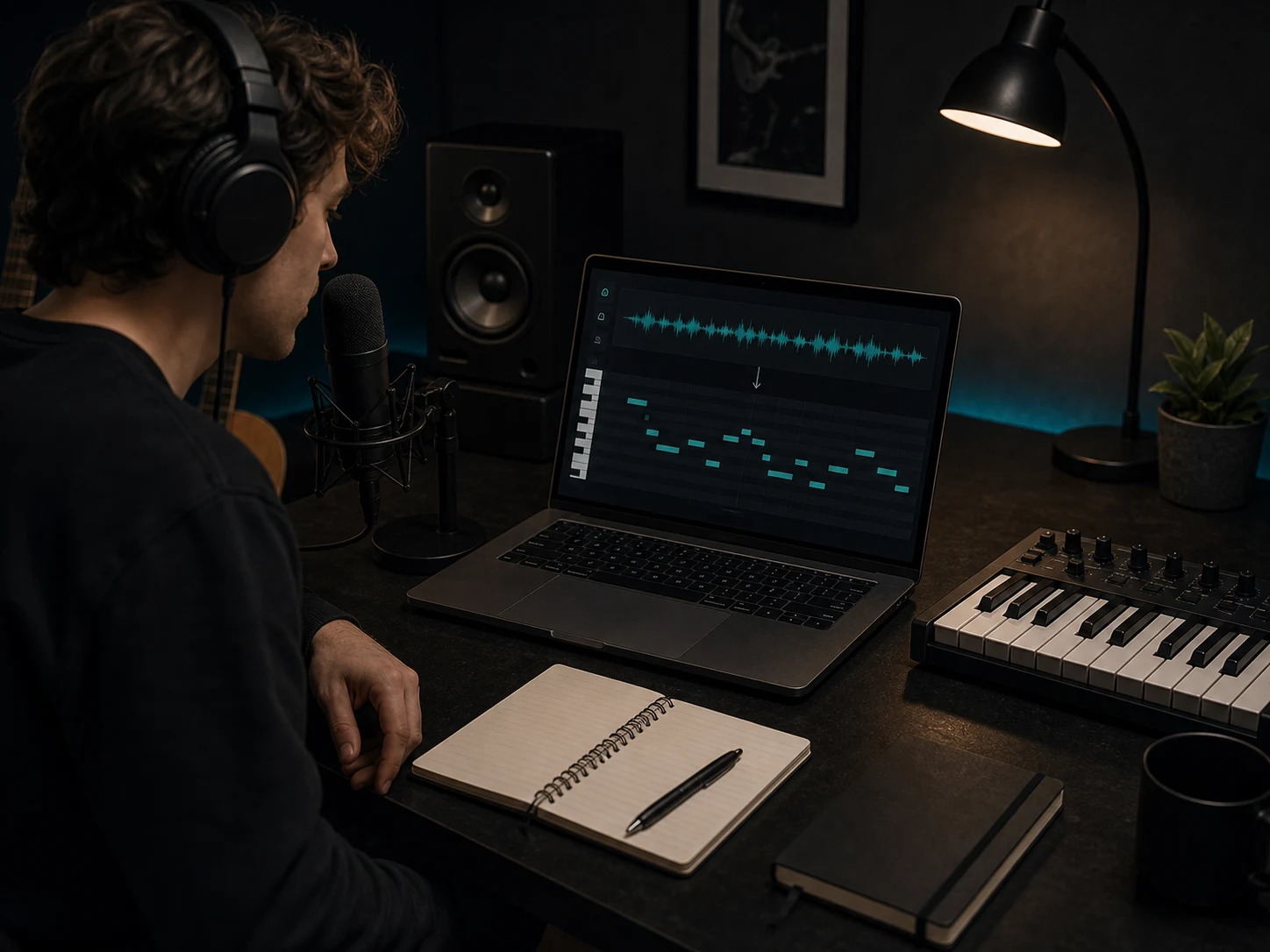
Turn hummed ideas, vocal phrases, piano lines, guitar riffs, and simple loops into MIDI notes that can be corrected and expanded.
Convert Audio to MIDI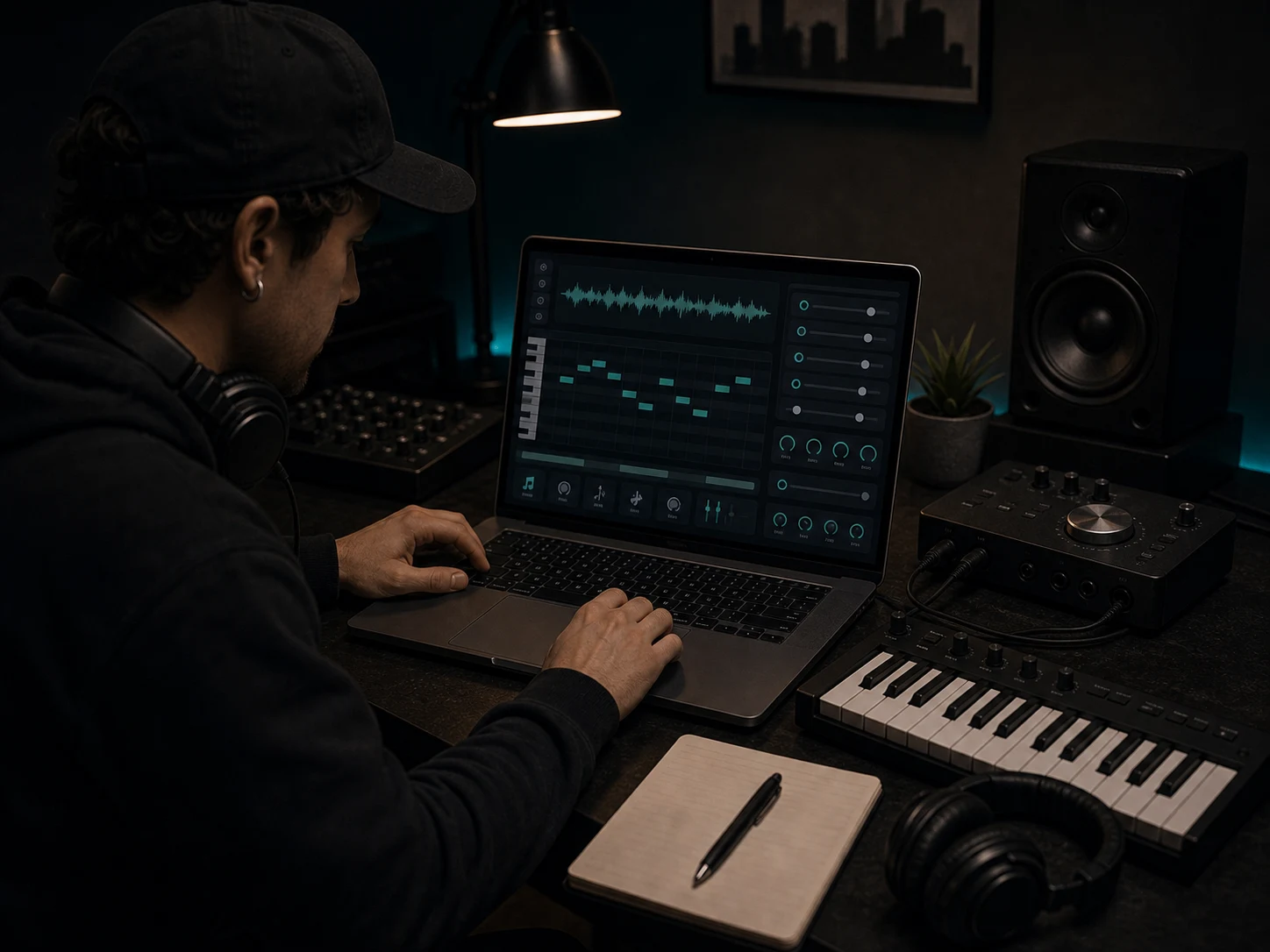
Create a MIDI starting point from audio so you can change instruments, adjust timing, rebuild a hook, or test new harmony faster.
Create MIDI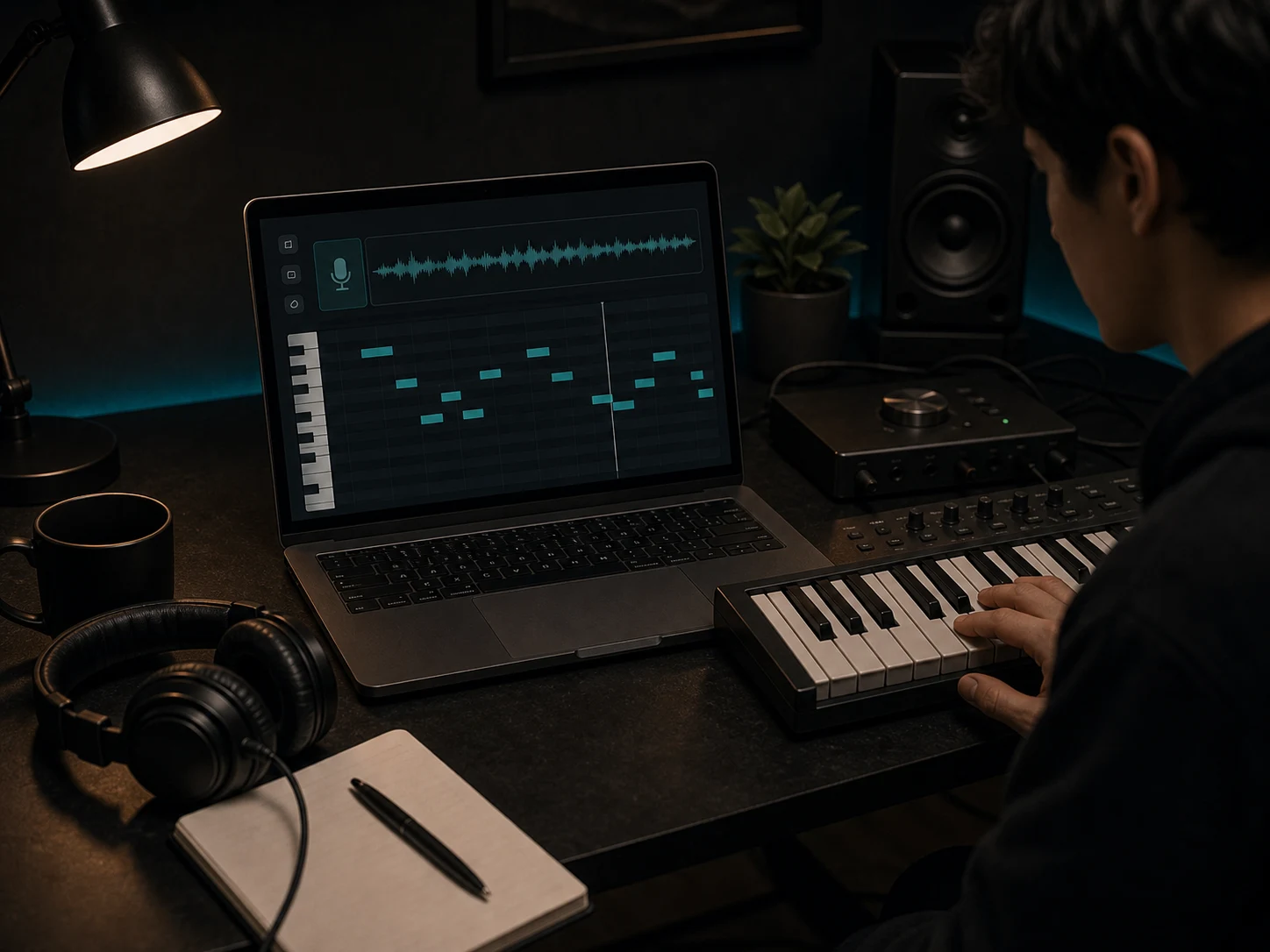
Move a musical idea into flexible MIDI instead of leaving it locked inside one audio recording, then refine the notes in your editor.
Start ConvertingQuestions about audio conversion, MIDI editing, source quality, supported use cases, and music production workflows.