
Listen for sound directions before writing your jingle brief
These are general AI-generated music examples, not dedicated brand or podcast jingles. Hear how melody, voice, rhythm, and arrangement differ, then create a new track from your own sonic brief.

Open Window

Palm Juice Ride

Midnight on My Sleeve

Rain on Windowpanes

Launch Day Spark

Blacktop Pulse
Why use an AI jingle generator for a sonic brief?
A brand sound has to work at a particular listening moment. The AI jingle generator responds to the context you provide, so define the audience, placement, and musical idea before choosing a favorite style.
A genre alone leaves the message unclear
Why doesn't asking for upbeat pop make a recognizable jingle?
Pop describes a broad sound, but says little about the brand or show. Add what the audience is doing, the emotion they should remember, and a concrete hook direction, such as a small rising melody under a spoken name. Those details give the generated track a role to play instead of asking it to fill anonymous background space.
The hook needs room for the message
What if the voiceover and melody compete?
Tell the generator where speech will sit and ask for a simpler instrumental passage there. A podcast host may need a clear opening bed; an ad may need a clean moment around the offer. Preview the result with your narration before choosing it. The form creates music and does not automatically mix a final voiceover into your campaign edit.
Names and exact timing need review
Can I put a brand name and a precise cue in the prompt?
Yes, you can write a name and describe an intended cue or length. Generated vocals may pronounce names differently, and the form has no guaranteed duration field. Listen to the output, adjust lyrics or spelling where useful, and make any frame-accurate cut after generation in an editor.
Usage conditions depend on the project
Is a generated idea ready to publish in client work?
First check the current account plan and license terms for the way you intend to use it. Review the lyrics and source material you supplied, then listen for unwanted words or sounds in the final audio. A useful creative draft still needs approval against the campaign brief and the applicable rights conditions.
What an AI jingle generator brings to a creative review
Use the first render to compare a musical idea with the real place it will be heard. Keep the brief specific enough to judge and flexible enough to revise after listening.
Hear a brand mood instead of debating adjectives
A written brief may call a brand warm, curious, and energetic at once. A generated track lets collaborators hear which of those qualities dominates. Compare it with the product video, opening visual, or spoken tagline, then update one direction in the brief if the sound sends the wrong signal.
Give a podcast a recurring melodic idea
A small motif can help an intro, segment break, and outro feel related. Describe that motif in the prompt and use the resulting track as a listening reference. Before using any excerpt across episodes, check that it fits the host's voice, transition pace, and terms for the intended publication.
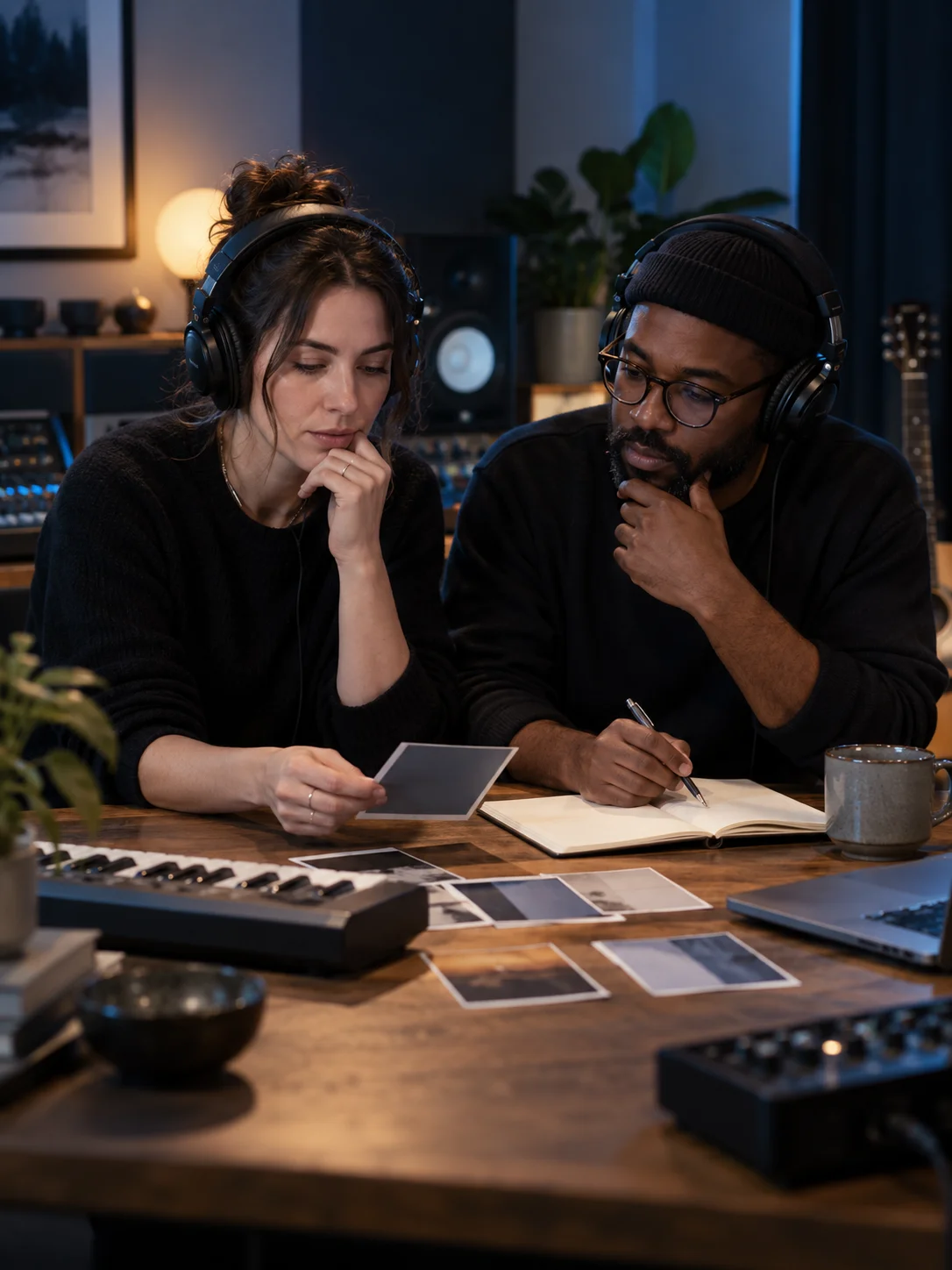
Make client reviews more concrete
An agency can use generated music to explore a few directions for a creative review: playful vocals, a restrained instrumental, or a more confident rhythmic build. Name the difference between each brief. That makes feedback about melody, energy, and message placement more useful than a general request to make it catchier.
Carry one sound idea across formats
When a hook works, note the instruments, rhythm, and melodic contour that define it. A video editor can use those notes while adapting the chosen audio to a social cut or longer introduction. Generate and listen first, then verify any required length, ending, and delivery format in the actual production timeline.
How to use the AI jingle generator in MusicAura
Start with the real playback scene, decide whether words or melody carry the identity, and judge the generated audio against that scene before using it.
Write the listening brief
Name the brand or show, the audience, and the exact context: a podcast opening, product reveal, short social ad, or transition between segments. In Prompt mode, describe the mood, instruments, and hook in one prompt. Include a voiceover gap if someone will speak over the music. Keep confidential campaign details out of the text unless they are necessary for the sound.
Choose instrumental or write the words
Select instrumental when melody needs to support narration. For a sung brand or show name, use Own Lyrics mode to provide your own Verse and Chorus, or review a generated lyric draft before using it. Put the exact wording in the lyrics field and keep the style field focused on instruments, vocal character, energy, and ending. The form may interpret those directions rather than reproduce every cue exactly.
Generate, listen in context, then refine
Submit the request and follow its status in your account; guests are prompted to sign in for generation. Once the track is ready, listen on its own and alongside the intended voice or video. Check the hook, brand-name delivery, opening and ending, and whether the energy matches the brief. Revise the weakest direction and try another version. Review available download and license terms before publishing or delivering client work.
Direct your hook with the AI jingle generator
The generator turns a short prompt or your own lyrics into music. Use its existing style and instrumental choices to explore a distinctive direction, then assess the audio as a candidate for your project.

Build from a focused sonic brief
Give the AI jingle generator a concrete scene: who is listening, what image or spoken message plays with the sound, and which feeling should remain afterward. A compact melody, handclap pattern, soft piano figure, or crisp synth phrase can act as the hook. Ask for one main idea rather than every possible instrument. If you need a full song or broader soundtrack direction, the AI music generator uses the underlying music workflow without this jingle-specific brief.
Write your sonic brief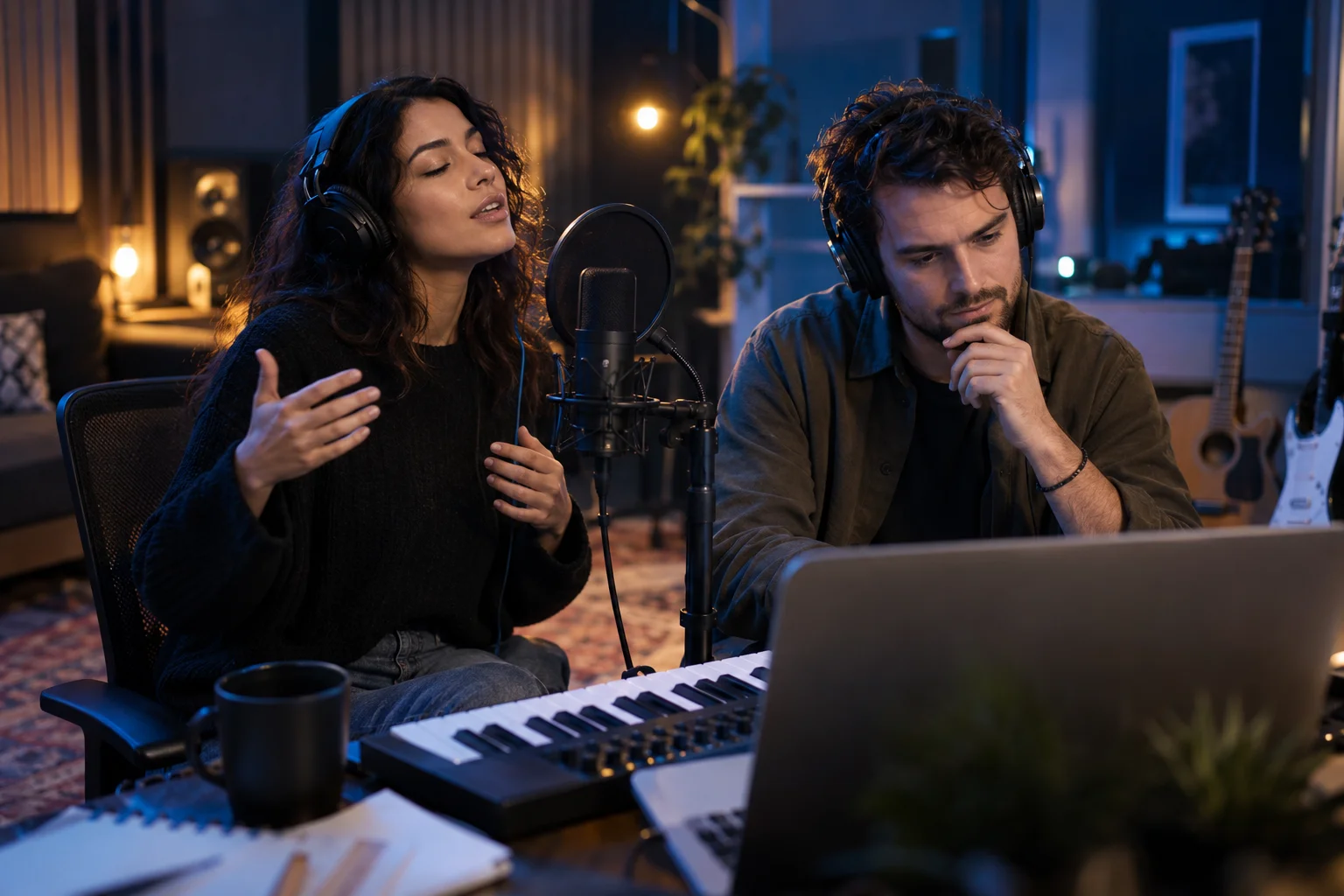
Choose a vocal hook or leave space for speech
A sung name can make an identity more direct, while an instrumental motif can let a host or narrator own the message. In Own Lyrics mode, supply a brief lyric and describe the voice and arrangement separately; for instrumental music, keep the melody clear around the planned spoken line. Listen for pronunciation and balance in the result. The generator has no exact length control, so trim the chosen audio afterward in your own audio or video editor if a spot or transition must fit a precise cut.
Set the vocal directionWho uses an AI jingle generator for sonic identity?
Each listener and playback setting asks for a different musical job. Start with the setting you are designing for, then describe the hook and space the track needs.
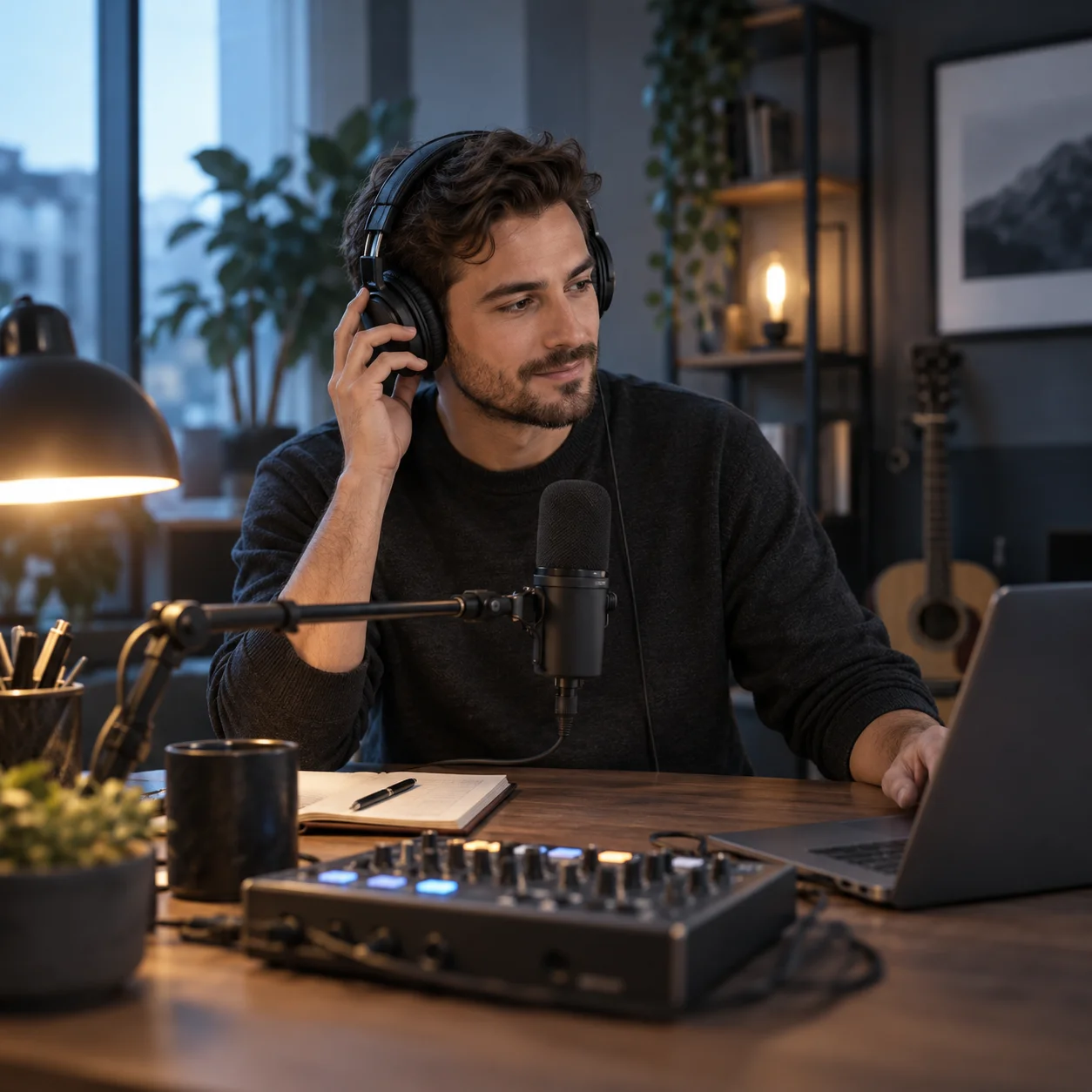
Podcast producers building a show identity
Create a brief for an intro that leads into the host's first sentence, or a recurring motif that signals a segment shift. A restrained instrumental passage may leave more room for speech than a dense chorus. Test the result against a real episode opening and check how abruptly it resolves when the host enters.

Agencies preparing client directions
Translate a brand brief into a few audible directions for review. Keep each prompt focused on one identity: perhaps a warm acoustic welcome, a bright electronic product cue, or a playful sung refrain. Gather feedback on the hook, vocal role, and message space, and review account terms before using output in paid client materials.

Product teams planning a launch
Use a candidate jingle to support the first reveal, a feature animation, or the end card of a launch video. Describe the visual turn and where the brand name appears. Preview the generated track with the rough cut; then decide whether the melody needs a stronger arrival, a softer bed, or a cleaner ending.

Video editors fitting music to a cut
Explore an identity cue for a social advertisement, channel opening, or recurring series bumper. Tell the generator when the visual has space for a vocal line and when dialogue takes over. Measure the finished audio against the edit and make any exact timing adjustment in the production timeline after listening.
AI Jingle Generator FAQs
Answers about briefs, sung and instrumental hooks, exact timing, names, previews, account access, and usage rights.
Write a short brand or podcast brief, choose a vocal or instrumental direction, and generate a track to assess with your real project. Listen for the hook, message space, and ending before choosing a version to use.