
How an Online Lo-fi Converter Changes Existing Audio
This online lo-fi converter changes the character of a file you already have. It is designed for a quick atmospheric alternate—not for generating a new song or replacing a full mix session.
A gentler pulse
A small speed reduction relaxes the motion of a beat, vocal, loop, or instrumental without turning it into an extreme slow edit.
Softer high frequencies
Bright edges are rolled back so the result sits more comfortably behind visuals, spoken audio, or focused listening.
Restrained record noise
A quiet layer of irregular vinyl-style noise adds age and movement while keeping the source recognizable.
One dependable treatment
The processing is automatic and consistent, making it useful when you need a fast result without tuning multiple effects.
Listen before keeping it
Review the converted audio in the built-in player before deciding whether the warmer version suits the project.
Separate WAV output
The original file is not overwritten. MusicAURA prepares a separate WAV that you can download when the preview feels right.
Use the Lo-fi Converter in Three Steps
Move from source file to finished alternate with one automatic processing pass.
Choose the source track
Add an MP3, WAV, M4A, FLAC, OGG, or WEBM recording, demo, loop, or background bed.
Let MusicAURA shape the tone
The converter applies its fixed combination of light slowdown, high-frequency filtering, reduced gain, and subtle record noise.
Review the new WAV
Play the result, save the processed WAV if it fits, or start again with a different source mix.
A Focused Lo-fi Workflow Without a DAW
The MusicAURA lo-fi converter keeps the path short: bring a file, apply one carefully balanced treatment, and audition the finished alternate.
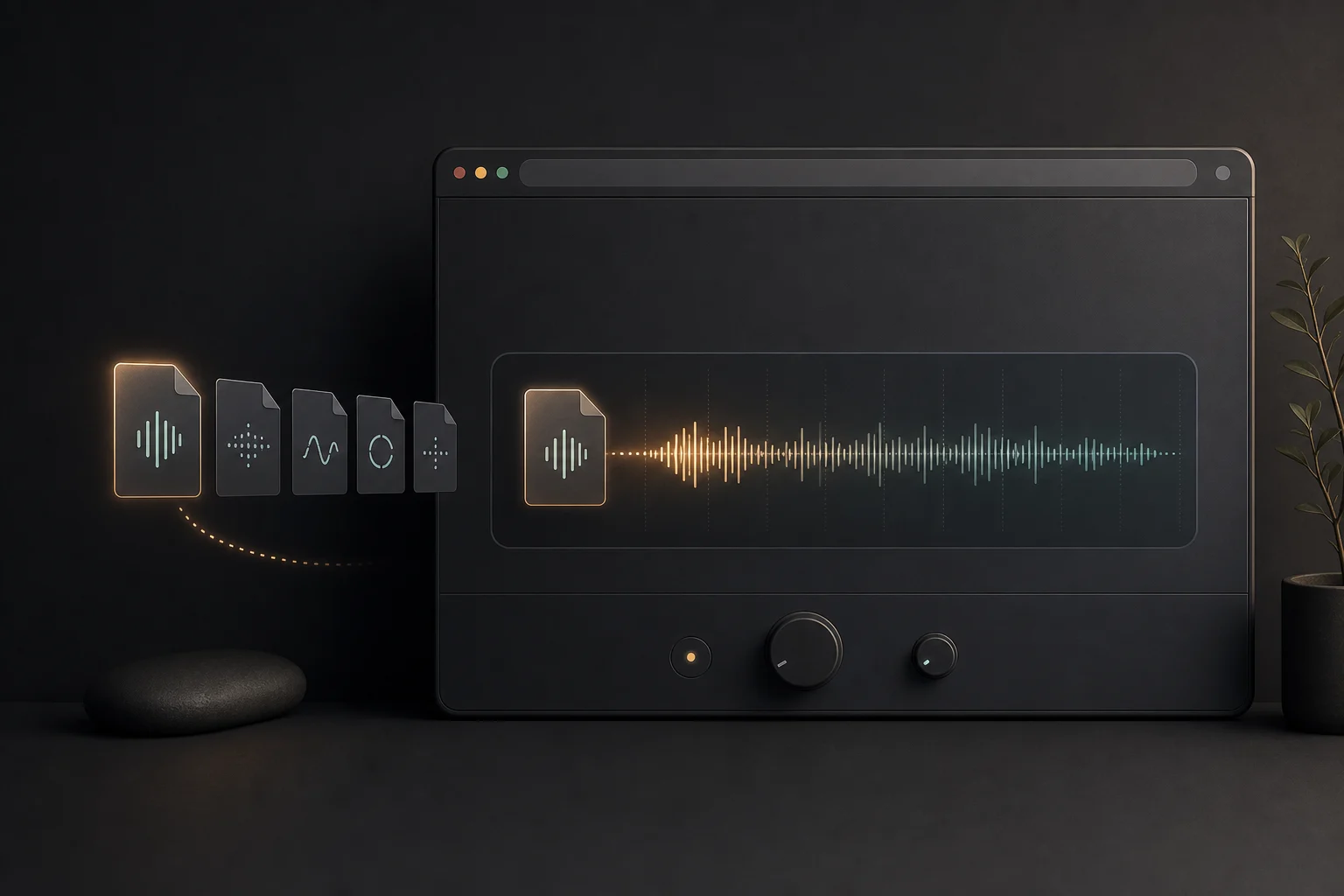
Start with the audio you already have
Bring a common browser-compatible file—including an MP3 to lo-fi source—and make an alternate without exporting stems or rebuilding the arrangement.
Choose a Track
Get a consistent warmer character
The automatic chain changes pace, brightness, level, and surface texture together so each conversion has a coherent sound.
Shape the Sound
Decide with your ears
Use the player to judge the new pace and tone before saving anything, then download the WAV only when it belongs in the project.
Hear the ResultWhere a Warmer Alternate Version Fits
The same automatic treatment can support songwriting, visual storytelling, spoken formats, and quieter personal listening.

Songwriters testing a second mood
Hear how an original demo or hook changes when the pace relaxes and the bright edges move into the background.
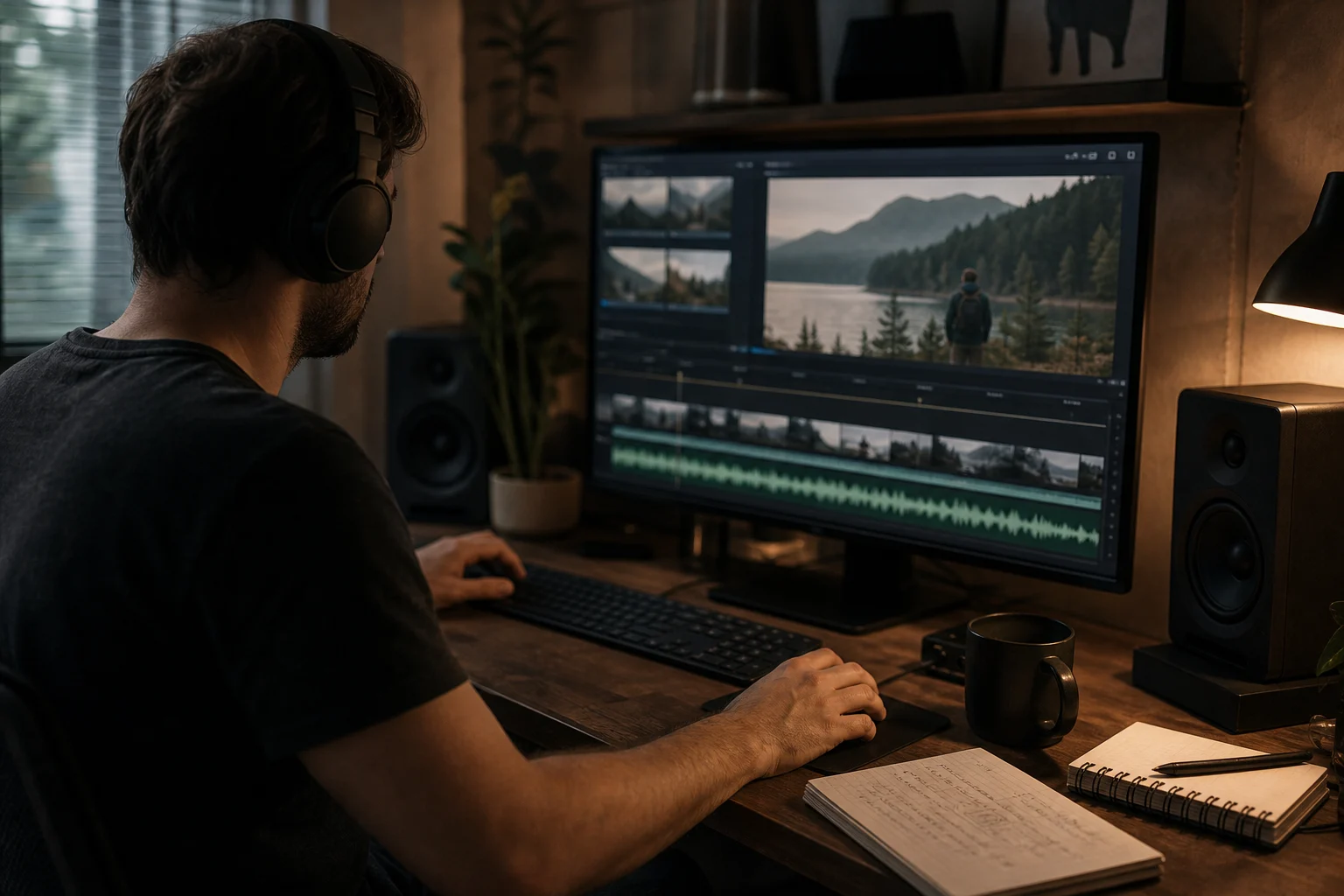
Editors building quiet scenes
Prepare a softer music bed for reflective cuts, desk videos, process reels, or scenes where the soundtrack should not dominate.
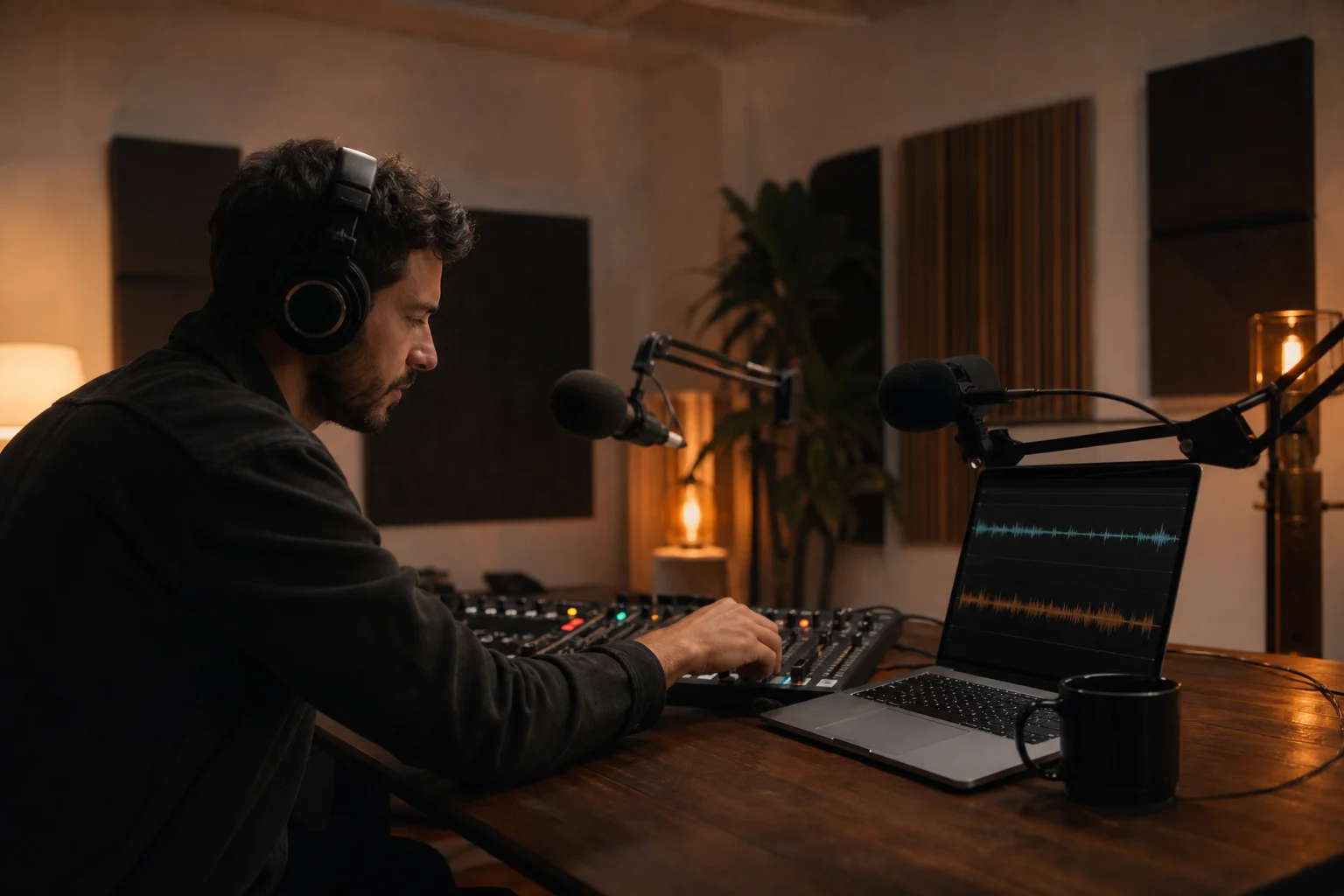
Spoken-audio producers
Give an owned intro, interlude, or transition bed a less clinical texture before balancing it beneath speech.

Listeners making personal focus mixes
Turn your own loops and sketches into gentler companions for reading, planning, coding, journaling, or unwinding late at night.
Questions About MusicAURA Lo-fi Conversion
Practical details about the sound treatment, files, downloads, uploads, and usage rights.
Bring an audio file to the MusicAURA lo-fi converter, create a distinct warm alternate, and decide from the preview whether it deserves a place in your project.