
What Is a BPM Tapper?
A BPM tapper is a manual tempo tool. Instead of uploading audio or guessing by ear, you tap with the beat and the tool calculates beats per minute from the timing between taps.
Find song BPM by feel
Tap along to a chorus, drum groove, vocal demo, or sample when you need a quick tempo reference.
Prepare DJ transitions
Check rough tempo before beatmatching tracks, planning set changes, or sorting songs by energy.
Set up loops and remixes
Check the pulse before warping loops, slicing samples, building edits, or matching remix ideas.
Align production sessions
Choose a starting BPM for drums, MIDI parts, reference tracks, and arrangement drafts.
Time rehearsals and cues
Confirm the pulse before band practice, dance counts, stage cues, or setlist notes.
Train rhythm consistency
Repeat a passage and watch the BPM settle as your tapping becomes more even.
How to Use the BPM Tapper
Use steady taps, then copy the tempo once the BPM reading stabilizes.
Play the audio you want to match
Start a song, loop, metronome, voice memo, drum pattern, rehearsal recording, or video reference.
Tap the main beat several times
Press Space, click the tap area, or use a touchscreen. Tap quarter notes for most songs, or tap the pulse that matches your project.
Copy the BPM and use it in your workflow
After a few steady taps, use the BPM in your DAW, DJ crate, video timeline, AI music prompt, practice notes, or remix plan.
Measure Tempo Without Uploading Audio
Use a lightweight BPM finder when you want control, speed, and a clear tempo reference in the browser.
Keyboard, mouse, and touch input
Tap the way that matches your device. Spacebar works well on desktop, while the full tap area is easier on mobile.
Start Tapping
Tempo checks for creative decisions
Use the BPM result before matching loops, cutting video to music, planning a DJ blend, or writing an AI music prompt.
Find Song BPMWhy Use an Online BPM Finder?
A tap-based BPM finder gives you a practical tempo reference before deeper editing, mixing, arranging, or generation work.
Fast tempo reference
Get a useful BPM estimate without opening a full DAW, DJ app, or audio analyzer.
Manual control
Tap the beat you actually hear, which helps when intros, breakdowns, or live recordings confuse automatic tools.
Useful across music work
Move the BPM into mixes, sample chops, metronomes, lyric drafts, video edits, and session notes.
Works on desktop and mobile
Use the same tapping flow from a laptop, tablet, or phone while listening on any device.
Who Needs Quick Tempo Estimates?
A tempo tapping tool helps anyone who needs to match a rhythm before committing to a mix, edit, performance, or generated track.
Video editors and creators
Find song BPM before placing cuts, captions, motion hits, transitions, or shorts edits on the beat.
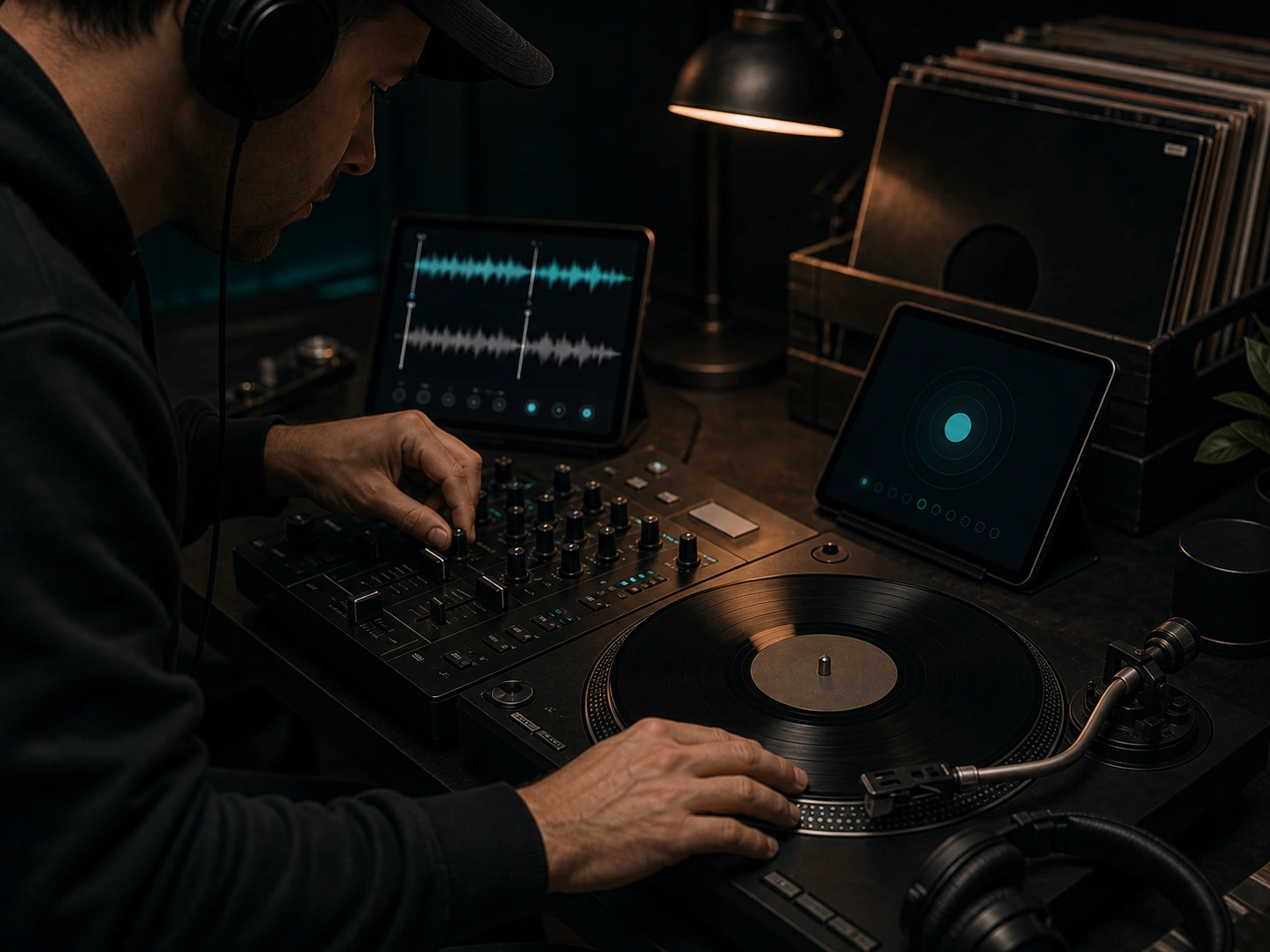
DJs and remixers
Check a track's rough tempo before preparing blends, intro edits, mashups, or warm-up crate ideas.
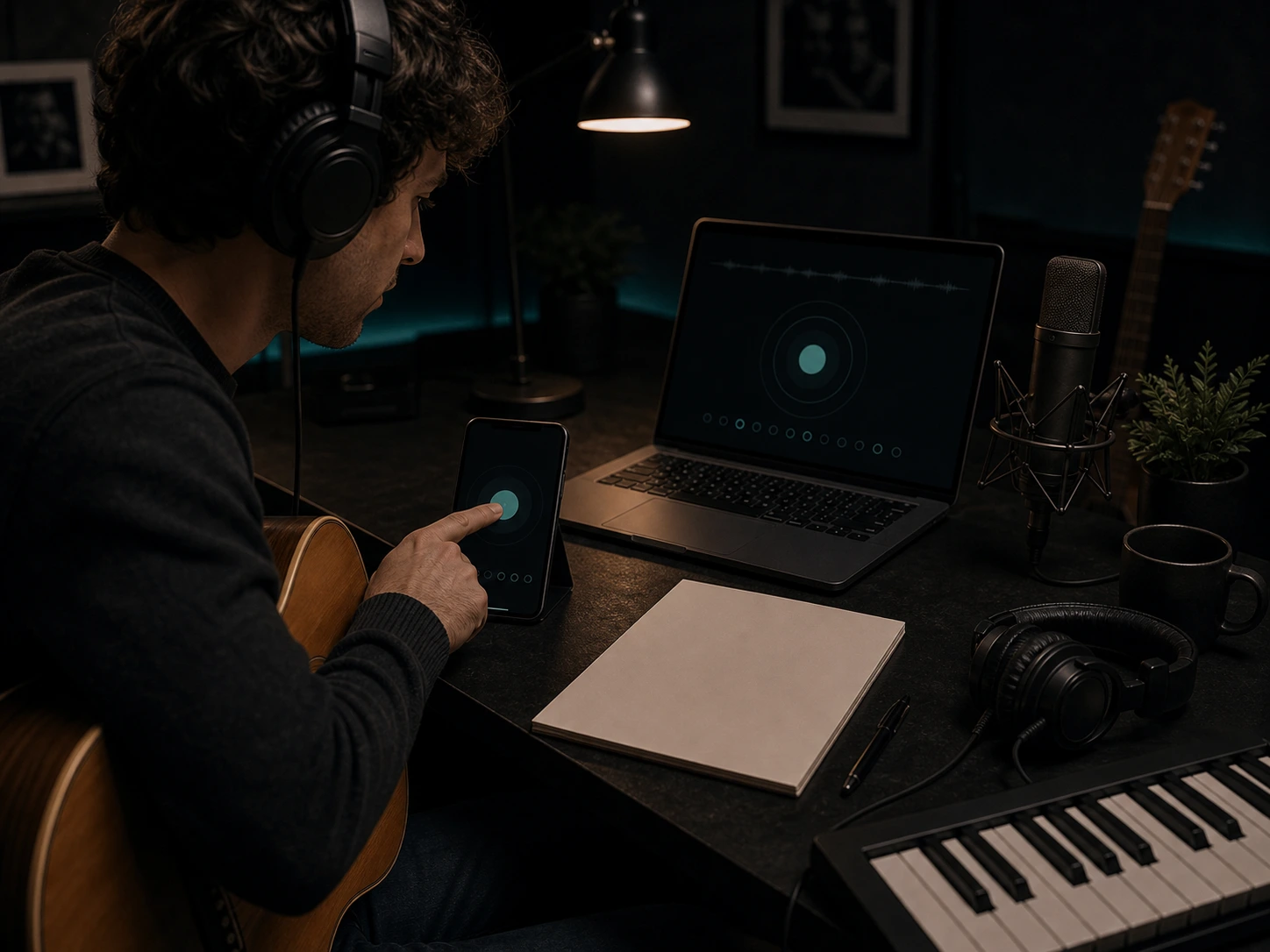
Songwriters and musicians
Capture the tempo of a chorus idea, practice take, rehearsal clip, or groove before arranging it.
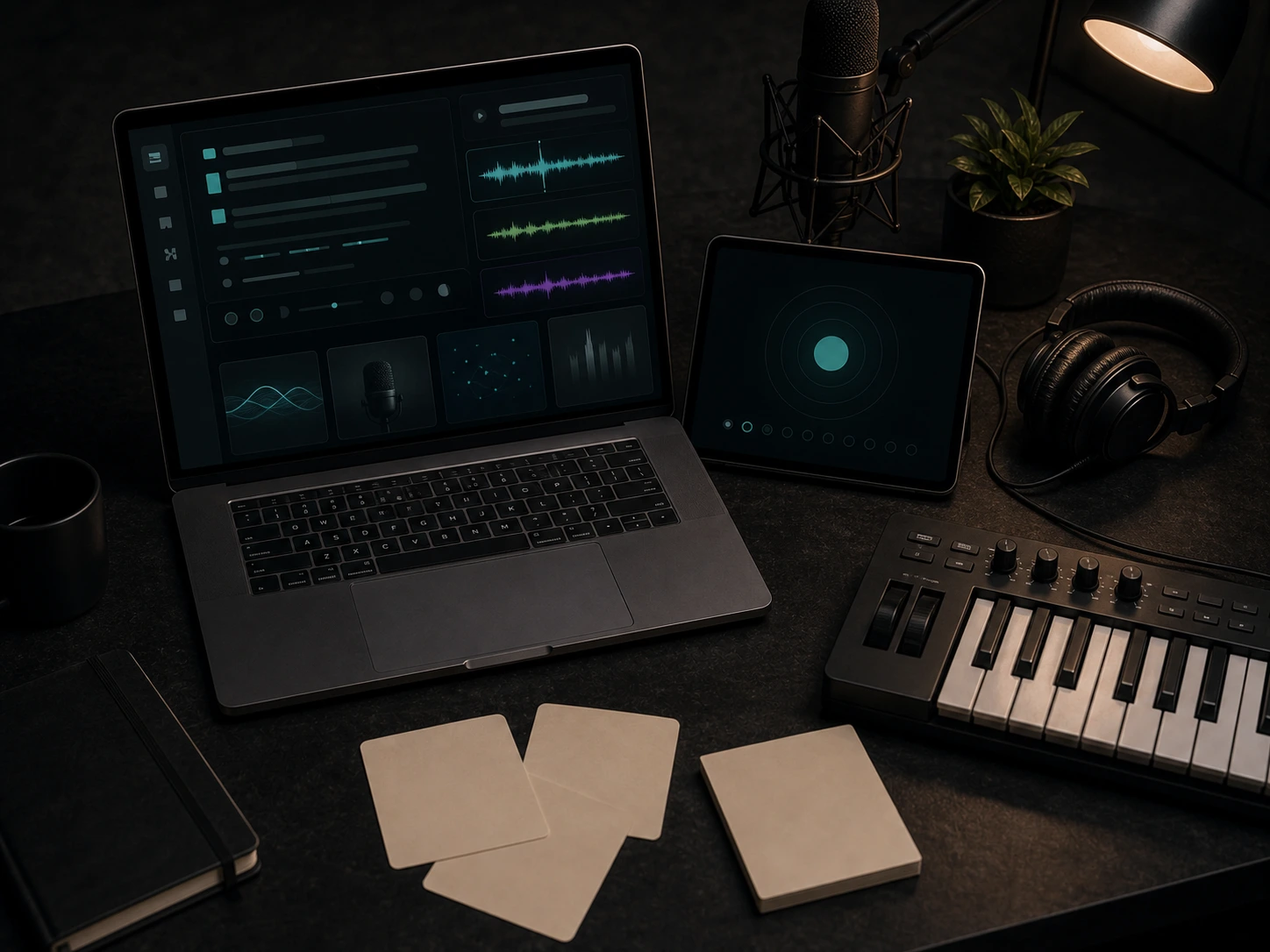
AI music creators
Use BPM before generating music so prompts, vocals, remix references, or background tracks land at the right energy.
BPM Tapper FAQs
Answers about tempo tapping, song BPM estimates, keyboard input, and manual BPM finder workflows.