
AI Vocal Remover for Clean Vocal and Instrumental Stems
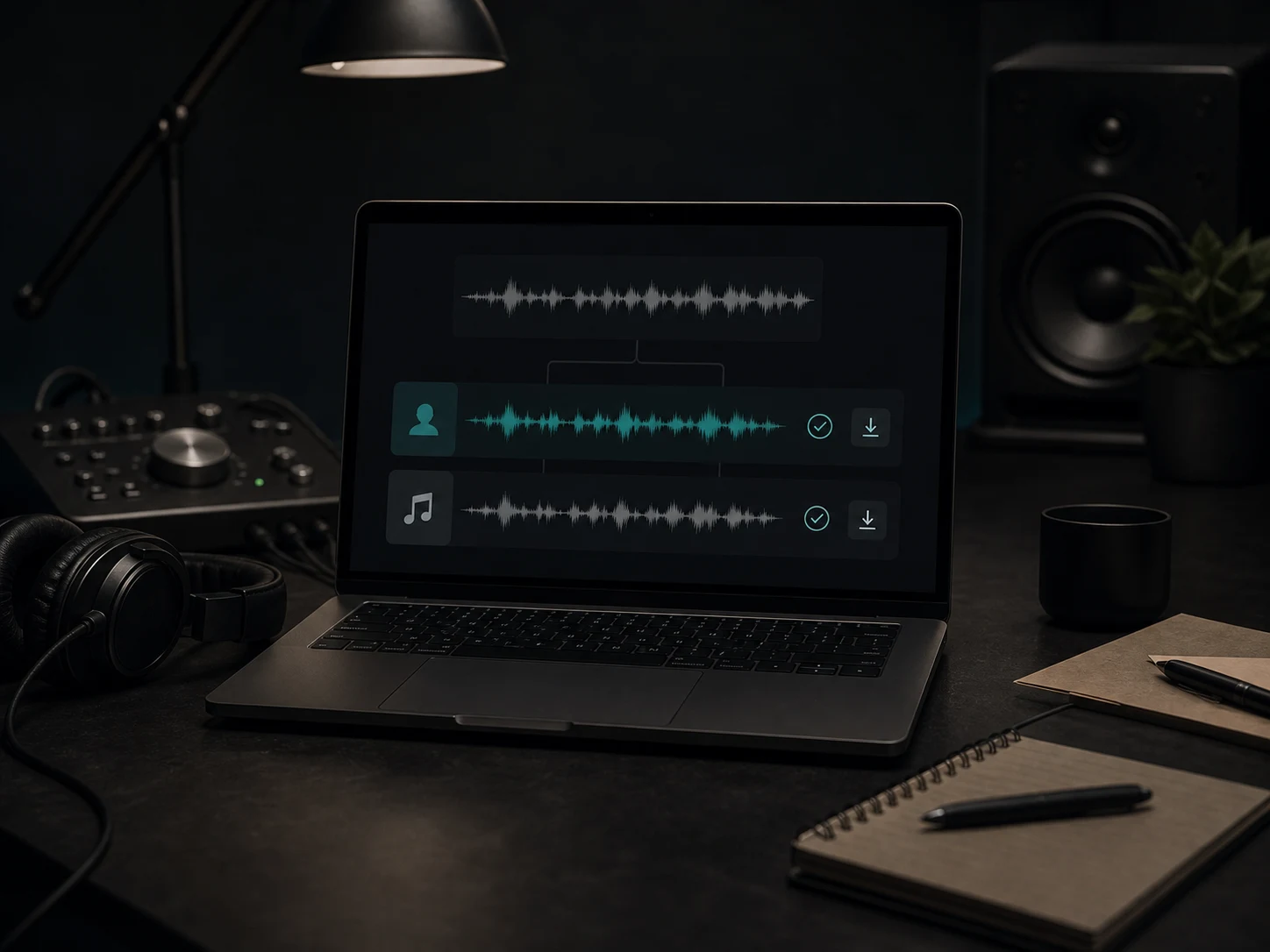
Upload a song, separate vocals from the instrumental, and preview both stems before downloading. Musicaura helps singers, DJs, editors, teachers, and producers make karaoke versions, acapella references, remix drafts, and cleaner music beds from audio they have rights to use.
AI Vocal Remover for Karaoke, Acapella, and Editing
Remove vocals from song files in a focused browser workflow, then decide whether the separated audio is ready for practice, remixing, teaching, or content production.
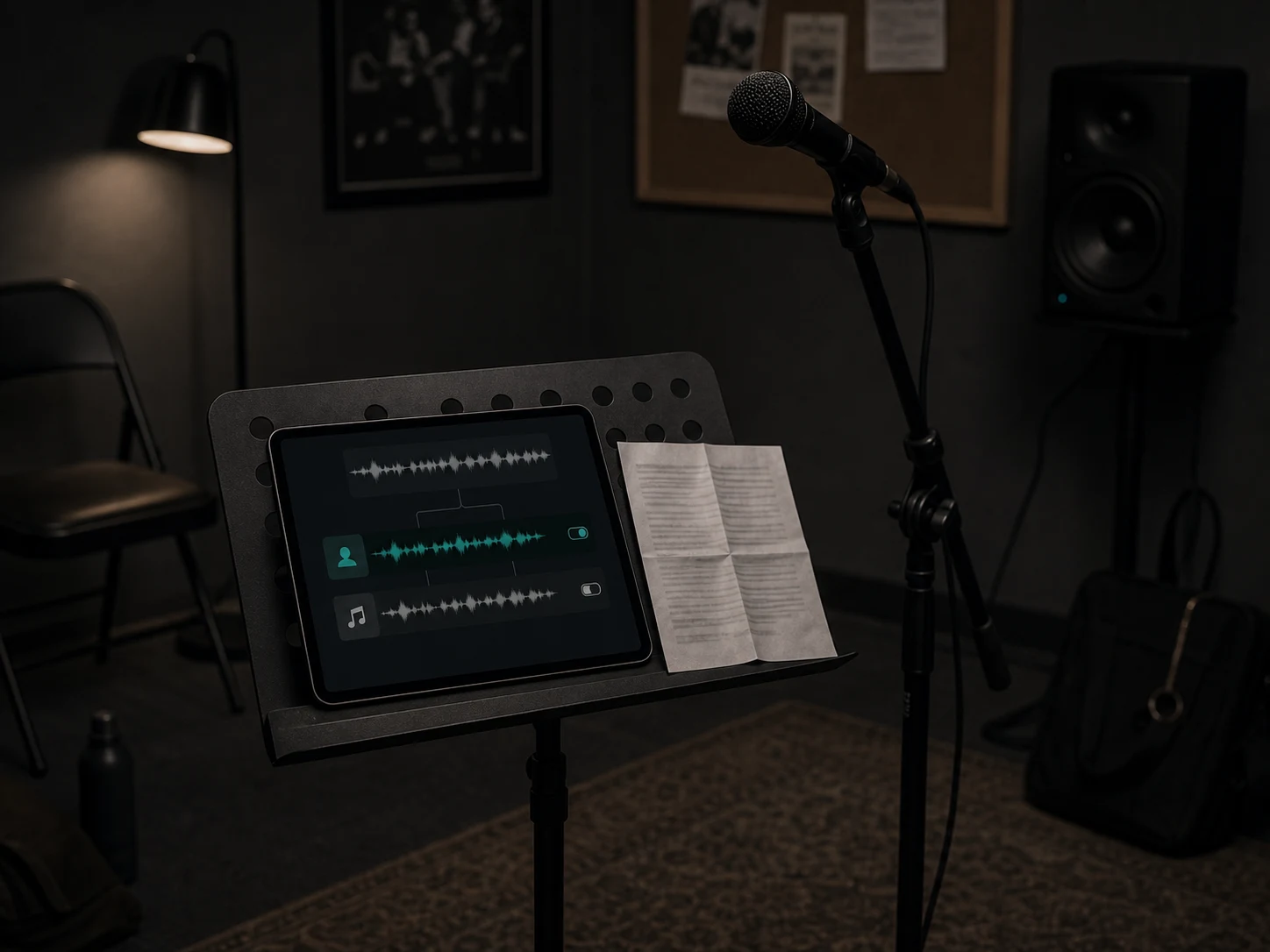
Remove Vocals from Songs
Use vocal removal as a karaoke maker when you need an instrumental version for rehearsal, teaching, or background music. Upload a clear source file, let AI separate the vocal layer, and preview the instrumental before it enters your project.
Remove Vocals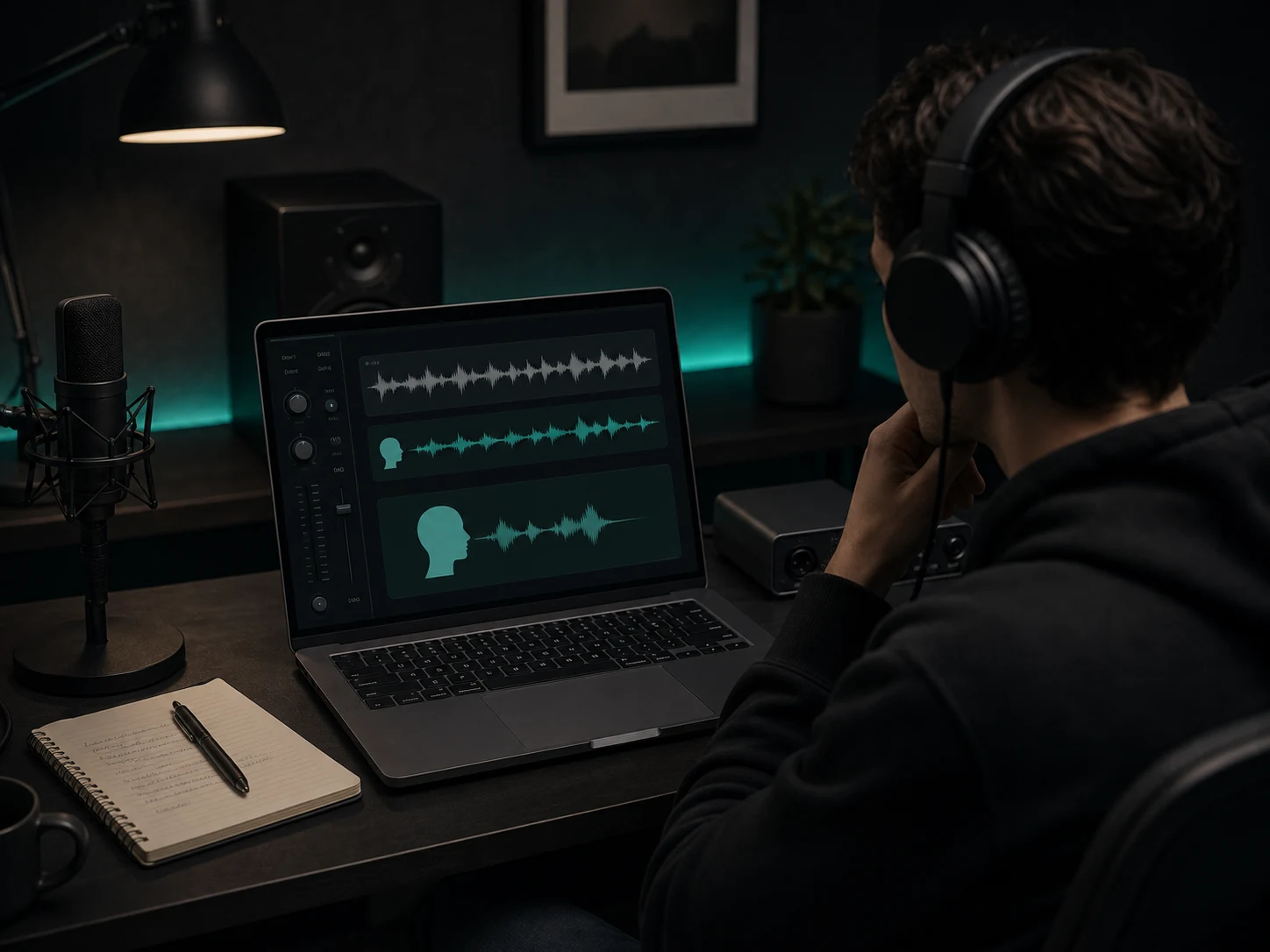
Isolate Vocals and Acapella Ideas
Separate the vocal stem when you want to study phrasing, test a remix, build a mashup draft, or keep a vocal reference near your session. Musicaura keeps the workflow simple: source track in, vocal and instrumental stems out.
Extract Vocals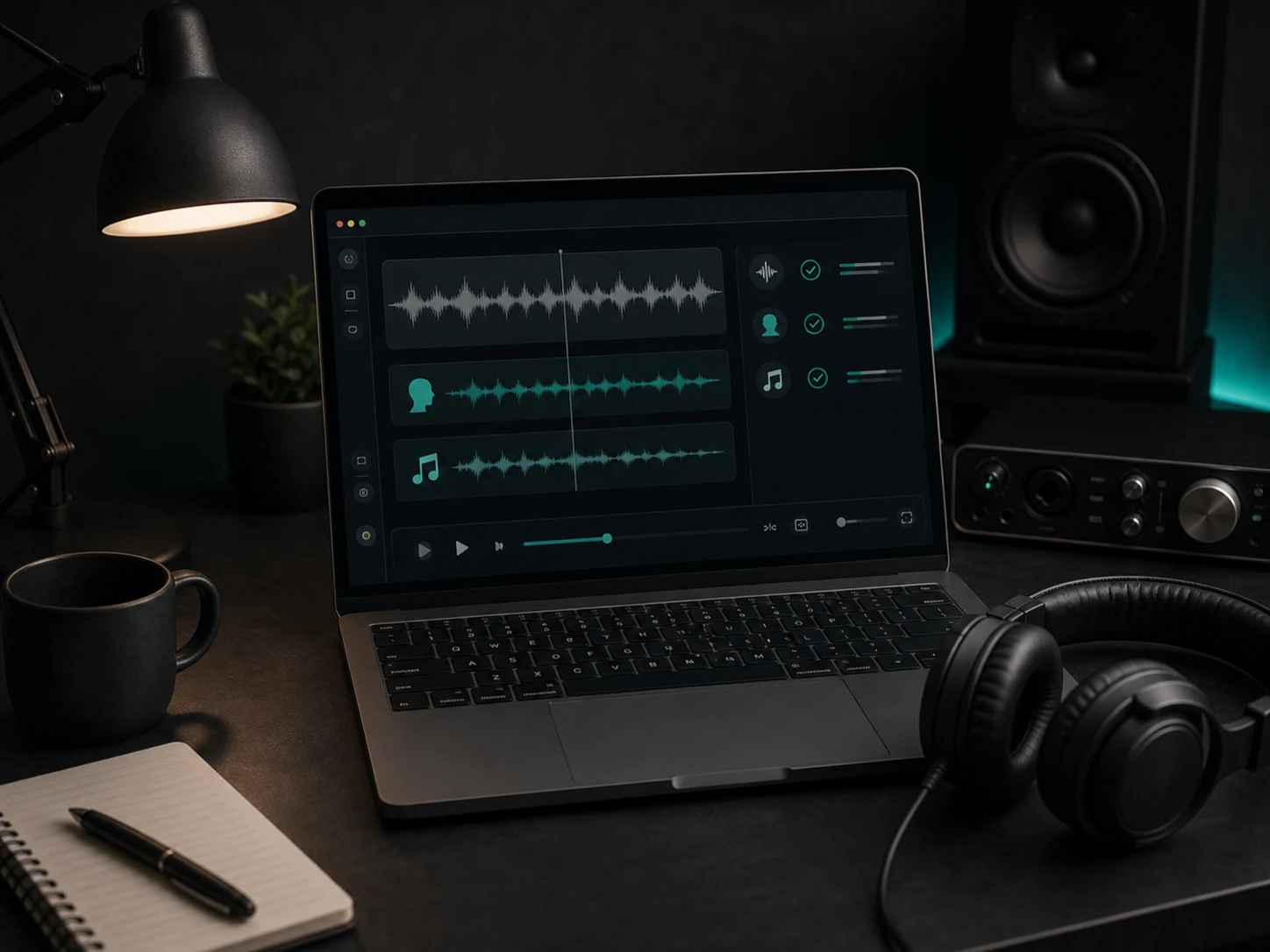
Preview Before You Download
Vocal removal quality depends on the mix. Musicaura lets you listen first, compare the separated parts, and catch artifacts before using the output in a lesson, DJ edit, short-form video, or production sketch.
Separate Vocals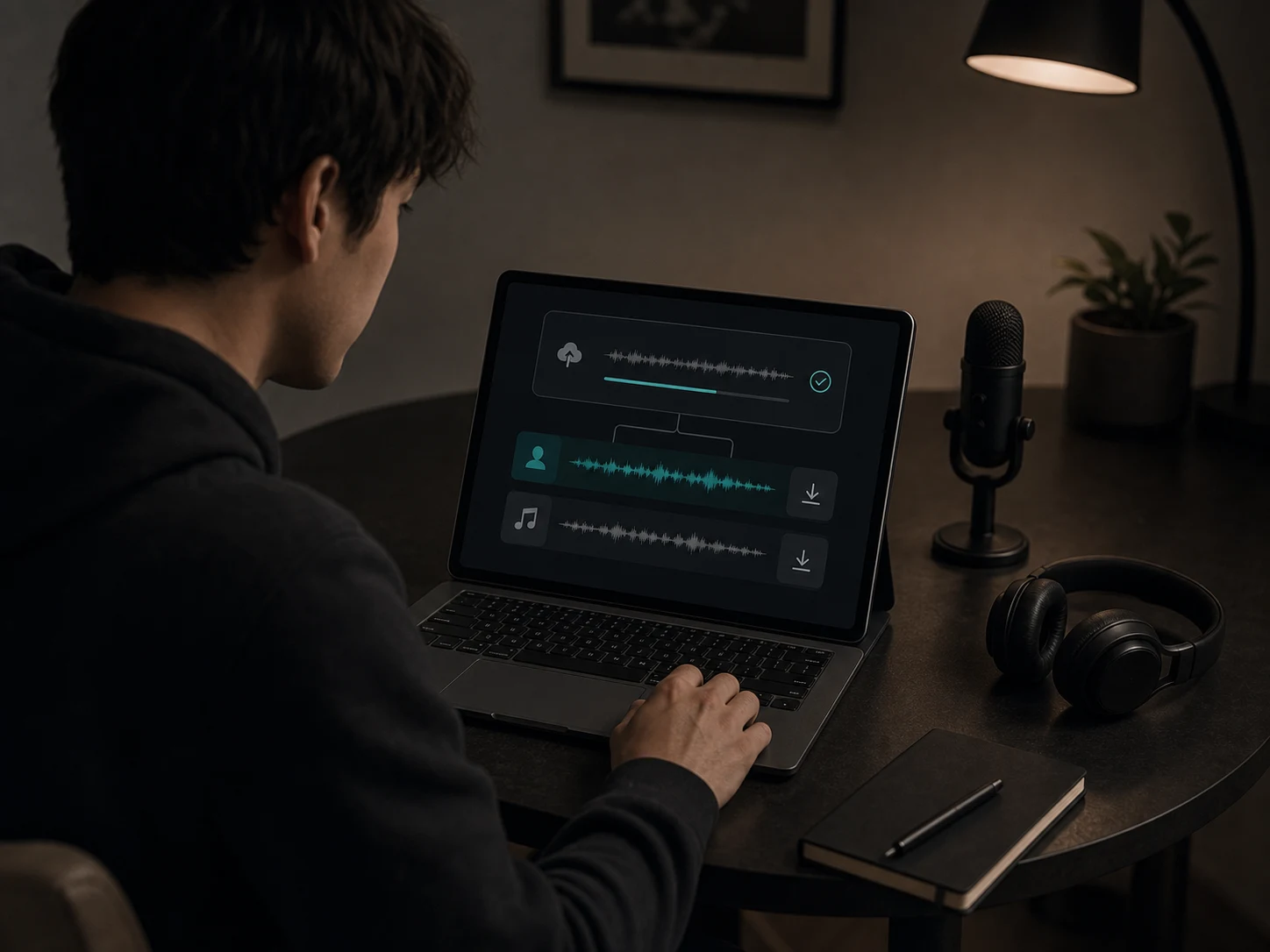
No DAW Setup Required
You do not need a full production setup to remove vocals from a song online. Run the separation in the browser, download the stem you need, and bring it into a DAW or video editor only when deeper editing is worth it.
Start Vocal RemovalWho Uses a Vocal Remover Online?
Musicaura is built for people who need faster vocal and instrumental separation without rebuilding a song from scratch.
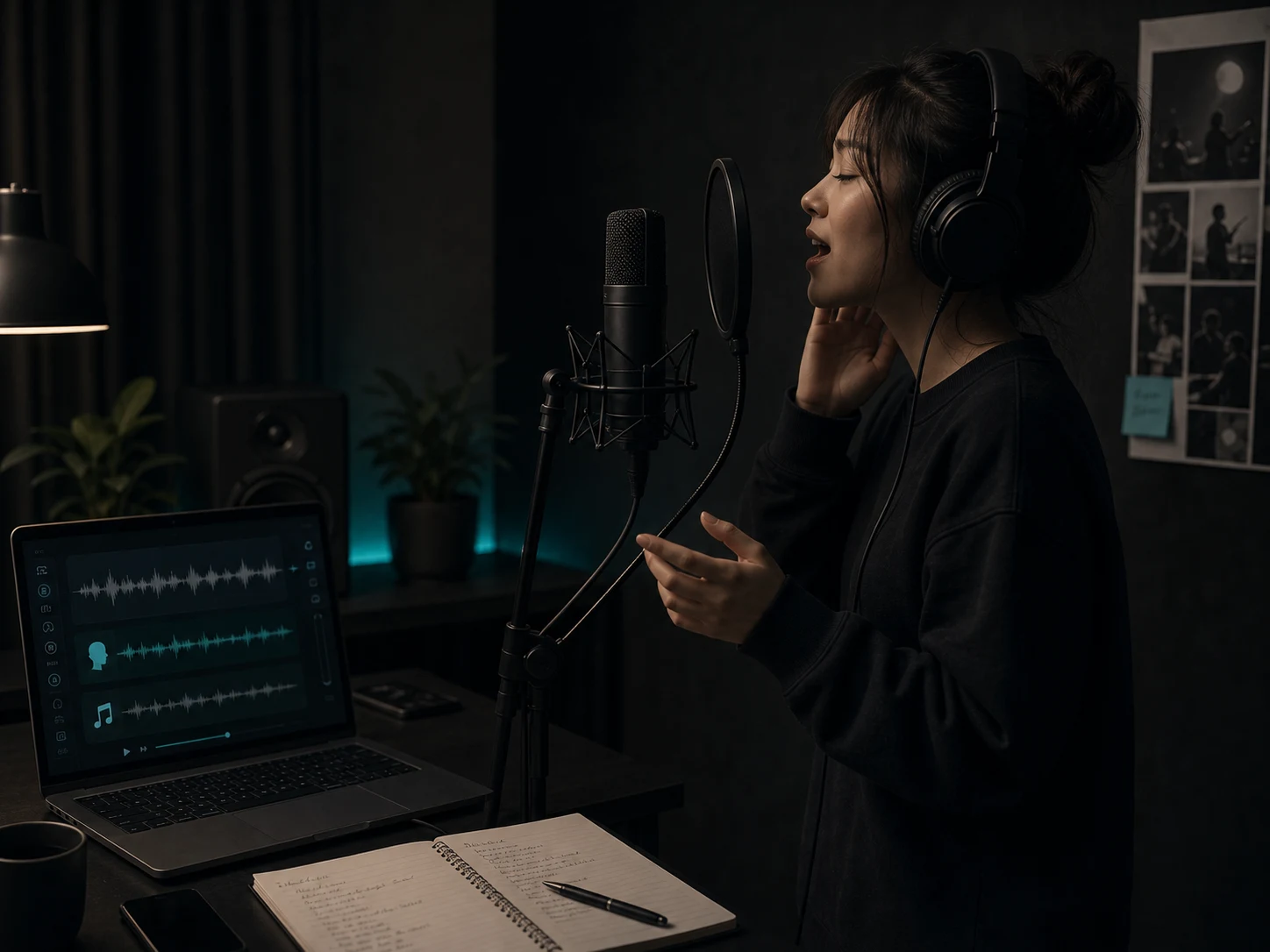
Singers and karaoke users
Make a rehearsal or karaoke version that stays close to the original timing, arrangement, and energy while reducing the lead vocal.
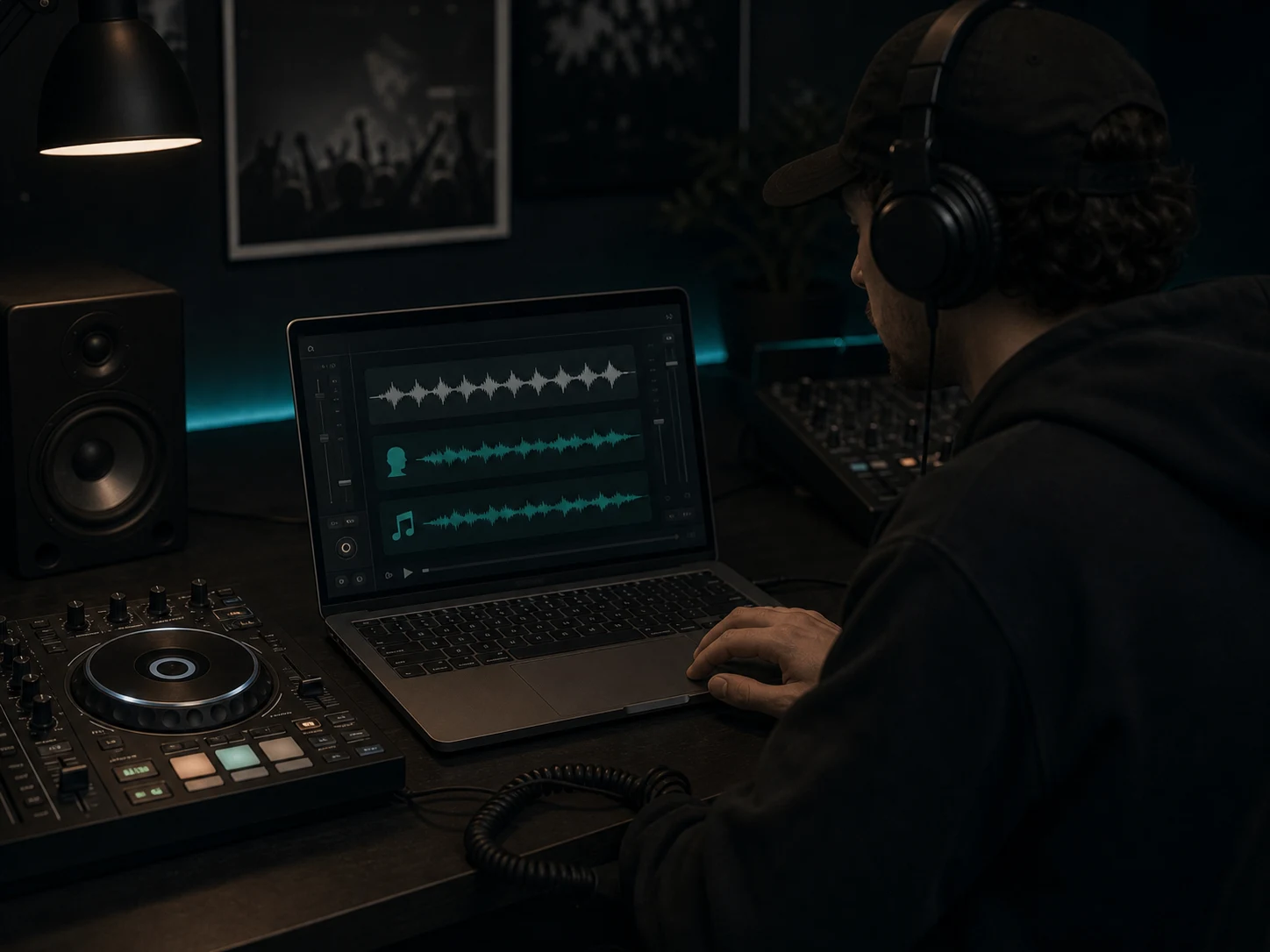
DJs and remix artists
Pull an acapella reference or instrumental bed for quick remix tests, mashup ideas, set prep, and arrangement experiments.
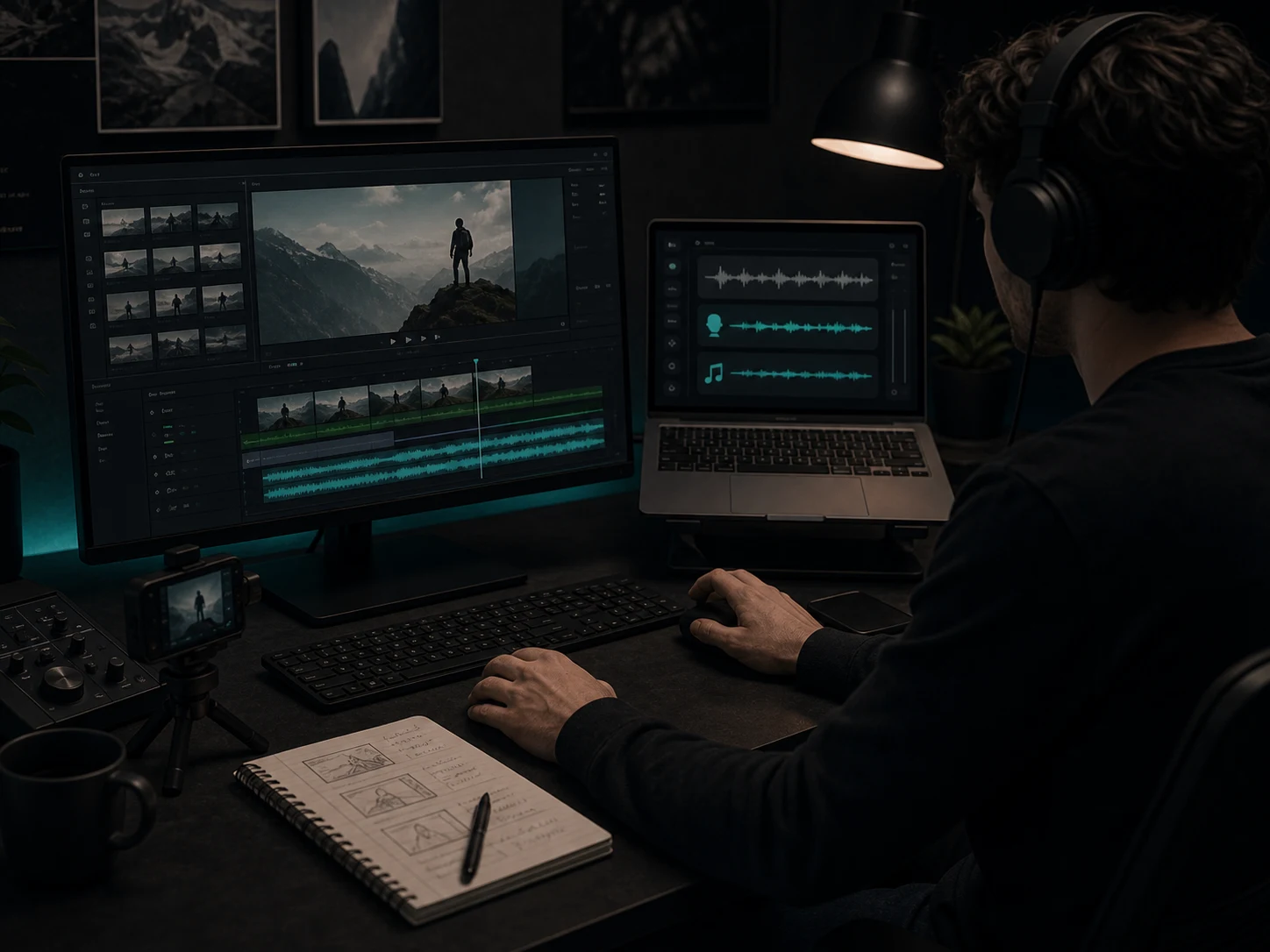
Video editors and creators
Reduce vocals when a track needs to sit under narration, captions, scene changes, hooks, or brand footage without losing the music bed.
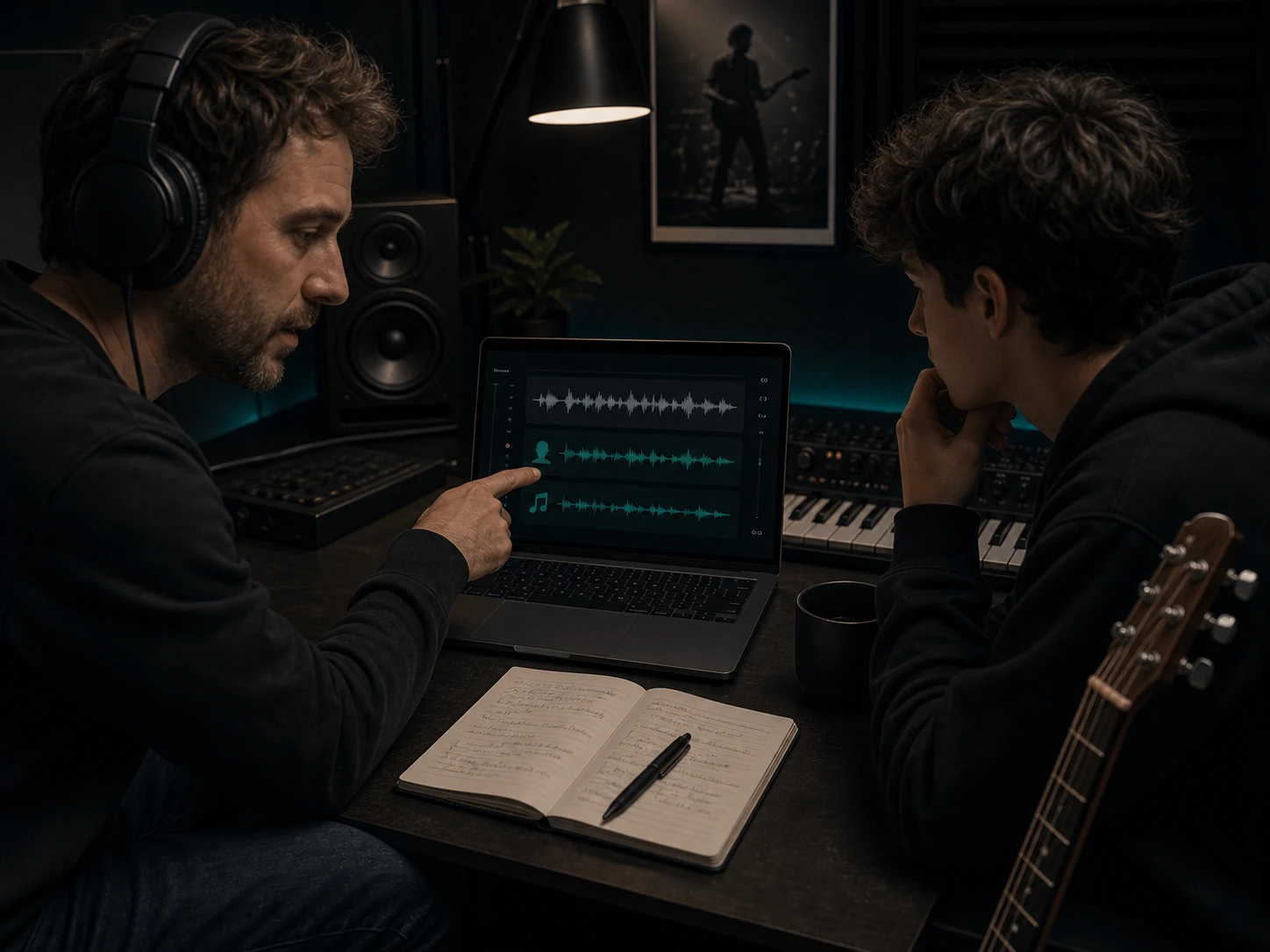
Producers, teachers, and musicians
Study melody, rhythm, arrangement, and mix choices with separated audio that works as a fast reference, lesson aid, or production sketch.
How to Remove Vocals from a Song Online
Use Musicaura to remove vocals from song files online, separate vocals from the instrumental, and review the stems before download.
Upload or choose your audio
Start with the cleanest source file you have rights to use. Clear mixes usually produce better vocal remover online results than noisy, distorted, or heavily compressed audio.
Let AI separate vocals and music
Run the separation so Musicaura can analyze the mix and prepare vocal and instrumental stems for preview.
Preview and download the stems
Listen for artifacts, choose the vocal or instrumental output you need, and use it for karaoke, practice, remix drafts, lessons, video edits, or production references.
Why Choose Musicaura for Vocal Removal?
A practical vocal remover online for previewing separated vocals and instrumentals before you commit them to a creative workflow.
Vocal and instrumental output
Create separate vocal and backing tracks from one mixed song.
Preview-first workflow
Listen to separated stems before deciding what to download.
Useful for creator projects
Prepare karaoke, remix drafts, practice tracks, lessons, and video edits.
Clear rights boundary
Use source audio you own, created, licensed, or have permission to process.
AI Vocal Remover FAQs
Questions about vocal removal, karaoke tracks, acapella extraction, audio quality, downloads, and source rights.