AI Singing Voice Cloning
Demonstration







Bring together vocal takes you want to explore, listen back before submission, and train a voice model for 10 credits. The finished voice stays with your MusicAura account, ready to select when you want to hear a song in that voice. A memorable cover starts with a voice you can choose deliberately. Recording, checking, and naming your sample set makes the training decision more concrete than selecting a random file and hoping it fits.
Can I build one voice from more than one recording?
Yes. Upload existing clips, record a new one in the browser, or combine both in the same task. Listen to each file and remove takes you do not want included. One task accepts up to 20 audio files and 120 MB in total.
How will I know when my set is long enough?
The form reads the clips and shows their combined duration. It requires at least 60 seconds of readable audio before training; around 10 minutes is recommended. Each individual file may be up to 30 MB.
Can I change my mind about a recording?
Play the selected audio in the sample list before submitting. You can remove a noisy, mismatched, or accidental take and keep the others. Listening helps you choose inputs, although it cannot forecast exactly how the completed model will sound.
Where does the model go after training?
A completed model appears in My voices under the name you gave it. Only your account can select it. When you want to try another song, choose the existing model in the cover tool instead of starting the same training task again.
Training gives your selected recordings a persistent place in your account as a private voice model. You can revisit that model as you listen to different song concepts without making the sample set again for each cover.
A model name helps you remember which sample set belongs to which creative idea. Name the voice before submission, then look for it in My voices after the task finishes.
Your trained model is private to your account. It is separate from the system templates that other people may select, so preparing your own voice does not turn it into a public community option.
The page shows file count, size guidance, sample playback, total duration, and the 10-credit task price while you are still choosing recordings. You can revise the selection before you submit it.
When processing completes, select the model for a separate cover task with an existing song. The trained voice is the reusable choice; each song cover has its own input, result, and generation charge.
Collect a voice, listen to your source material, and follow the training status before trying a song.
Add up to 20 uploaded or browser-recorded clips, with a 30 MB limit for each file and 120 MB for the complete set. Give the planned voice a clear name so you can distinguish it from future experiments.
Play back each take, remove material that does not fit the voice idea, and check the total readable duration. You need at least 60 seconds; around 10 minutes is recommended for a fuller source set.
Submit the chosen clips for 10 credits. My voices shows the task moving through preparation and training, then holds the completed private model. Use it later when selecting a voice for a song cover.
MusicAura gives you a place to assemble source recordings and a place to return when the trained voice is ready.
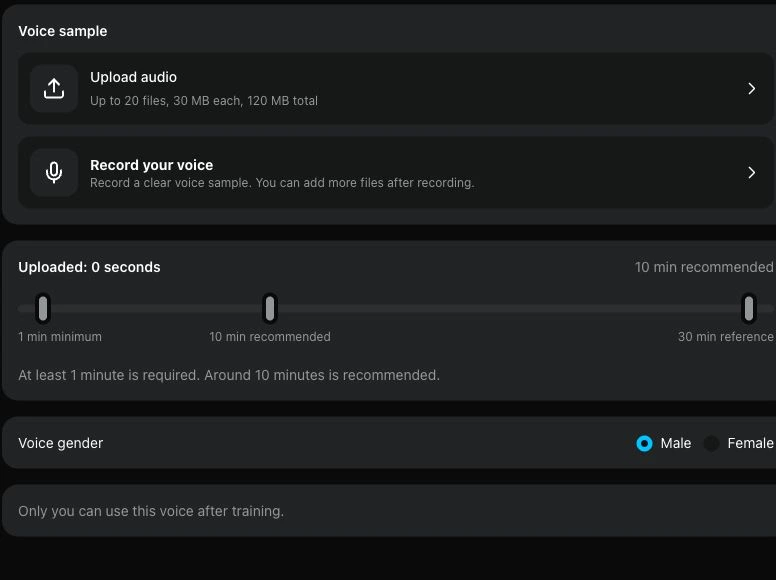
Add uploaded files and browser recordings to one list. Preview individual clips, remove unwanted material, and watch the total readable duration before starting the task. The file limits are checked in the form.
Add a voice sample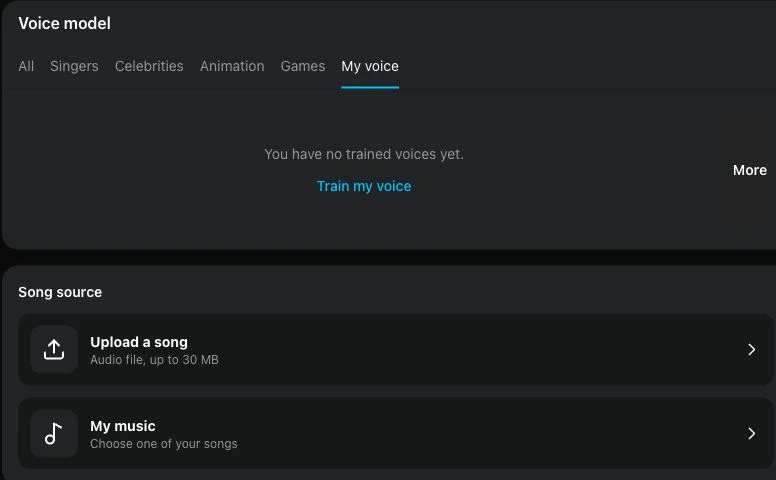
My voices shows task status and completed models for your account. A finished voice becomes one of your choices in the AI song cover generator, where you pair it with an existing track for a separate listening test.
Explore song coversThe tool fits creators who can supply their own voice recordings and want to test that character on music later. Each example is a possible use, not a claim about a specific generated result.
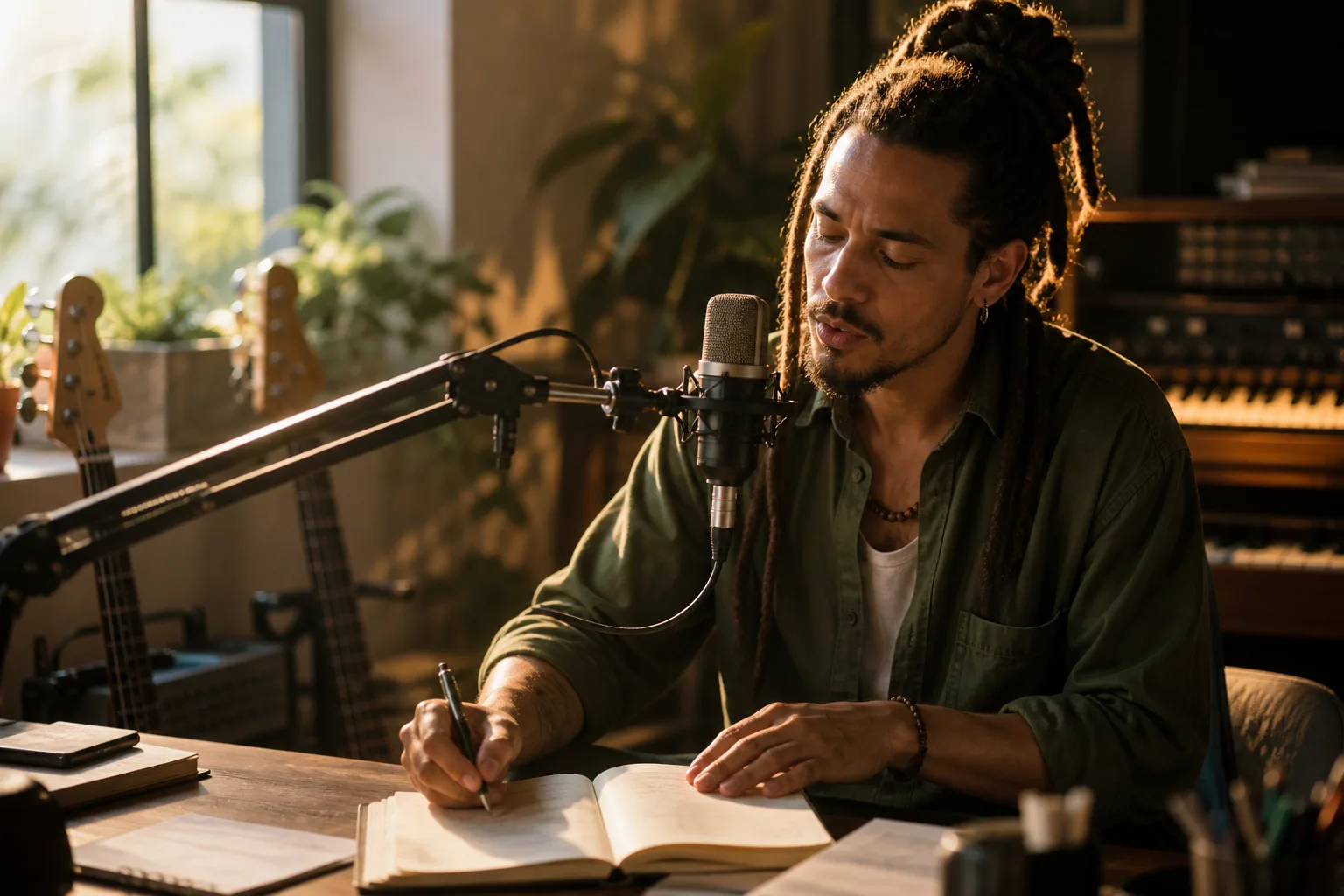
Save clear takes from your own sessions as a named model. When a song idea develops, choose that voice to hear a cover of the existing draft while considering its vocal direction.
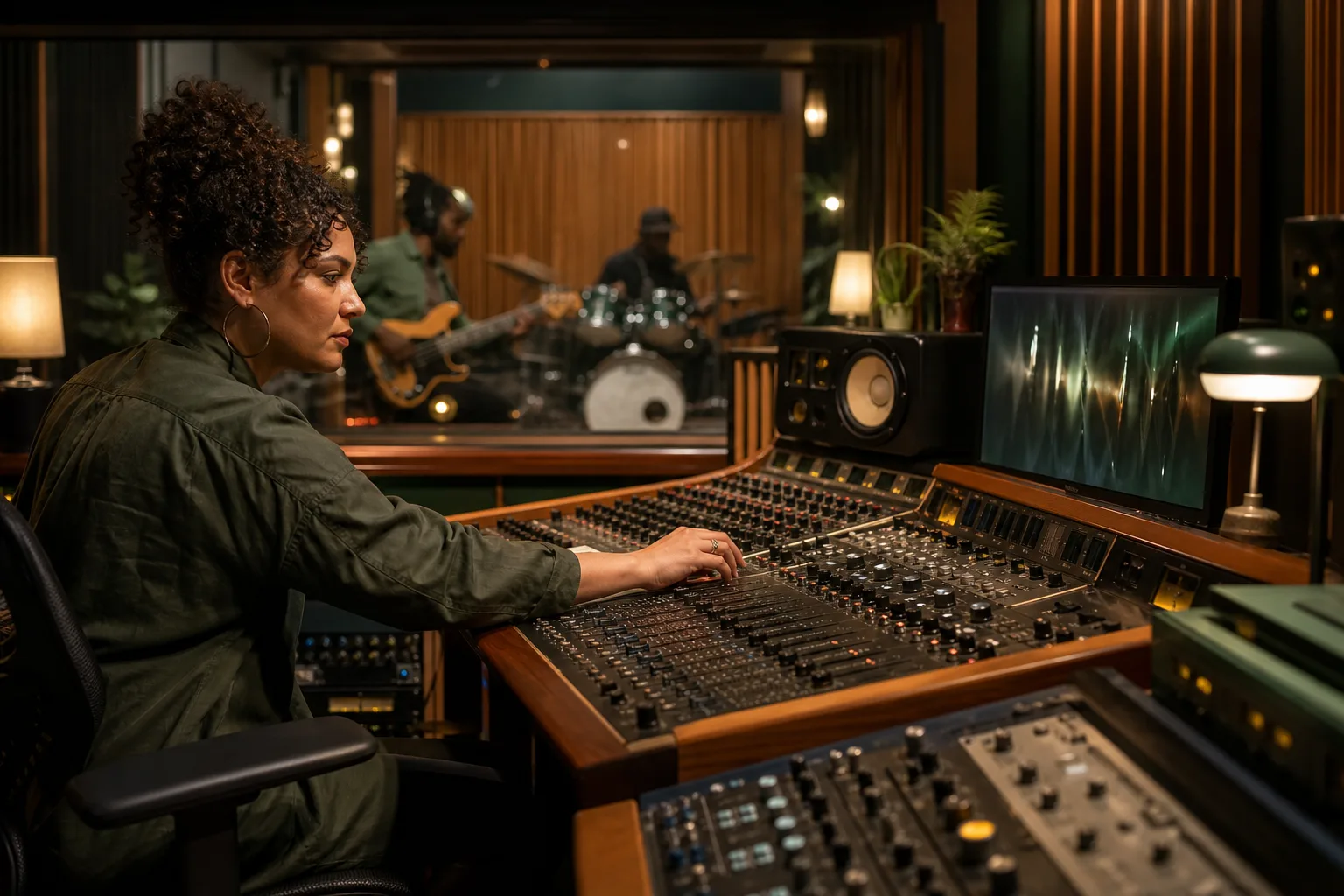
Use a prepared voice model across separate song cover tasks to compare how different demos feel with a similar vocal character. Each task still requires its own source song and processing time.
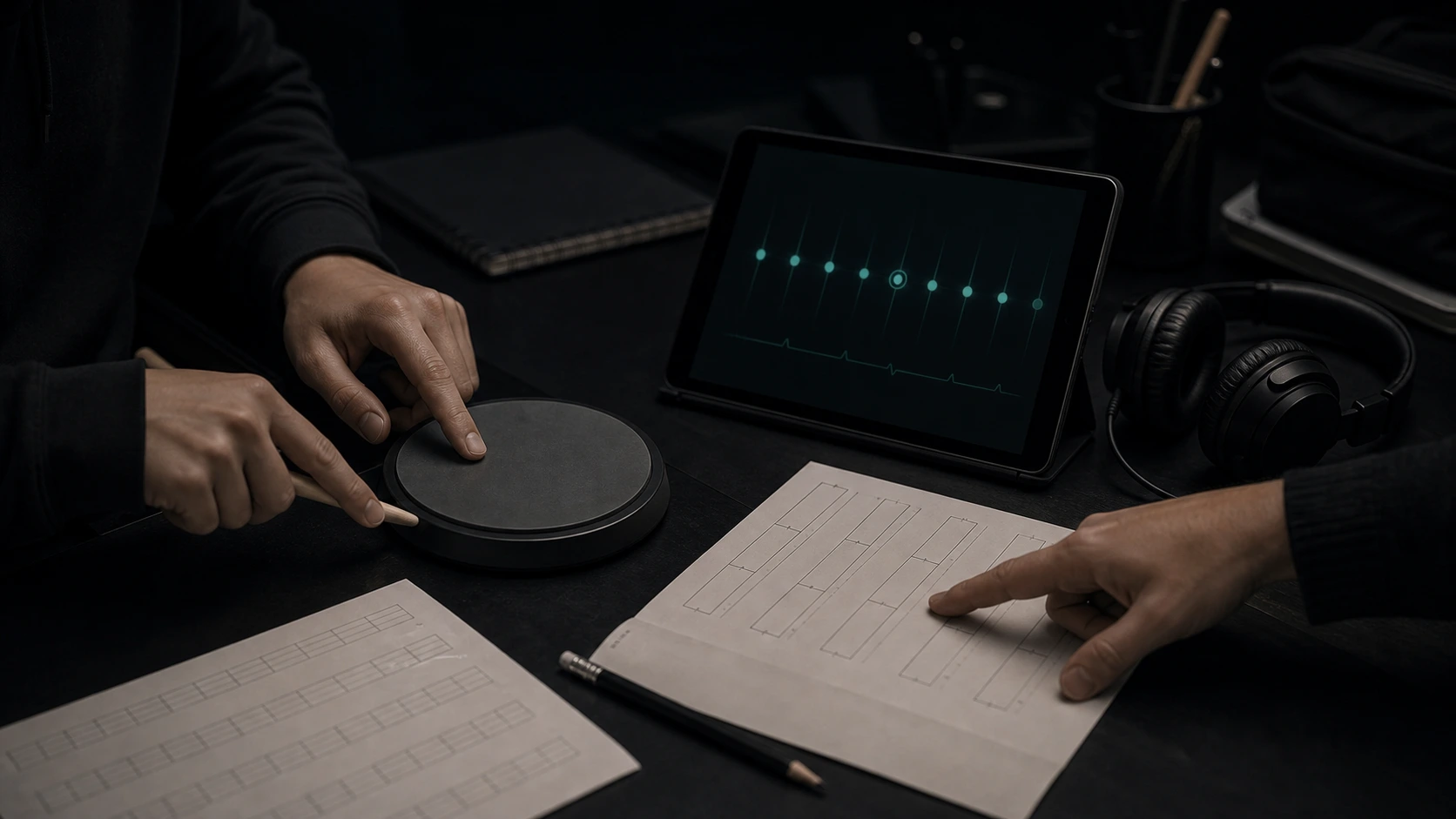
Gather practice takes, listen to the clips, and use the resulting model in a creative cover experiment. Compare the original and result as listening material without treating the conversion as a technical grade of your singing.
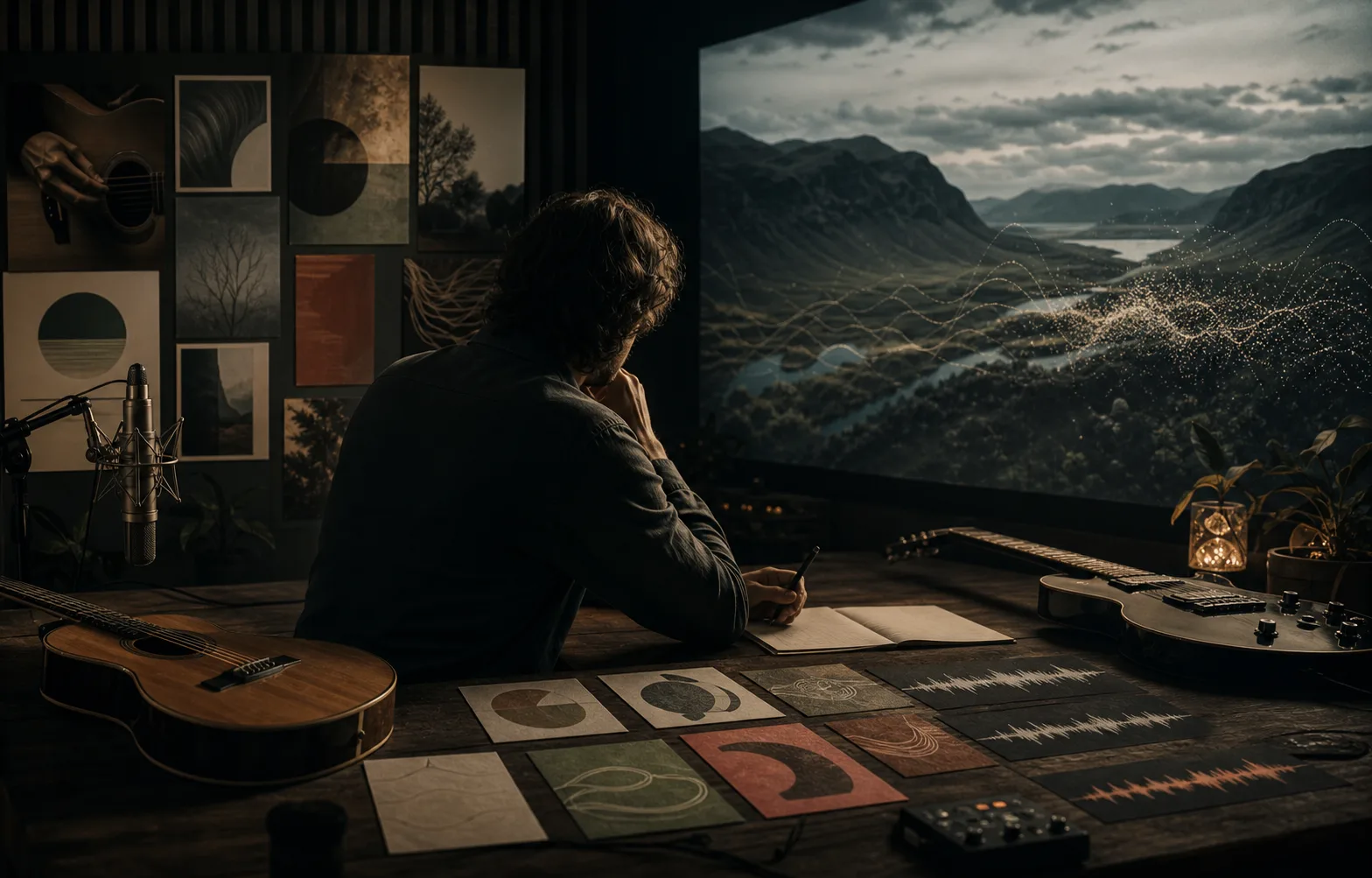
Keep distinct sample sets under distinct model names in your private list. Revisit a voice when you have a matching song concept instead of relying on a single unnamed recording in a folder.
Answers to common questions and realistic situations that come up while preparing a voice model.
Choose recordings you can use, listen to the set, and check its duration before starting training. Follow the private model in My voices, then return when a song is ready for a cover experiment.