
Listen for arrangement ideas before shaping your Christmas song
The recordings below are general AI-generated music examples. Notice how a voice enters, how instruments build, and where a phrase resolves. Use those listening ideas in your own Christmas brief; these examples do not demonstrate a verified Christmas result.

Open Window

Palm Juice Ride

Midnight on My Sleeve
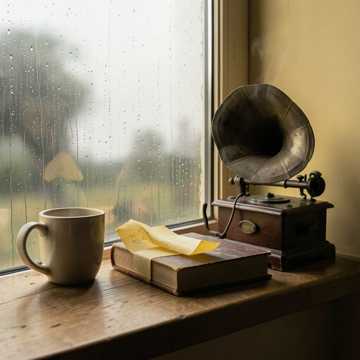
Rain on Windowpanes

Launch Day Spark

Blacktop Pulse
Why give the Christmas song generator a scene?
A useful holiday brief tells the music what moment it serves. Decide who is listening, where the scene changes, and which musical detail should support the message before choosing a style tag.
A holiday adjective cannot describe the moment
Why does a cheerful Christmas prompt still feel anonymous?
Cheerful says little about who arrives, who is missed, or what the family will remember. Include a particular moment: the train door opening, the first shared meal in a new home, or a call across time zones. That event gives the song a role and helps you judge whether the finished music actually belongs to the scene.
An arrangement should leave room for other sound
What if the song plays under a spoken holiday greeting?
Tell the generator that a narrator will speak, and consider an instrumental brief with a restrained opening. A dense vocal arrangement can compete with the message. Preview the generated track with the actual narration and adjust the brief or the video edit if the words are hard to hear; this form does not mix the final project for you.
Make the musical lift fit the gathering
Does every Christmas chorus need a large choir and loud bells?
A small room may suit a quiet piano beginning and a modest rise at the chorus. A group party may want a clearer pulse and an easy refrain. Describe the change you want rather than demanding every festive instrument at once. The generator can interpret that direction, but it cannot guarantee choir voicing or an exact section entrance.
Review the recording, not just the brief
How can I know whether a name or memory comes through?
Listen to the completed audio and follow each important line. A name written correctly may sound unfamiliar when sung, and an emotional detail can disappear under a busy chorus. If the result misses the point, simplify the lyric or change one arrangement direction before another request. Check your available credits first.
Hear a holiday scene with the Christmas song generator
An audible draft lets you test timing, emotional weight, and space for other sounds against the moment you are planning. Compare the generated recording with your own scene before choosing a version.
Test the welcome before the family arrives
A recording can reveal whether a song feels intimate enough for a homecoming or too dramatic for the room. Hear how the opening meets the first greeting, then decide whether a softer instrument, simpler vocal, or different tempo direction would suit the gathering better.
Compare a playful and reflective take
One holiday story can sound like a gentle reunion or a lively party. Make each request describe a distinct emotional aim and listen to the results side by side. The difference becomes easier to discuss when the people reviewing it can point to the chorus, rhythm, or last line they actually heard.

Find space for a spoken message
An instrumental candidate can sit beneath a short video greeting or photo sequence. Play it with the real narration before committing: a soft beginning may still grow too busy under a name or important sentence. Use the listening result to choose a passage or revise the musical brief.
Carry a musical idea into the final edit
A useful track provides a mood and arrangement you can evaluate in a project timeline. Mark the musical arrival and ending that work with the picture. Precise cutting and the final audio balance happen in your editor after generation, because the song form does not provide a frame-accurate video soundtrack.
How to make a Christmas song from a scene
Write a concrete listening moment, decide whether words or instrumental color lead, then check the recording in the setting where it will play.
Place the listener in the holiday moment
In Prompt mode, describe who will hear the song and what is happening: guests arriving, a paper village taking shape, or a family watching a year-in-review video. Add names only if they are needed for the story. Choose one emotional turn, such as anticipation becoming relief, and two or three instruments that could carry it.
Choose a sung line or an instrumental bed
For exact words you want to try, switch to Own Lyrics and enter a verse and chorus you wrote or may use. Put the style and arrangement in their separate field. If narration carries the message, choose instrumental instead and describe where the music should stay restrained or gently build. Tags add to the musical direction; they are not separate production controls.
Submit, listen in context, and revise
Sign in to submit a generation request, then follow its status in the workspace. Once the track is ready, listen on its own and with the planned video, speech, or room playback. Check names, lyric meaning, instrument balance, and ending. If one priority is missed, update that direction and try again. Review credit, download, and use conditions for your account before sharing or publishing.
Shape the sound with the Christmas song generator
Musicaura uses the existing music generator for a short scene prompt or for your lyrics plus a separate style brief. Decide what the arrangement must support and listen to how the generated audio interprets your direction.
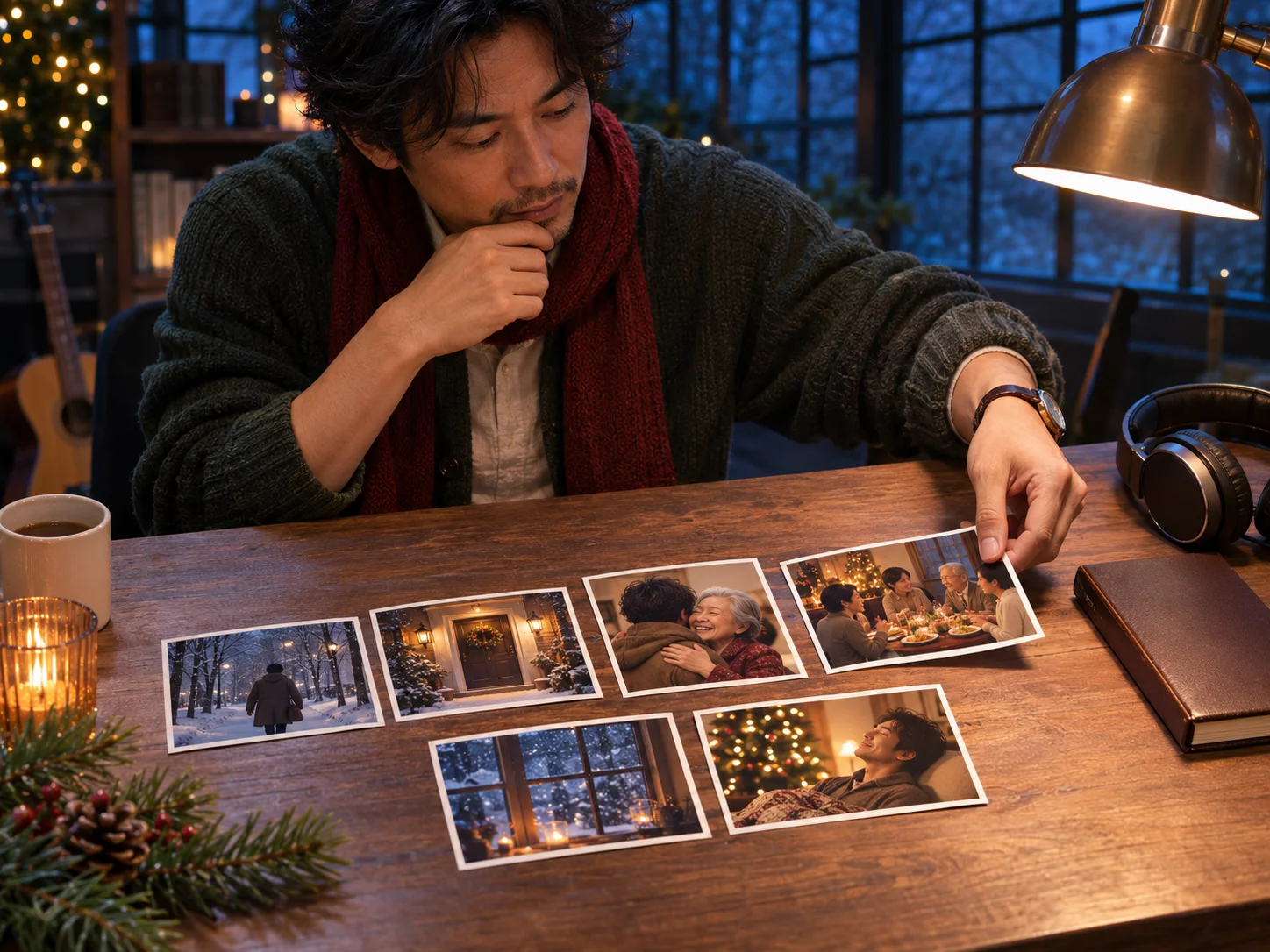
Map a festive scene into a music brief
Describe the listener, setting, action, and emotional change in Prompt mode. A family arriving home might begin with sparse piano and gain a soft bell pulse as the door opens; a potluck song may need a steady rhythm and clear lead so a chorus can be followed in a noisy room. This is a musical direction, not a fixed cue sheet or exact timing control. If you want to explore music outside a Christmas scene, start with the broader AI music generator.
Map Your Holiday Scene
Set a vocal or instrumental arrangement
Own Lyrics lets you give the song an original verse and chorus while describing instruments and dynamics separately. Try a warm solo voice against guitar and piano, or choose instrumental and leave more space for a spoken greeting. You can also draft words with the AI lyrics generator and review them before making music. A requested bell entrance or chorus lift guides the model, but it does not create editable stems, guaranteed choir parts, or a precise runtime.
Shape the ArrangementChristmas music for four listening moments
The same generator can support different holiday plans when the brief names the real audience and playback context. Each case still needs a listening review before use.
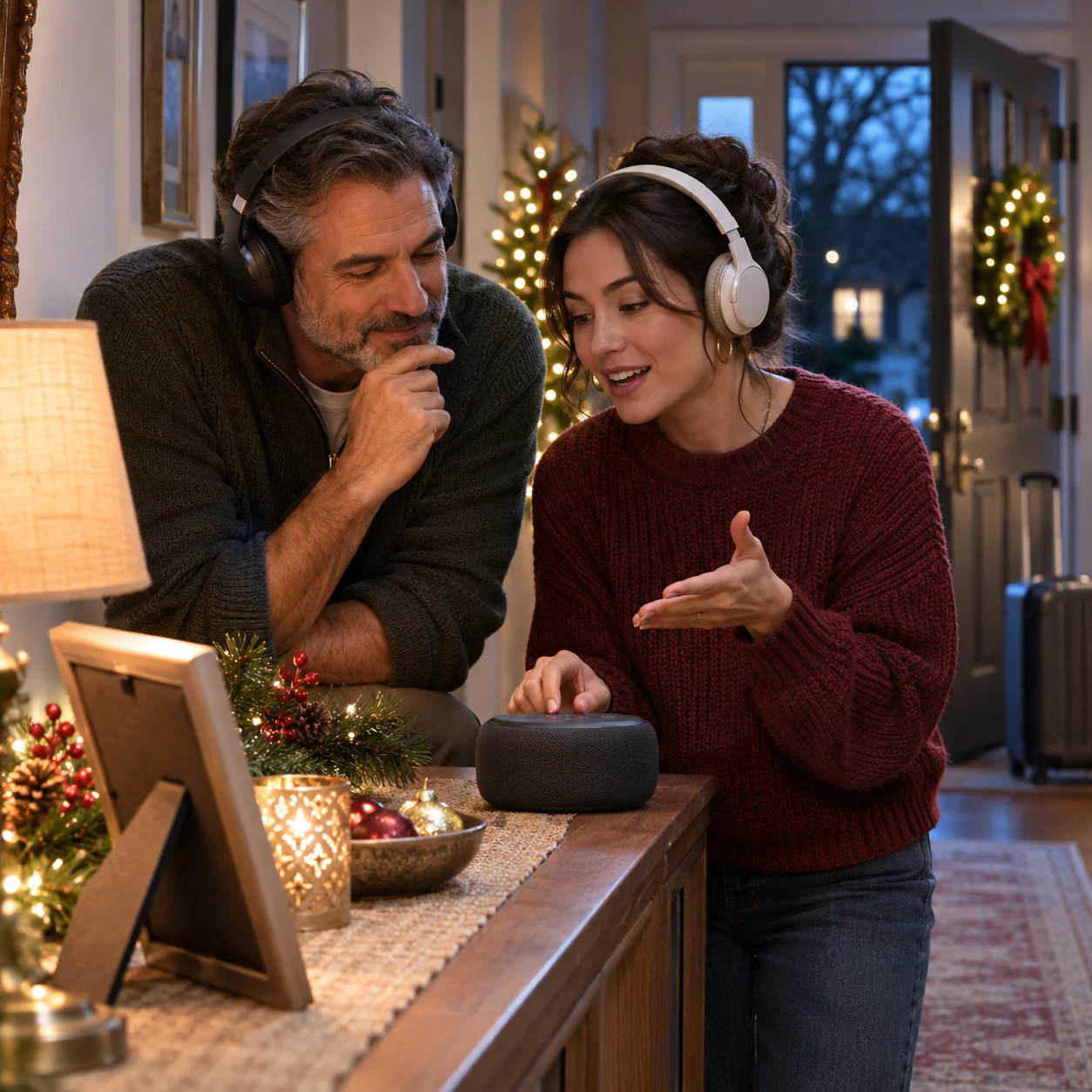
Families welcoming someone home
Make the arrival, a familiar room, or one shared phrase the center of a Christmas song. Try a restrained opening that leaves space for greetings, then listen to whether the chorus feels like a reunion rather than a generic holiday anthem. Check any sung names before giving the recording as a gift.

Hosts planning a small holiday party
Ask for a clear rhythm and an easy refrain around a shared, welcoming story. A playful potluck mix-up can become the prompt, but listen through the whole result to avoid a joke that excludes someone. Try the recording through the speaker and at the volume the room will use.

Adults guiding a holiday singalong
Describe a simple story, short words, and a repeated refrain for a supervised classroom or family activity. An adult should review every lyric and the full audio before inviting children to sing. The generator can provide a candidate recording, but it cannot guarantee an age-appropriate song or an easy vocal range.

Editors cutting a seasonal video
Use an instrumental brief to support narration or a vocal song when the picture can give it the foreground. Name the visual change and the feeling at the end, then place the generated recording against the actual timeline. Adjust exact length and balance in the editing workflow, and confirm the applicable license for the planned publication.
Christmas Song Generator FAQs
Answers about new audio, scene prompts, original lyrics, instrumental music, access, and practical use in gatherings and video.
Describe the listener, a holiday moment, and the sound that should carry it. Generate a recording, hear it beside the real gathering or edit, and change the brief where the music misses its role.