
What Is Tap Tempo?
Tap tempo is a manual tempo finder. It measures the time between your taps and turns that rhythm into a BPM estimate while you listen to music from any source.
Estimate BPM by Ear
Tap along with a song, loop, rehearsal take, DJ cue, or metronome pulse and watch the BPM estimate settle as your timing gets steadier.
No Audio Upload
Keep the music where it already is. The tool works while audio plays from another tab, phone speaker, streaming app, studio monitor, or live room.
Simple for Quick Checks
Use it when you need a reference faster than opening a full audio analyzer, DAW project, or music library tool.
Click, Tap, or Spacebar
Use a mouse, touchscreen, or keyboard rhythm input so the BPM tapper fits desktop, tablet, and mobile workflows.
Practice Steadier Timing
Use the changing tempo estimate to hear whether your taps rush, drag, or stay close to the beat during practice.
Support Creative Notes
Capture tempo references for remixes, choreography, video edits, lessons, set lists, and production briefs.
How to Use a BPM Tapper
A tap-based reading is most useful when you listen for a clear pulse and tap through enough beats to smooth out early mistakes.
Play the rhythm source
Start a song, beat, loop, rehearsal recording, metronome pattern, video clip, or live source with a pulse you can follow.
Tap steadily with the beat
Click, tap the screen, or press the spacebar on each beat. Keep going for several beats so the tempo finder has enough timing data.
Use the BPM as a reference
Apply the estimate to DJ preparation, practice, choreography counts, editing markers, remix notes, or AI music prompt details.
Tempo Checks for DJ Prep and Live Timing
Use a BPM tapper when track metadata is missing, a remix feels different from the file label, or you need a quick tempo check before a transition.
Beat Matching Reference
Estimate a track's pulse before a transition so the next cue, loop, or blend starts from a clearer tempo reference.
Match Beats
Faster Track Selection
Compare songs by tapping their tempo instead of relying only on memory, filename notes, or incomplete metadata.
Find Track Tempo
Live Mixing Checks
Confirm the beat before you cue a new song, loop a section, change grooves, or rebuild a transition during preparation.
Check Tempo
Room Energy Planning
Use tempo notes to plan smoother movement between songs so the set, class, edit, or rehearsal does not jump unexpectedly.
Plan FlowWhy Use a Browser Tempo Tool?
A browser tempo finder gives you a quick BPM reference when metadata is missing, automatic analysis is unavailable, or the track is playing from somewhere else.
Check Tempo Fast
Get a useful reading in seconds when you are comparing tracks, marking a rehearsal, testing a loop, or preparing a mix.
Improve Tap Reliability
Longer, more even tapping usually gives a steadier BPM estimate than stopping after the first few clicks.
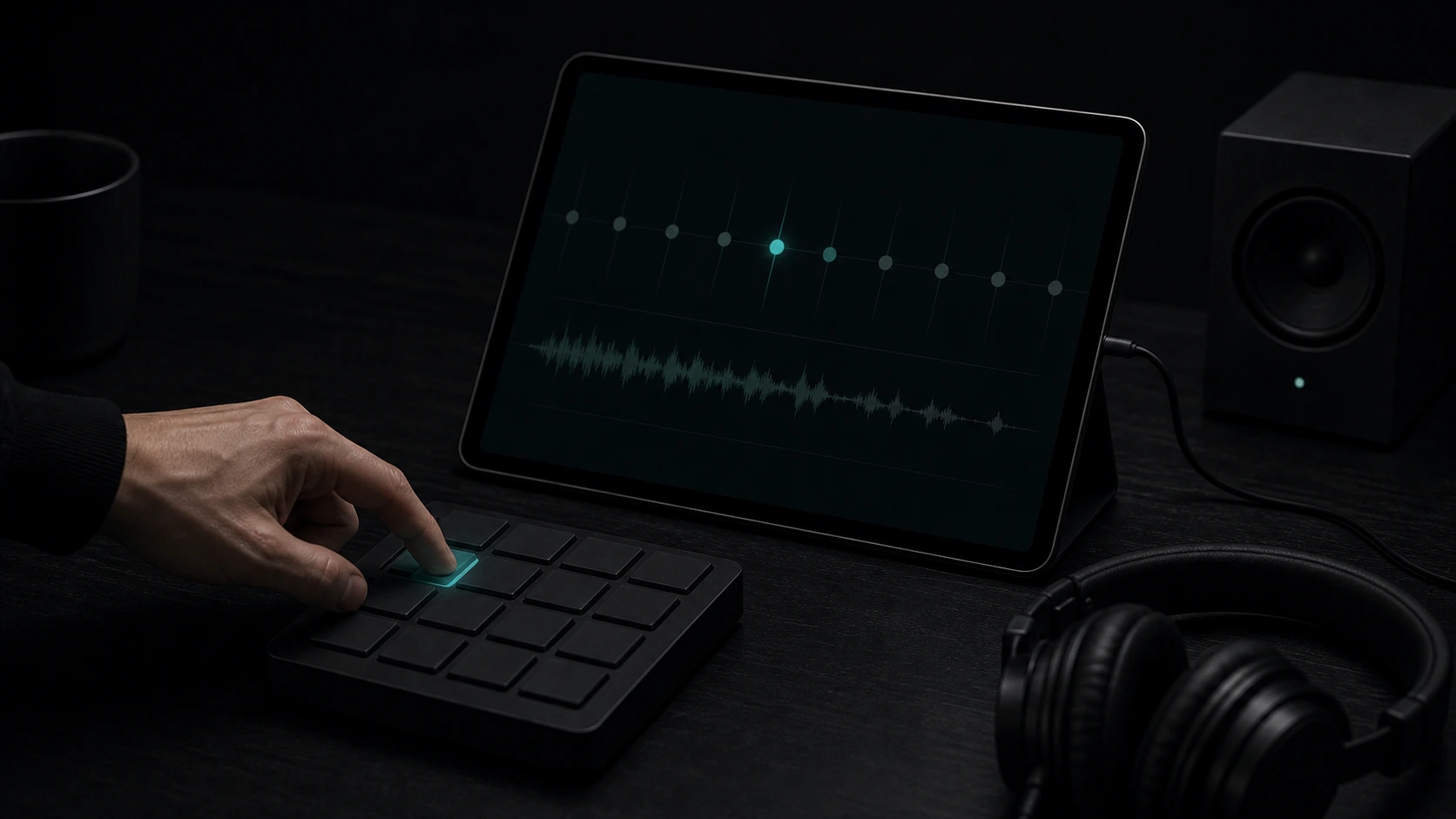
Keep Timing Notes Consistent
Record BPM references for sessions, cue sheets, lesson plans, dance counts, video cuts, and production handoffs.
Stay in the Browser
Use a lightweight tempo check instead of interrupting your workflow with a full analysis tool when a reference is enough.
Who Uses Tap Tempo?
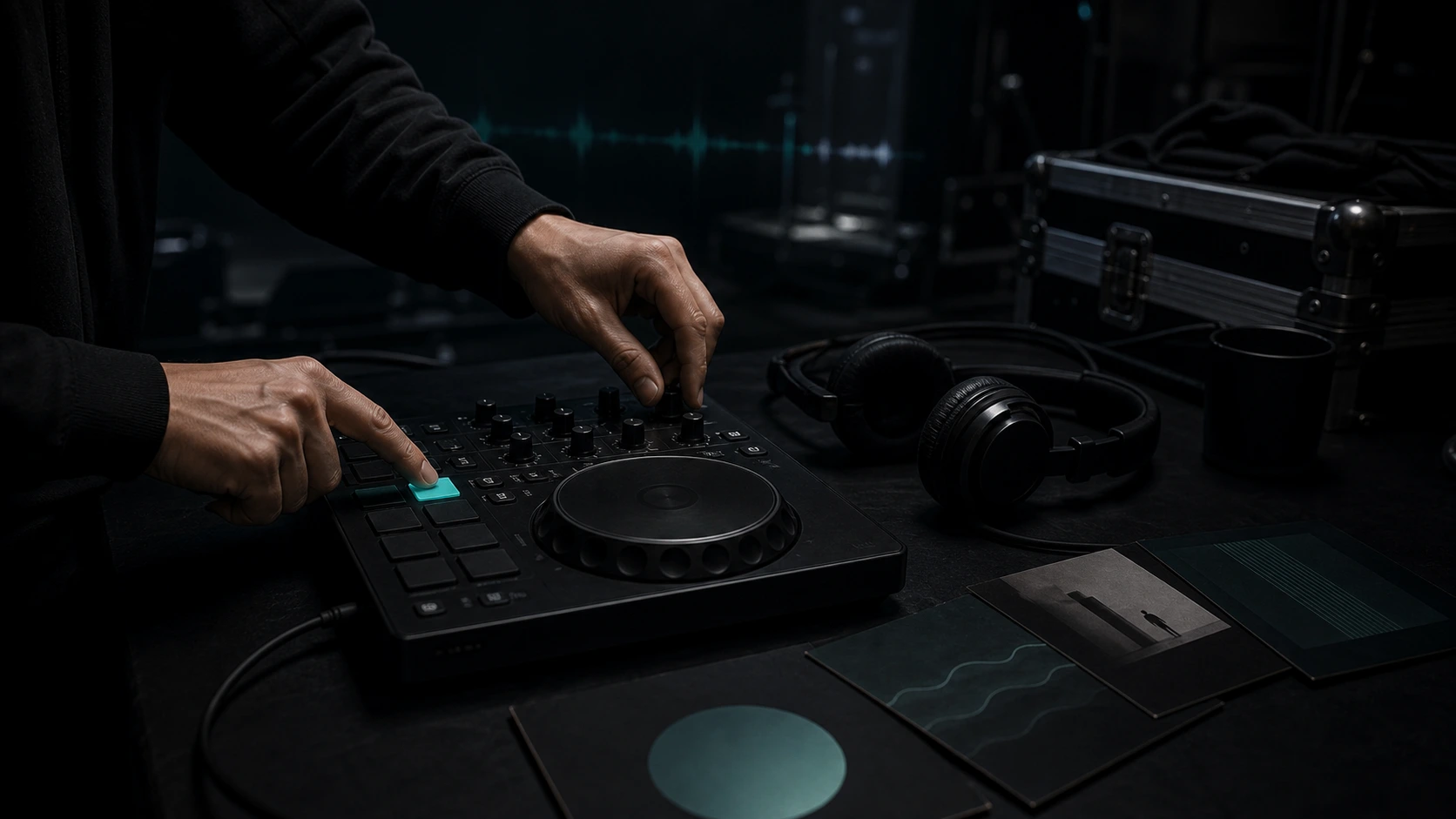
DJs
Check BPM for beatmatching, playlist grouping, transition planning, recorded mixes, and quick booth references.
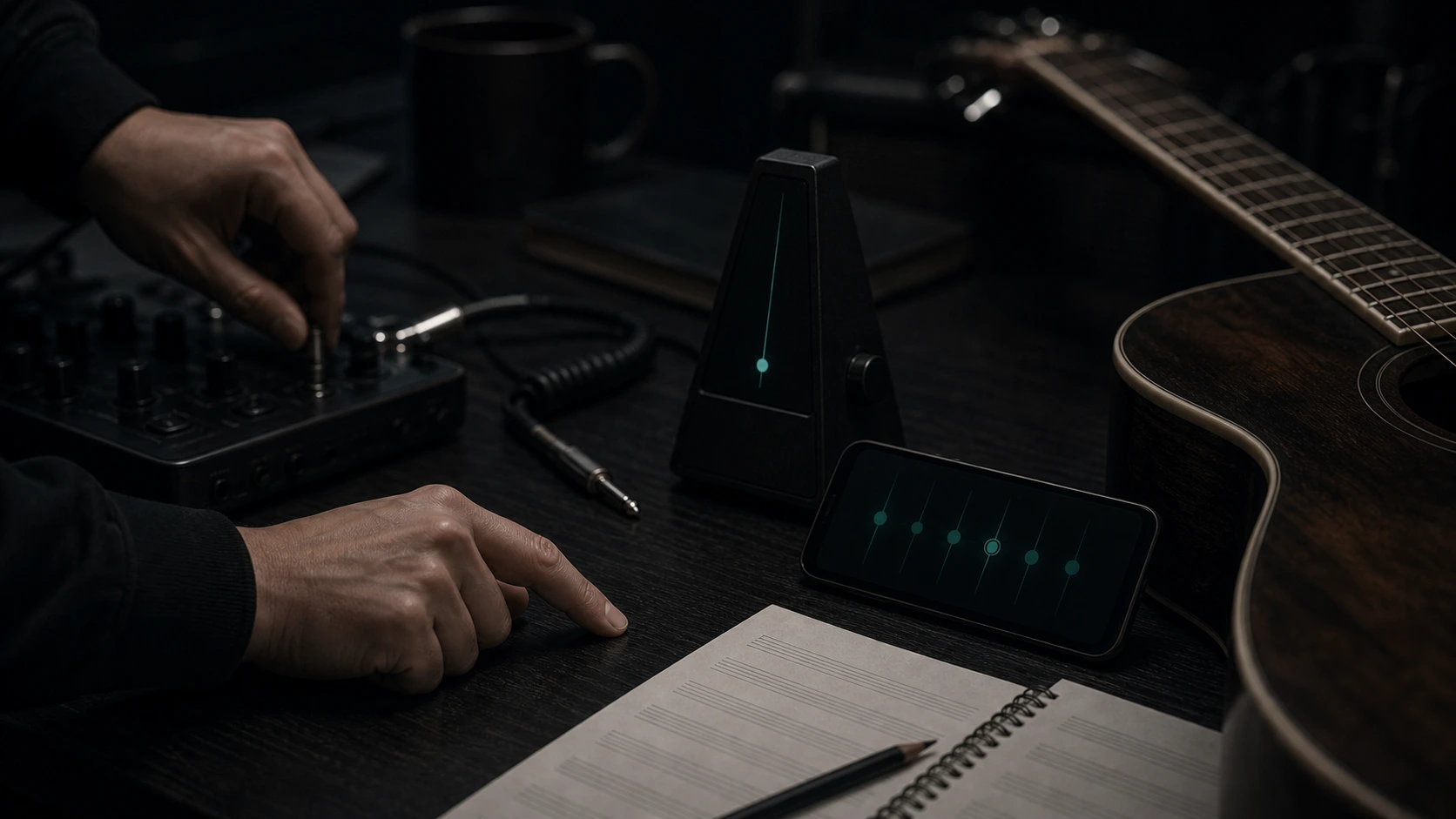
Musicians
Find a song or rehearsal tempo for practice, live arrangements, cover charts, shared notes, and metronome setup.
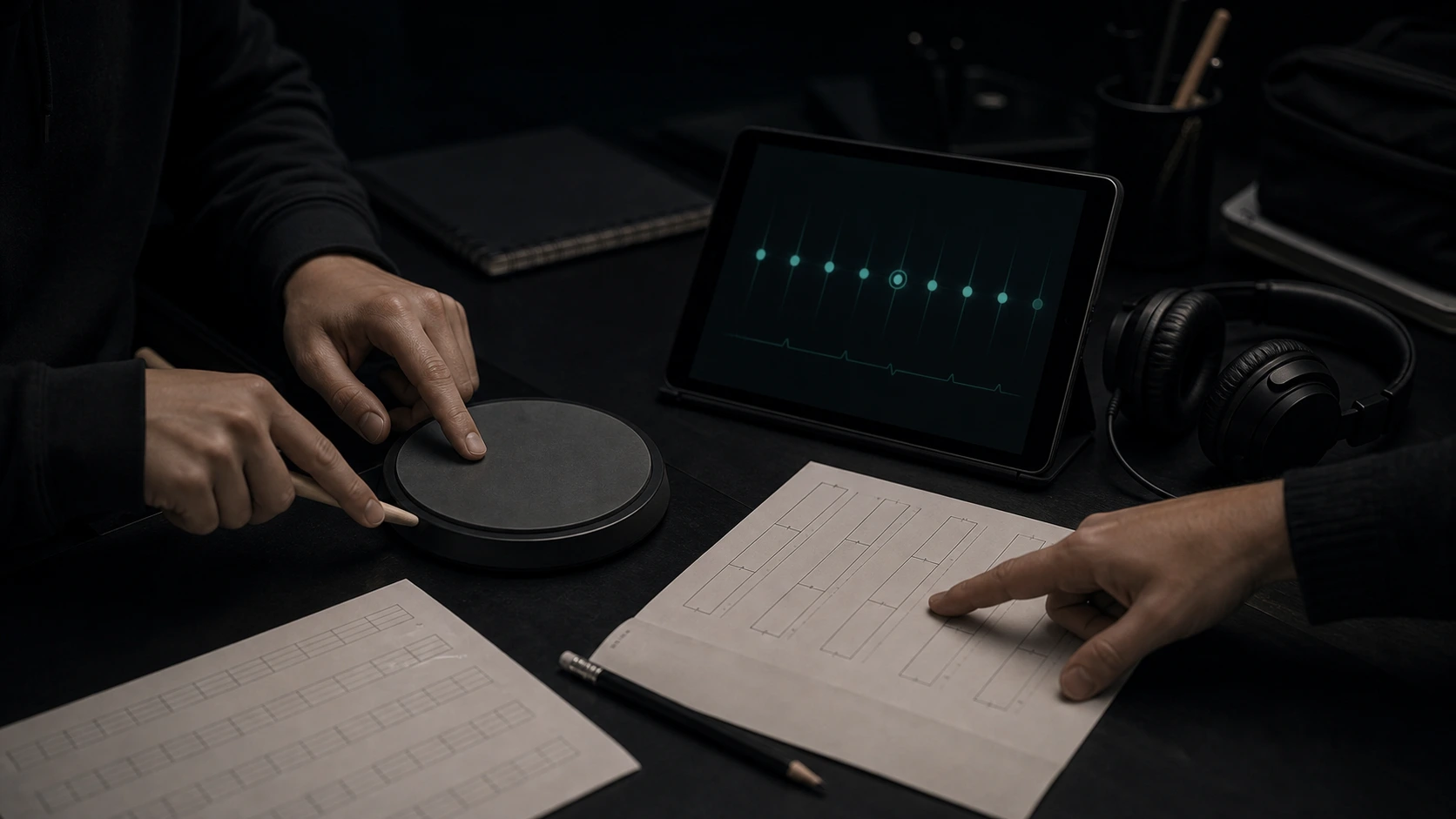
Music Students
Connect listening, counting, and tapping with a visible BPM estimate while learning rhythm and timing.
Video Creators
Use a tempo reference to align music with cuts, motion changes, captions, B-roll, and background track edits.
Tempo Finder FAQ
Answers about BPM tapping, tempo finder accuracy, spacebar input, mobile tapping, and using a no-upload tempo estimate.
Use a quick BPM reference for mixing, rehearsing, editing, teaching, dancing, or planning your next music idea.